Archive
Nikon S9900 shot – # 22
Subject: Coloring Activities with Kids. Using Nikon S9900
This Shot: The Girls start there school summer holidays, setting at home doing some hand-craft, Video-gaming and coloring .. here are some painting we did last week. I am using Nikon S9900.
…Click Image to Enlarge…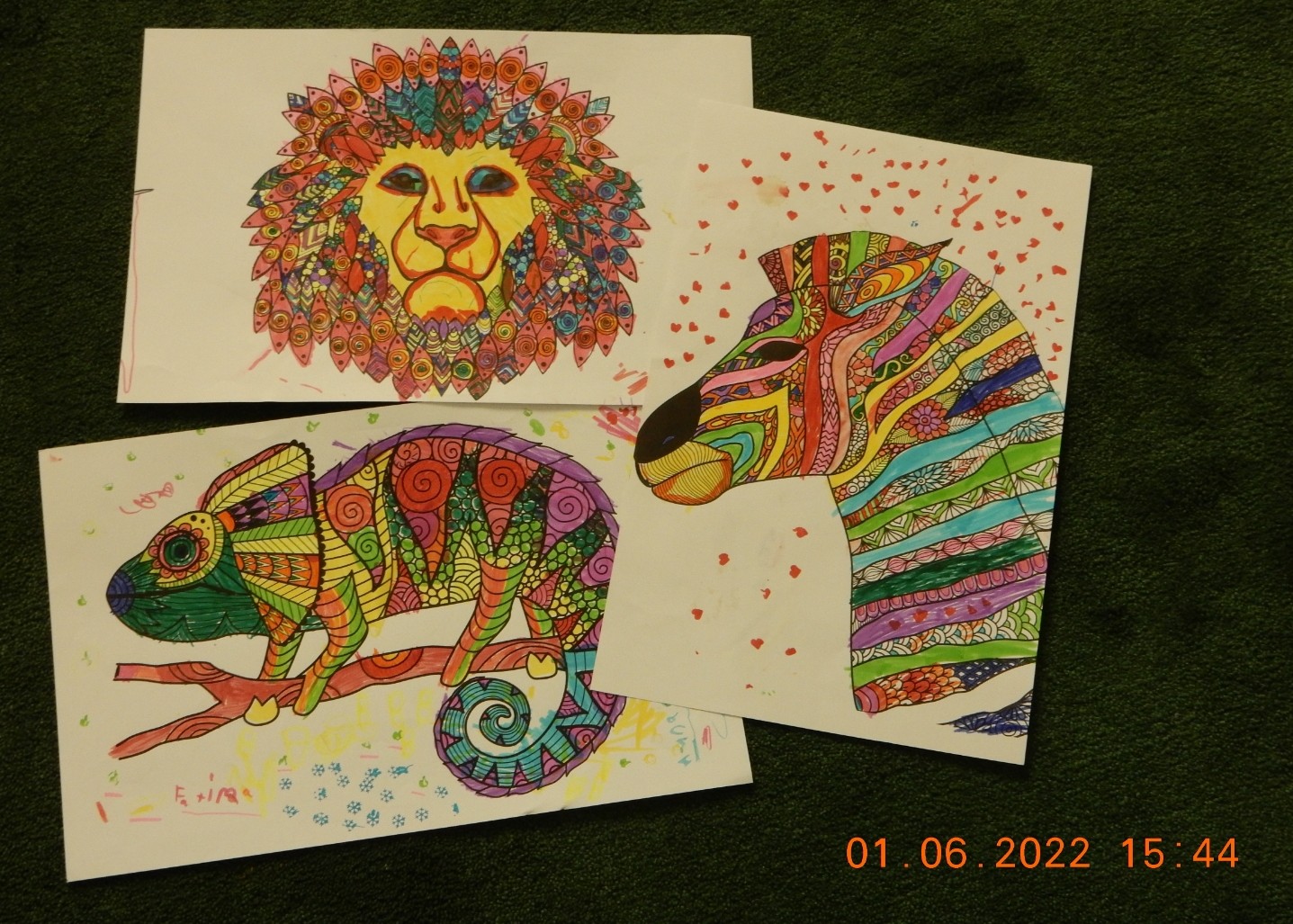 |
| Camera in Hand, F:4.5, ISO:450, Shutter:1/8s, Focal-Point:9mm |
::.. To see all my Nikon S9900 Photos Click-Here
::.. To see all my Nikon D7100 Photos Click-Here
::.. To see all my Nikon D90 Photos Click-Here
 Follow me on Twitter..
By: Ali Radwani
Fujifilm X-T30ii Shot # 3
Subject: Old Fire Station with Fujifilm X-T30ii
This Shot: I have take some photos before for this building, it was a Fire Station but now it been re-aranged to holds Exhibitions.
I am have my Fujifilm X-T30ii in the car, and i am waiting for the trafic lights, so I tke this shot.
FujiFilm X-T30ii.
…Click Image to Enlarge…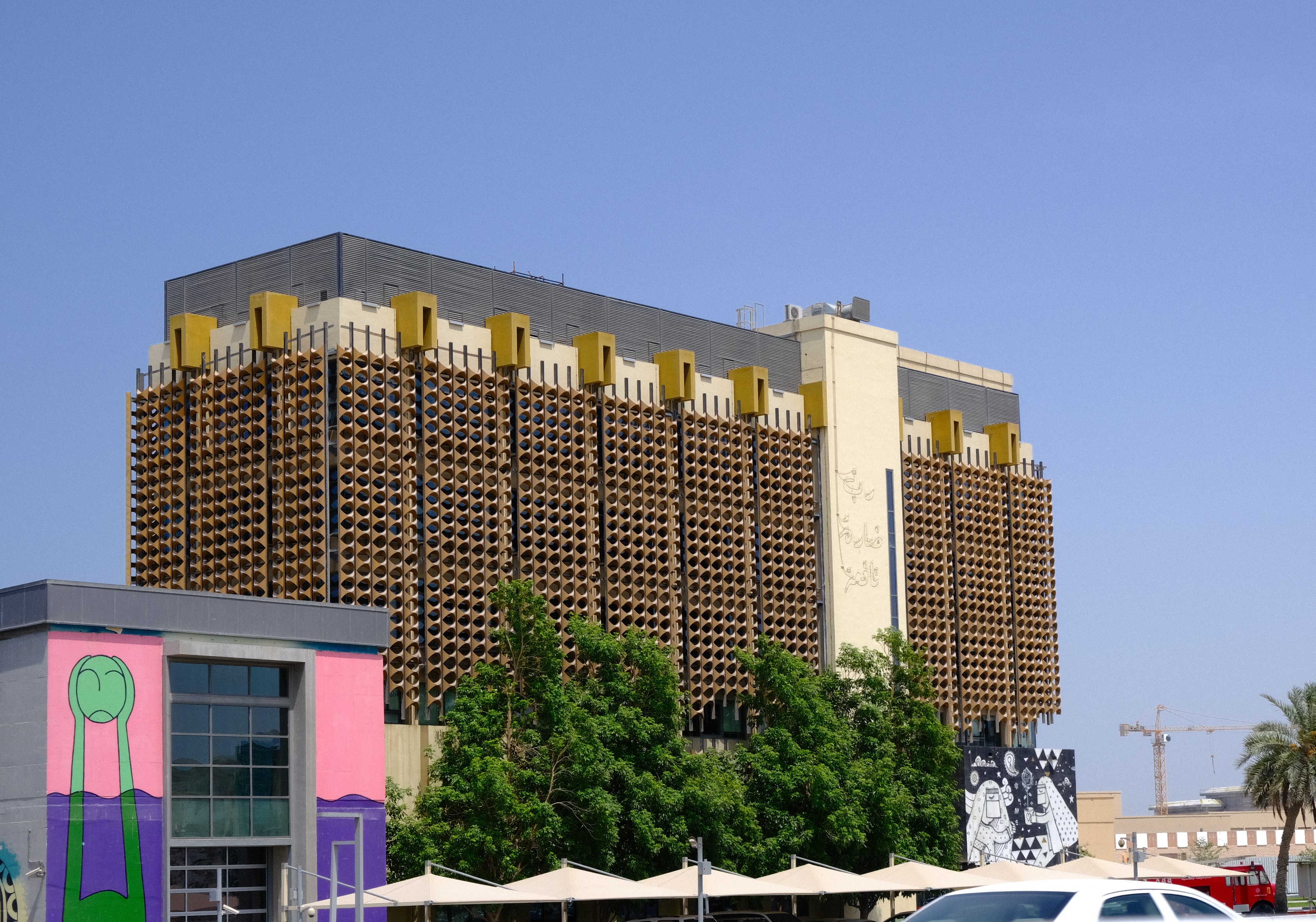 |
| Camera in Hand, F:10, ISO:80, Shutter:1/160s, Focal-Point:33mmLens:XF 18-55mm F2.8-4.0 OIS lens |
::.. To see all my FujiFilm X-T30ii Photos Click-Here
::.. To see all my Nikon S9900 Photos Click-Here
::.. To see all my Nikon D7100 Photos Click-Here
::.. To see all my Nikon D90 Photos Click-Here
By: Ali Radwani
Nikon S9900 shot – 26
Subject: Under the Tunnel with Nikon S9900
This Shot: Some time we take the cameras beyond it’s normal capabilities, here in this shot I am using Nikon S9900 holding it by One Hand while driving the car through a shot tunnel, taking the picture from behind the car front glass that has a sun-protection shild!! After all of that I am telling my self ” why the image is not clear 🙂 ” 🙂 .. 🙂 . In general I am happy with the out-put and as sample images of Nikon S9900 I am writing the situation of taking the photos.
…Click Image to Enlarge…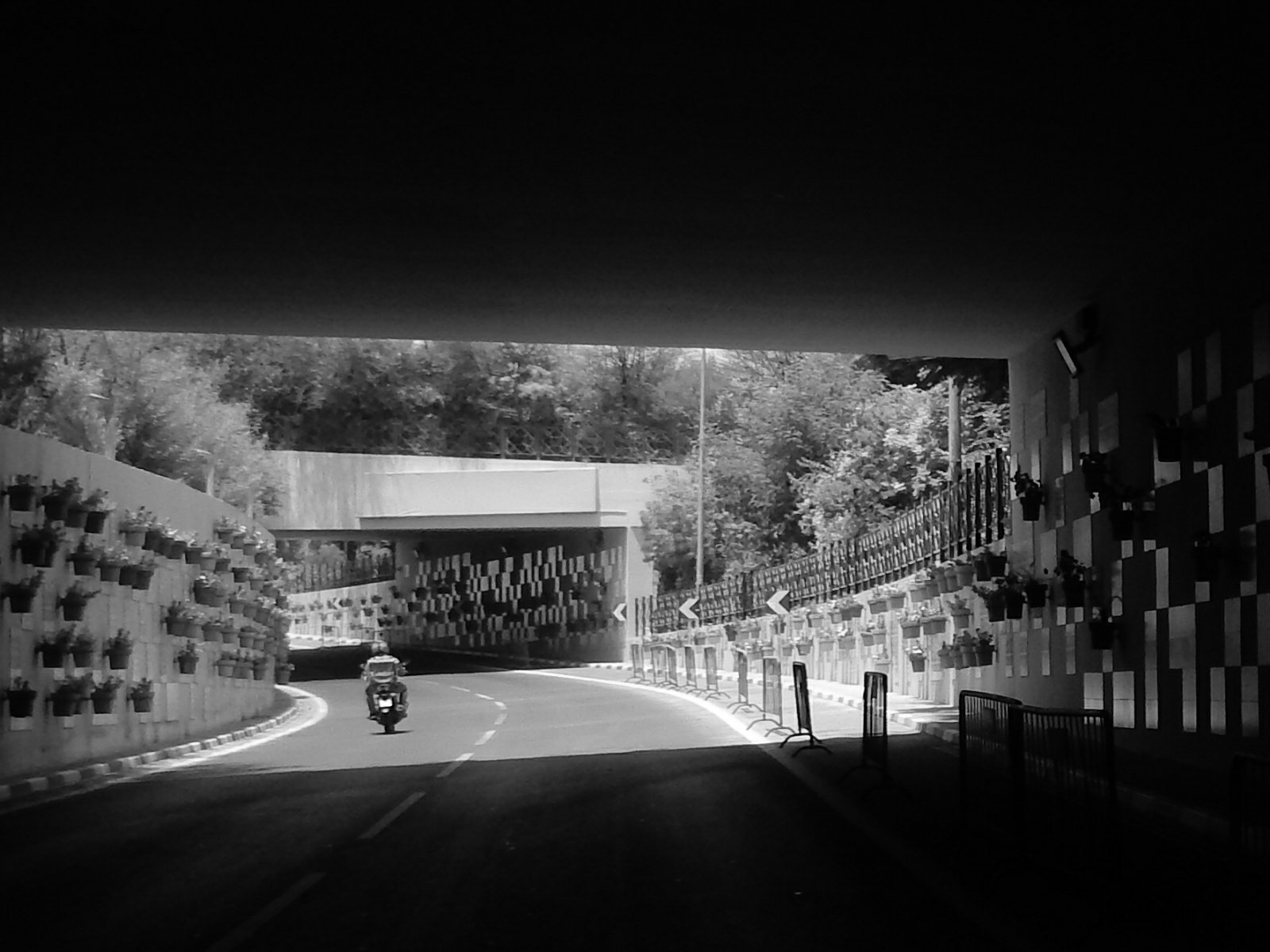 |
| Camera in Hand, F:…, ISO:…, Shutter:…, Focal-Point:…… |
::.. To see all my Nikon S9900 Photos Click-Here
::.. To see all my Nikon D7100 Photos Click-Here
::.. To see all my Nikon D90 Photos Click-Here
By: Ali Radwani
Nikon S9900 shot – 25
Subject: Vintage World Map with Nikon S9900
This Shot: Couple of months ago – or so – while I was teaching my kids, I notes that I don’t have any World Map larger than A4 Book-page size. So search the net and I bought a vintage-looks world map from Aliexpress site. I think I will hang it in my Office. Here I use the Nikon S9900 Camera almost on ground-level with manual setup and slow shutter to get more lights in, i use two books on the corners to keep the map from rolling.
…Click Image to Enlarge…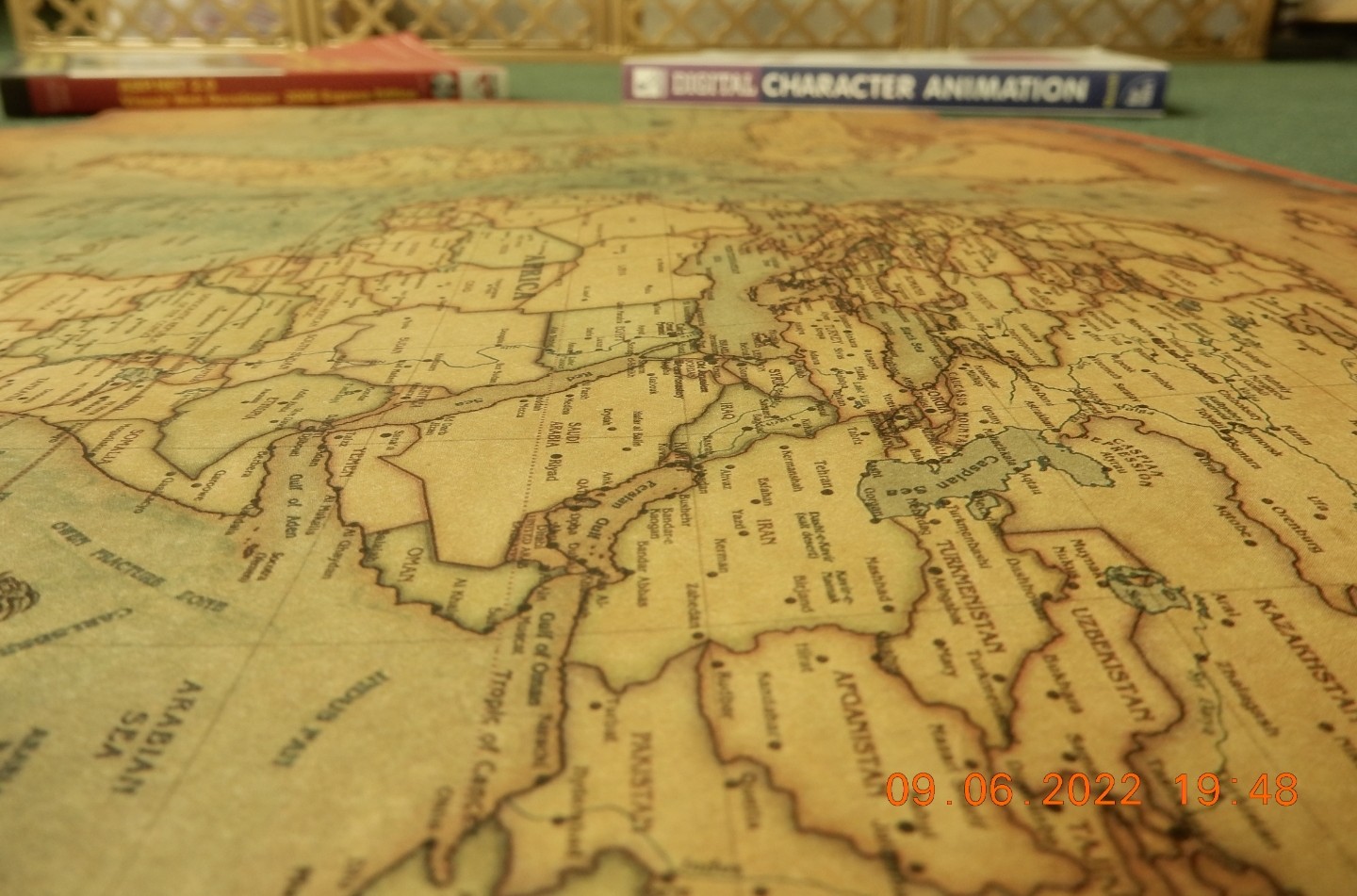 |
| Camera in Hand, F: 3.7, ISO: 125, Shutter: 0.625s, Focal-Point: 5mm |
::.. To see all my Nikon S9900 Photos Click-Here
::.. To see all my Nikon D7100 Photos Click-Here
::.. To see all my Nikon D90 Photos Click-Here
By: Ali Radwani
Nikon S9900 shot – 24
Subject: Qatar West-Bay Towers with Nikon S9900
This Shot: Here is another example from Nikon S9900, I am in the car and taking the pictures from behind my car glass that covered with sun-protection shade. I think this camera is somehow more than good for out door Photography. Yes we can use our phones which gives super quality output, but here I am 1. creating album of Niko S9900 Sample shots, 2. Having Fun.. 3. Using the camera that i pay money for it 🙂
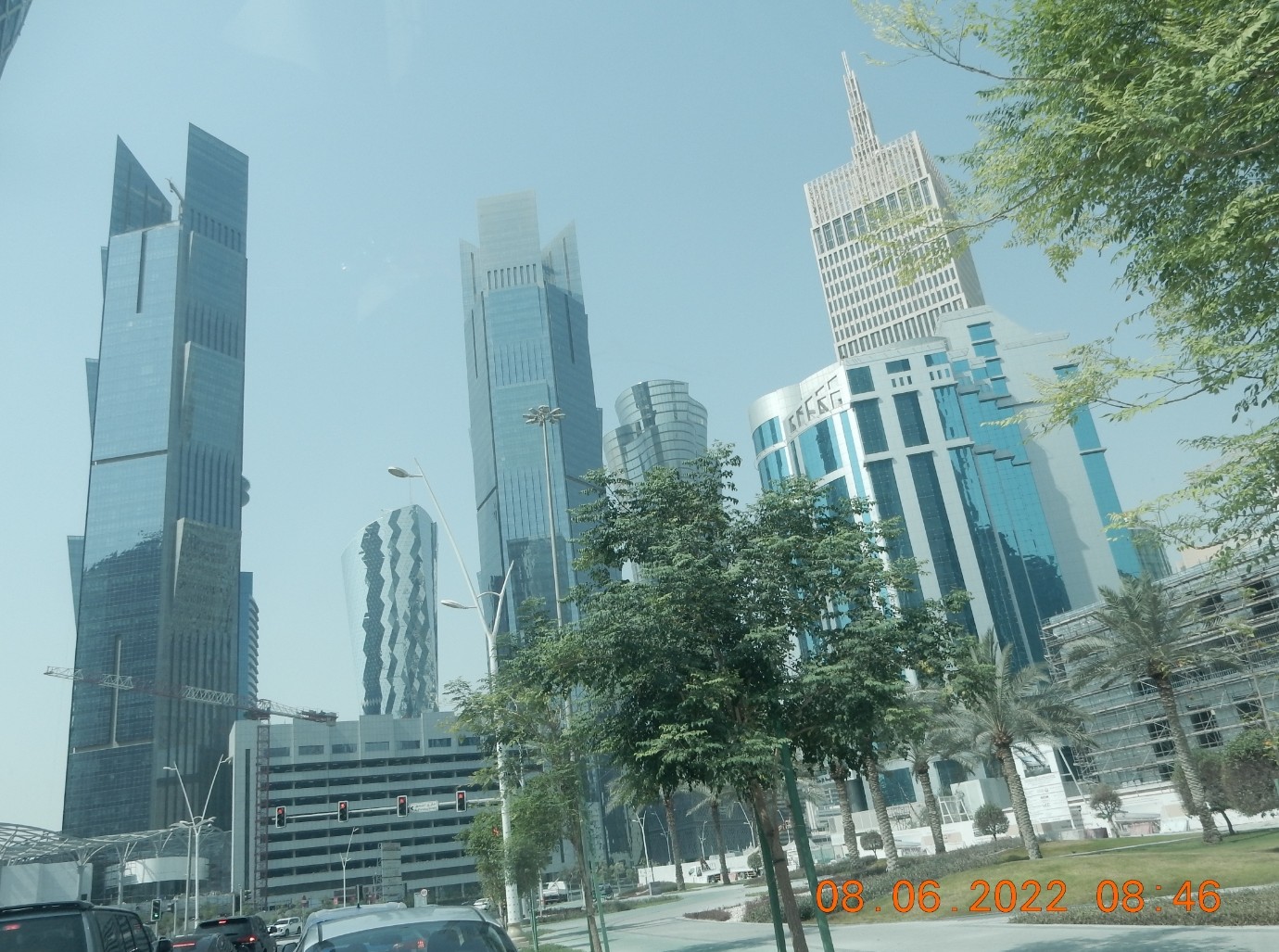
This is a Shot for west-bay Towers I am in the way to the Office, I add the B/W filter outside the camera.
…Click Image to Enlarge…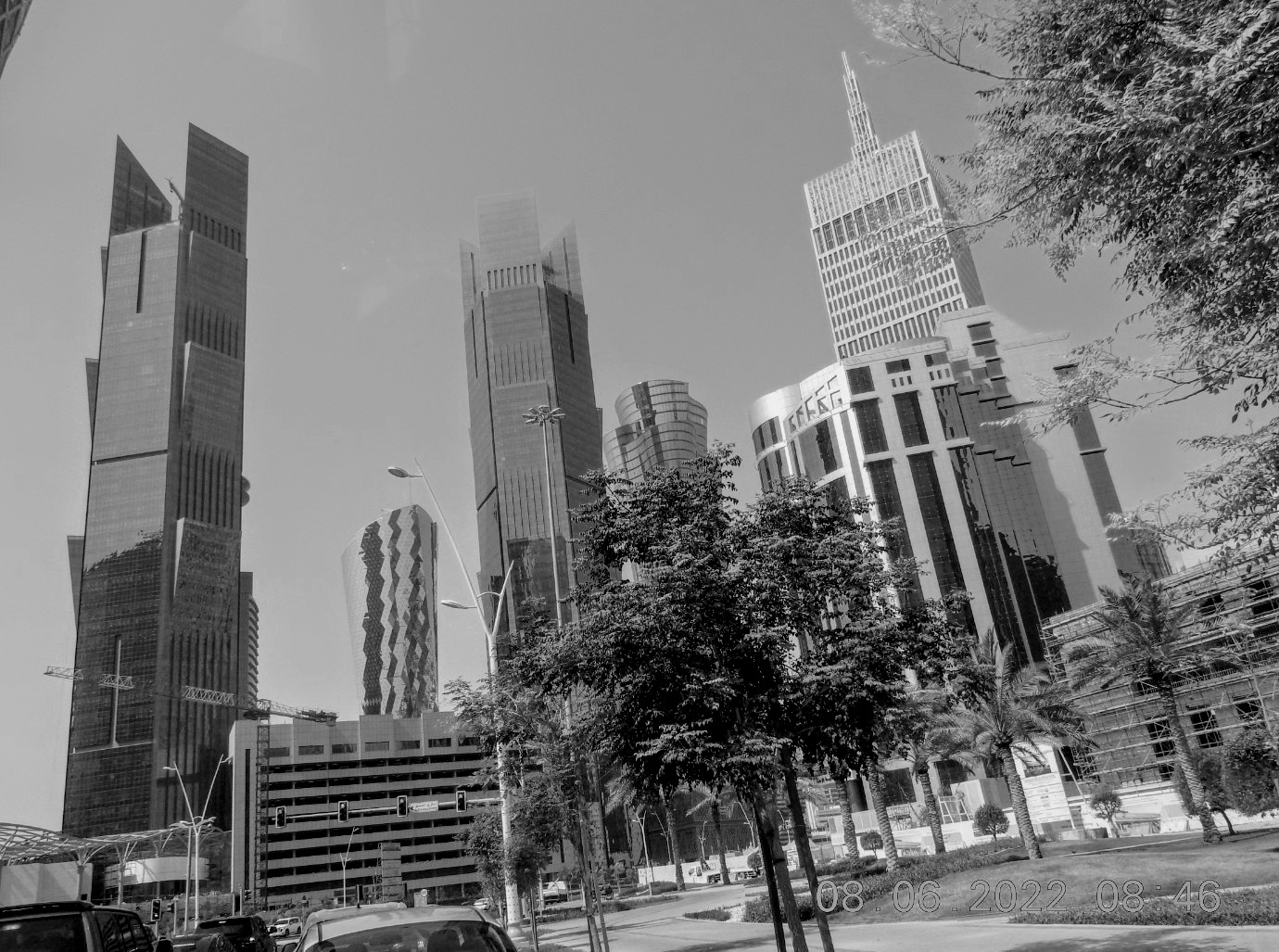 |
| Camera in Hand, F:3.7, ISO:125, Shutter:1/1000s, Focal-Point:5mm |
Here is the Original one with color, click to enlarge.
|
::.. To see all my Nikon S9900 Photos Click-Here
::.. To see all my Nikon D7100 Photos Click-Here
::.. To see all my Nikon D90 Photos Click-Here
By: Ali Radwani
Nikon S9900 shot – 23
Subject: The West-Bay by Nikon S9900
This Shot: In most of the days I am taking the Nikon S9900 camera with me in the car, just to use it and to have photos with it. This is a shot through the car window while driving to work using on hand to hold the camera, in the background we can see the Towers of the West-Bay area, and in the foreground is a Mosque; and I am waiting for a traffic lights to be Green. The original shot was in color and I change it to B/W and crope it before uploaded. I am using Nikon S9900.
…Click Image to Enlarge… 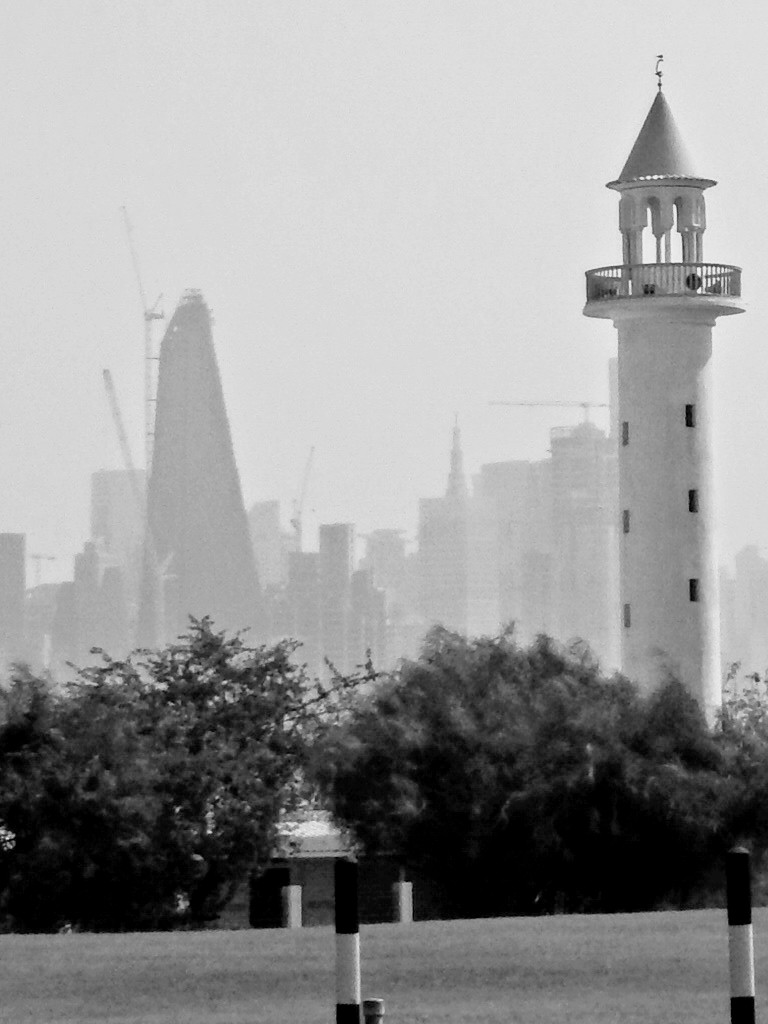 |
| Camera in Hand, F: 5, ISO: 125, Shutter: 1/2000s, Focal-Point: 11mm |
Here is the Original Shot .. 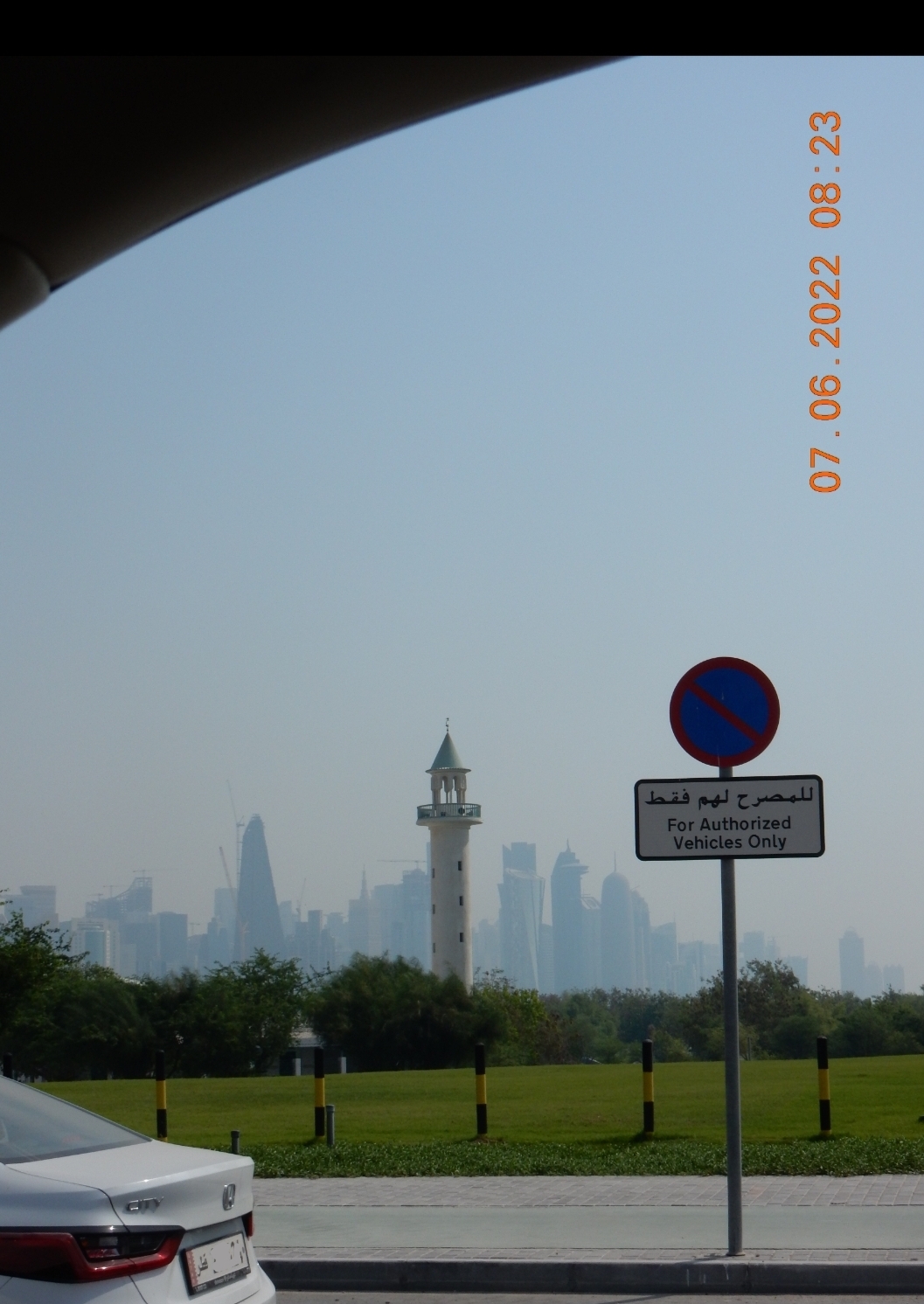 |
::.. To see all my Nikon S9900 Photos Click-Here
::.. To see all my Nikon D7100 Photos Click-Here
::.. To see all my Nikon D90 Photos Click-Here
By: Ali Radwani
Nikon S9900 shot – 20
Subject: Flower at Nikon S9900 lens
This Shot: Not sure about the name of this flower, but it grow up in my garden and i use to Trim them. using Nikon S9900.
…Click Image to Enlarge…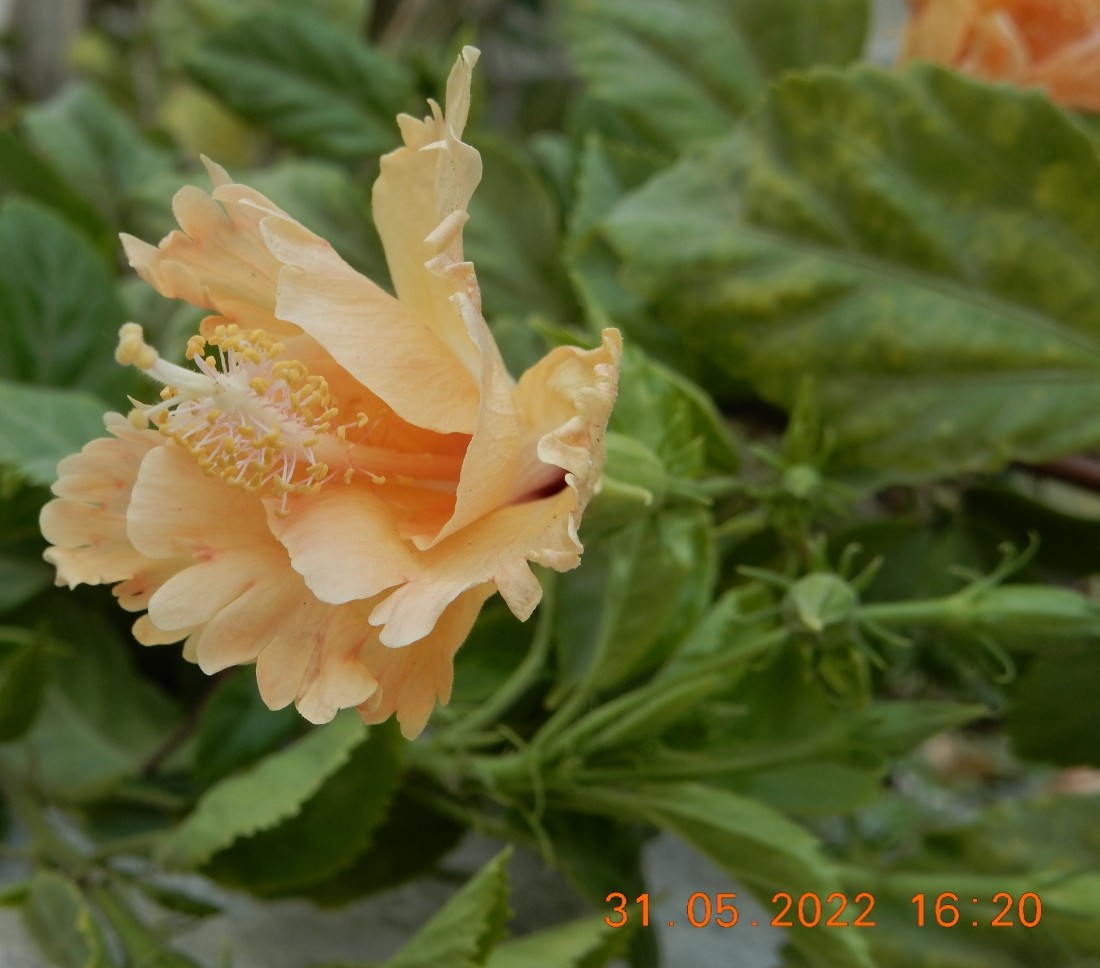 Camera in Hand, F:4.2, ISO:125, Shutter: 1/60S, Focal-Point:8mm Camera in Hand, F:4.2, ISO:125, Shutter: 1/60S, Focal-Point:8mm
|
::.. To see all my Nikon S9900 Photos Click-Here
::.. To see all my Nikon D7100 Photos Click-Here
::.. To see all my Nikon D90 Photos Click-Here
By: Ali Radwani
Nikon S9900 Shot # 19
Subject: Mosques in Qatar using Nikon S9900
This Shot: Another shot for a Mosque, i was 10 or 15 meter away, camera in hand, set to take B/W shot almost at ground level.. Using Nikon S9900.
…Click Image to Enlarge…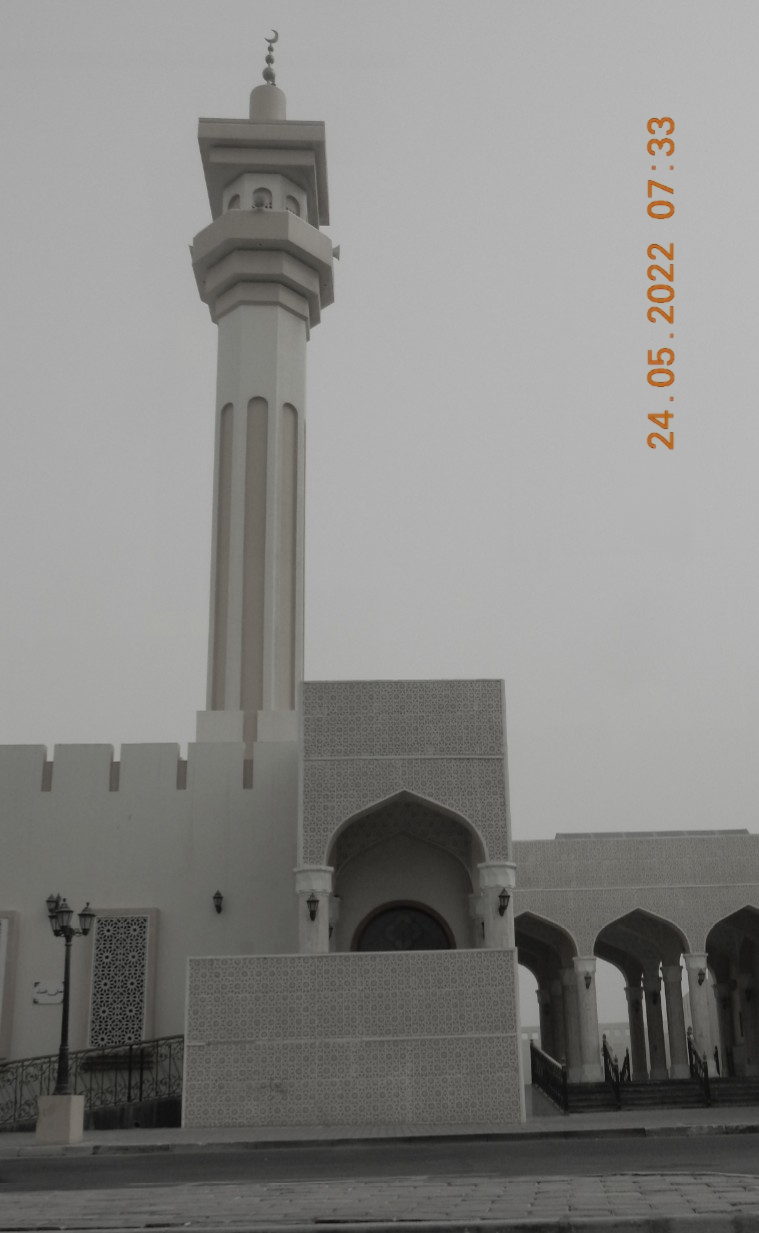 |
| Camera in Hand, F:4.2, ISO:125, Shutter:1/2000s, Focal-Point: 5mm |
::.. To see all my Nikon S9900 Photos Click-Here
::.. To see all my Nikon D7100 Photos Click-Here
::.. To see all my Nikon D90 Photos Click-Here
By: Ali Radwani
Daily Sketch Challenge: Octopus
Away from coding and reading here I am finding myself sketching some lines and dots to be an Octopus.
I am using a new pocket size sketch book, but it seems that the paper is not good for water-colos, it is quite challenge to mix colors. But at the end I will use every page of it. 🙂
Here is the sketch..

ARDUINO: 2Pin Push Button and Speed Delay
Learning : Arduino, Circuit, coding
Subject: Controlling LED Delay by Push-Button
[NOTE: We are working on Electronic Devices, Voltage, Resistors and other Electronic Parts that may Become HOT due to un-stable current or Wrong Wire Connections.. PLEASE BE CAUTIOUS AND TAKE SAFETY NEEDED PROCEDURES.]
In many ARDUINO Project we codes that have Delay commands, such as in LED Blinking circuits. The delay use numbers, 1000mSec is 1sec, Example in LED blinking projects there must be a delay for some time [1000mSec is 1Sec] between LED-Hight and LED-Low commands. Usually we use a variable to save a delay amount, we can change the amount during code run-time if certain condition accurred.
In this post, we will learn how we can use a 2Pin Push Button to control the speed/Delay of a blinking LED using a code when the Button pressed.
The Case: Say we have a one LED that’s blinks (turns On and Off) with Delay time = 800 (mSec), we want to Press the Button to make it Blink Faseter, and each time we Press it blinks faster and faster, say each press will reduce the amount by 100mSec unit, and if the delay reach less than 60mSec, then it will jump to 800mSec again.
What we Need:
- Arduino UNO or Arduino Nano.
- 1 Breadbord.
- 1 LED. [i will use a red one]
- 1 2Pin Push Button.
- 1 Resistor 300 ohm.
- Some Jumper wires.
Connections:
- Connect Pin-1 in PushButton to ARDUINO Pin 8.
- Connect Pin-2 in PushButton to ARDUINO Pin 5V.
- Connect ARDUINO Pin-13 to a resistor Pin-1.
- Connect the LED Anode(+) Pin to the Resistor Pin-2.
- Connect the LED Cathode(-) Pin to ARDUINO GND Pin
You will have something like this ..
 |
Code Consept:
The LED will start blinking in 800msec (start_delay), then we want to press the Push Button and with each press the delay must decreases by certain amount (delay_reduce_s_1 = 100mSec), then if the delay time is less than 100mSec the decrease amount will be as (delay_reduce_s_2 = 10mSec) with each press, also if the delay is below min_delay = 60mSec the delay we re-set to start_delay.
Run-Time:
The LED will start blinking in 800mSec, then we Press the Push-Button (First Press) the delay will be 700mSec, and with each Pressed the delay will decreases 100mSec, when the delay reach less than 100mSec [from 800mSec to 100mSec after 8 presses] then it will start to reduces 10mSec with each Press. If the current delay is less than min_delay it will reset to 800mSec again.
GIF speeded-up to save space.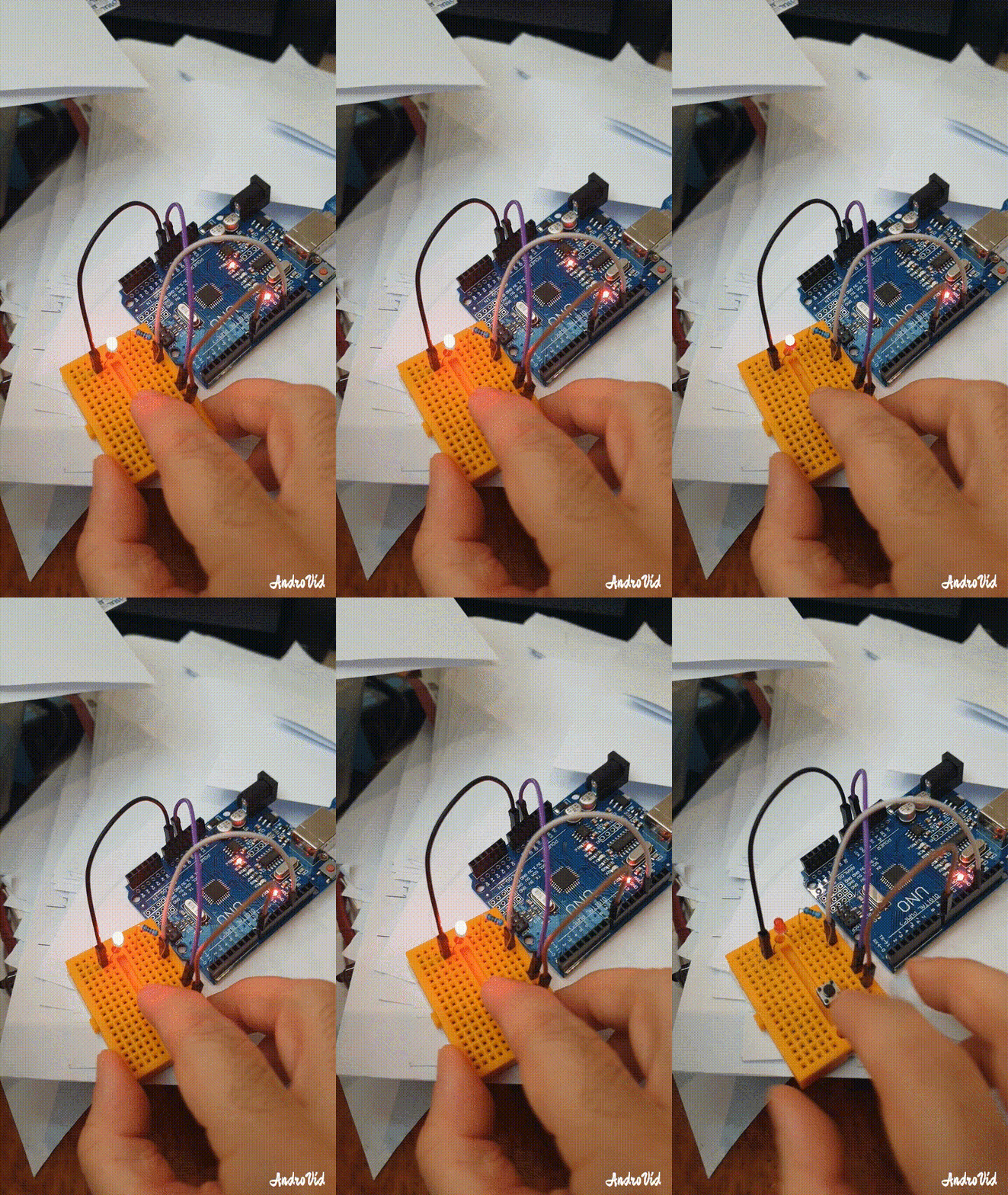 |
:: ARDUINO PROJECTS LIST ::
[ Click Here to See all ARDUINO Projects ]
To Download the ARDUINO Project [Code and Diagram] files Click-Here
 Follow me on Twitter..
By: Ali Radwani

Taking pictures is not my main daily practices, but when i start playing with my camera, i really enjoy my self.
Thanks for visiting my Space..


 Ali's Photography Space...