Archive
London 2023, Post 30

Title: Mayfair, Curzon Square
Curzon Square is near our apartment and we were crossing next to it every time we want to go to the Bus station or want to take the kids to the Haydpark.
That day i was walking with the Fujifilm X-T30ii camera using ilford film simulation.
By: Ali Radwani
London 2023, Post 28

Title: Stairs Down
At a shopping day, Brompton Road Next to The Harrods we enter this Boutique I take the shot using Fujifilm X-T30ii camera with 18-55mm 2.8-4 lens and ilford film simulation.
To see more samples of my photos with filme recipes and Simulations Click Here.
By: Ali Radwani
London 2023, Post 18

Title: Hyde Park Lake
One of the most famous place in London, kids were happy to feed the ducks, I have several pictures will be posted later.
Camera Setup: Fujifilm X-T30ii camera in hand ,F8, 55mm Focal-Point, ISO 400 and Shutter 1/640s. Film Simulations was Kodakporta400.
Click Here to see all Simulations I have.
By: Ali Radwani
London 2023, Post 9

Title: ilford in low light
Photo taken in London Harrods Pizzeria restorant in low light using ilford hp5 film simulation at 39mm Focal-Point, Shutter 1/160s, F 3.6 and ISO 1250. Am happy with the shot no more editing of my photos after I got the Fujifilm X-T30ii camera, happy with my choice.
More Film simulation Click-Here.
By: Ali Radwani
M&M’s in Light-Box
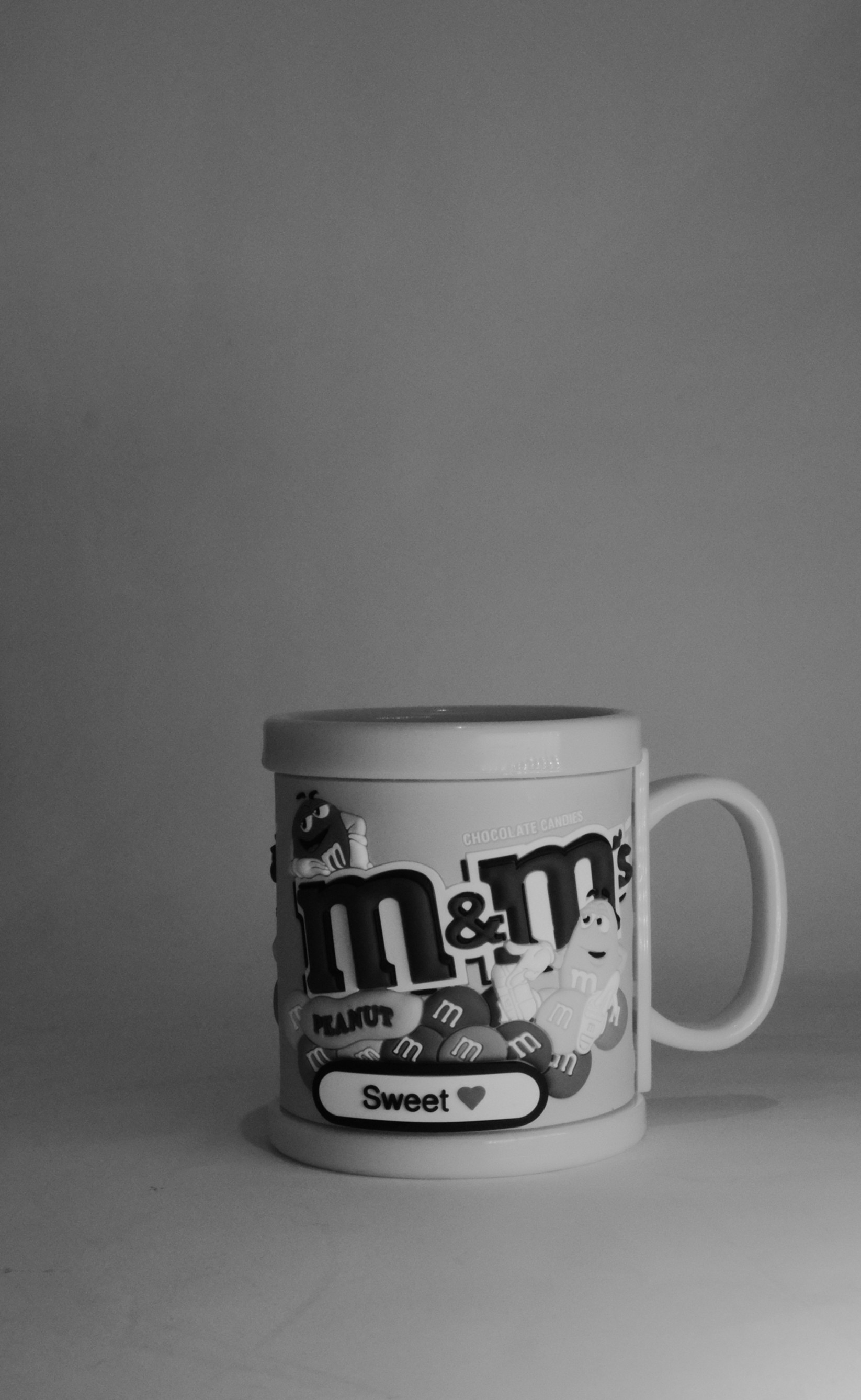
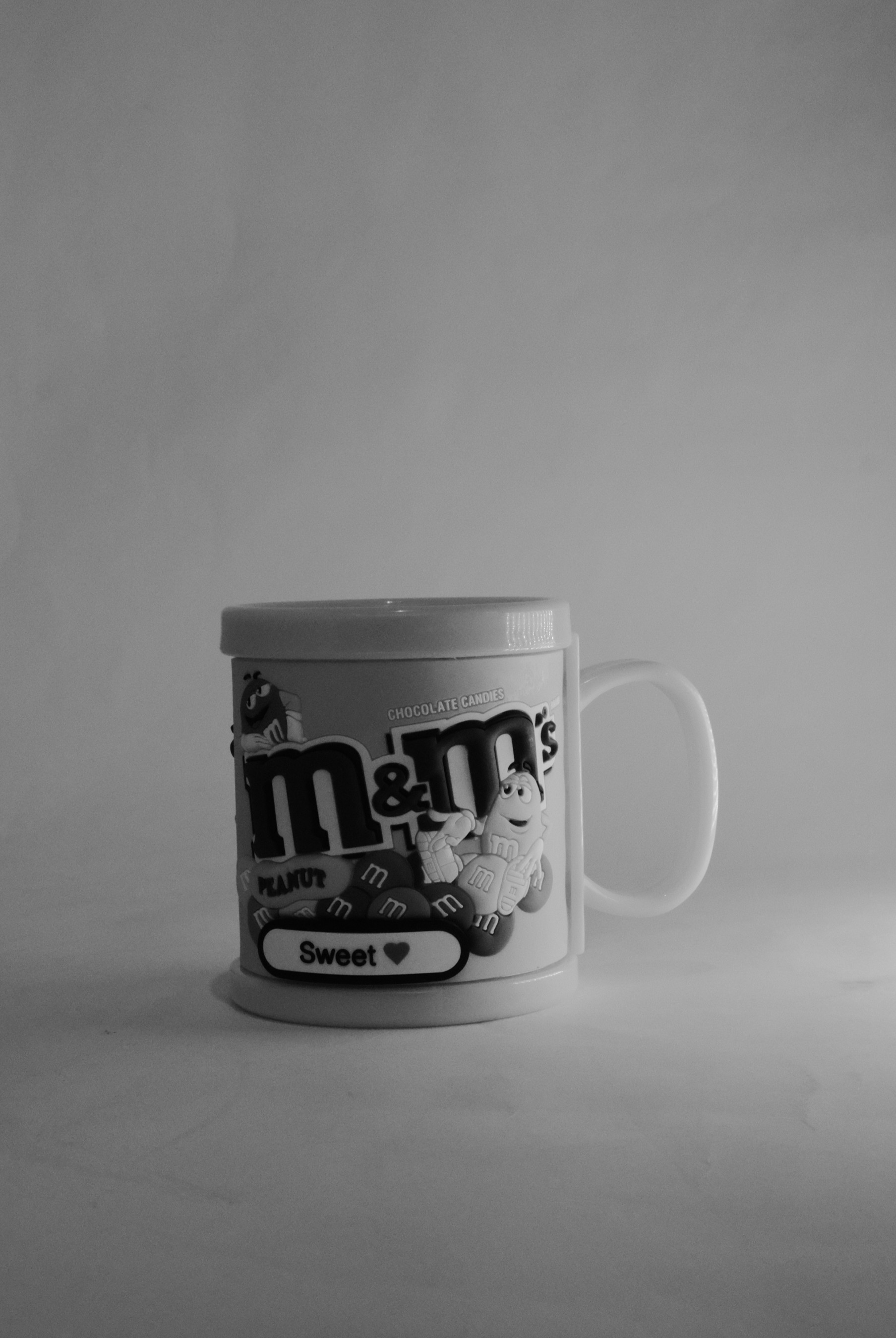
In this article I am posting three images for a M&M’s mug to use a Kodakporta400 and ilford film simulation with Fujifilm X-T30ii camera in hand. Also I am posting the outer or say back-stage shot for my Light-Box with LED lighting the subject.
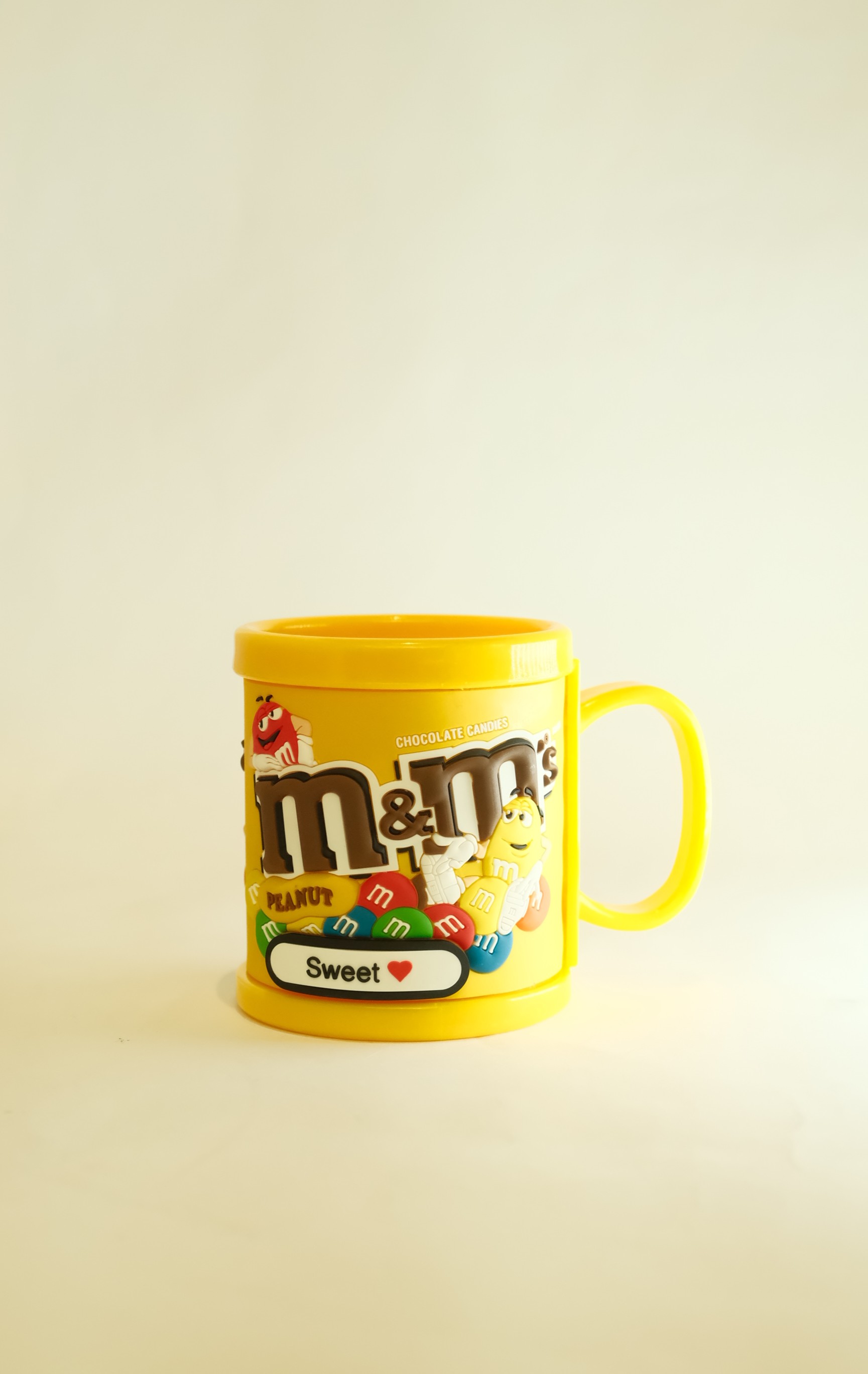
First lit’s see the colored shot using the kodakporta400 film Simulations.
Camera settings: ISO 2000, f 4.5, Focal-Point 34, Shutter speed 1/125s.
Here i use the ilford film Simulations. The setting was: ISO 6400 , f 14 , Focal-Point 34 , Shutter speed 1/125s.
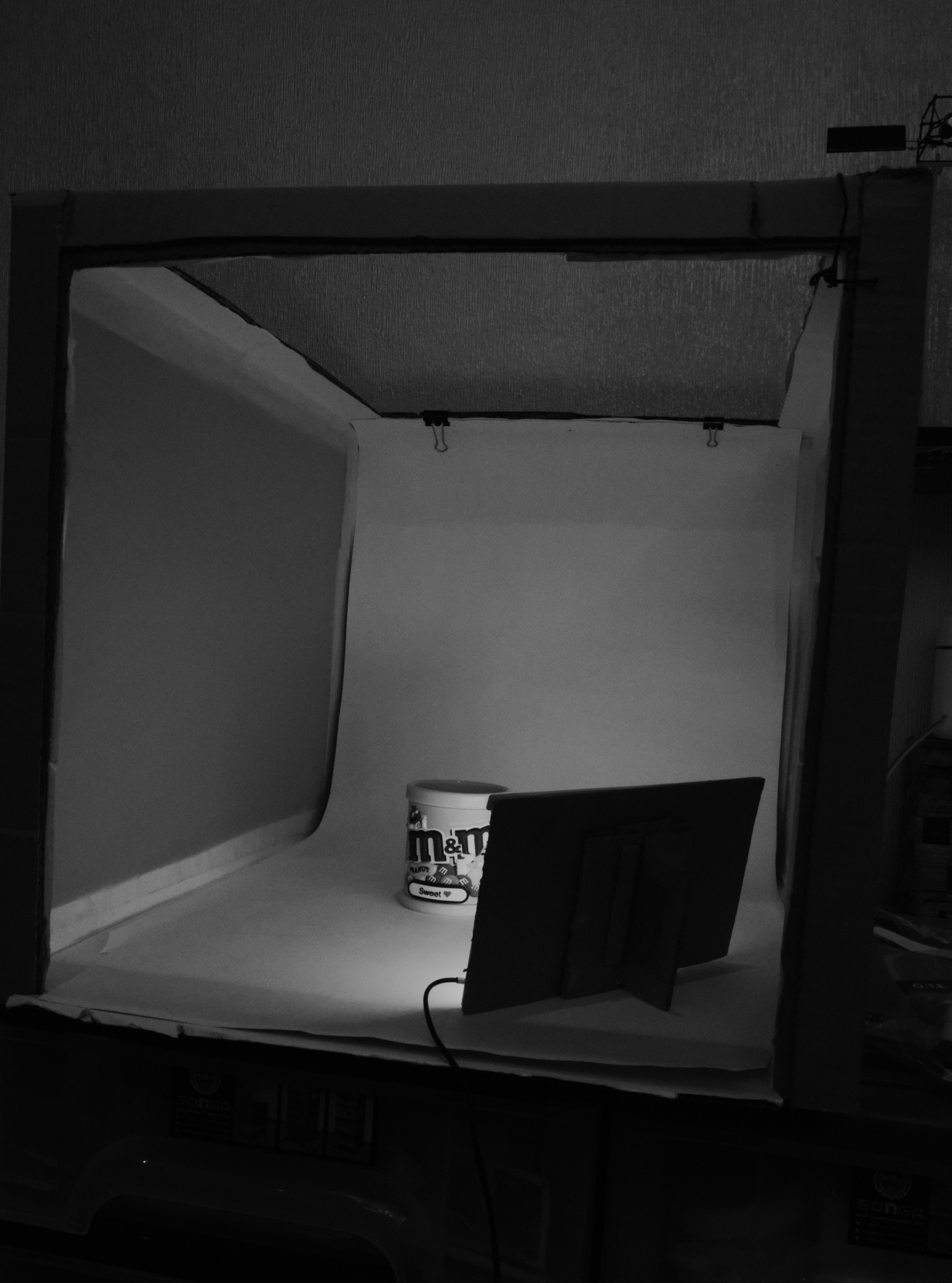
This is the Light-Box studio I am using with an out-source LED lights.
In this shot I just change the light position.
For more film simulation Click-Here
By: Ali Radwani
Radwani House Musem post 8
Radwani House located in Mshareb district been selected to be saved as a Museum to reflect Qataris Family life in early 19’s.
Click Here to see all the Gallery pictures.

A Tea-Pot and an old barley grain milling. A black and white Photo from Radwani House Musemun and life Style in 30’s -70’s for Some tools and devices that were used in that period.
Using Fujifilm X-T30ii and 18-55mm lens.
By: Ali Radwani.
Radwani House Musem post 5
Radwani House located in Mshareb district been selected to be saved as a Museum to reflect Qataris Family life in early 19’s.
Click Here to see all the Gallery pictures.

The corridor is almost around the yard also used for family gatherings and for young boys to sleep in summer.
By: Ali Radwani
Python Project: Ant Escaping Path
Python simulation project
Python, Graphics and simulation
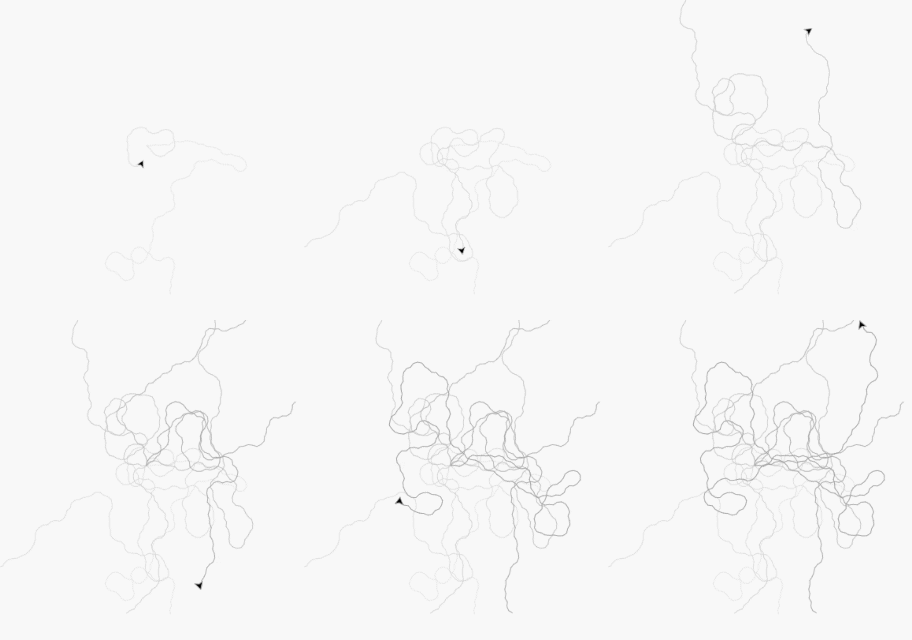
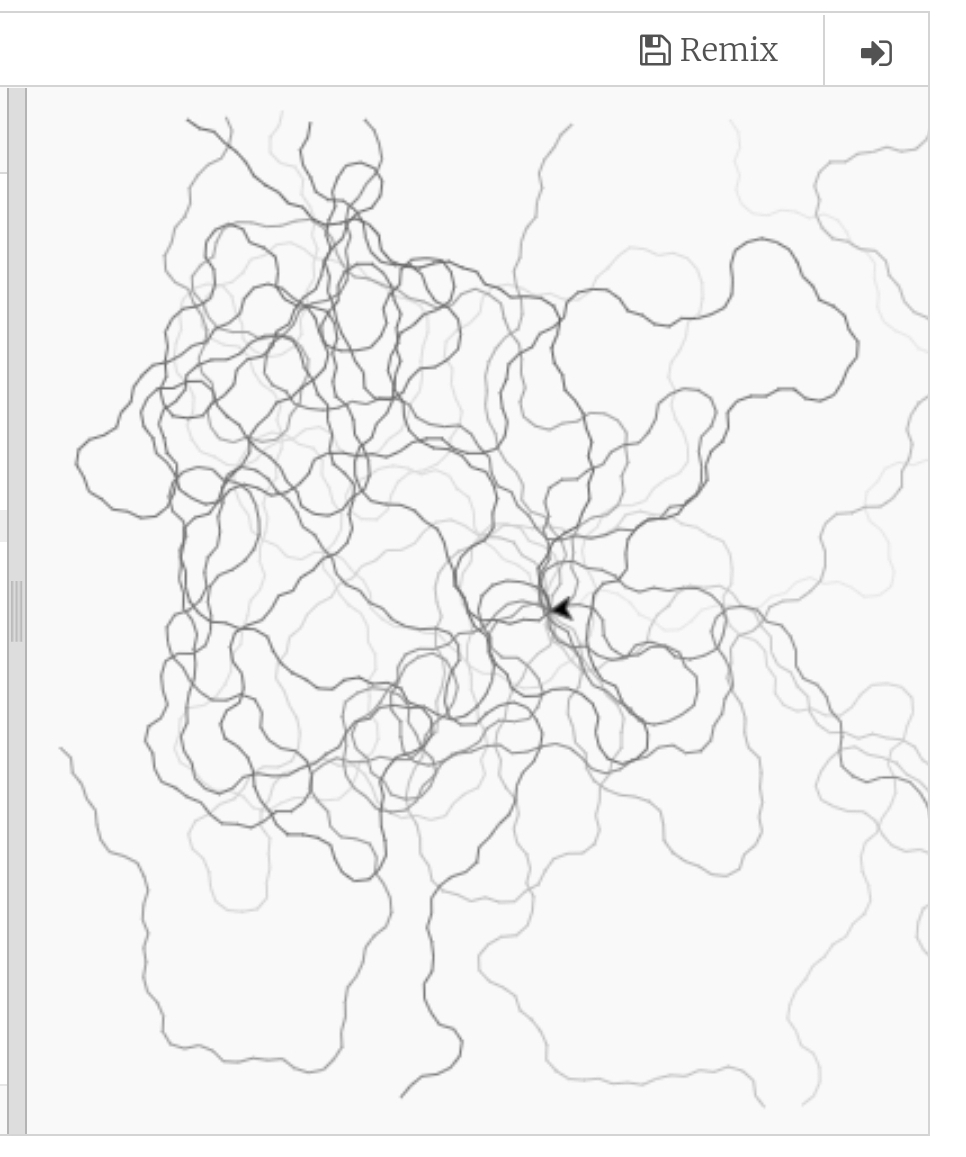
In this project we assume that we have a square pad and we put an ant in the center of this pad, we let the ant to walk, once it reach any eadgs of the square we move it with our hand to the middle again, say we doing this for x times and each time we colored the ant foots with gray level (light to dark) color. Our project is to write a code to simulate this task (ant movement).
Enhancement: Here are some enhancement ideas:
1. We can use the Pi or Golden Ratio for the variables.
2. Also we can set a memory facto so with each time we move the Ant to the center the memory will increase so it may use the same path.
3. For the memory, we can set a position (x,y) as a food, and each time it reach the food it’s memory will increase.
The Code
# Create in 27/8/2019 .
import turtle
import random
screen = turtle.Screen()
screen.setworldcoordinates(-700,-700,700,700)
screen.tracer(5)
t1=turtle.Turtle()
t1.speed(0)
t1.penup()
# colors varibles
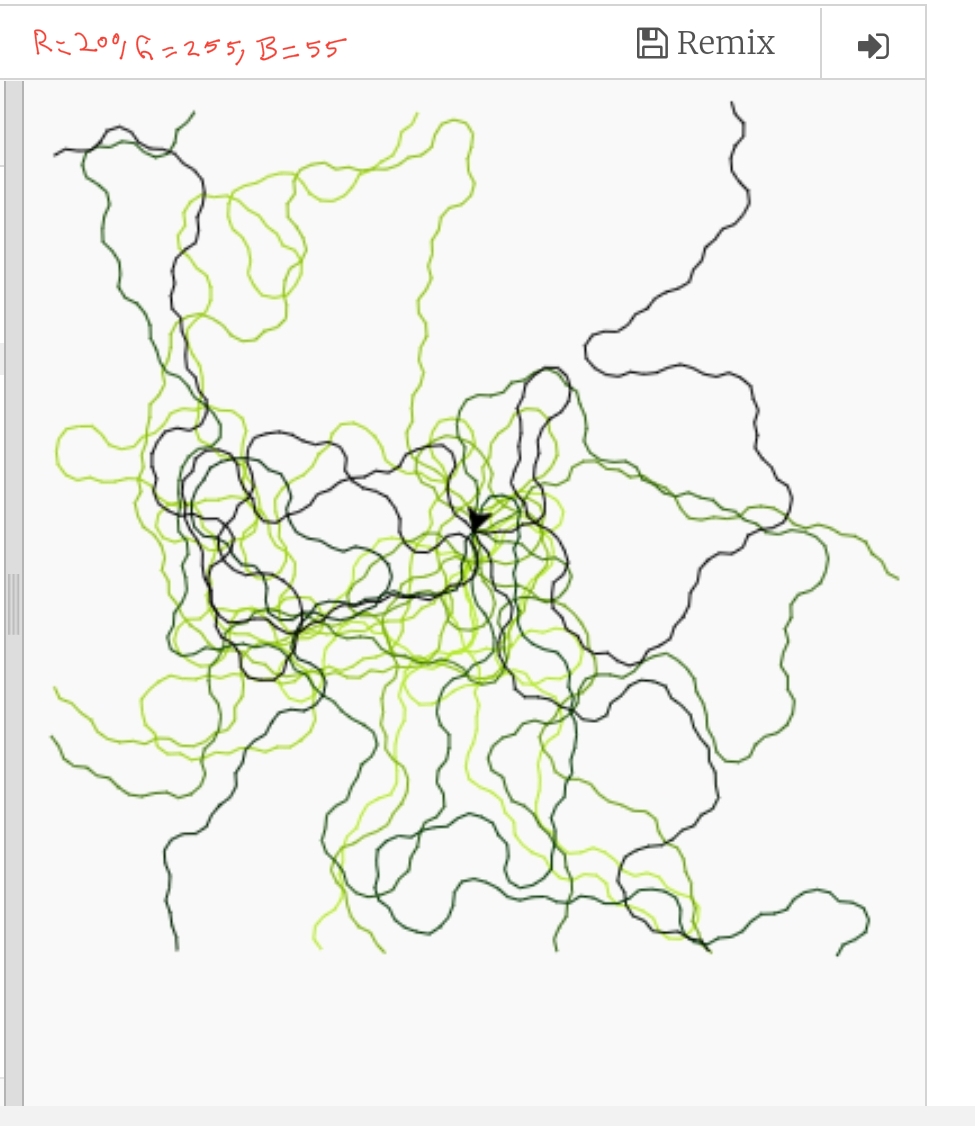
# r=240, g=240, b=240 is a light gray color
r=240
g=240
b=240
t1.pencolor(r,g,b)
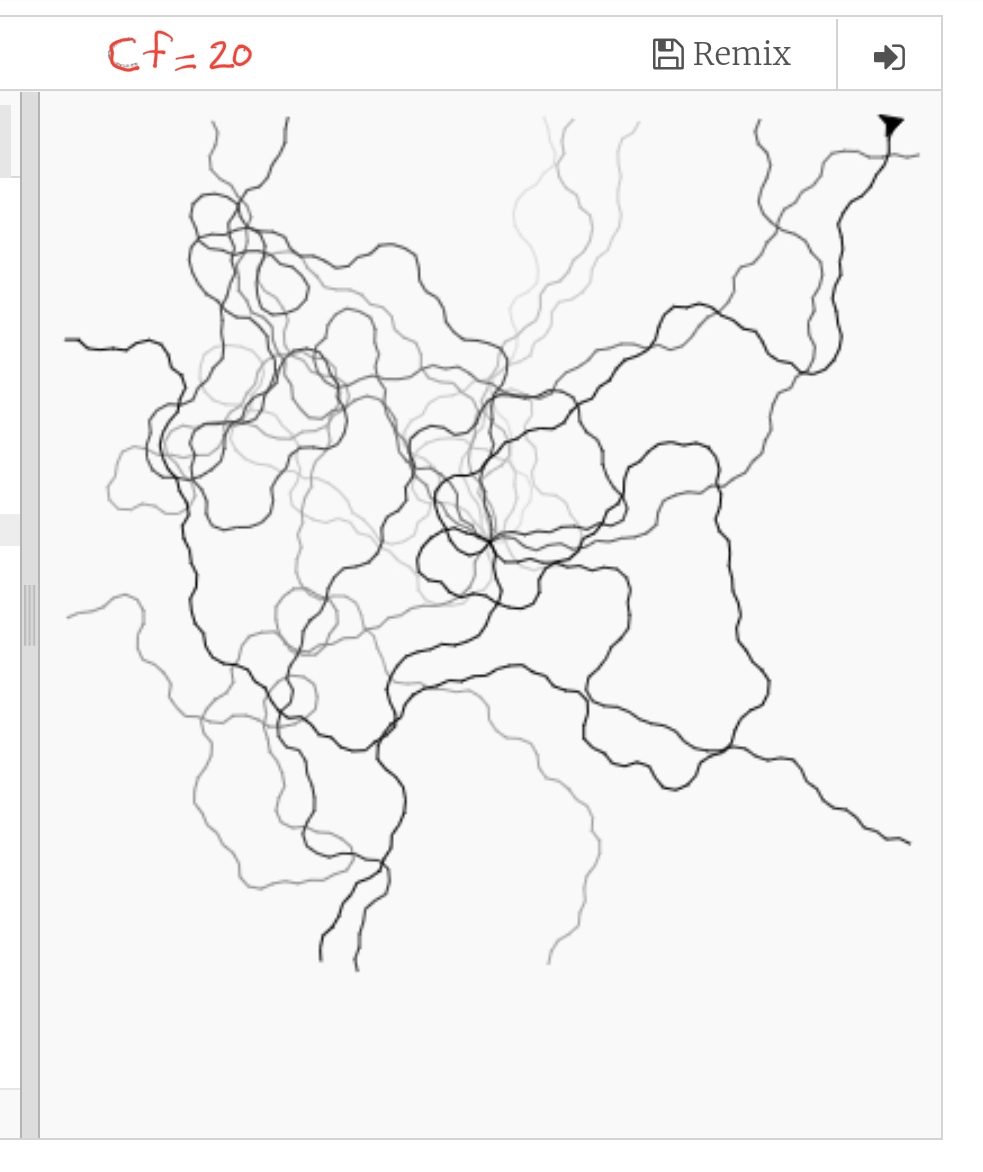
cf = 3 # color increasing factor
ff = 0 # ant forward moving factor
#screen.bgcolor(“black”)
def rand_walk(x,the_t):
the_t.pendown()
# The color will be darker each time
the_t.pencolor(r-(x*cf),g-(x*cf),b-(x*cf))
the_t.forward(20+(ff*x))
def ant_walk ():
x = 1
while x < 7 : # Moving the Ant to the center 7 times
rand_walk(x,t1)
if random.randrange(1,100) %2:
t_ang = random.randrange(10,45)
t1.right(t_ang)
else:
t_ang = random.randrange(10,45)
t1.left (t_ang)
# if the ant reach the square boards then we move it to the center.
if (t1.xcor() > 650 ) or (t1.xcor() 650 ) or (t1.ycor() < -650 ):
t1.penup()
t1.goto(0,0)
x = x + 1
# Calling the Function
ant_walk()
Here is an GIF file
|
|

|
|
|
To Download my Python code (.py) files Click-Here
 Follow me on Twitter..
Taking pictures is not my main daily practices, but when i start playing with my camera, i really enjoy my self.
Thanks for visiting my Space..


 Ali's Photography Space...