Archive
From a Photo to a Product
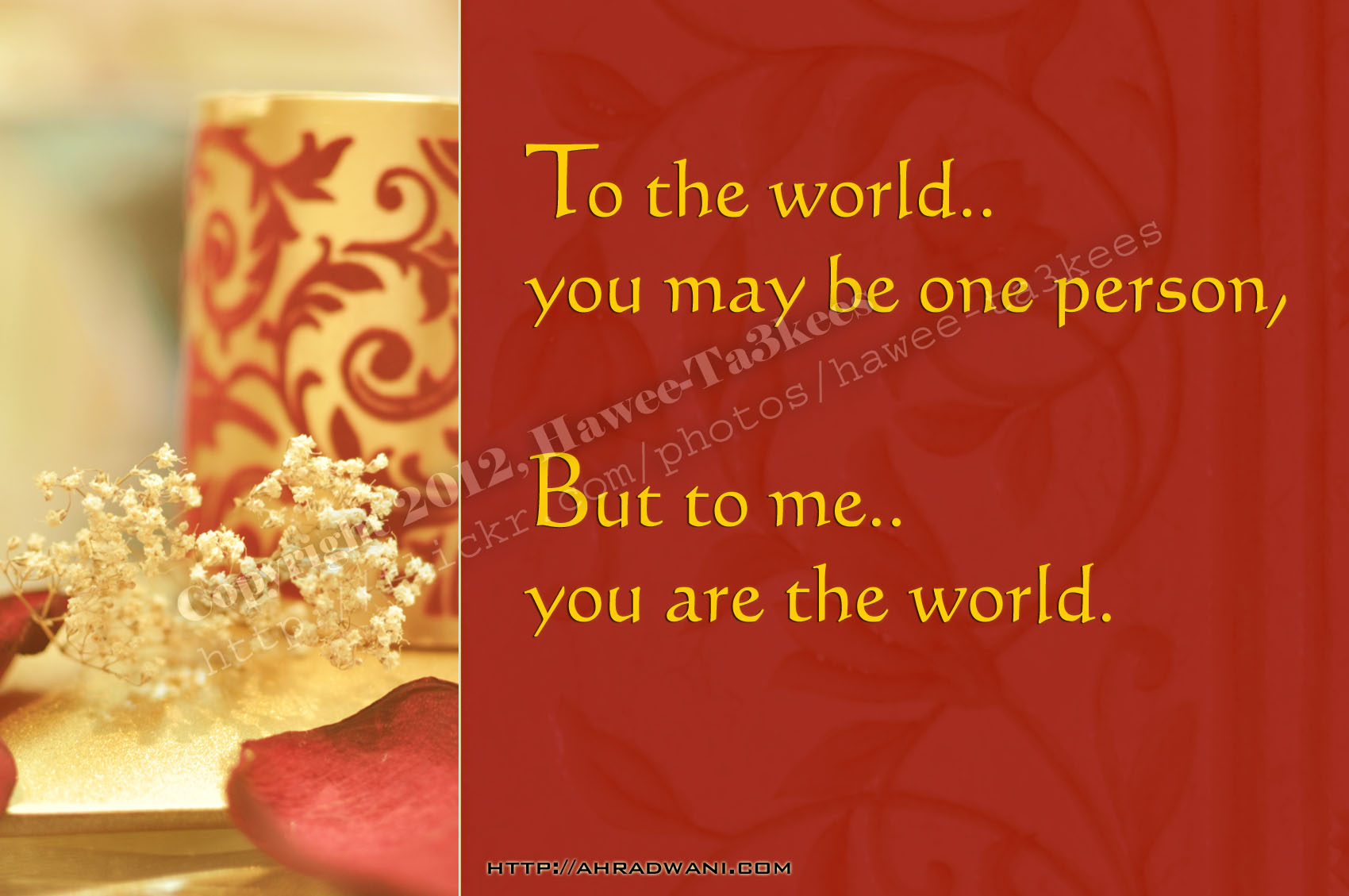
Taking your works to one step farther is some thing you may think about it, most of our photos or some time part of a photo can be a product it self, the trick here is How you crop your image? and What to add to it as a border or texture?
Here is one of my photos from the Colors Atmosphere project [Click the link to read more] I just add a plain RED Rectangular/Square with a texture on it (almost 30% Transparent) and the photo converted to a Greeting Card that you can print and send to Who ever you want with your text message.
[Click the image to enlarge..]
Ali,
Colors Atmosphere
In general most of our Photos need some magical touches in a way or another, some time we may need to just remove unwanted object from the scene; this is a hard task and really depend on the image and what to be removed, the easiest thing is to tune up the color atmosphere of the photo.
Here is one of my photos in three different ‘Colors Atmosphere‘ and you may tell which you prefer. Also i add the same texture of the candle to the background.(if you can see it!)
[Click the image to enlarge..]
The Original one
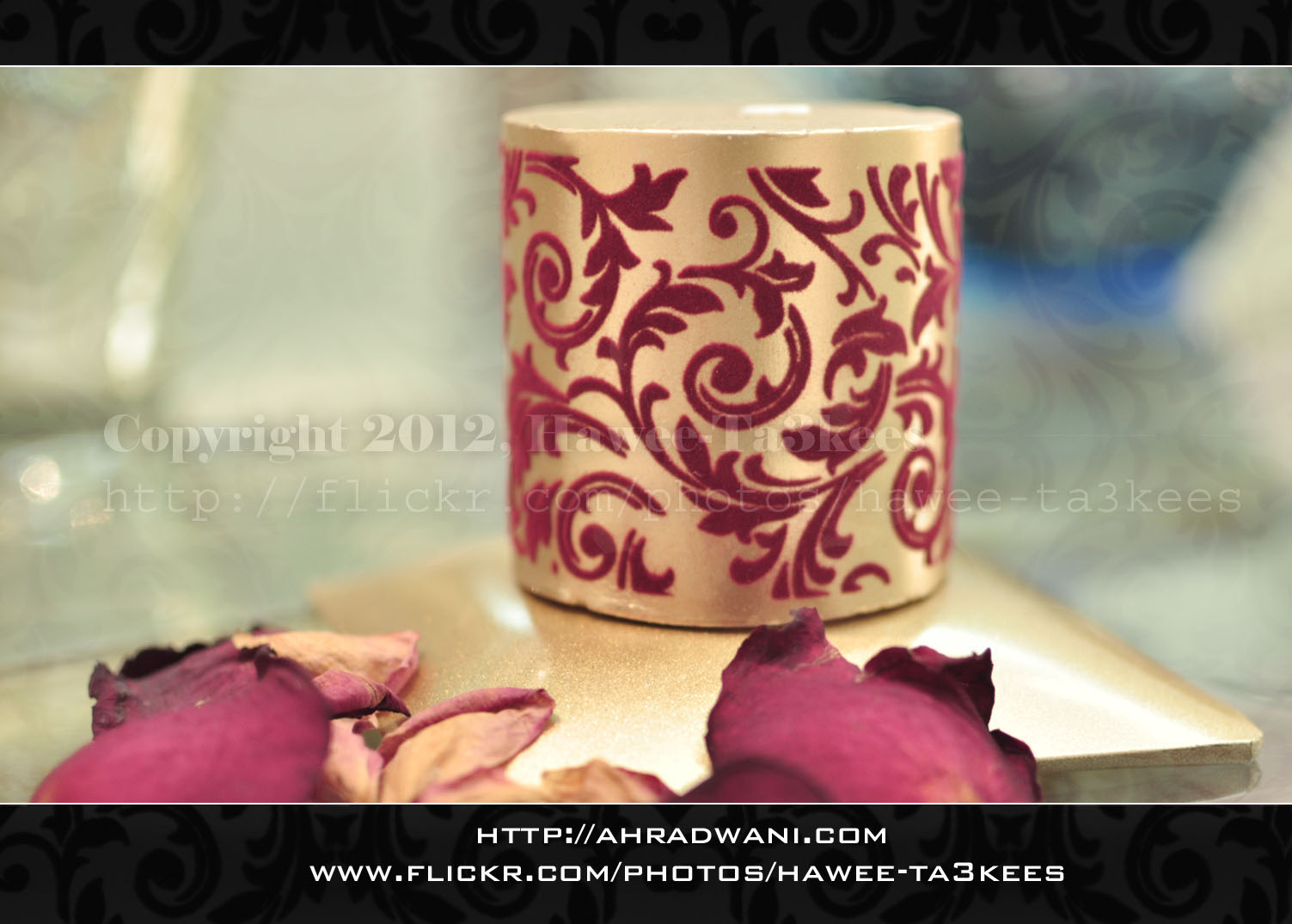
With some Light-Blue temperatures
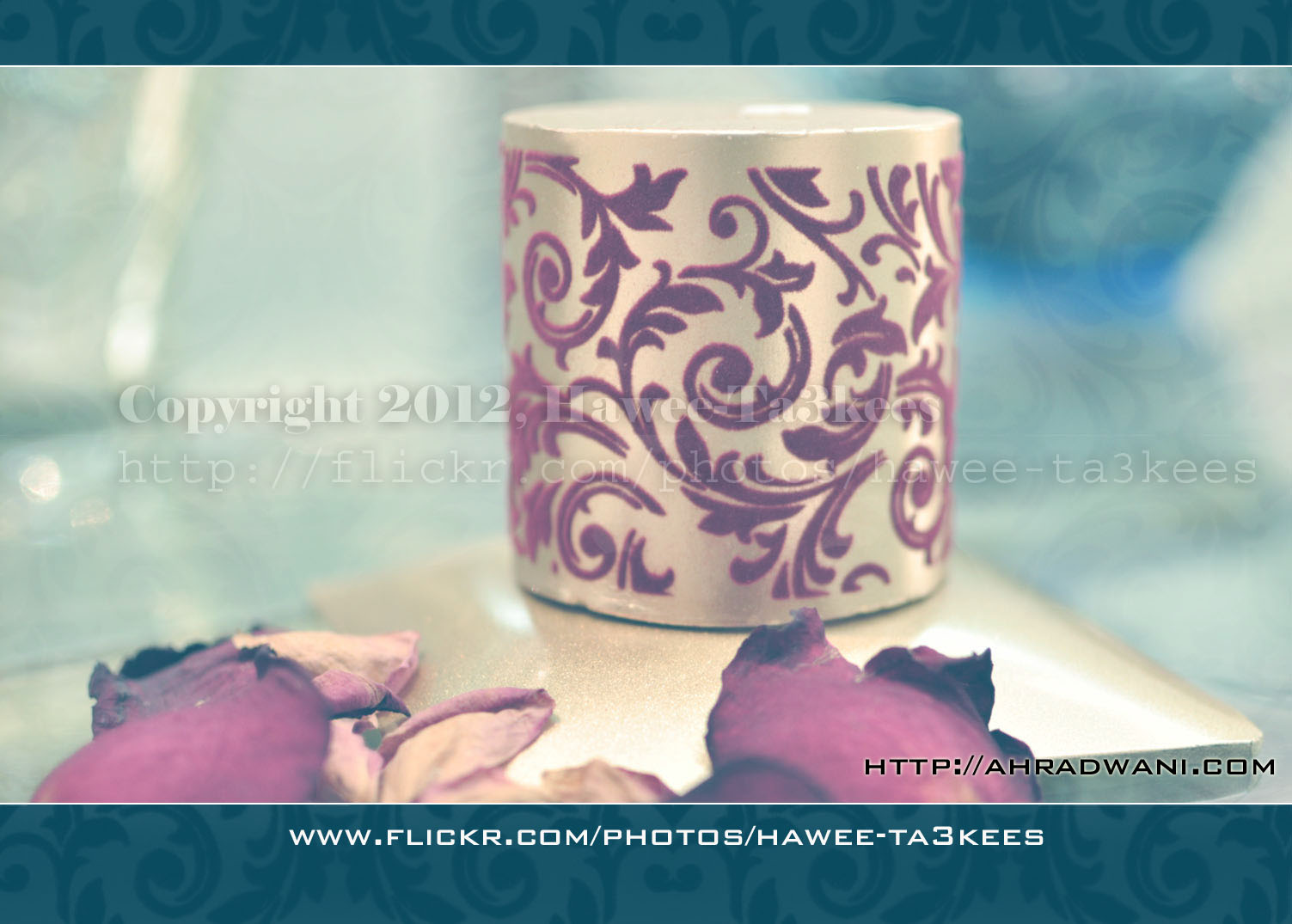
And this one with a temperatures between Red/Yellow/Orange

Camera Setting for all photos..
Camera: Nikon D90
Lens: Nikon 35mm
F-Stop: F/1.8
Exposure: 1/50
ISO: 320
Flash Mode: No Flash [i used the normal day light through the window and the room light]
Edited in: PhotoShop 7
Ali,
The Candle Session
In this session i take some shoots of a Candle and edit it with the photoshop.
here is the original shoot..

[Click the image to enlarge..]
And here after some photoshop touches..

[Click the image to enlarge..]
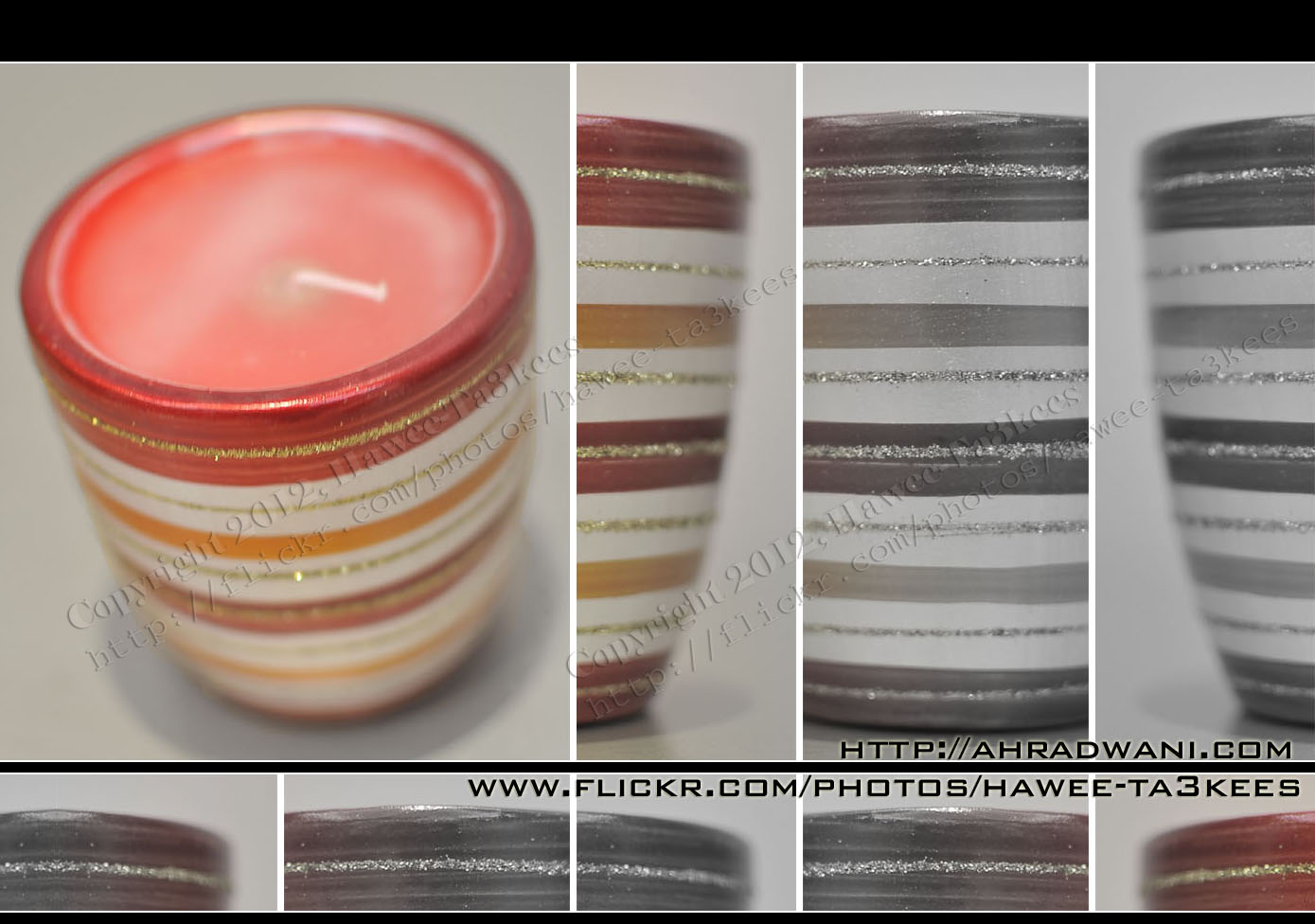
[Click the image to enlarge..]
Model : NIKON D90
Exposure Time : 1/25″
F Number : F1.8
Exposure Program : Manual
Exposure Bias Value : +5EV
Focal Length : 35mm
Ali,
Water Drops from the Bottle…More result.3.
More Photos of the ‘Water Drops from the Bottle..’ all the photos been edited by me in the photoshop..
to read more on How To Click Here
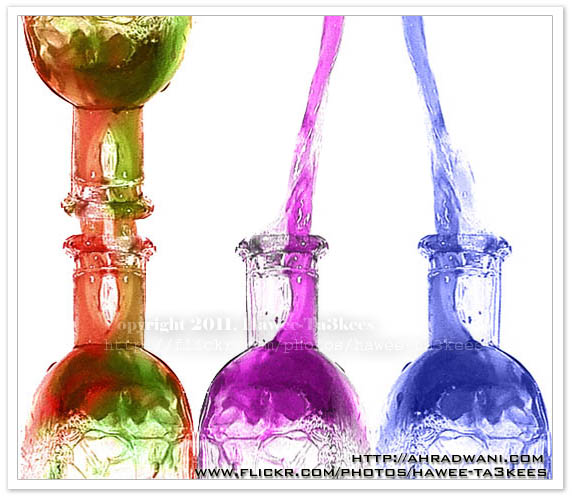
here i used photoshop to add the colors the original one was the red food-color.
Read More About:
o: How to shot the water while it drops out from the bottle?
o: Water Drops from the Bottle…More result 1..
o: Water Drops from the Bottle…More result 2..
Water Drops from the Bottle…More result 2..
More Photos of the ‘Water Drops from the Bottle..’ all the photos been edited by me in the photoshop..
Listing of the Equipment..
o} A Bottle.
o} Food colors.
o} Light.
o} Monopod.
To read more on How To … Click Here
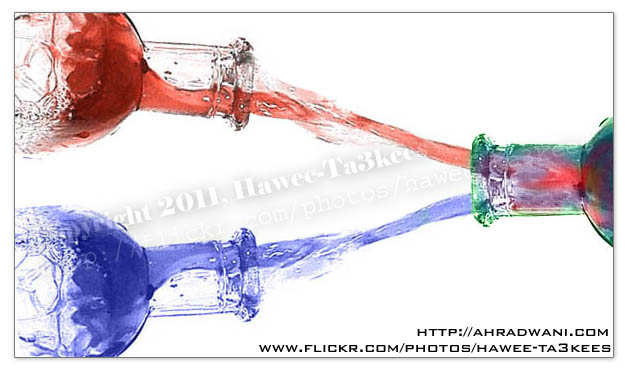
Read More About:
o: How to shot the water while it drops out from the bottle?
o: Water Drops from the Bottle…More result 1..
Water Drops from the Bottle…More result..
More Photos of the ‘Water Drops from the Bottle..’ all the photos been edited by me in the photoshop..
read more on How To… Click Here
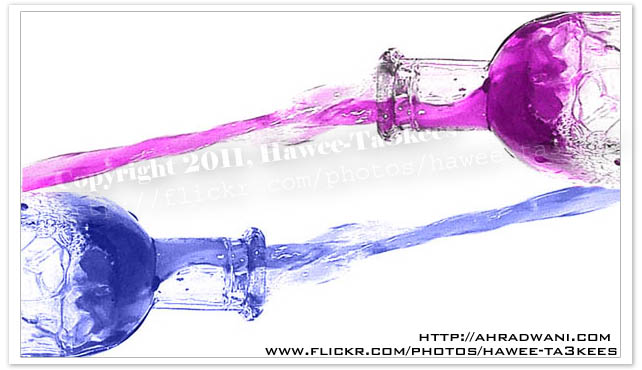
The X-Class Flare – Spot 1302
This is a photo of the Sun Spot Named: 1302 as in 24th of Sep. 2011, it is an X-Class Spot very huge that it appear with 500mm lens and 2x converter with homemade filter. [Click to enlarge]

Another one with BW and sun filter.. [Click to enlarge]
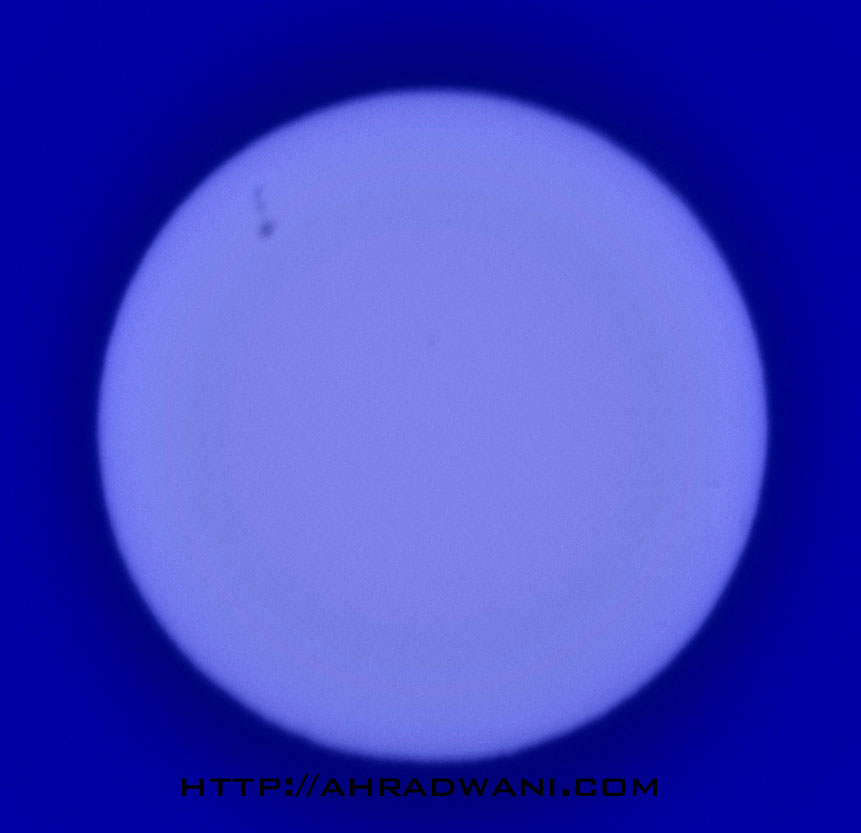
And this one i add the BW filter in the Photoshop.. [Click to enlarge]
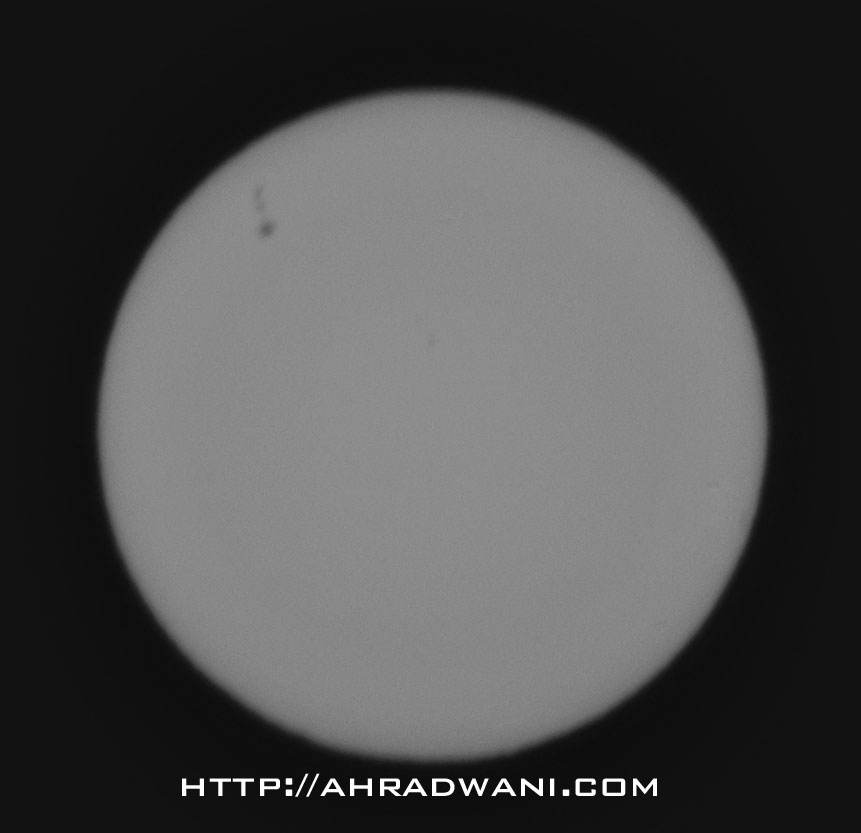
More photos on the Sun Spot Project page… Click Here
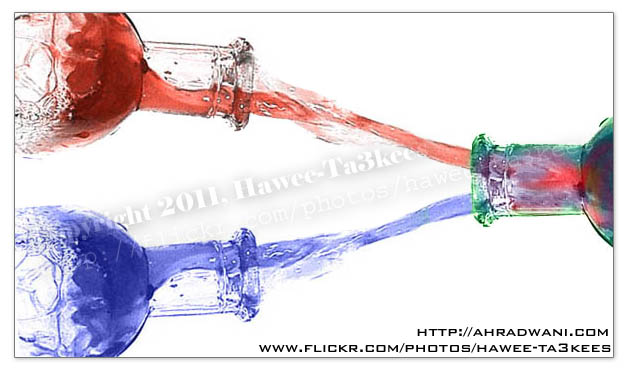
Water Drops from the Bottle…More result..
More Photos of the ‘Water Drops from the Bottle..’ all the photos been edited by me in the photoshop..
read more on How To…. Click Here
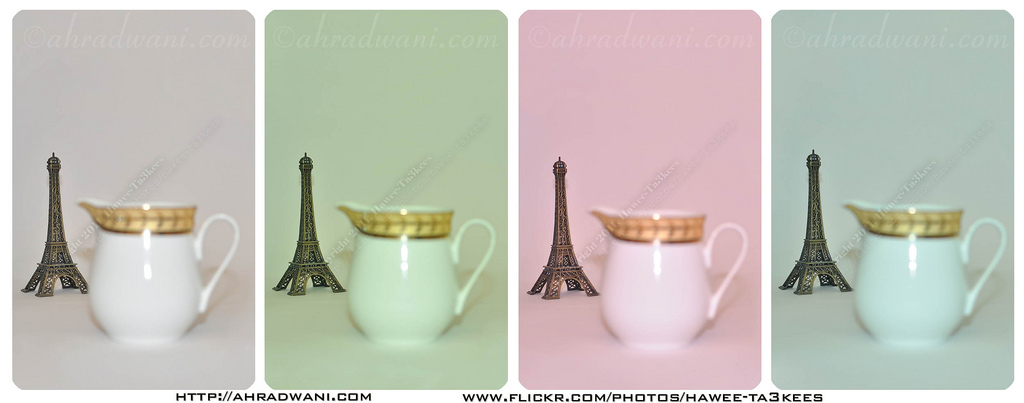
Flash Color [White Balance] Temperature
[o] Information
Subject: Small Eiffel Tower and a Milk pot.
Studio: Home Made LightBox.
Flash: Normal Room light + Camera Flash
[o] Camera Setting
Camera: Nikon D90
Exposure: 0.033 sec (1/30)
Aperture: f/3.2
Focal Length: 35 mm
Exposure Bias: 0 EV
Flash: On, Return not detected
One of the features in the ‘almost all’ new digital cameras the you can change the White Balance colors Temperature to get colors atmosphere in your shot, In each shot of this image I changed the flash color temperature (White Balance) to get different colors and merged them all in one picture ..
starting from the left..
1. White Balance Red, Blue Coefficients = 485/256, 316/256, 256/256, 256/256
2. White Balance Red, Blue Coefficients = 422/256, 263/256, 256/256, 256/256
3. White Balance Red, Blue Coefficients = 579/256, 341/256, 256/256, 256/256
4. White Balance Red, Blue Coefficients = 411/256, 309/256, 256/256, 256/256
The result..
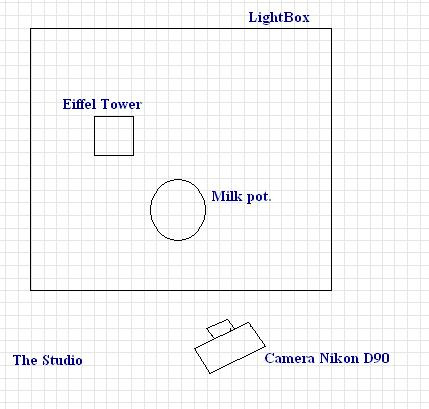
Here is the Studio..
illy… The coffee you need..
illy is a coffee brand it is the best.. Here are two photos and i used my homemade lightbox [another example here]
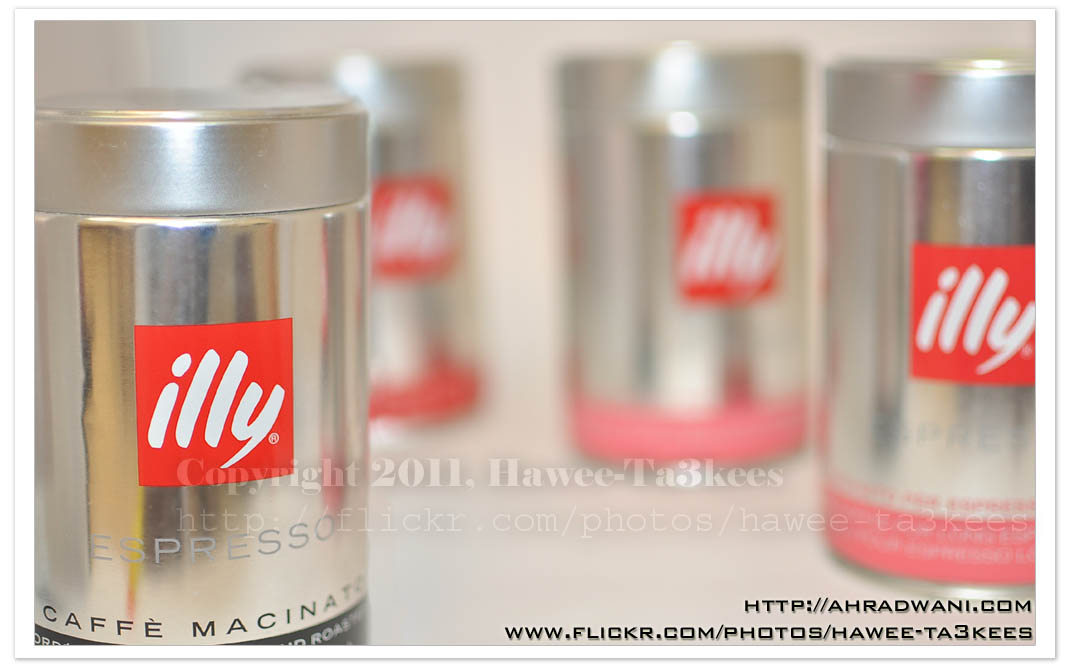
Camera Setting..
Model = NIKON D90
Date Time = 2011-08-05 23:08:33
Exposure Time = 1/50″
F Number = F1.8
Exposure Program = Manual
Exposure Bias Value = ±0EV
Flash = Flash fired, compulsory flash mode, return light not detected
Focal Length = 35mm
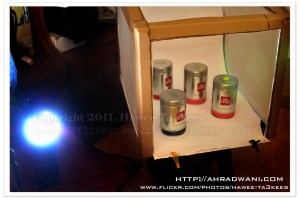
Here is the studio setup and the Lightbox..[Click the image to read more on How to Create one]

Taking pictures is not my main daily practices, but when i start playing with my camera, i really enjoy my self.
Thanks for visiting my Space..


 Ali's Photography Space...