Archive
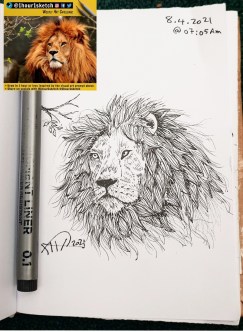
Another sketch challenge: Lion’s Face
This week sketch challenge @1hour1sketch is to Draw a Lino Face, so here is my sketch using pencil, black Pen.
I tried to do my best to draw the hair/mane am sure I can’t do better than this, I need more practice in doing fur drawing.
More Sketches on my Sketch page ..
also follow me on Twitter @h_ta3kees
Rhino Sketch
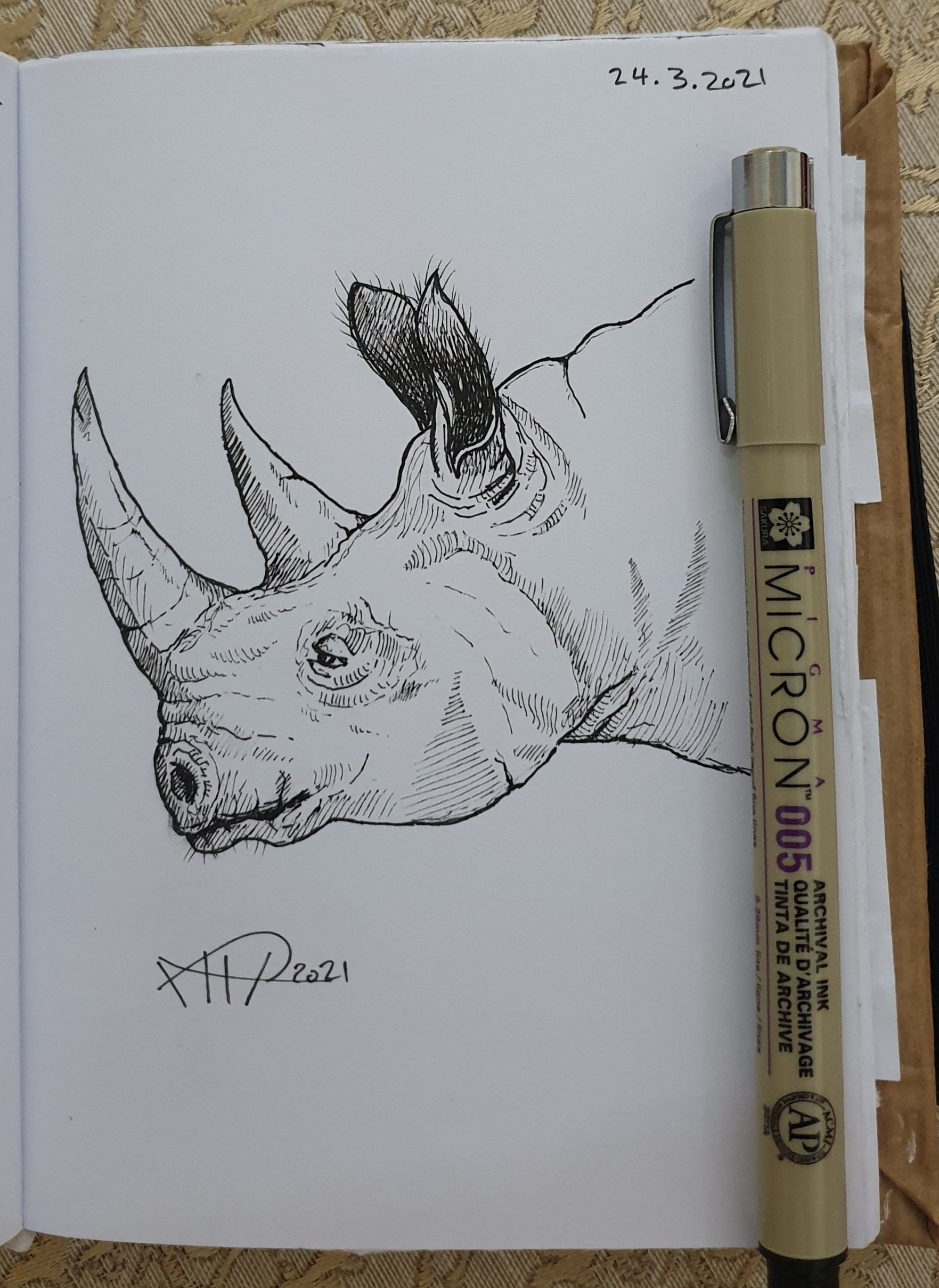
Using a pencil then black pen and a photo from the Net as a reference and after almost 25min I finished this Rhino.
Follow me on Twitter @h_ta3kees
Digital Sketch: Elephant
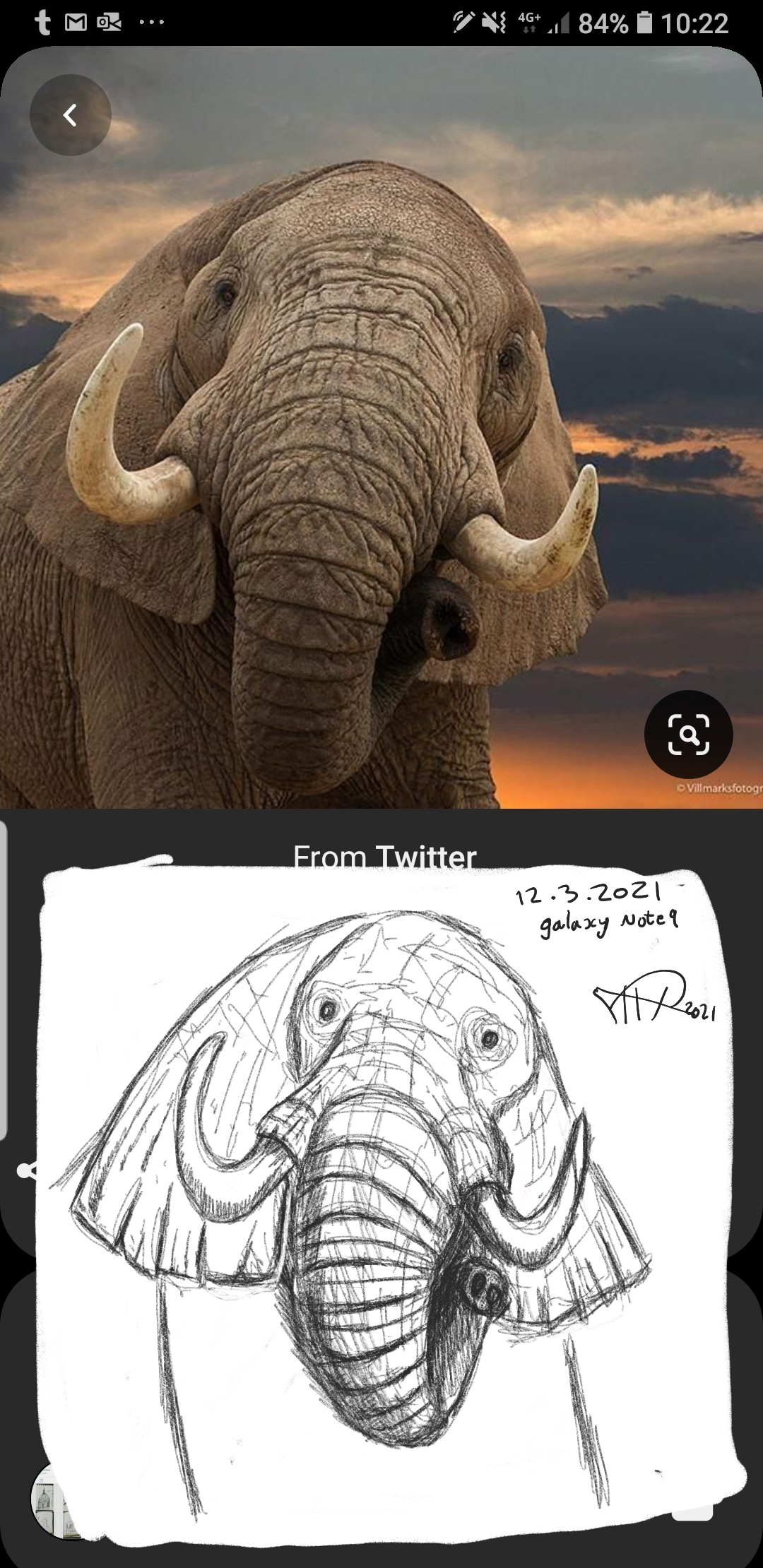
Some time I even don’t care to use any special application to do a fast rough sketch, here I am using my galaxy Note 9 and the print-screen (or copy screen) mode to do this fast sketch of an Elephant.
Follow me on Twitter @h_ta3kees
Python Project: Drawing Cloud Number
Learning : Python, Drawing
Subject: Using Python to Draw Cloud Number
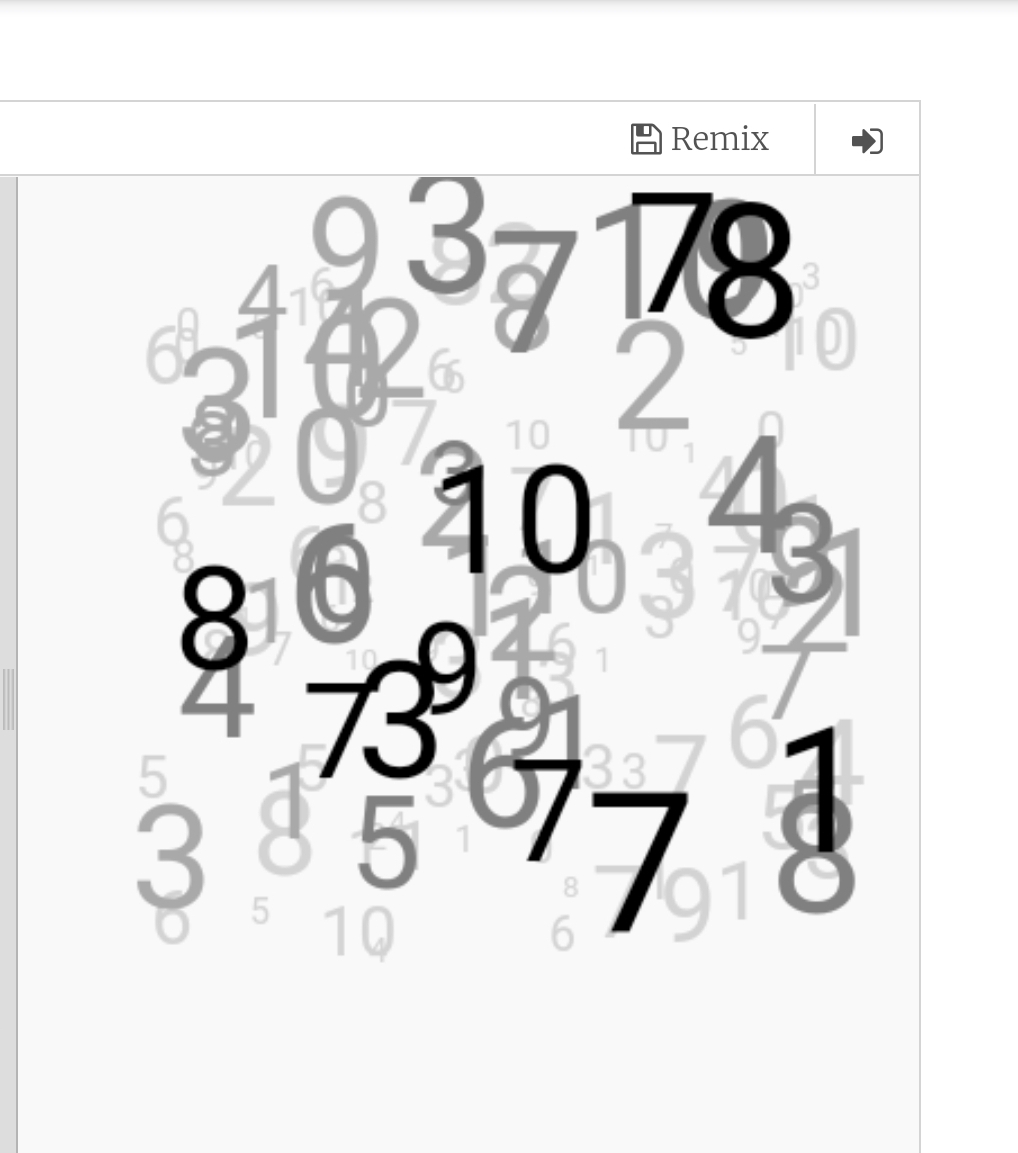
In this project we will write a code to draw a cloud of number, we will do this as layers each layer with different font size and different color density.
To do this we will write a function def draw_cloud(tcolor,max_r,sr,lr) : to fill the screen with max_r random numbers from sr to lr (small range, large ramge) using tcolor color. We will recall the function several time each time we will change the tcolor,max_r,sr,lr. Here is the code ..
The Code |
|
Example with Gray theme |
|
Another Example with Pink theme. |

By: Ali Radwani
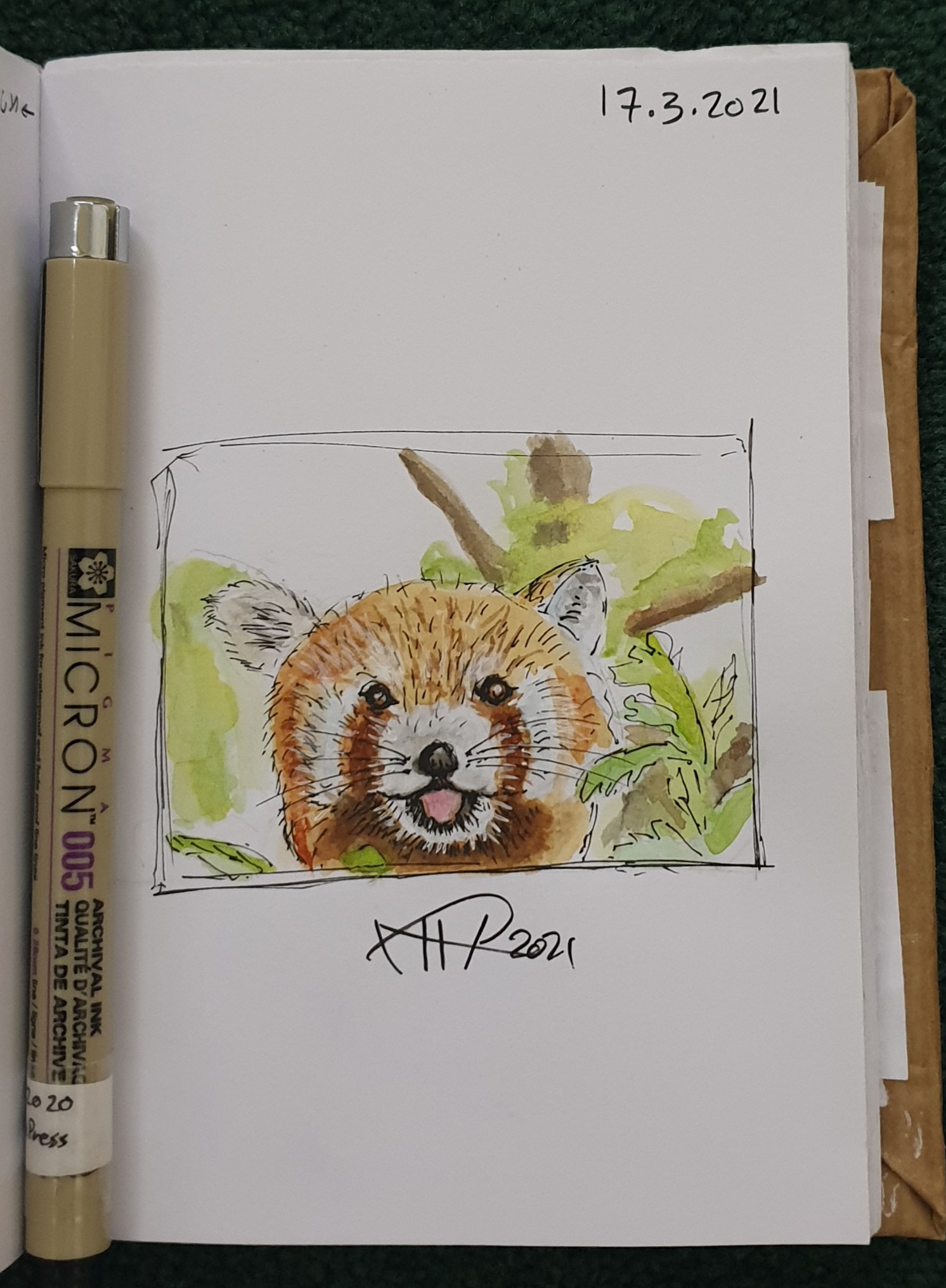
Another sketch challenge: Red Pandas
This week sketch challenge @1hour1sketch is to Draw a Red Pandas or Racoon Fox, so here is my sketch using pencil, black Pen and watercolour.
I am sure I can’t do better than this, I need more practice in using white color and fur drawing / painting
More Sketches on my Sketch page ..
also follow me on Twitter @h_ta3kees
Another sketch challenge: Horse
This week sketch challenge @1hour1sketch is to Draw a Horse, so here is my sketch using pencil, black Pen. More Sketches on my Sketch page .. also follow me on Twitter @h_ta3kees

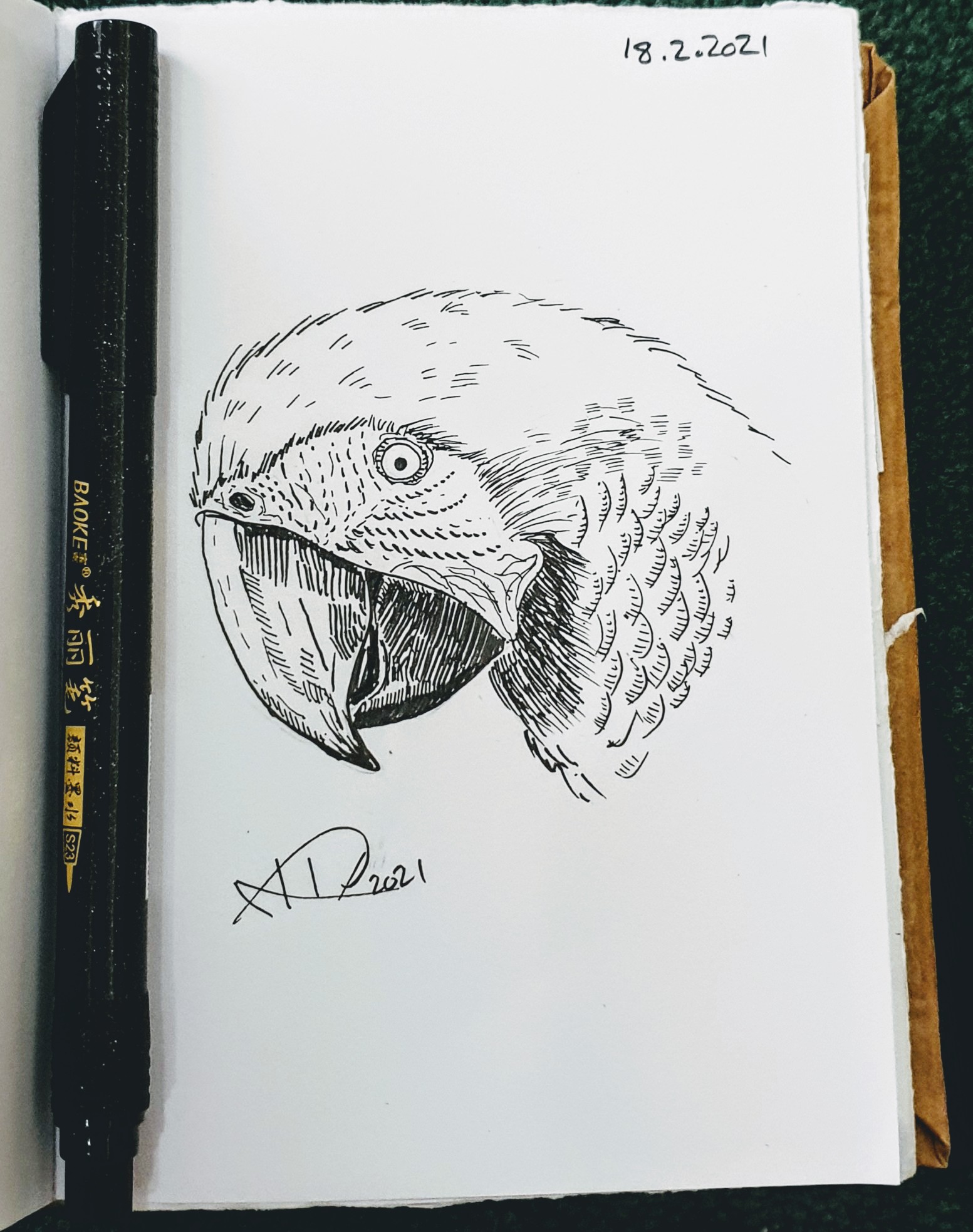
Another sketch challenge week: Parrot
This week sketch challenge @1hour1sketch is to Draw a Parrot, so here is my sketch using pencil, black Pen. More Sketches on my Sketch page .. also follow me on Twitter @h_ta3kees
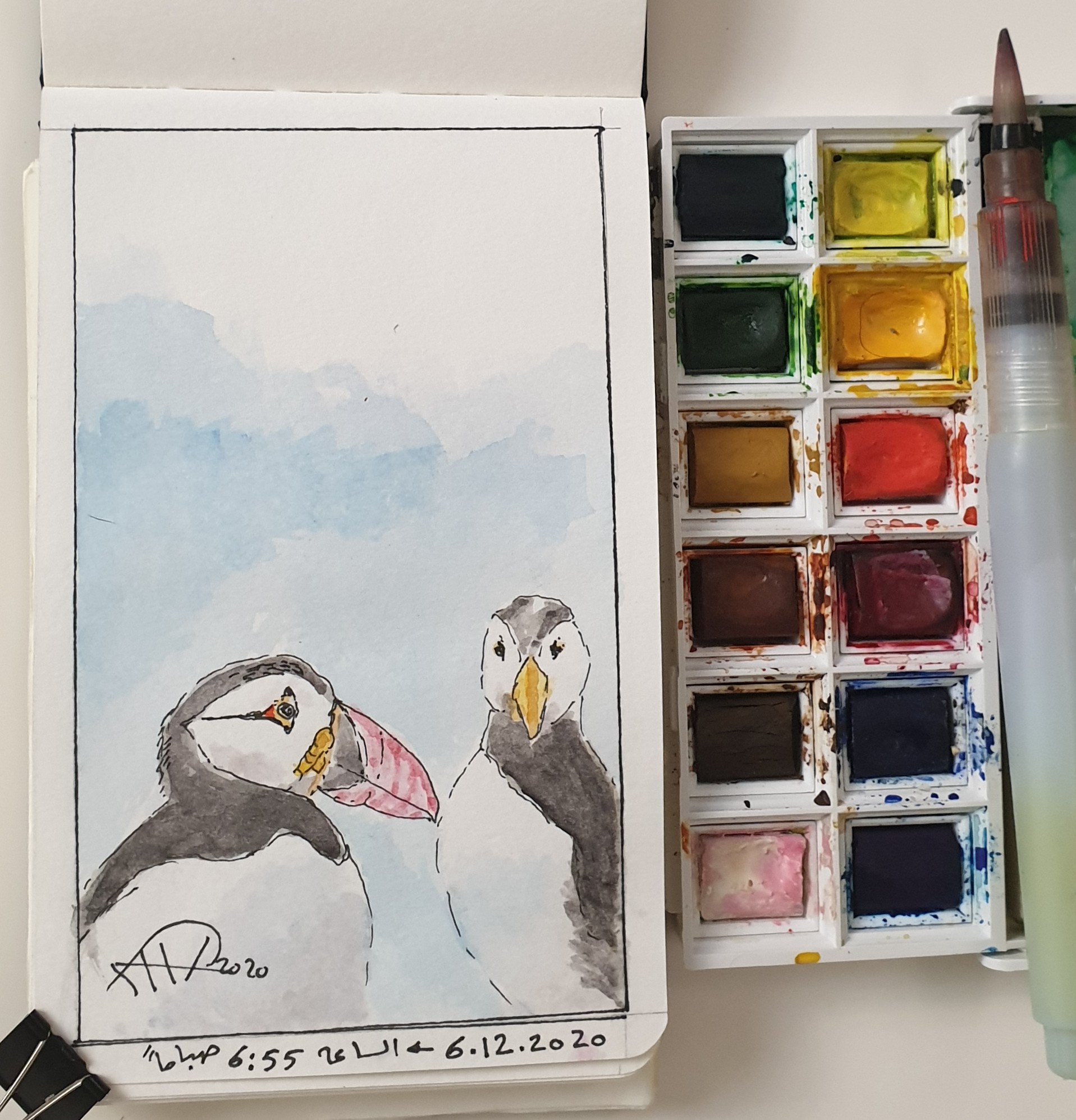
Another Sketch Challenge: Puffin
This week sketch challenge @1hour1sketch is to Draw a Puffin, so here is my sketch using pencil, Pen and water color..
Python: Spirograph
Learning : Python
Subject: Writing Python codes to generate Spirograph Art
Writing codes to draw always funny time for me, playing around numbers, changing attributes to get something new and changing it again .. and again ..
In this post, we will write a code to draw some spirograph shapes, easy and shrort code will do the job. So lets Start ..
We will use Python Library turtle to draw, and will write one Function call it def draw_it(h,sz,ang) will take three arguments: h:number of heads, sz: size, ang: angle, then we will call this function to draw our Spirograph Art.
Code:
First we will set-up the turtle:
# turtle set-up
import turtle
t = turtle.Turtle()
t.shape("dot")
t.speed(0)

t.hideturtle()
Then here is the main Function to draw our graphs
# draw_it() function

def draw_it(h,sz,ang) :
  c = 0
  while True :
    for i in range (h) :
      t.forward(sz)
      t.right(360/h)

    t.right(ang)
    c +=1
    if c >=360/ang :
      break
Then we call the function and pass the parameters, I tried several combinations and will include them in the source file in Download section. Here are some out-puts.
| Calling: t.pencolor(‘lightgray’) draw_it(19,19,19) t.pencolor(‘gray’) draw_it(17,17,17) t.pencolor(‘black’) draw_it(15,15,15) 
|

|
 |
Hope you enjoy, have fun and change the numbers to get new shapes ..
To Download my Python code (.py) files Click-Here

By: Ali Radwani
Daily Digital Sketch
Here is the daily-sketch for today. I am using Galaxy Note 9 and Samsung Note Application for drawing and Coloring..
more on my Twitter here H.ta3kees
|
|

By: Ali Radwani

Taking pictures is not my main daily practices, but when i start playing with my camera, i really enjoy my self.
Thanks for visiting my Space..


 Ali's Photography Space...