Archive
The Door in KATARA
This is the door on a side of The Amphitheater I used the Reto effect on the Adobe lightroom in the second.
You can download the lightroom preset file from Download section on main menu or Click Here.
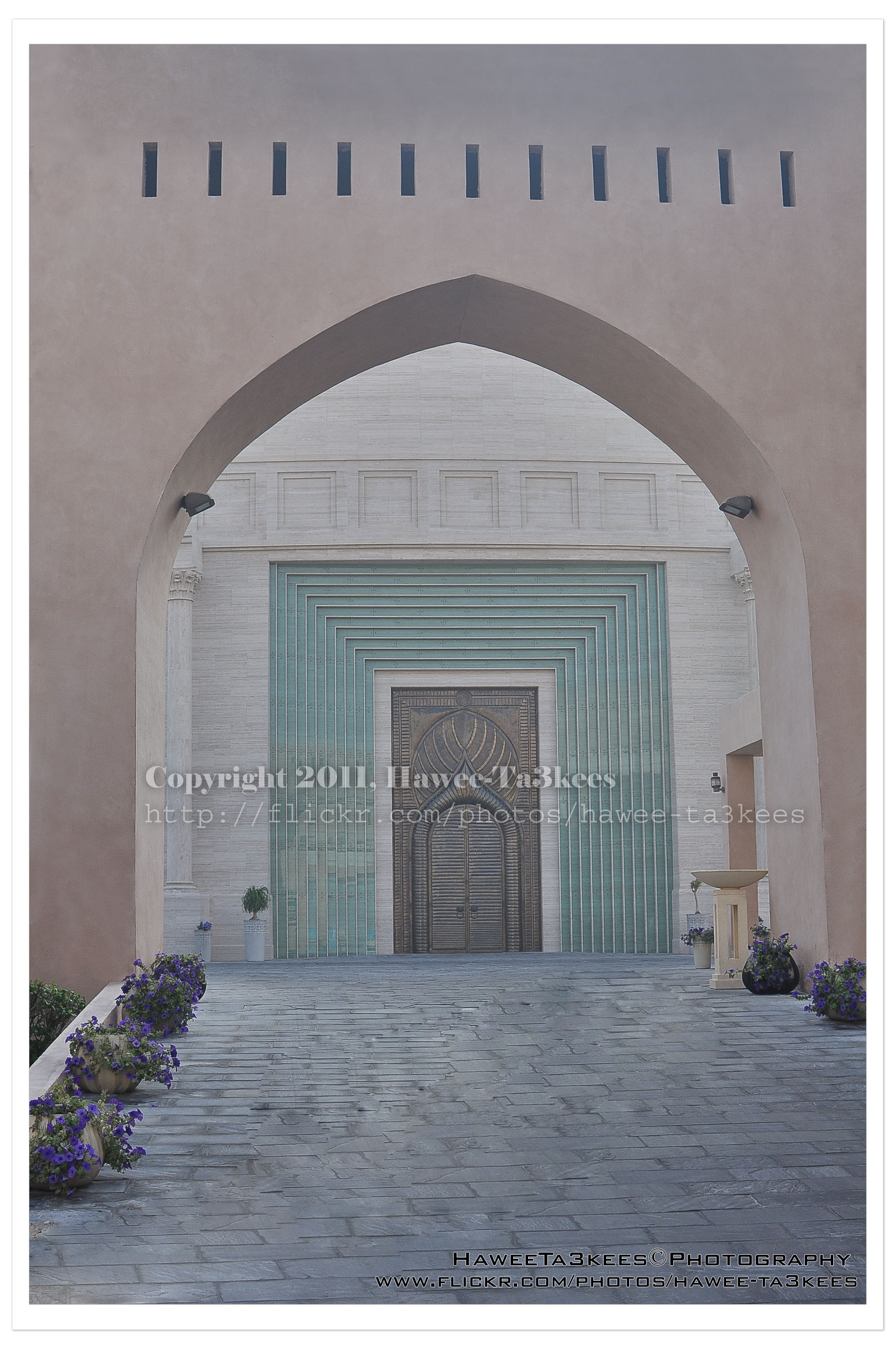 The original shot:
[Click the image to enlarge]
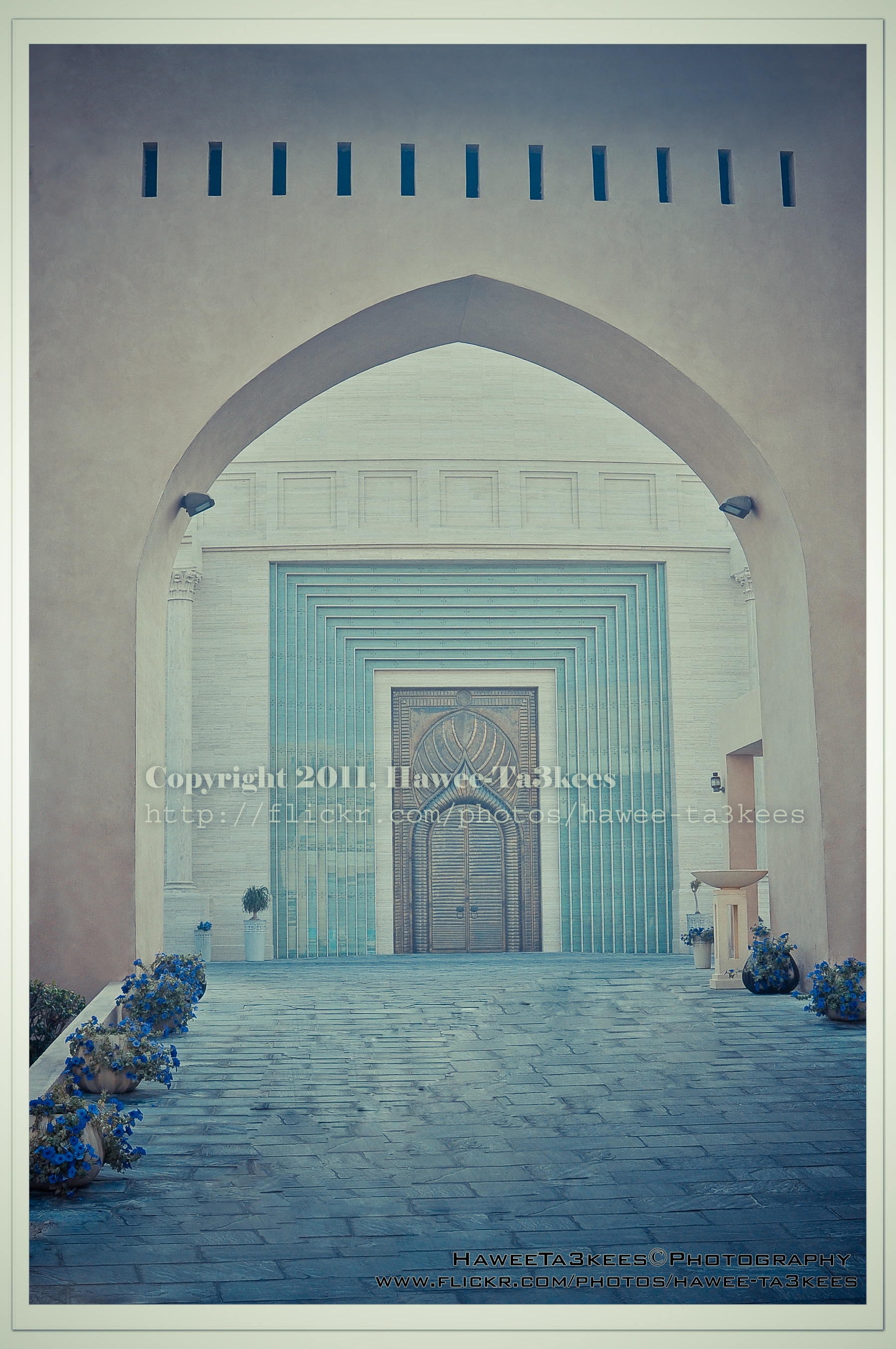 After Retro Effects:[Click the image to enlarge]
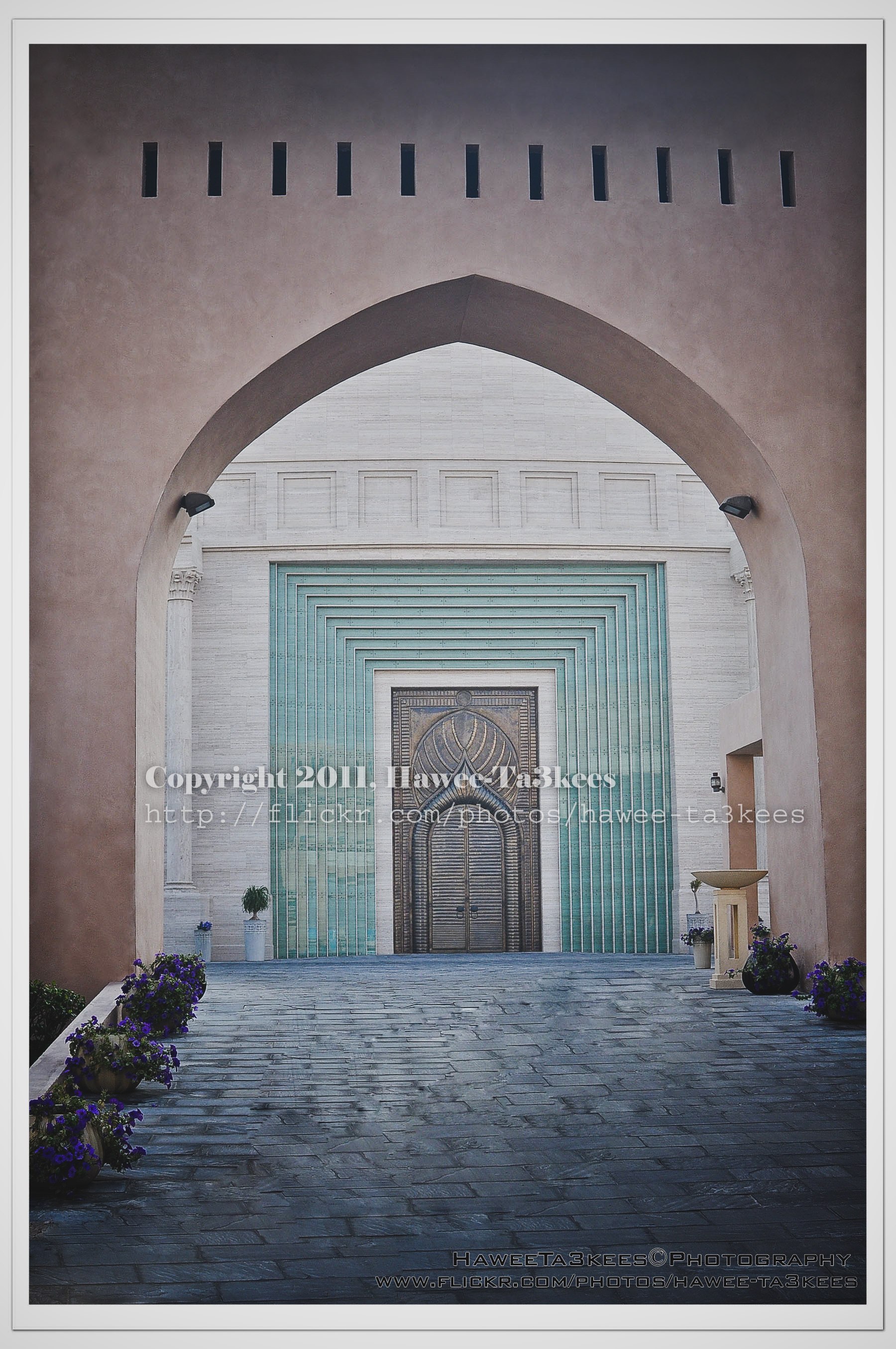 Another effect..[Click the image to enlarge]
Adobe Lightroom2 Before & After Part 2
Here are more sample for Adobe LightRoom2 effects, the shot is for somewhere in KATARA.
You can download the lightroom preset file from Download section on main menu or Click Here.
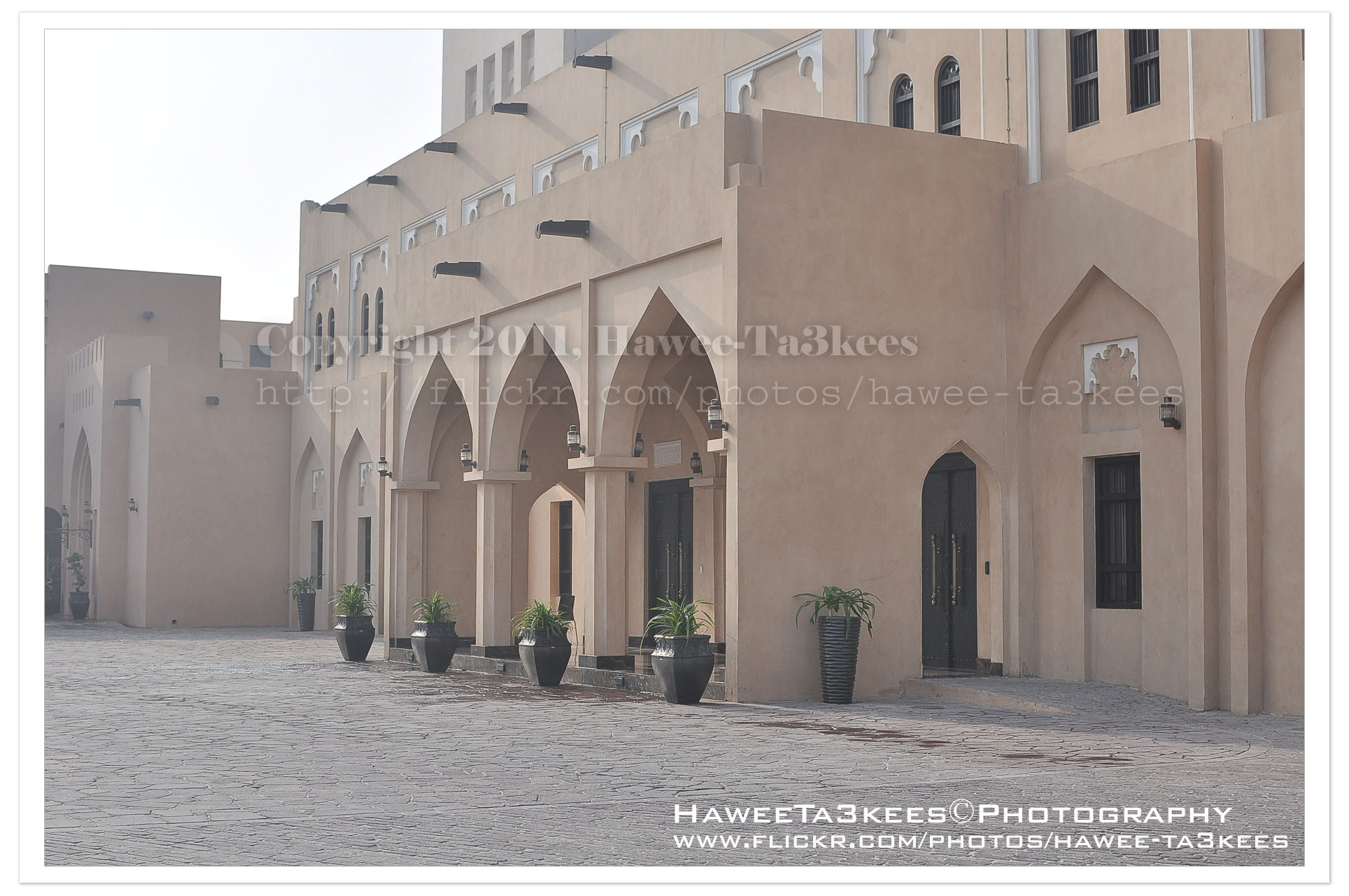
The Original Shot.[Click the image to enlarge]
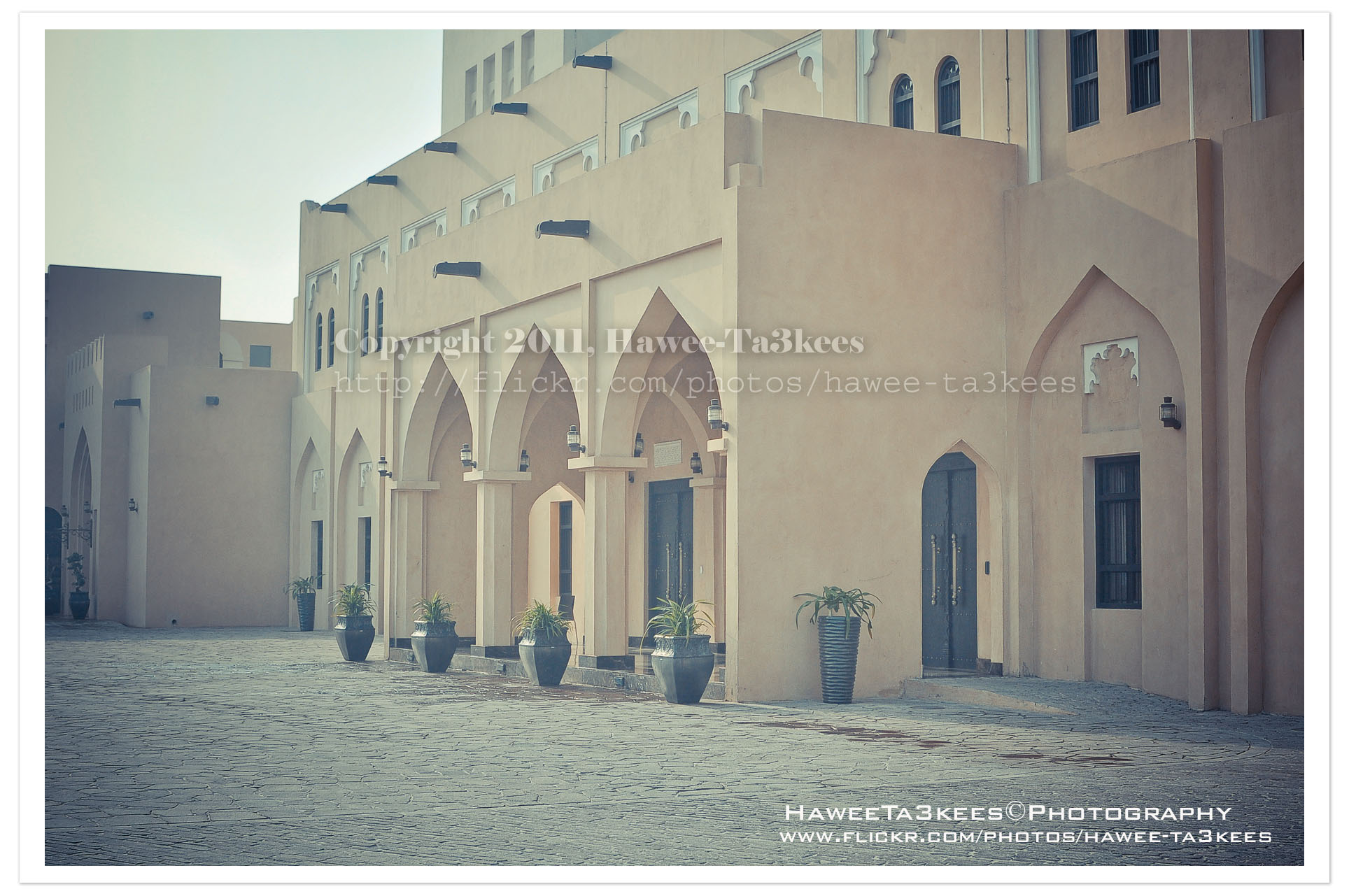
Retro soft with shadow[Click the image to enlarge]
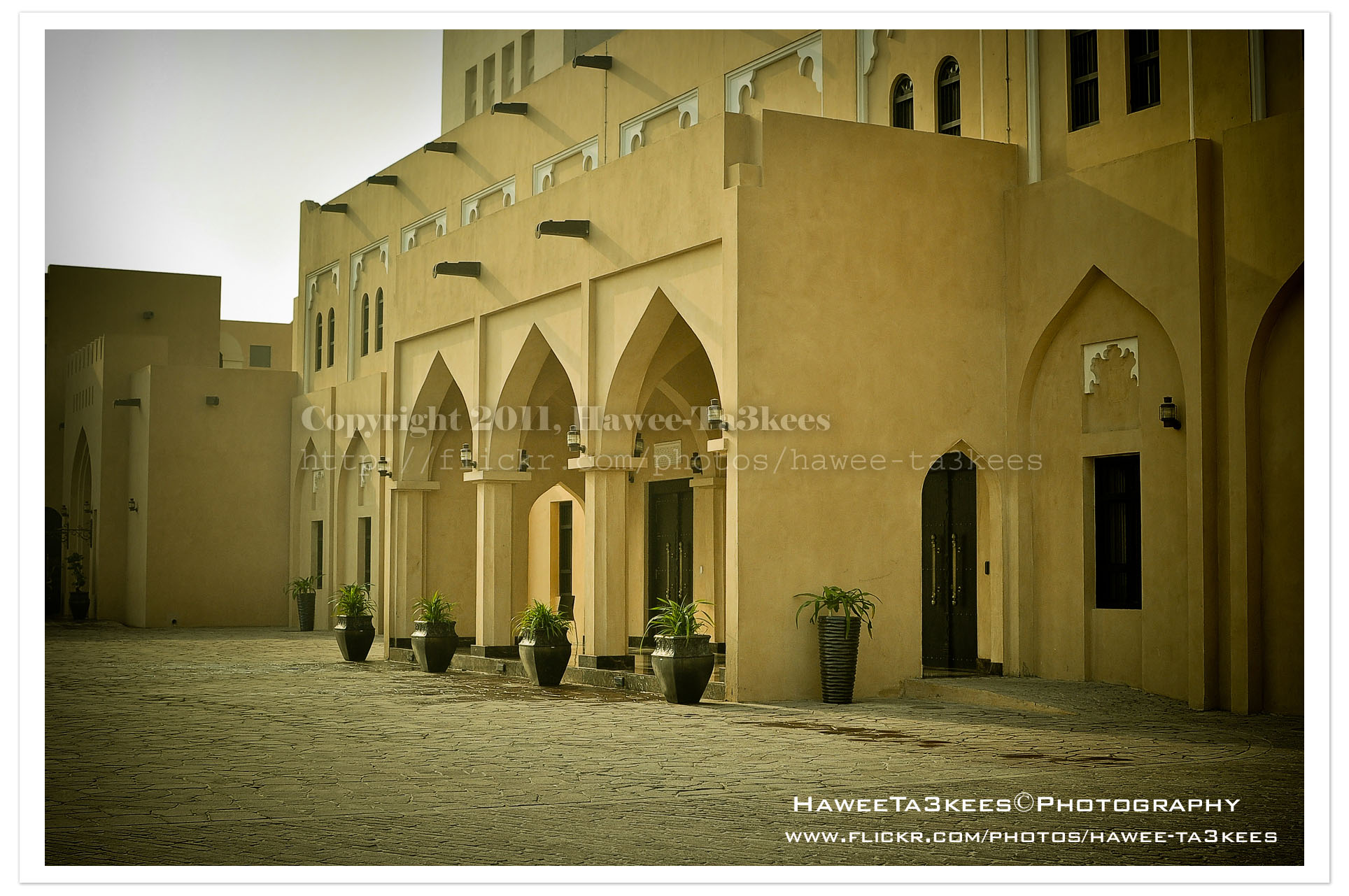
This is the More yellow effect.[Click the image to enlarge]
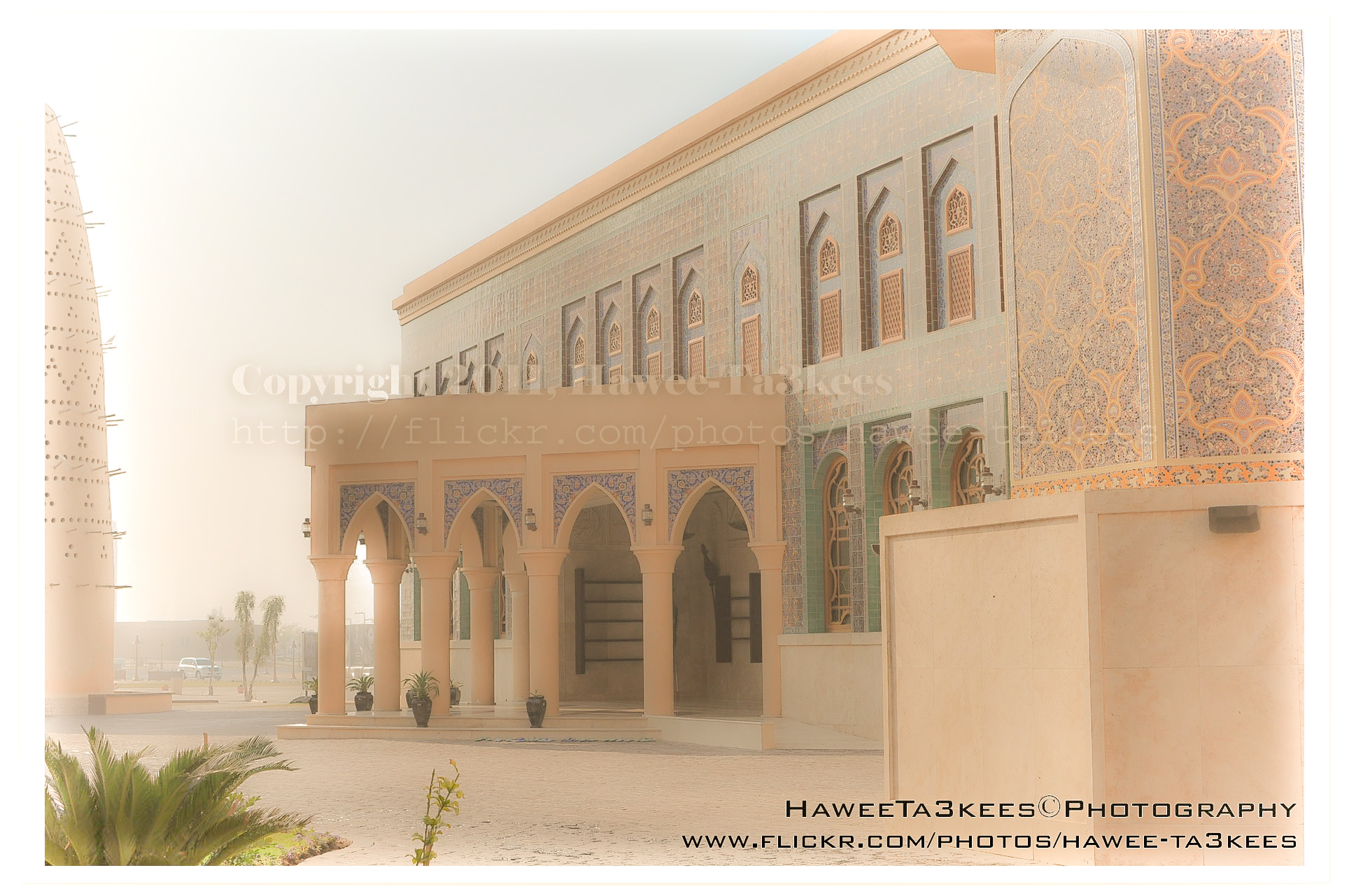
More soft lights.[Click the image to enlarge]
Other samples on the part 1. Click Here..
Adobe LightRoom2 before and..
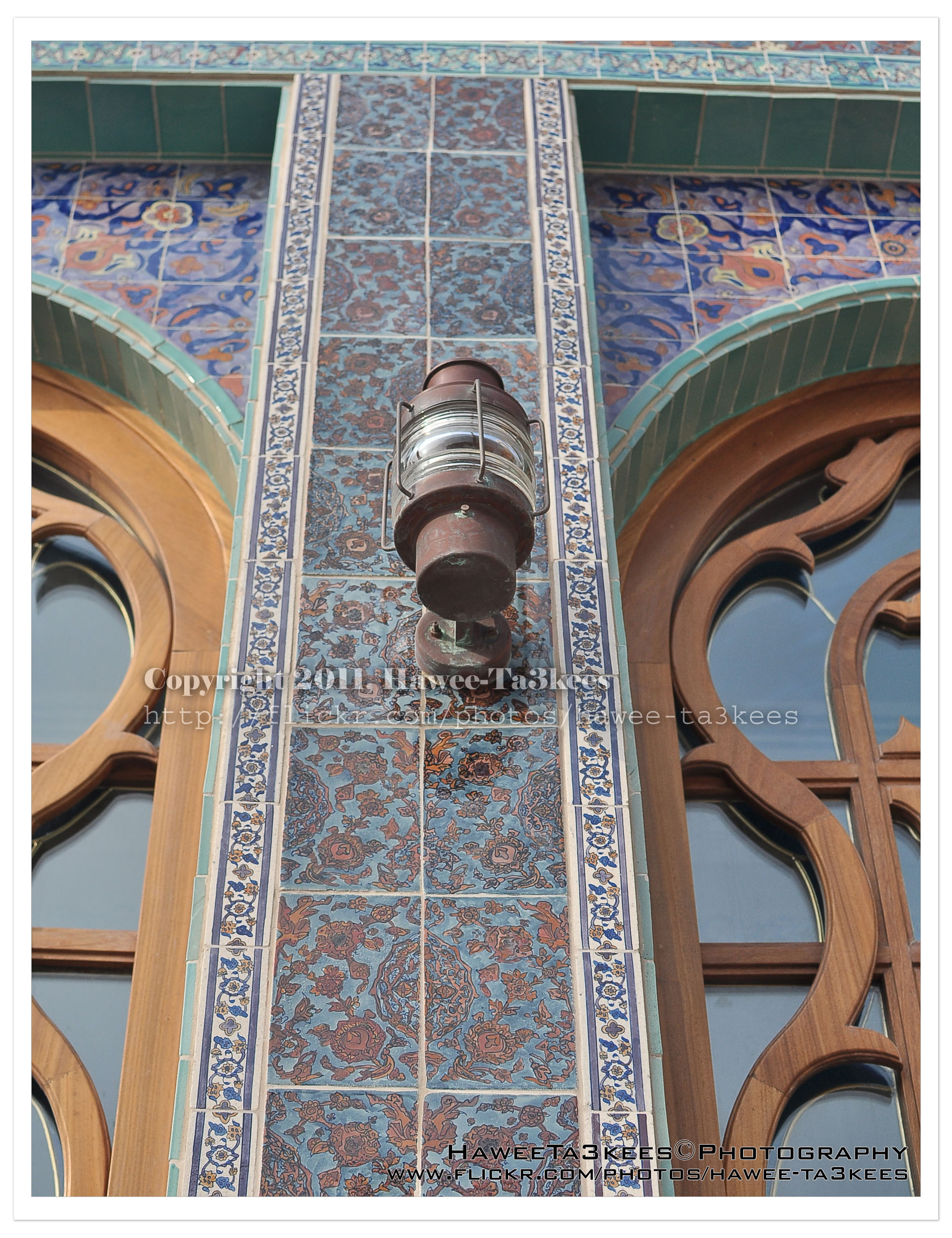
Adobe LightRoom is a great tool to add some light/shadow effects to the image, you may add colored lights or take the capture to the B/W channel.
The first photo is a part of the Mosque @ KATARA before any lightroom effect.[Click the image to enlarge]
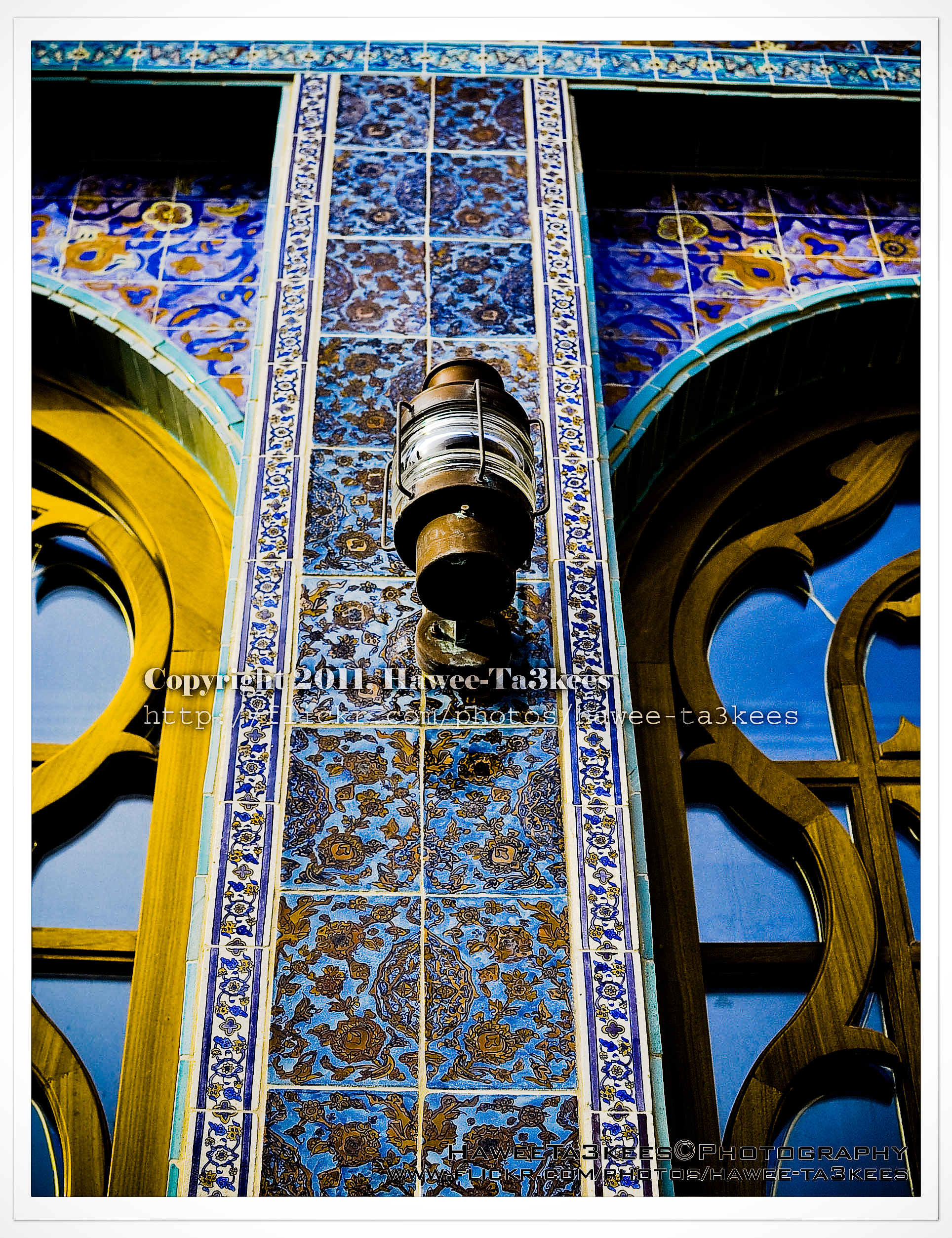
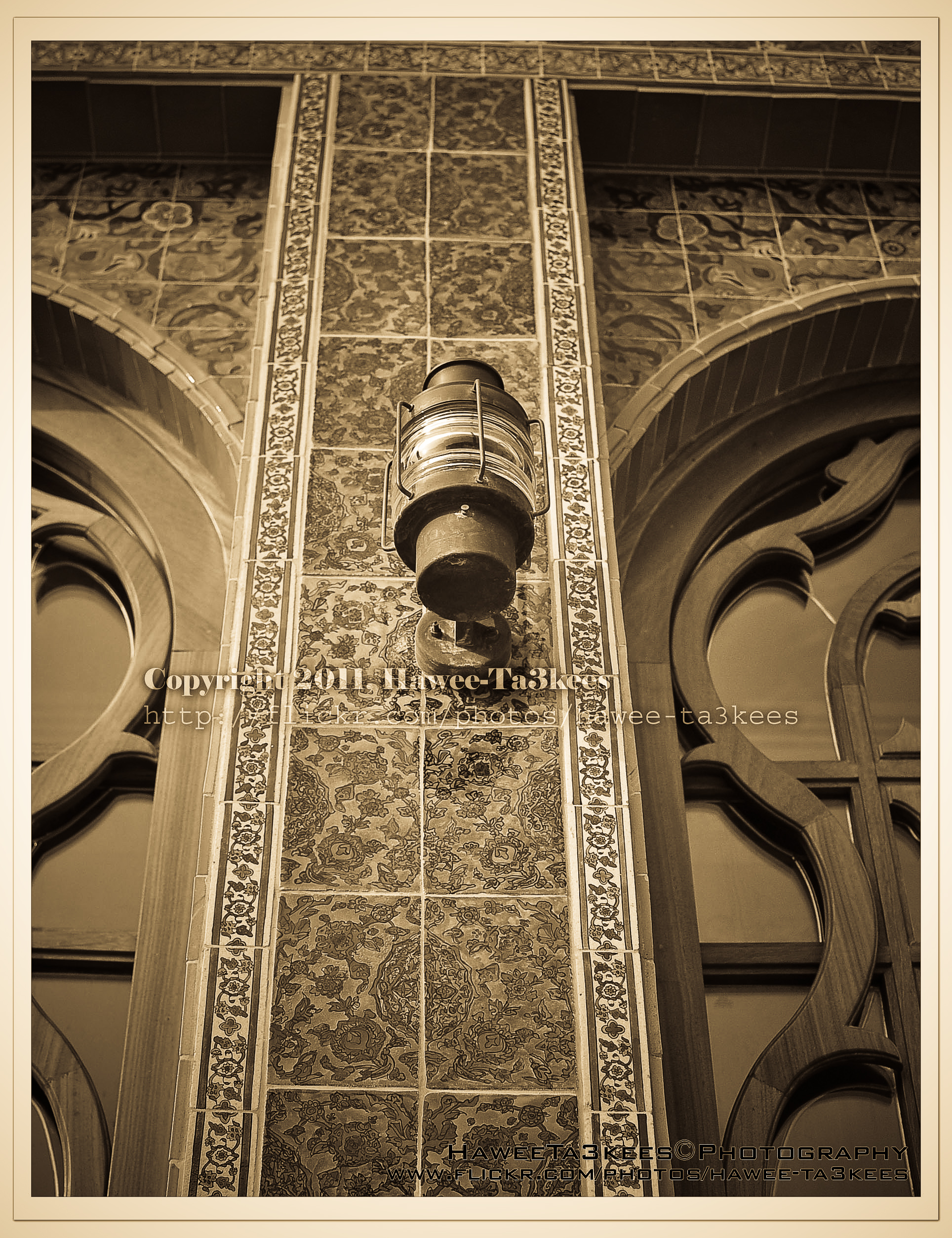
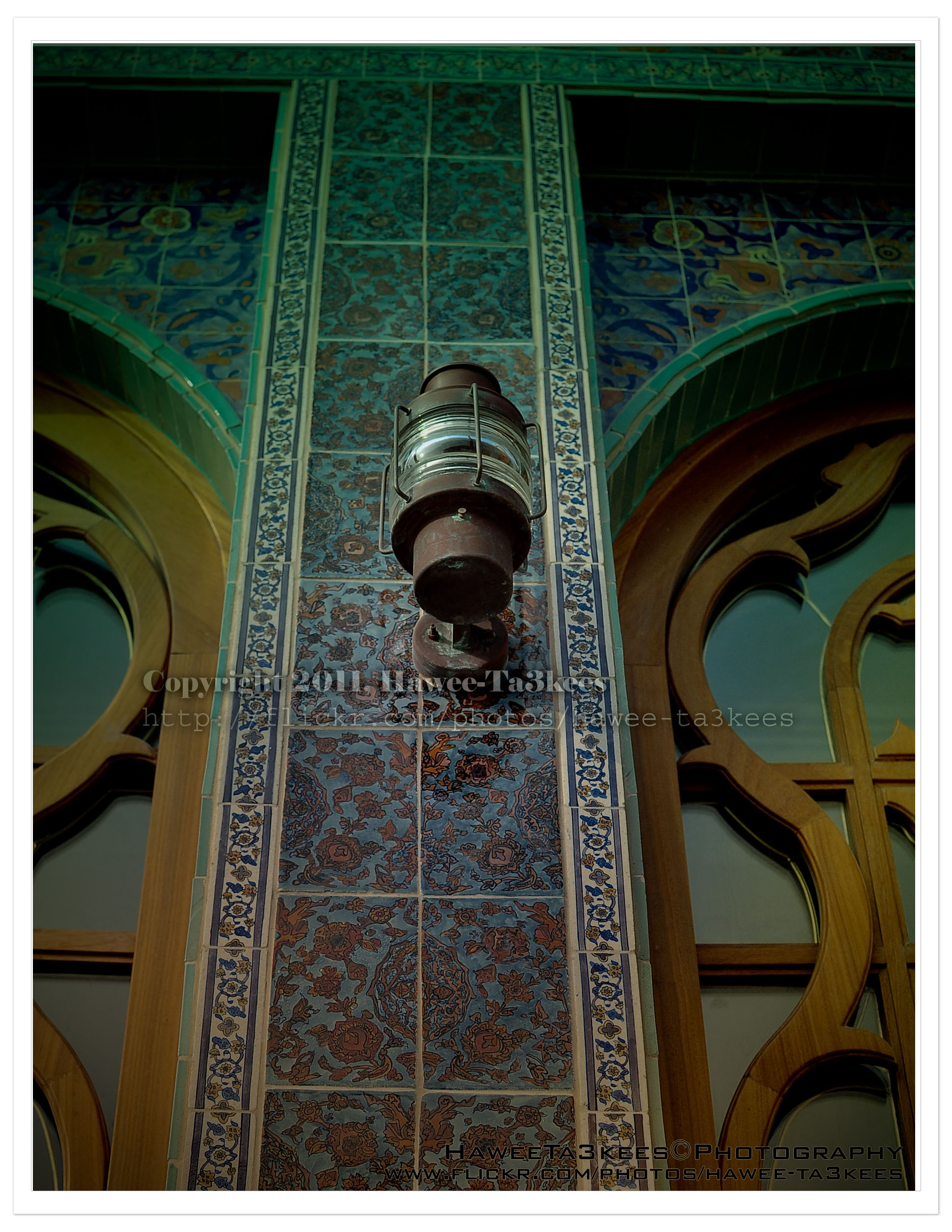
The Mosque in KATARA after Adobe LightRoom effect..
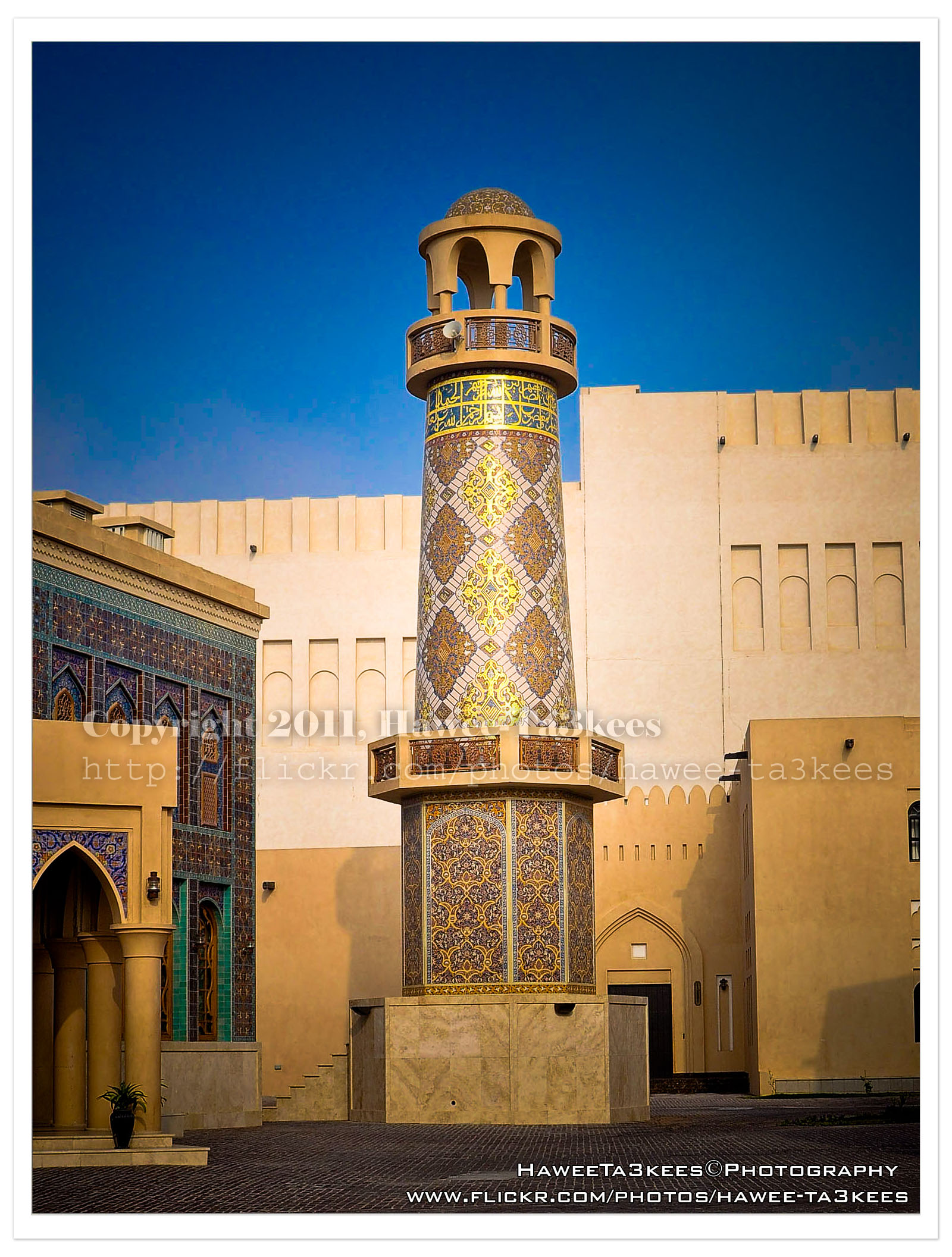
This photo is for the Mosque in KATARA after adding some Adobe LightRoom effects. [Click the image to enlarge]
To see it before the LightRoom effects Click Here..
Before & After Adobe LightRoom
Adobe LightRoom is a great tool to add some light/shadow effects and to the image, you may add colored lights or take the capture to the B/W channel.
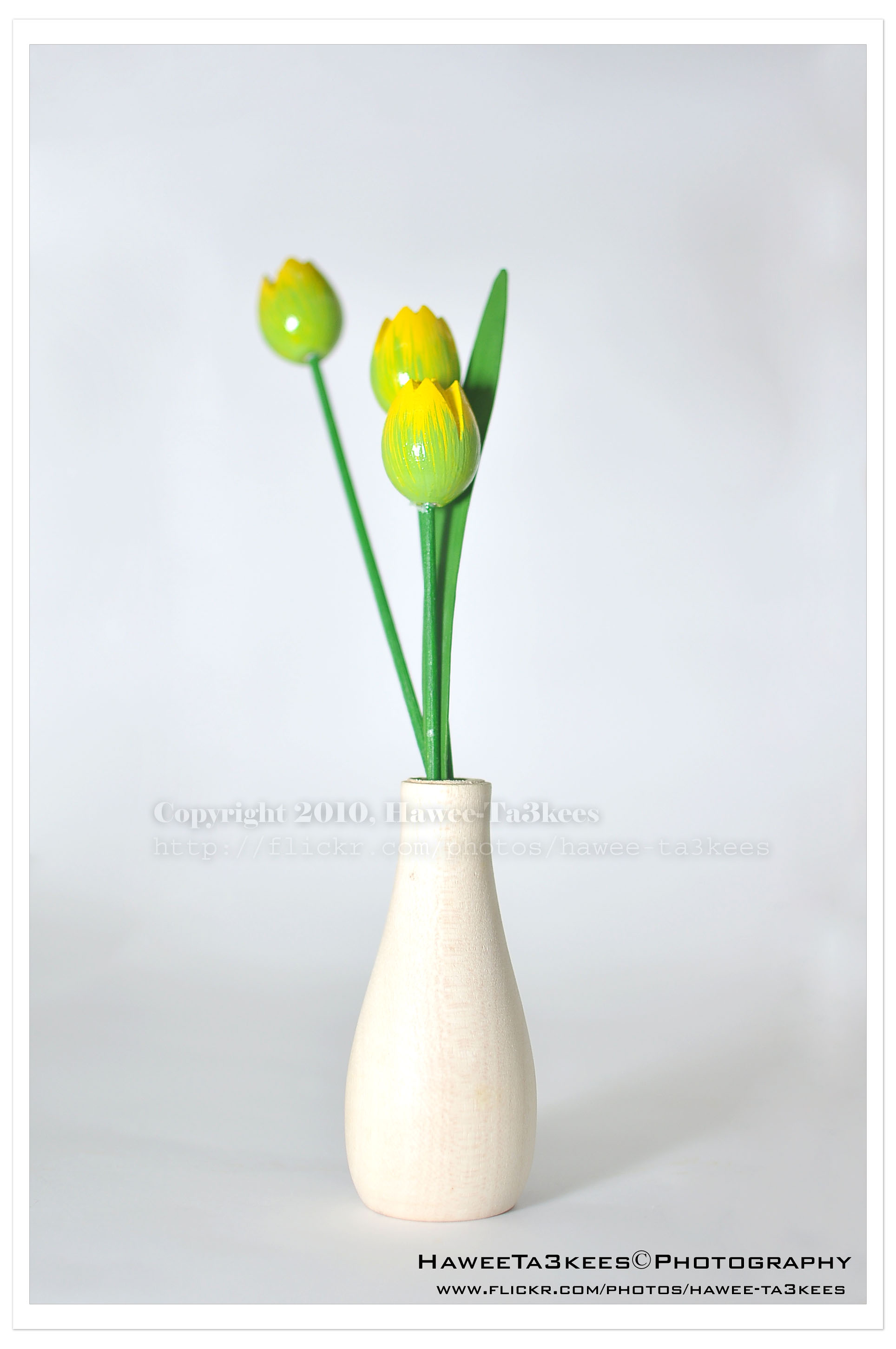
Here is a shot of a wooden flower vase in my lightBox.The first one is before the LightRoom effect, the light source is from the Nikon SB900 speed light. [Click the image to enlarge]
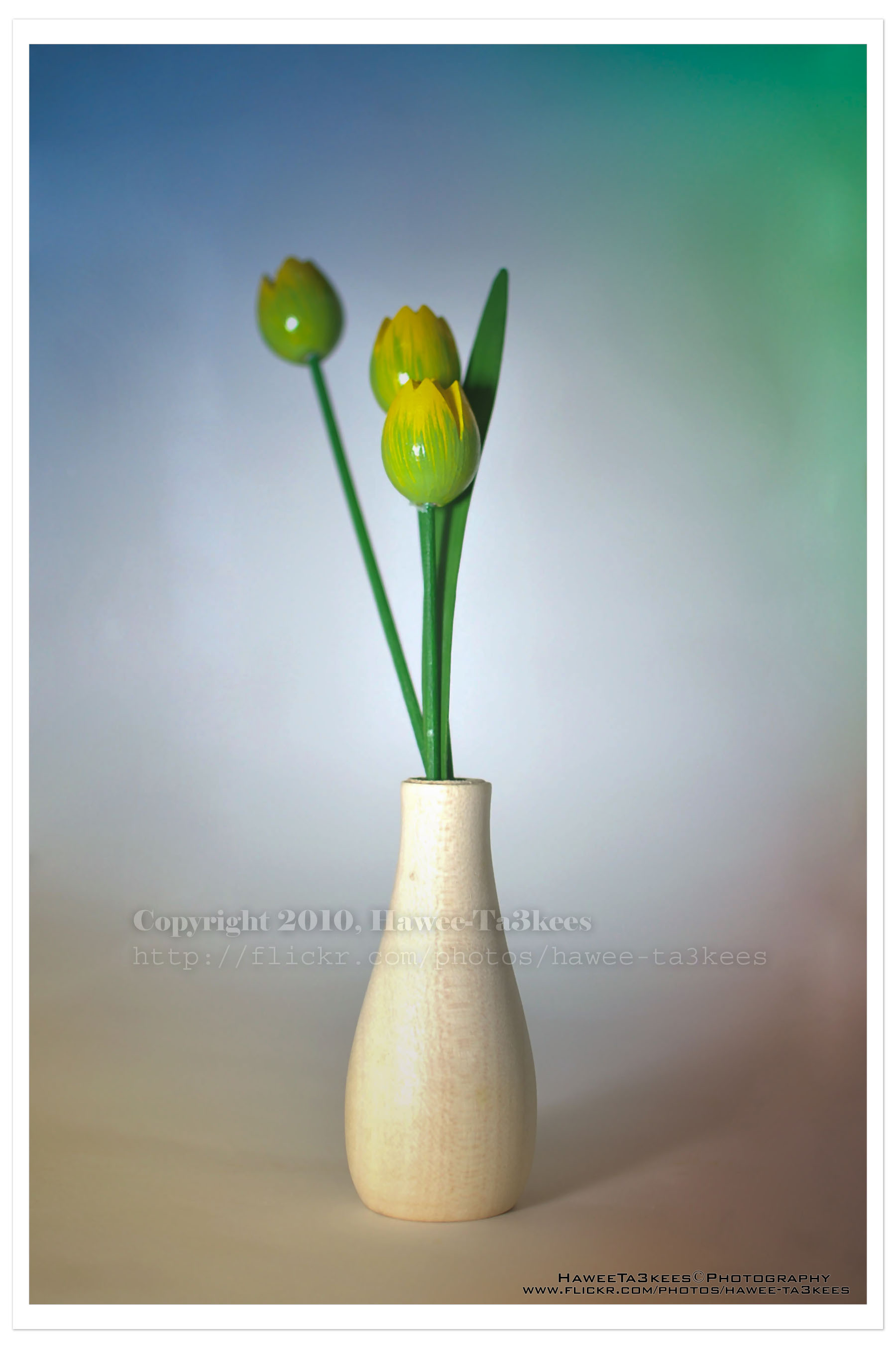
In this shot (same subject) I add four lights with colors in LightRoom, and some shadows.[Click the image to enlarge]
Adobe LightRoom
Adobe LightRoom:
[Last Update: 27-03-2010]

for this photo, you can see the studio and the HomeMade LightBox… Click Here

For more photos visit my Flickr .. Hawee-Ta3kees
Ali,
Water Splash
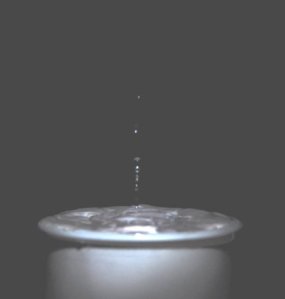
More in my Flickr site Hawee – Ta3kees

Taking pictures is not my main daily practices, but when i start playing with my camera, i really enjoy my self.
Thanks for visiting my Space..


 Ali's Photography Space...