Archive
Photo Frame by Photoshop Action..#5
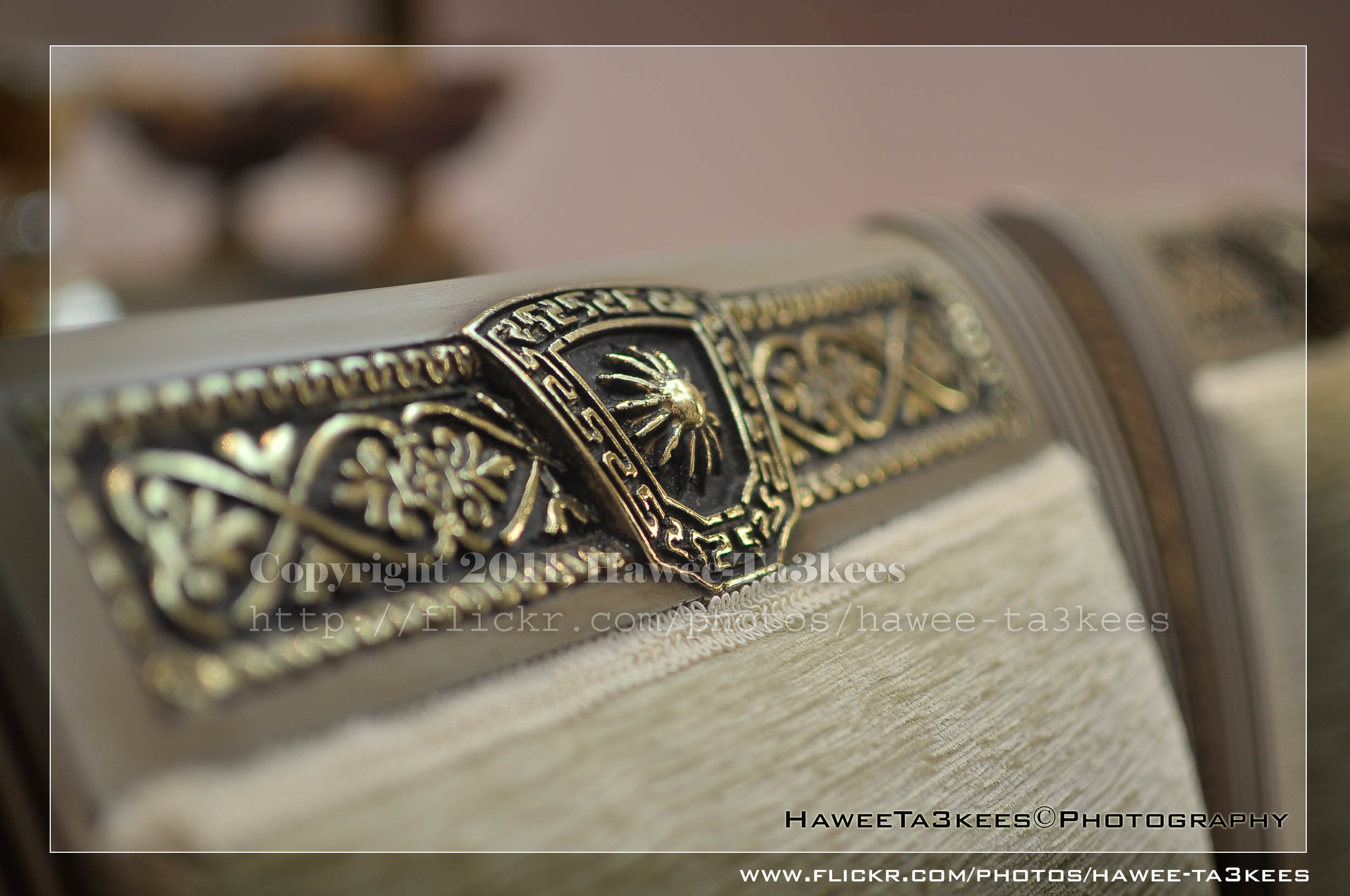
In this Action the file will be resized to 2500W, 0.5cm border will be selected and copied to new layer with multiply blinding mode finally white border the image will resized (about 0.5cm), New layer will be Created with two rectangular one as out border and the second is just bigger than the image.
Name: Simple Dark.
Download: Download the File from the Photoshop Actions in my “Download Section“
Result: [Click the image to enlarge]
Instruction:
– Un-ZIP the file.
– Copy the file to this folder :[Your Drive] .. Program Files\Adobe\Photoshop 7.0\Presets\Photoshop Actions
– Open the Photoshop (this sample is for Photoshop 7.0)
– Your image must NOT BE on the background Layer, copy it to new layer first.
For How to open an action file in Photoshop Click Here..
Tea Set @ Lightbox..
This is a black-gold Tea set on my kitchen shelf, i just bring it down and move my camera around it with my Nikon 35mm lens…. see the result..
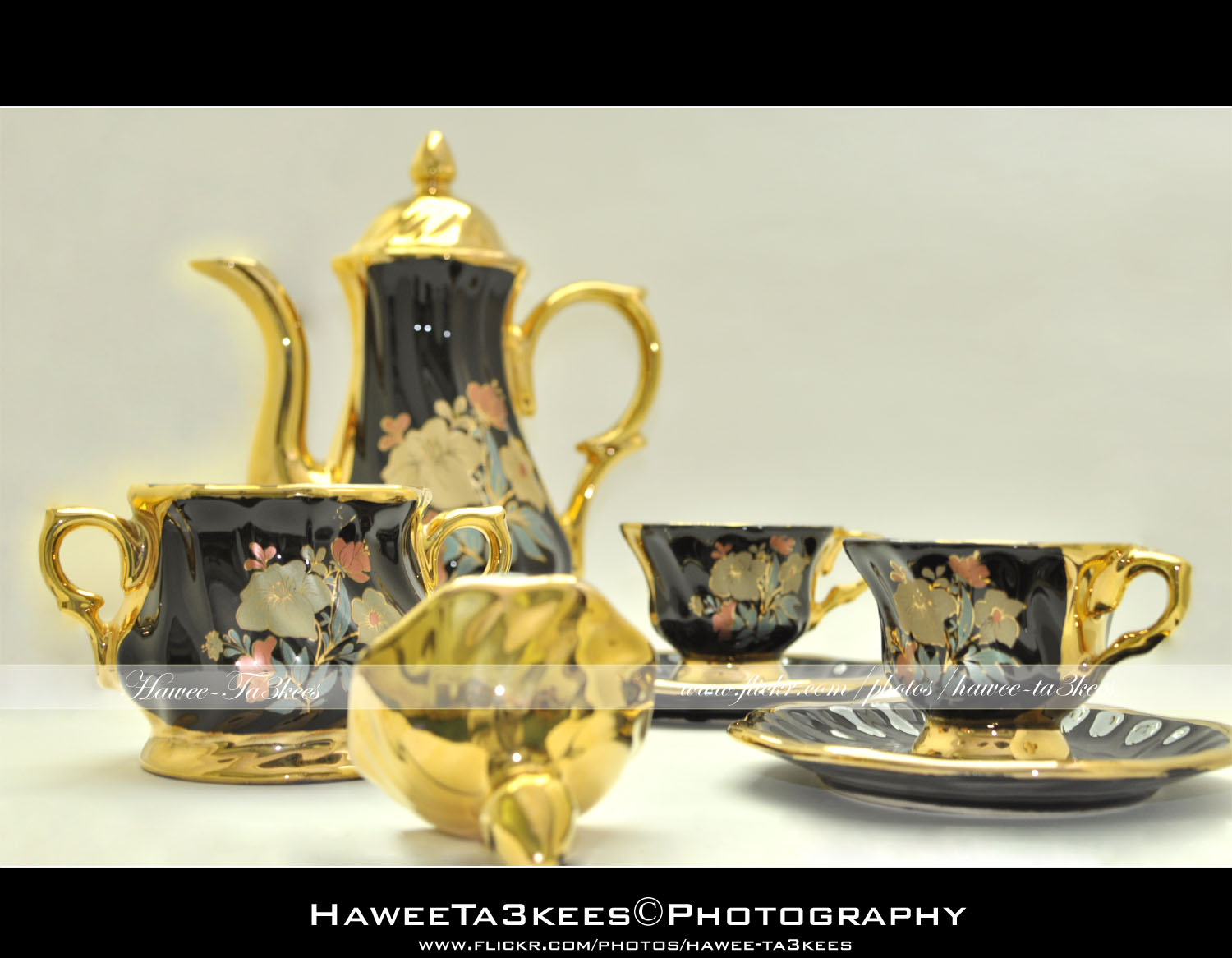
In first photo you can see the tea-cup teapot and sugar bowl.[Click the image to enlarge]
 In this shot i remove the sugar bowl and change the focus point a little..[Click the image to enlarge]
The Shrimp Meal..
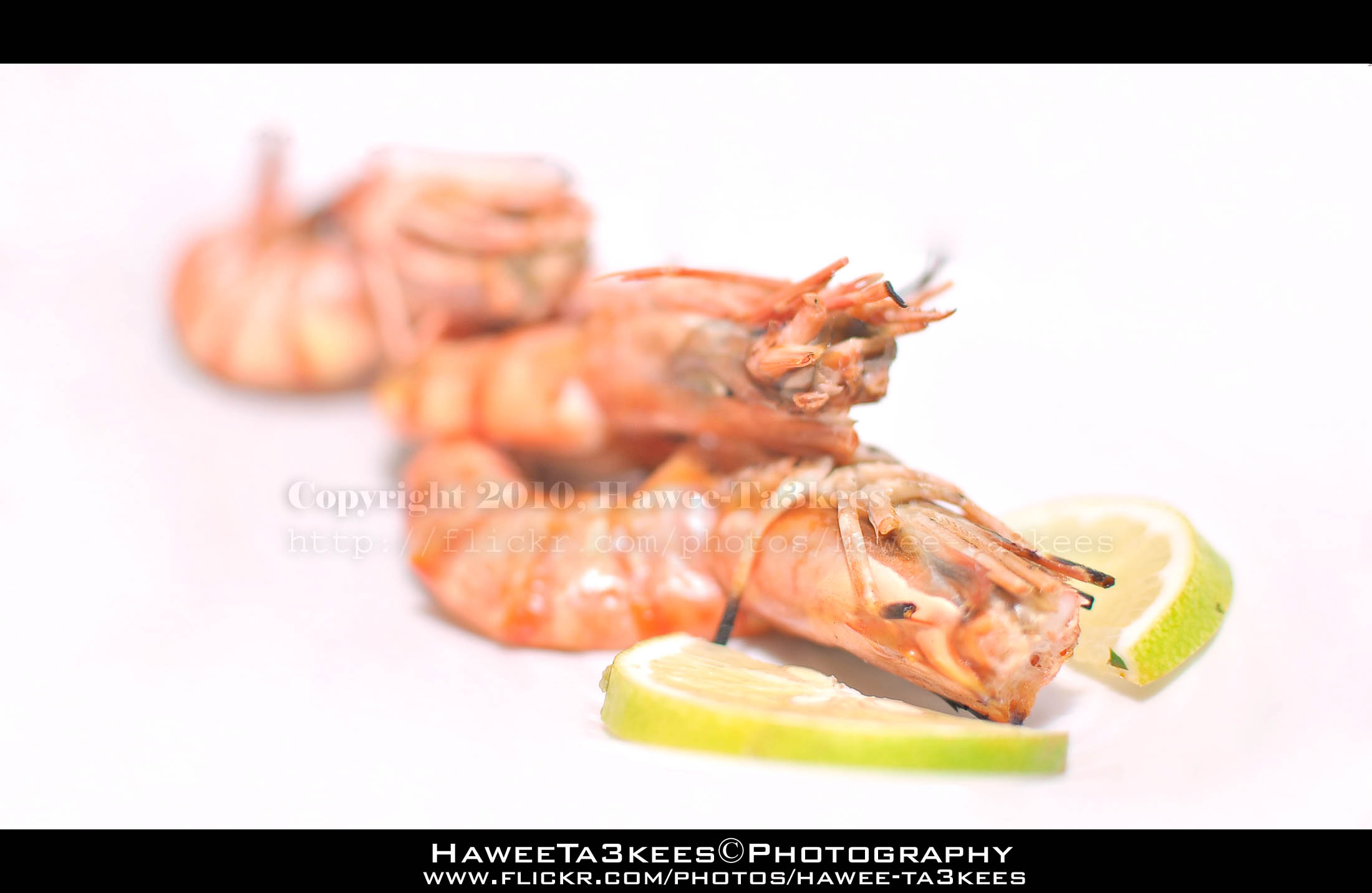
The class Malacostraca contains about half of the crustaceans. The members of this class have a primitive body plan that can be described as shrimp-like, consisting of a 5-8-7 body plan. They have a small carapace that encloses the head and the thorax, and have a muscular abdomen for swimming. They also have a thin exoskeleton to maintain a light weight. These general characters are common in all members of the class.[Click the image to enlarge]
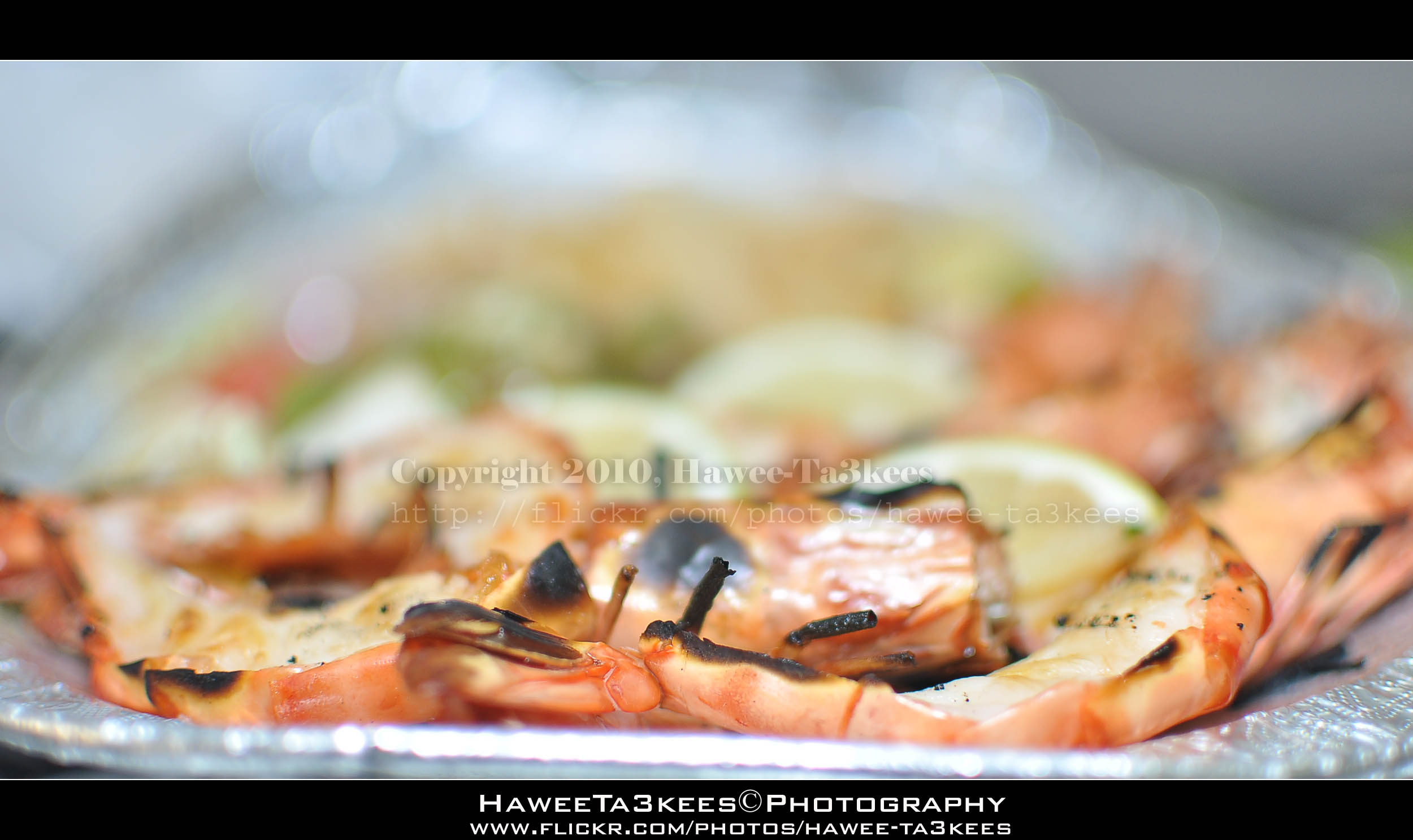
Shrimp are swimming, decapod crustaceans classified in the infraorder Caridea, found widely around the world in both fresh and salt water. Adult shrimp are filter feeding benthic animals living close to the bottom. They can live in schools and can swim rapidly backwards. Shrimp are an important food source for larger animals from fish to whales. They have a high tolerance to toxins in polluted areas, and may contribute to high toxin levels in their predators. Together with prawns, shrimp are widely caught and farmed for human consumption.[Click the image to enlarge]
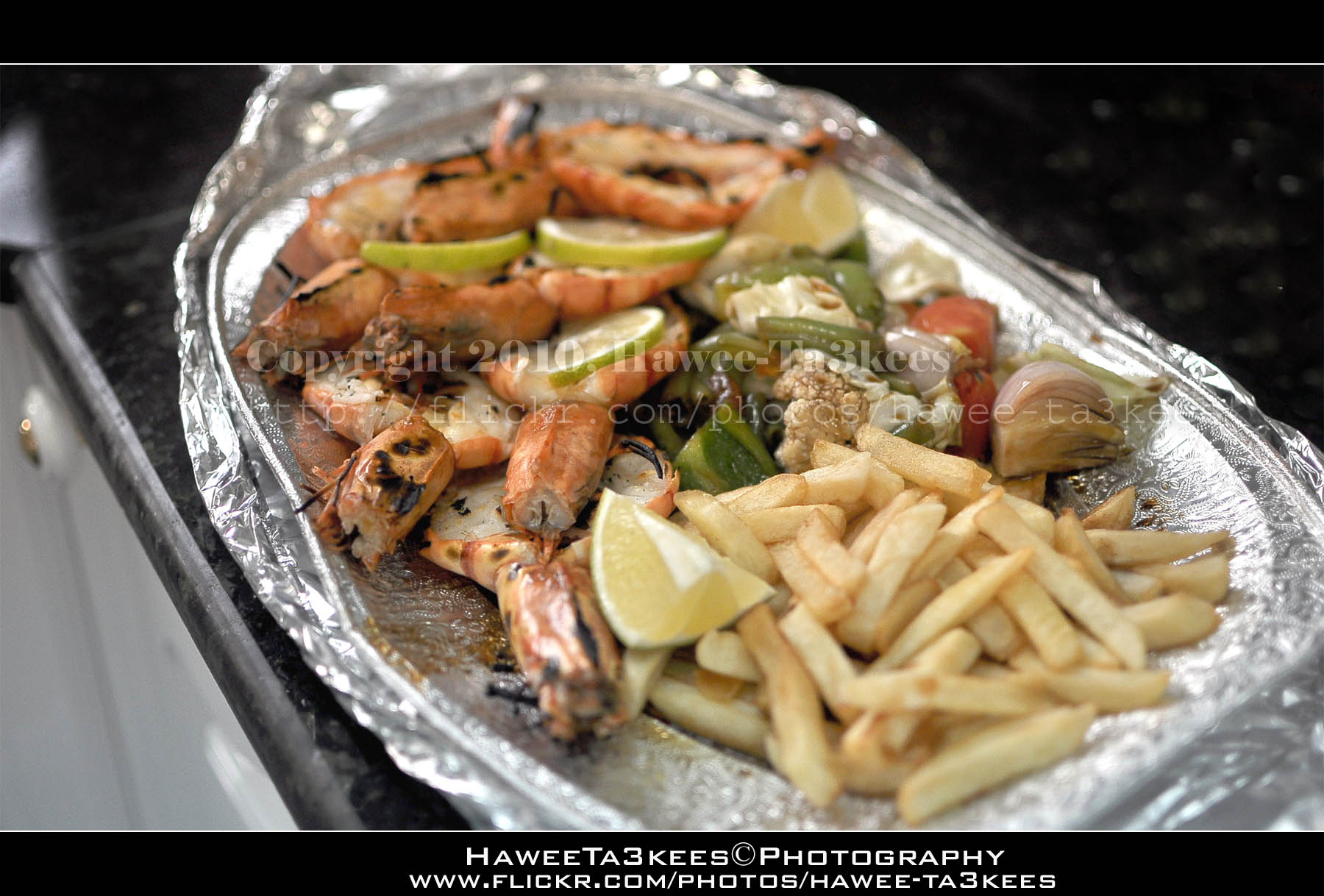
A Shrimp Meal with French fries and some sauteed vegetables like Broccoli, Peppers and some Onion
mmm .. look at this..[Click the image to enlarge]
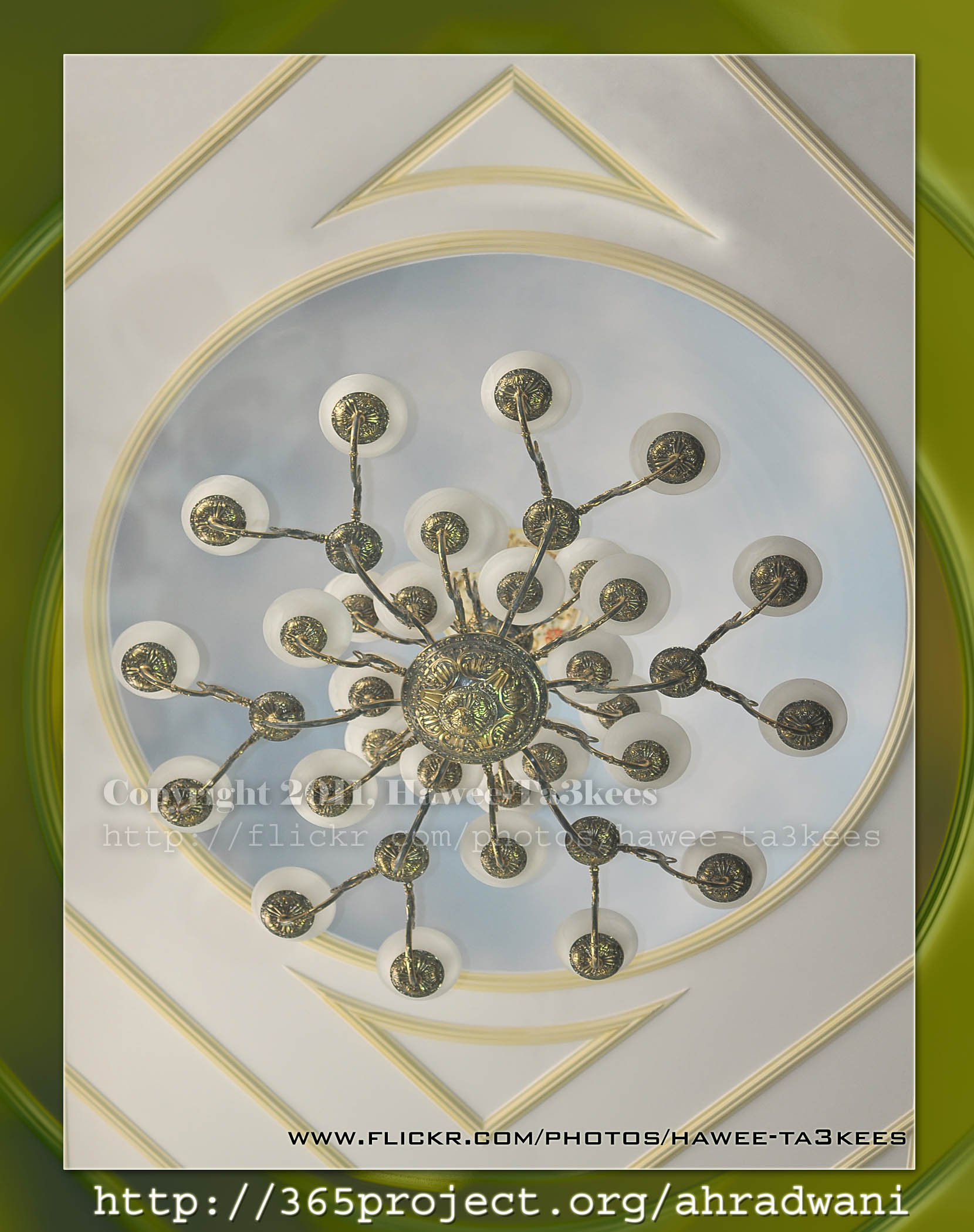
The Chandelier
This Chandelier in the living room in my house it is around 5meter from the ground, i used Nikon D90 Nikon 35mm lens to take this capture. This shot is one of my 365Project photos..[Click the image to enlarge]
The Moon
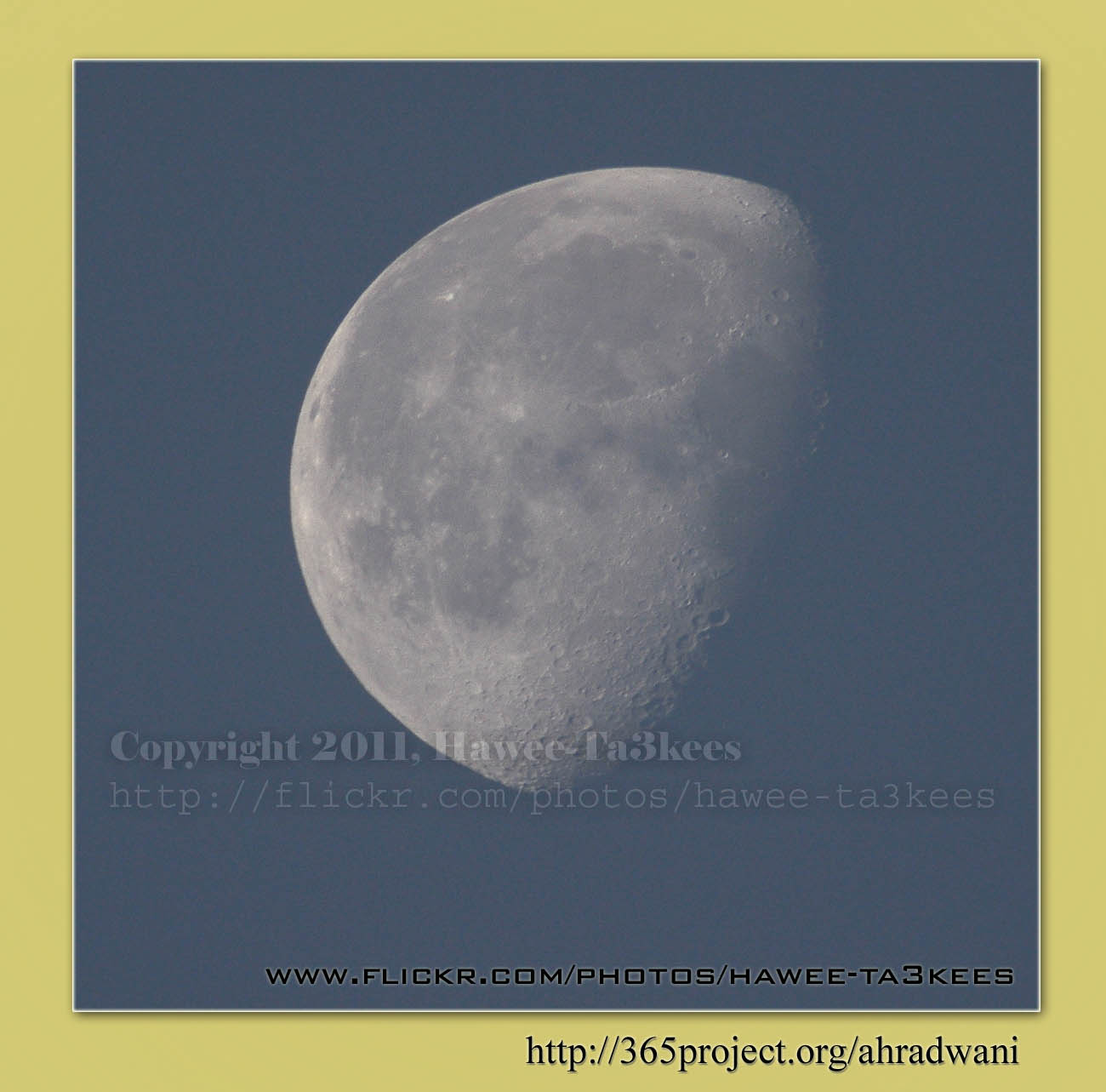
This is my Day 4 photo in the 365Project, i used Nikon D90, Sigma 50-500mm with x2 teleconverter, when you use teleconverter you will lose 2f stop so you may need more lights. More Moons on my flickr.
Canon Coffee Mug..
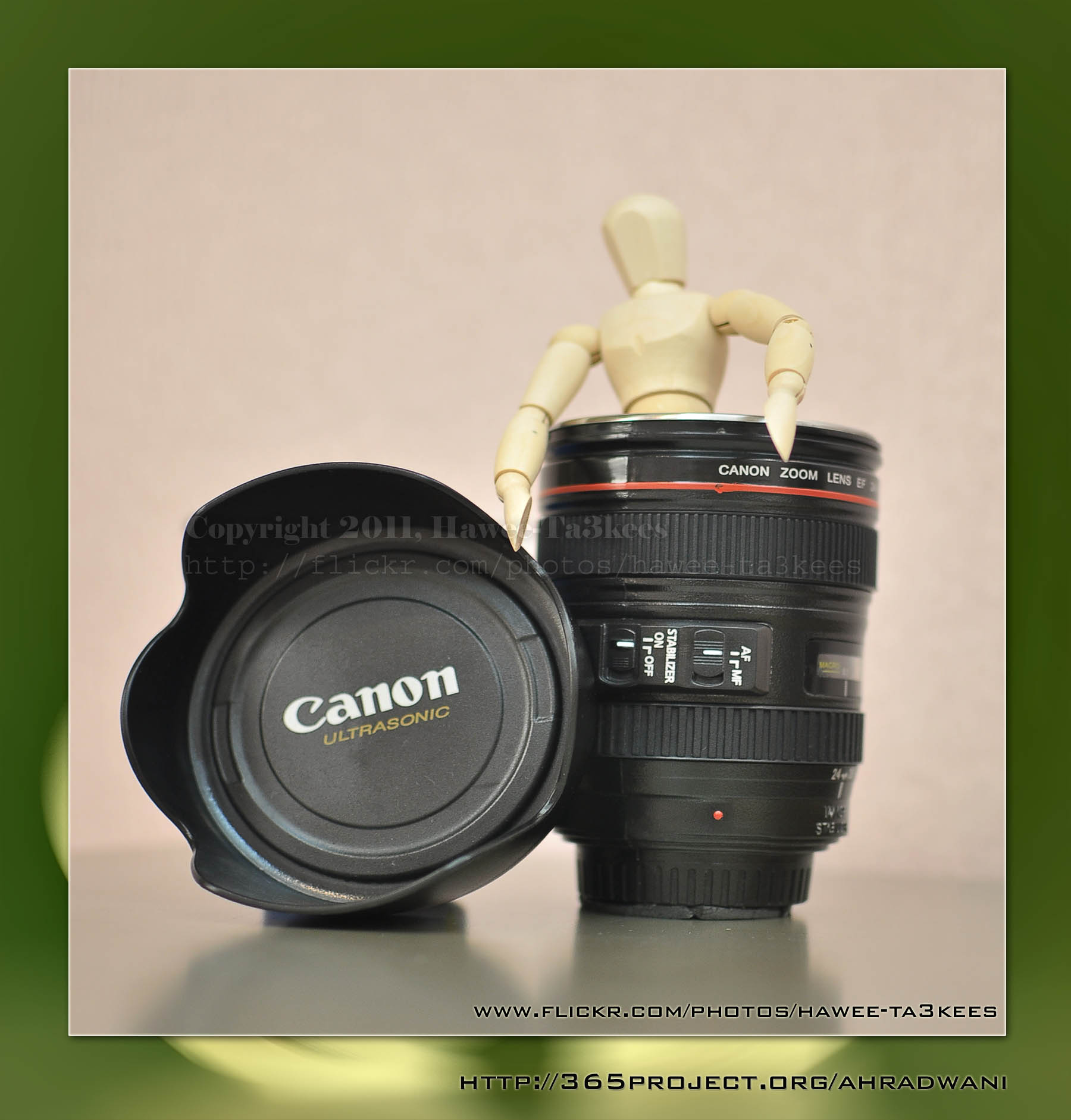
I am a Nikon user but i fond this Mug on the amazon.com, there was also Nikon’s but loved this for it’s size, it is a Canon Lens mug as same size as the original 24-105mm IS Lens with Lens Hood. Very cool, stainless steel inside.
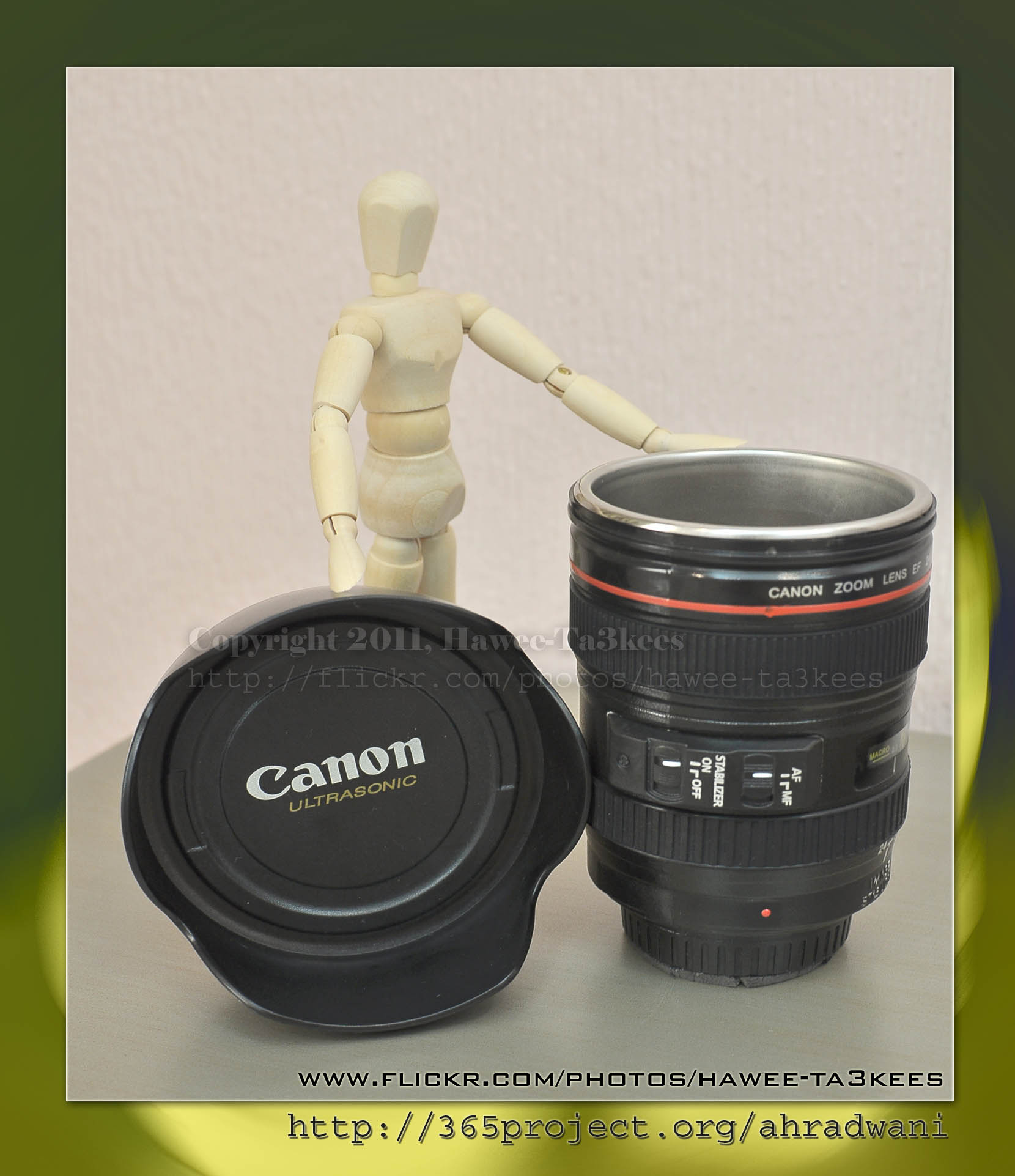
More photos on My Flickr, or Visit the 365Project
Ali,
Photo Frame by Photoshop Action..#4
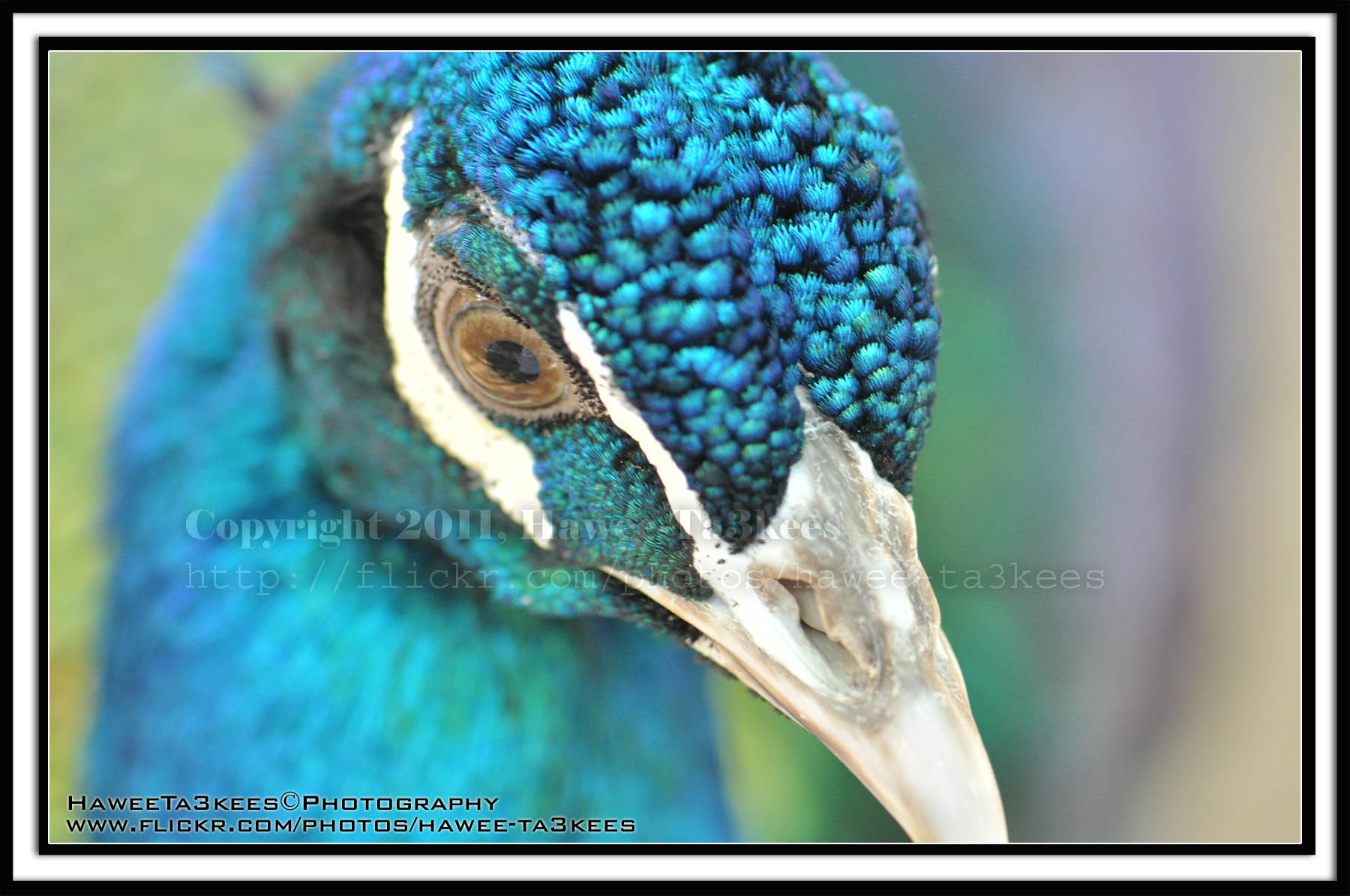
In this Action the file will be resized to 2500W and the image will resized (about 1cm), New layer will be Created with two rectangular one as out border and the second is just bigger than the image.
Name: Double Black.
Download: Download the File from the Photoshop Actions in my “Download Section“
Result: [Click the image to enlarge]
Instruction:
– Un-ZIP the file.
– Copy the file to this folder :[Your Drive] .. Program Files\Adobe\Photoshop 7.0\Presets\Photoshop Actions
– Open the Photoshop (this sample is for Photoshop 7.0)
– Your image must NOT BE on the background Layer, copy it to new layer first.
For How to open an action file in Photoshop Click Here..
First water splash session
This is the first splash session i start it on 18 February 2009..See more of water splash in my flickr, Click Here
[Click the image to enlarge]
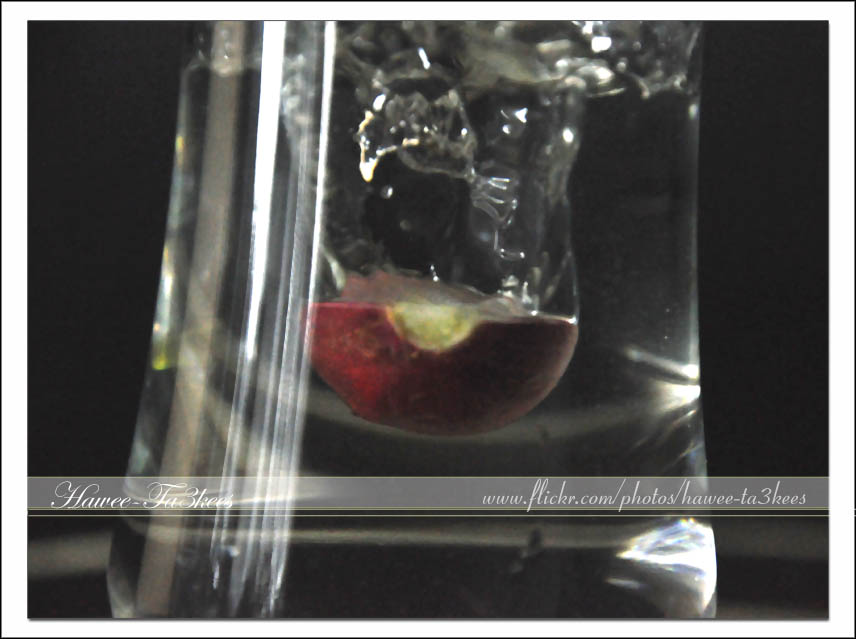
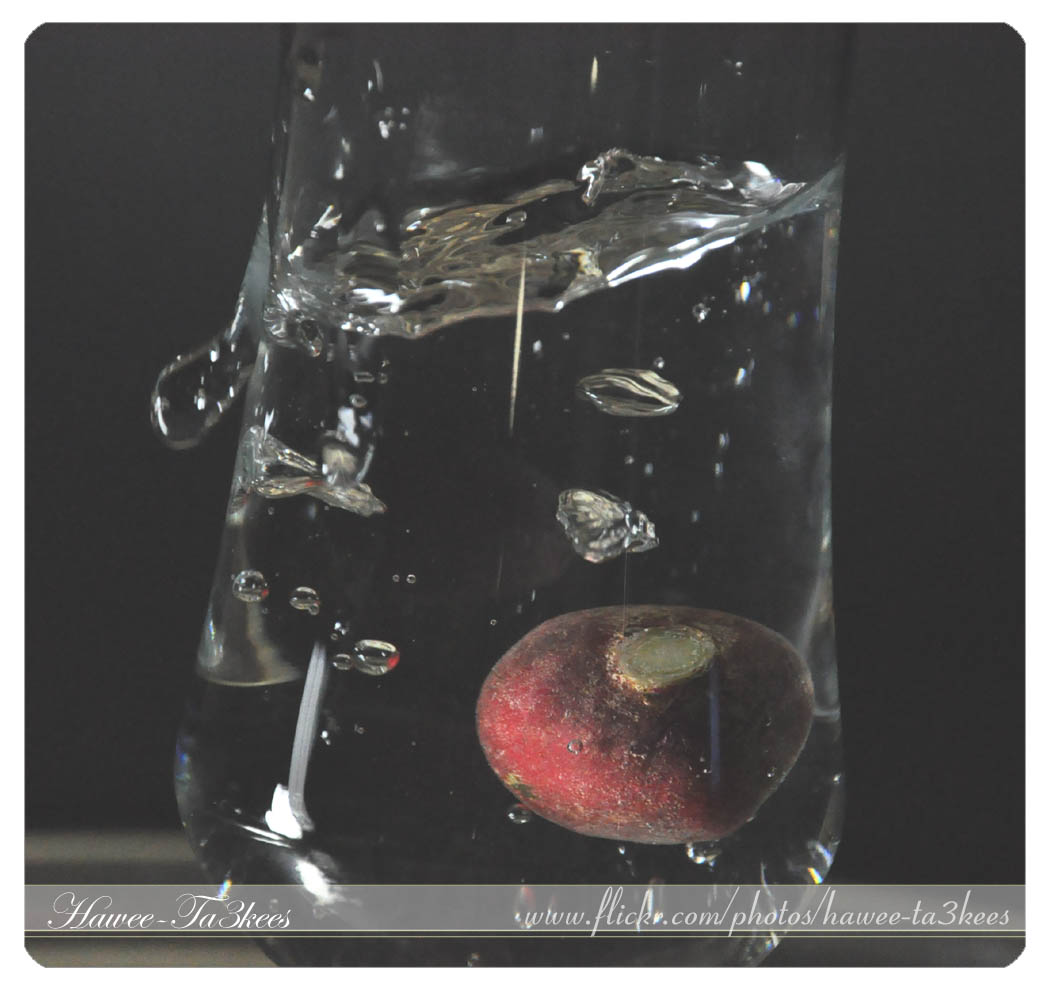
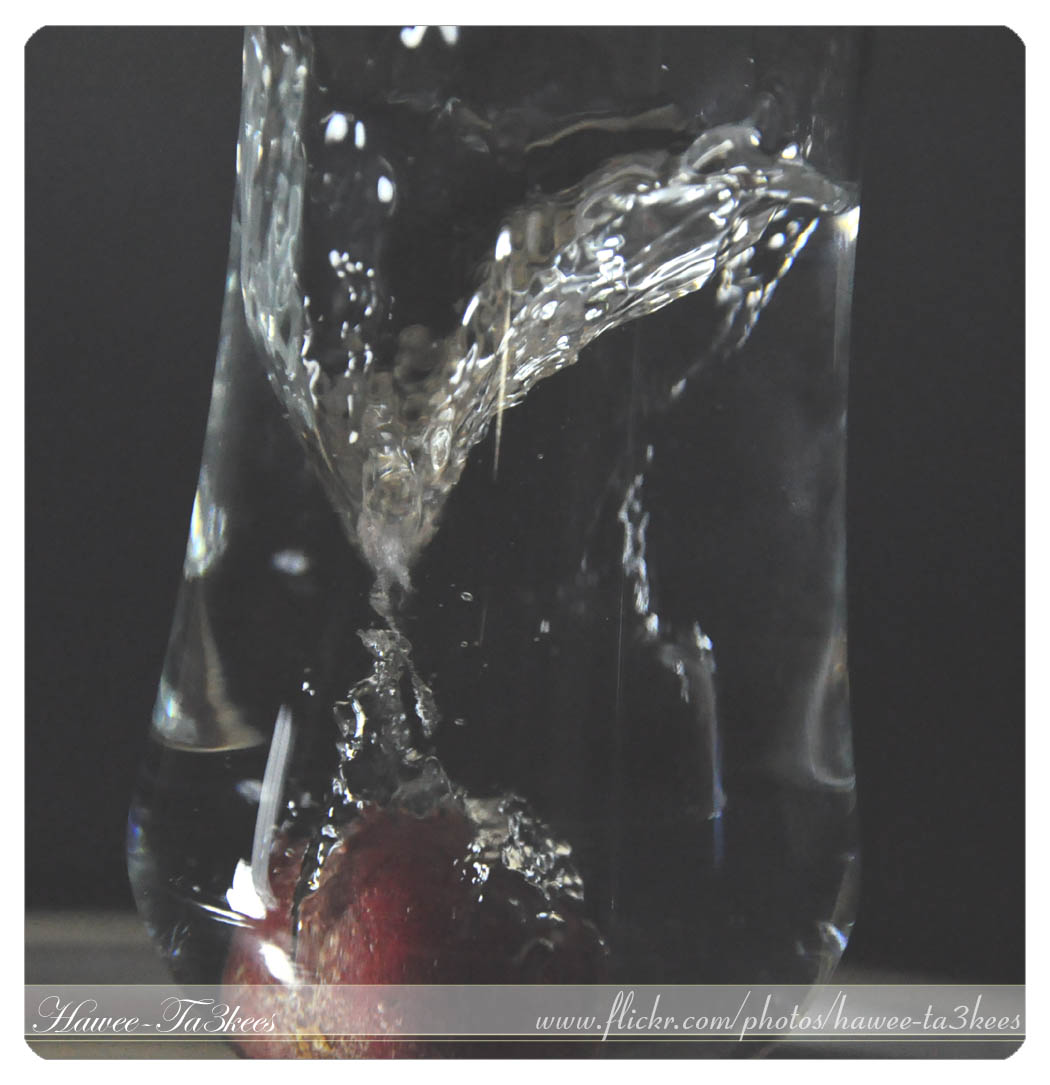
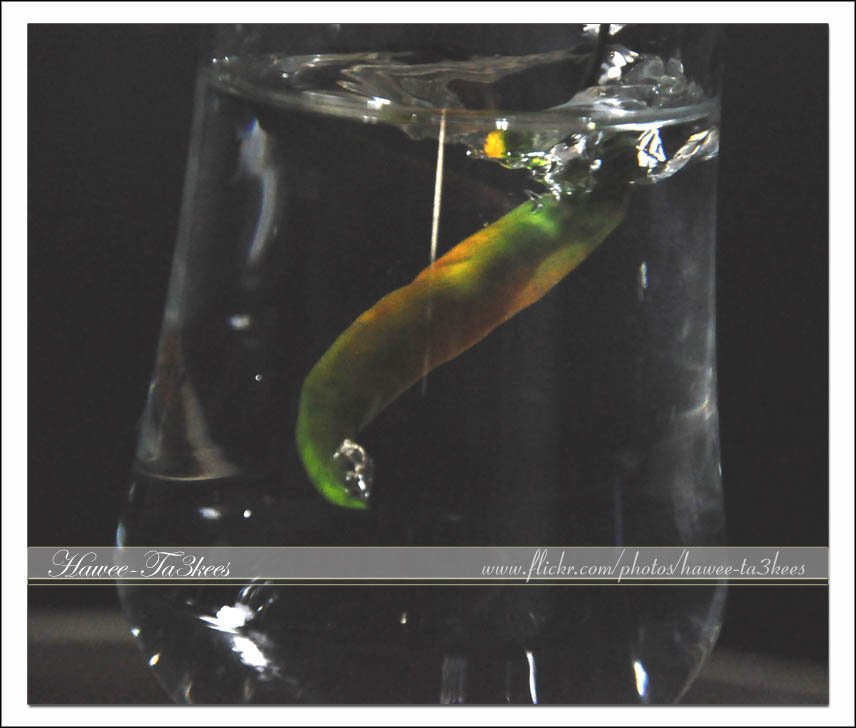
See more of water splash in my flickr, Click Here
Photo Frame by Photoshop Action..#3
In this Action the file will be resized to 2500W, layer will be duplicated and resized, the Radial Blur effect will applied on the first layer, new layer filled with gray color and mode to be: Difference.
Name: Difference RadialBlur Frame.
Download: Download the File from the Photoshop Actions in my “Download Section“
Result: [Click the image to enlarge]

If you can change the color of the gray layer to yellow (R:251, G:250, B:193) you will get this:
[Click the image to enlarge]
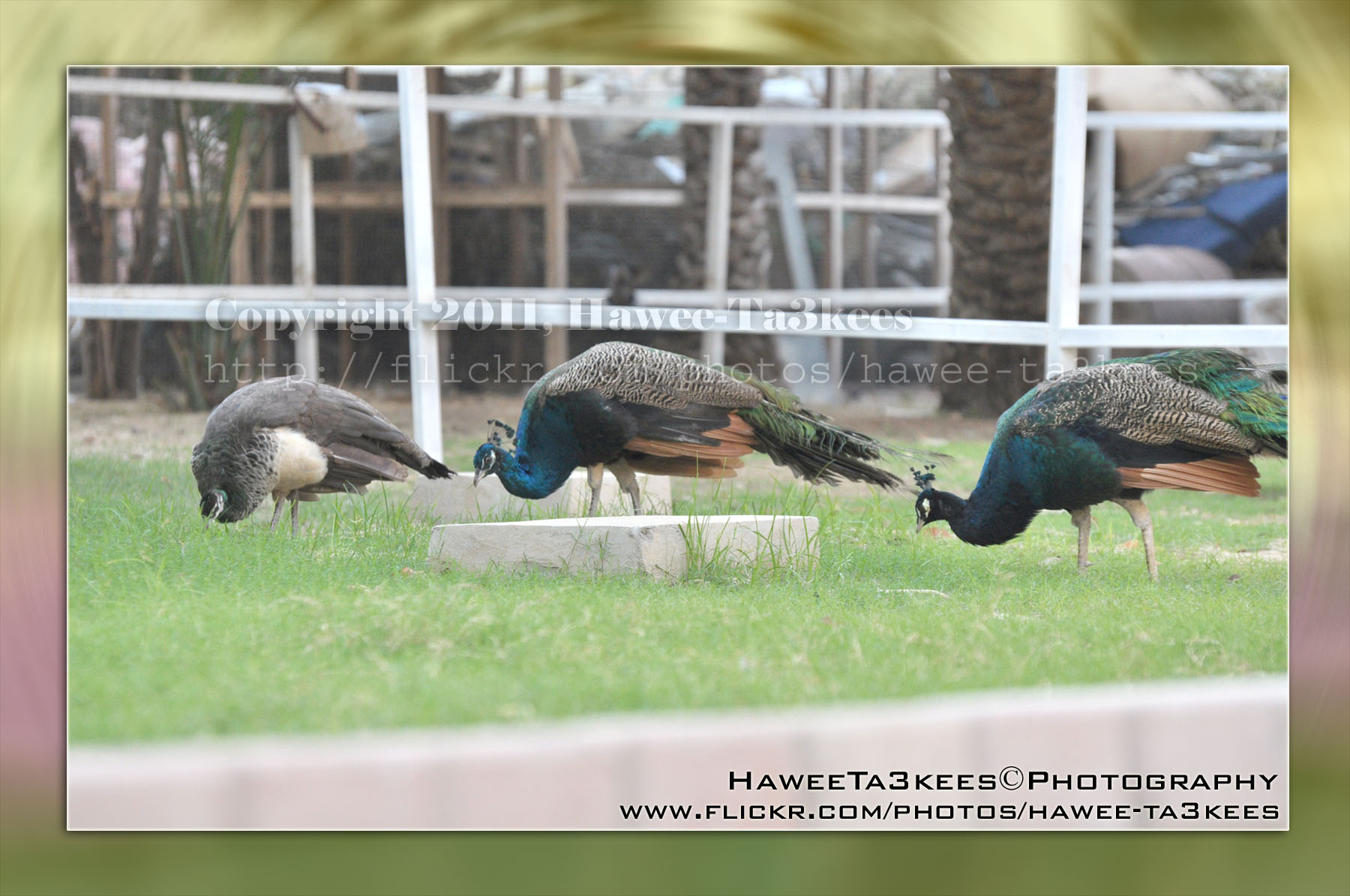
Instruction:
– Un-ZIP the file.
– Copy the file to this folder :[Your Drive] .. Program Files\Adobe\Photoshop 7.0\Presets\Photoshop Actions
– Open the Photoshop (this sample is for Photoshop 7.0)
– Your image must NOT BE on the background Layer, copy it to new layer first.
For How to open an action file in Photoshop Click Here..
Photo Frame by Photoshop Action..#2
In this Action the file will be resized to 2500W, Black rectangular will be drown another yellow (olive) rectangular bigger than the black.
Name: Golden Black Frame.
Download: Download the File from the Photoshop Actions in my “Download Section“
Result: [Click the image to enlarge]
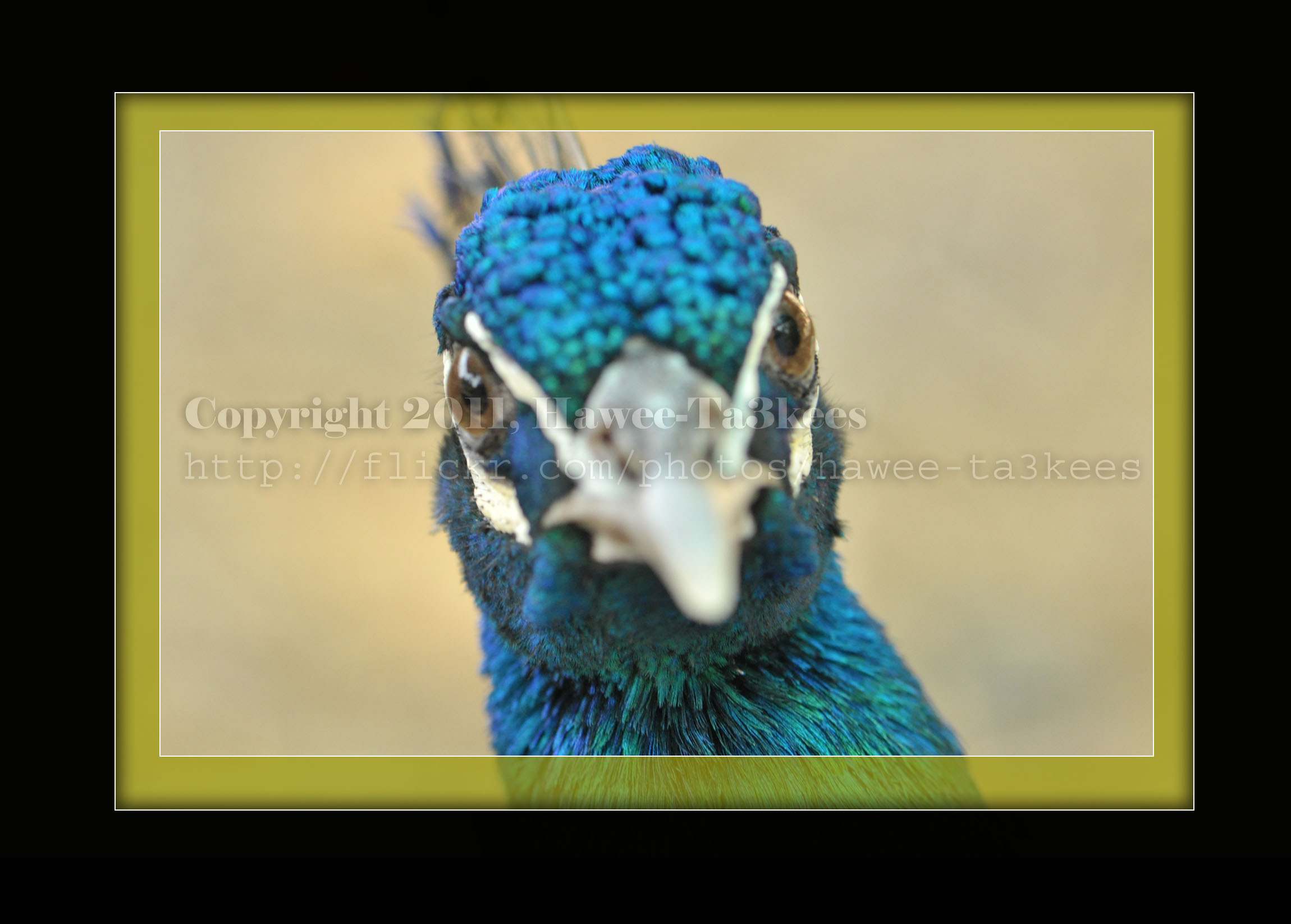
Instruction:
– Un-ZIP the file.
– Copy the file to this folder :[Your Drive] .. Program Files\Adobe\Photoshop 7.0\Presets\Photoshop Actions
– Open the Photoshop (this sample is for Photoshop 7.0)
– Your image must NOT BE on the background Layer, copy it to new layer first.
For How to open an action file in Photoshop Click Here..

Taking pictures is not my main daily practices, but when i start playing with my camera, i really enjoy my self.
Thanks for visiting my Space..


 Ali's Photography Space...