Archive
Macro on Flower
Macro is my best photography subject and i am using Nikon 105mm lens for my Macro photos, here is one of my Macro On Flower session. This photo is from London 2010 trip.
[Click the image to enlarge]
.:Camera Setting :.
Model = NIKON D90
Exposure Time = 1/200″
F Number = F10
Exposure Program = Manual
ISO Speed Ratings = 400
Flash = Off
Focal Length = 105mm
Ali,
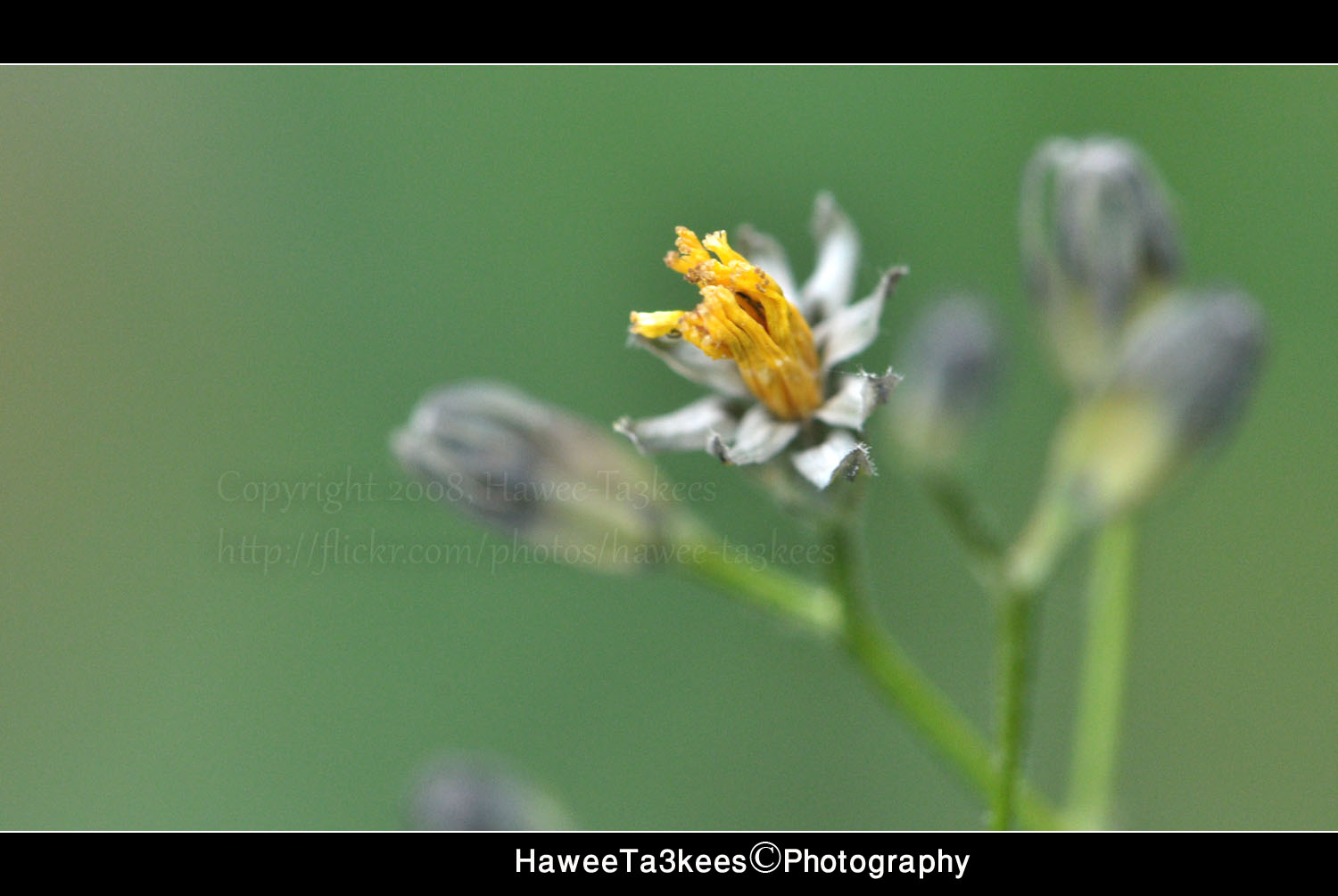
Macro on Yellow Flower..
A small yellow flowers are almost every ware in England, here is a macro shot of one were in background you can see others that still not opened.

[Click to Enlarge]
:{Camera Setting }:
Model : NIKON D90
Exposure Time : 1/200
F Number : F10
Exposure Program : Manual
Date Time Original : 2010-07-01 12:35:08
Flash : Off
Focal Length : Nikon 105mm macro lens
Ali,
Macor on Mulberry
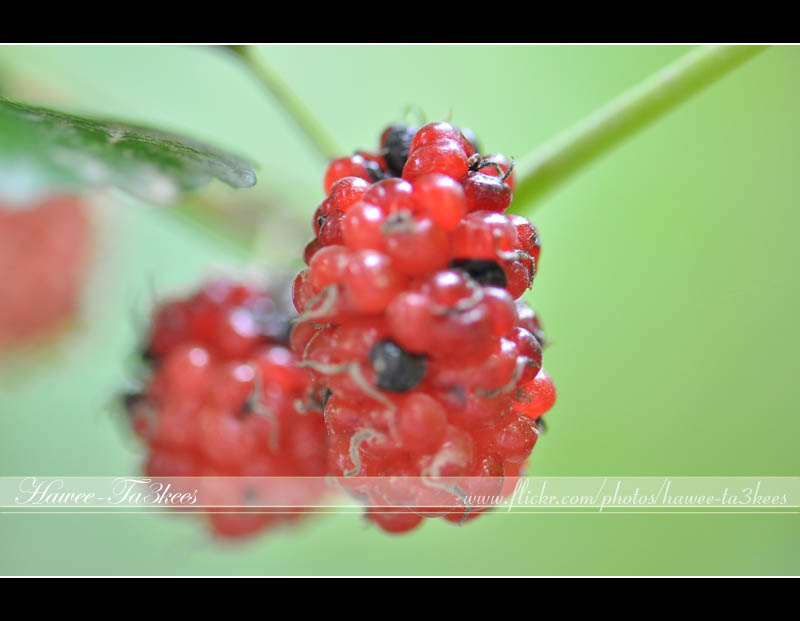
This is one of my macro photos back to 2009 when I was plying with my new Nikon 105mm macro lens it is a Red Mulberry.
Here is the camera setting..
Camera: Nikon D90
Exposure: 0.006 sec (1/160)
Aperture: f/3.5
Focal Length: 105 mm .. [Nikon 105mm Macro lens]
ISO Speed: 1000
Exposure Bias: 0 EV
Flash: No Flash
Ali,
Macro on Flowers..
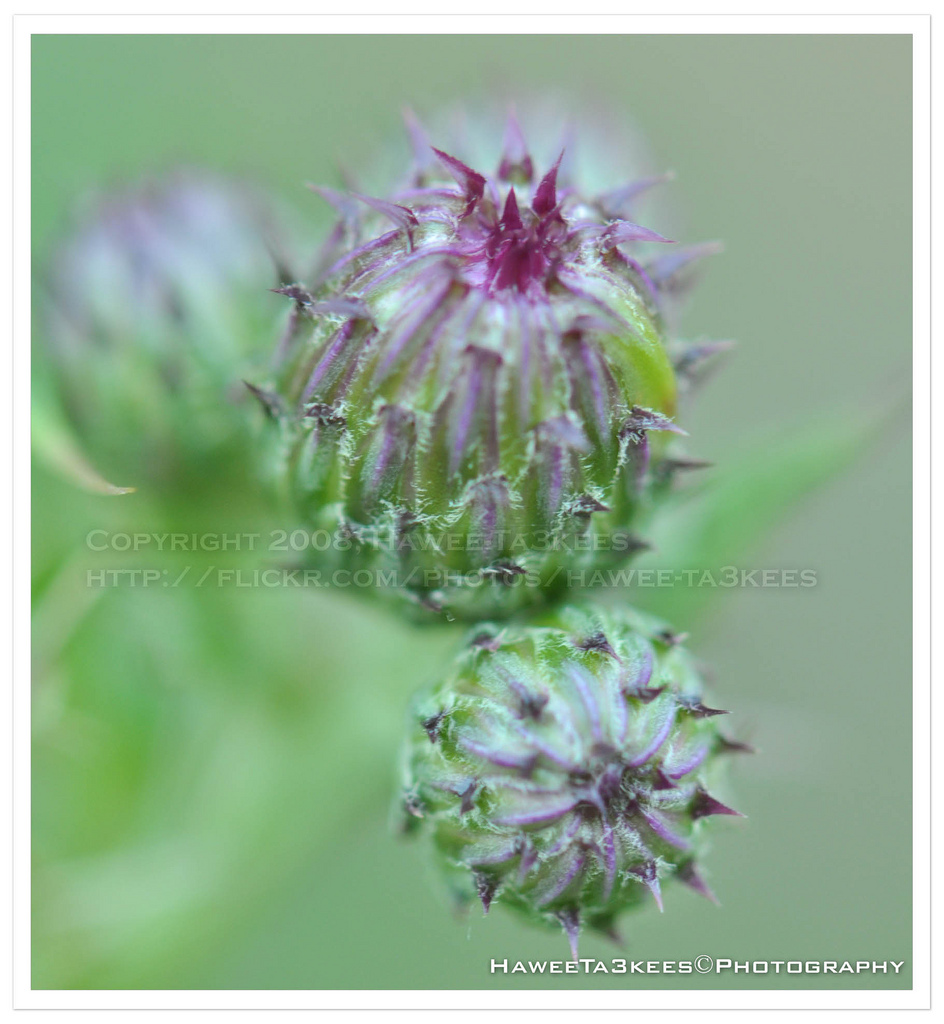
Macro photography is one of my favorite subjects, usually i am using my Nikon 105mm macro lens; with this lens it’s prefer to use a tripod for better focus, in some time i fond that Nikon 35mm lens with f/1.8 and after cropping the image you may get a good result.Here is a photo of a flower back to my last journey to London in 2010, (the water mark on the photo showing 2008 because i forgot to change it), I hope you like it..
Camera Setting
Camera Nikon D90
Exposure 0.008 sec (1/125)
Aperture f/7.1
Focal Length 105 mm [Nikon 105mm VR Macro]
ISO Speed 400
Exposure Bias+2/3 EV
Flash No Flash
[Click the image to enlarge..]
Ali,
Macro on ‘Pierre Cardin’
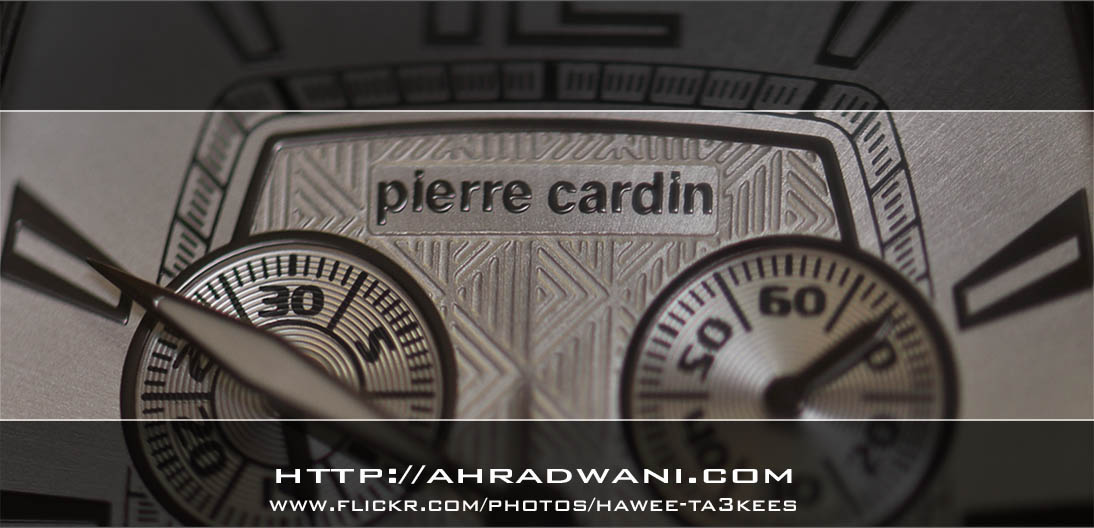
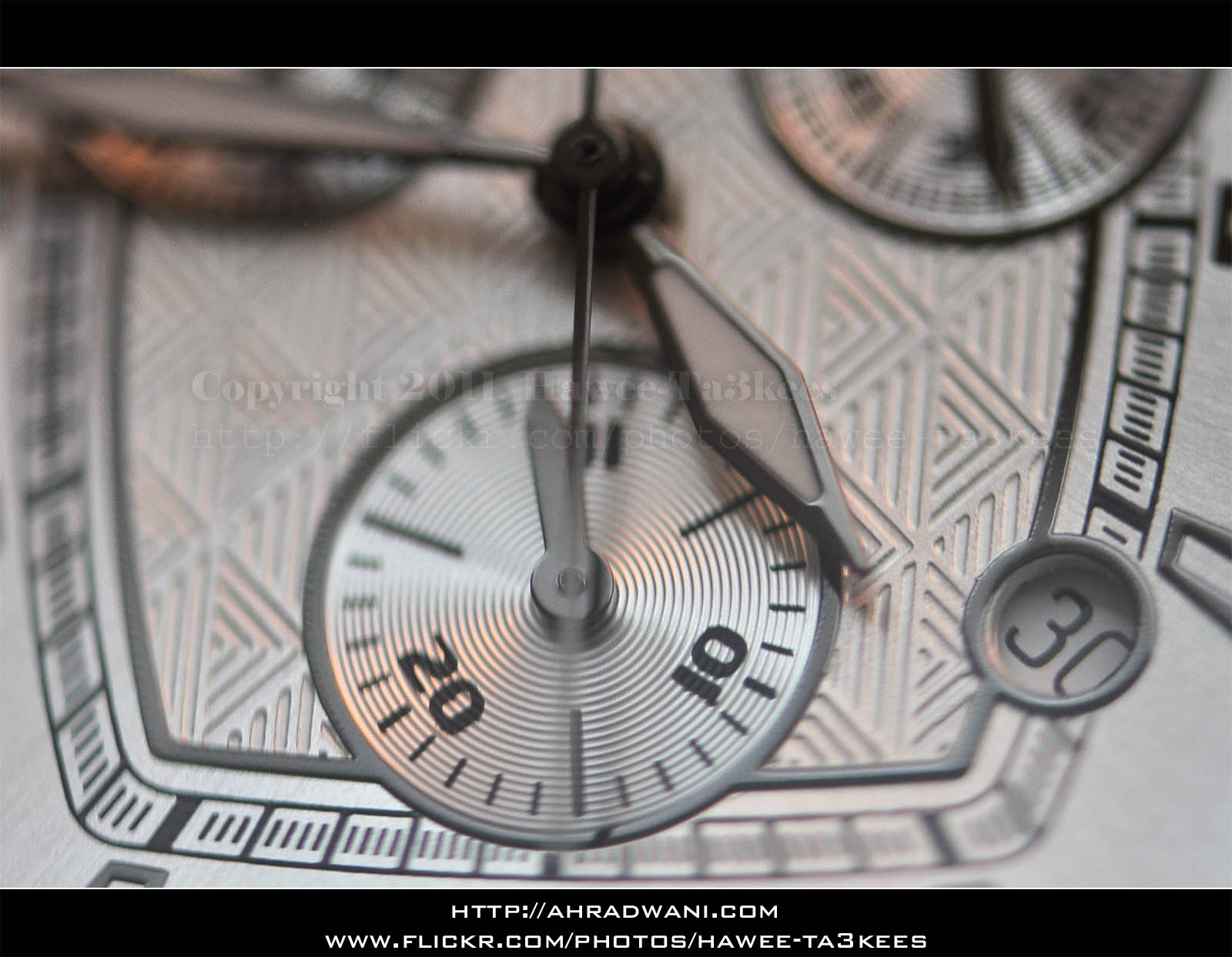
This is a Macro shot on a ‘Pierre Cardin’ Watch, i used my Nikon 105mm Macro lens with the camera flash.
This is the Camera setting for the shot..
Model = NIKON D90
Date Time = 2011-07-30 14:39:22
Exposure Time = 1/60″
F Number = F4.5
Exposure Program = Manual
Exposure Bias Value = +5EV
Max Aperture Value = F4.29
Flash = Flash fired, compulsory flash mode, return light not detected
Focal Length = 105mm
Exposure Mode = Manual exposure
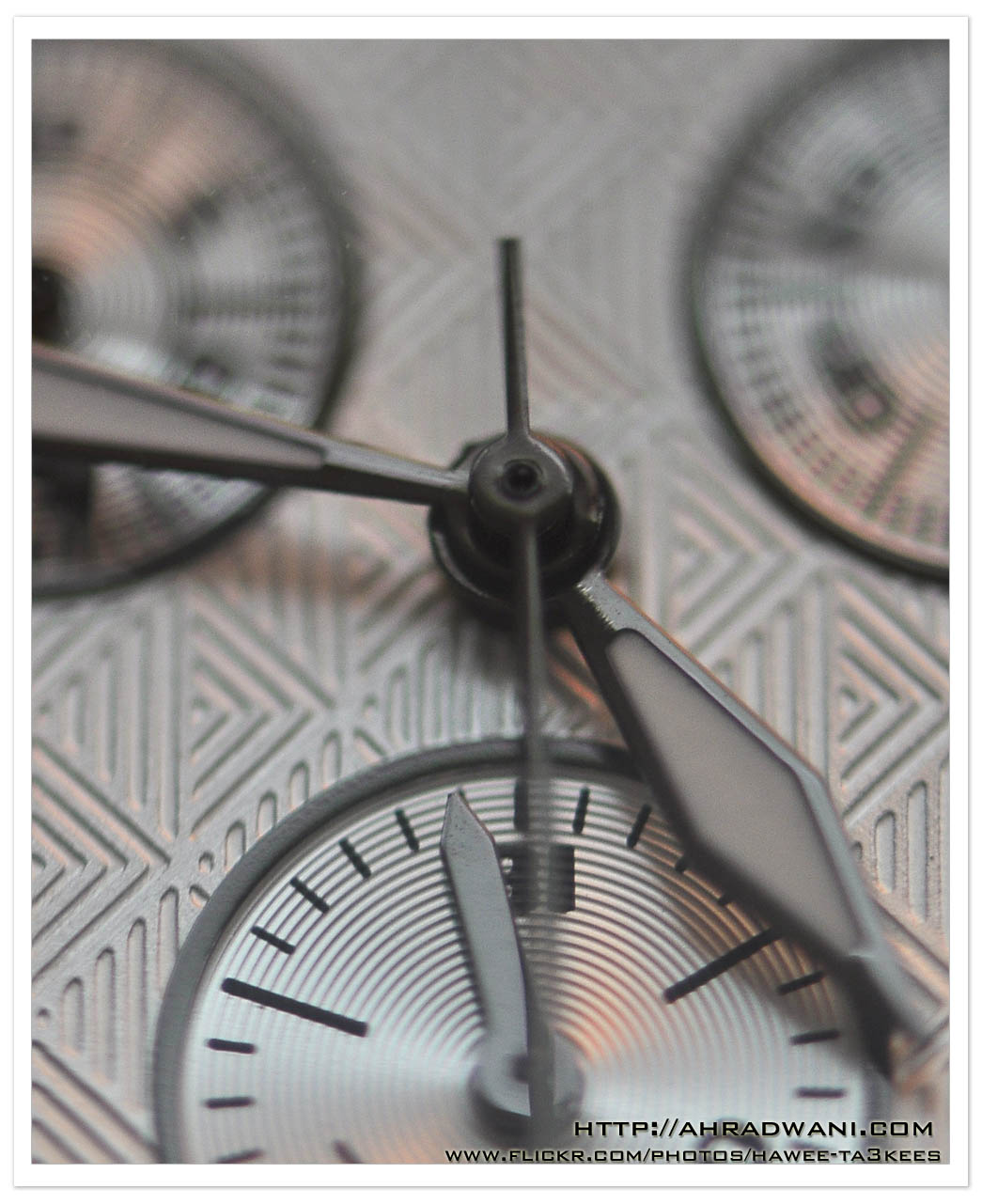
Here are another two shots ..[Click the image to enlarge]
Convert the Negative to JPG Files..
We all have lots of old file camera Negatives lots of them are for impotent occasions, we may want to digitalize them for more secure saving or using them in ‘Digital Photo Frame’.
I will list down three ways to Digitalize your Negatives:
1. Take your old Negatives to photo store and they will do the job. 🙂 simple/straight/fast and quality.
2. Buy a new scanner with Negatives adapter.
3. Do it @ home without scanner. How to?? read this article..
To Convert the old film Negative to JPG Files you need..
- Digital camera with macro lens.
- Home-made Negatives holder.
- Speed light, or any other light source.’Florescent/White‘
- Photoshop application, or any pro. Photo Editor Software.
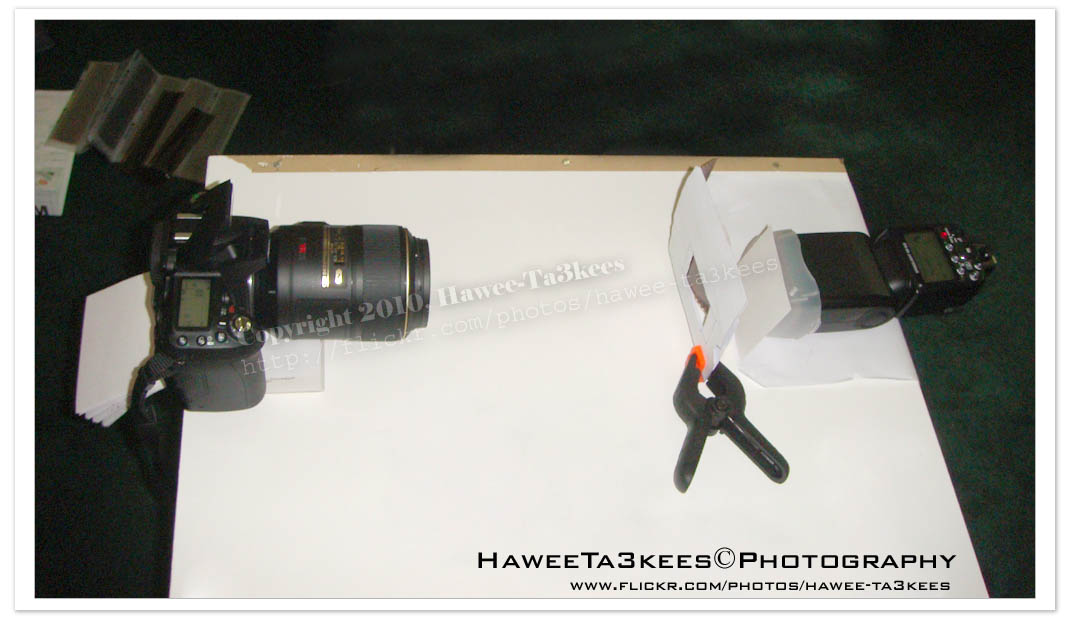
My Studio and what been used..
- Nikon D90.
- Nikon 105mm VR Macro lens.
- Nikon SB900 speedlight.
- My old Negatives. 🙂
- Home-Made Negatives Holder.
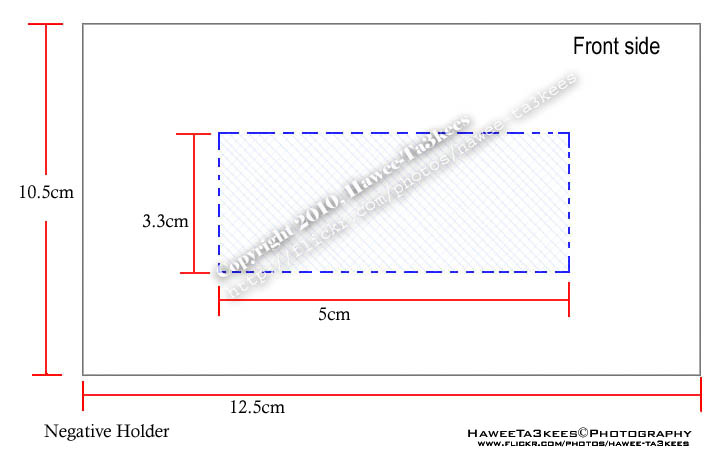
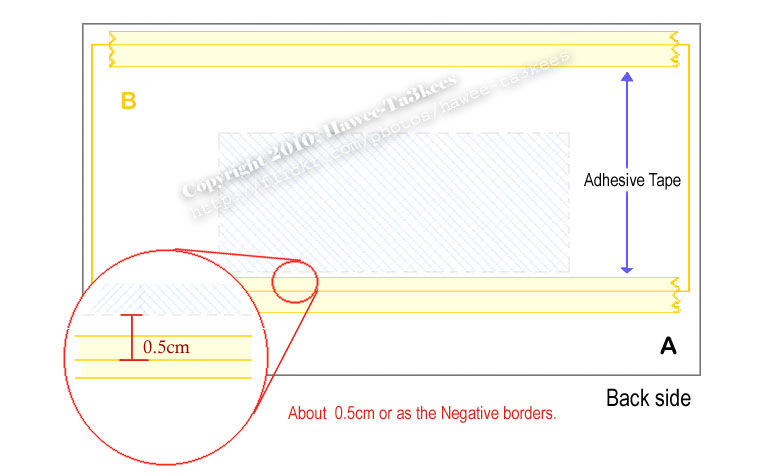
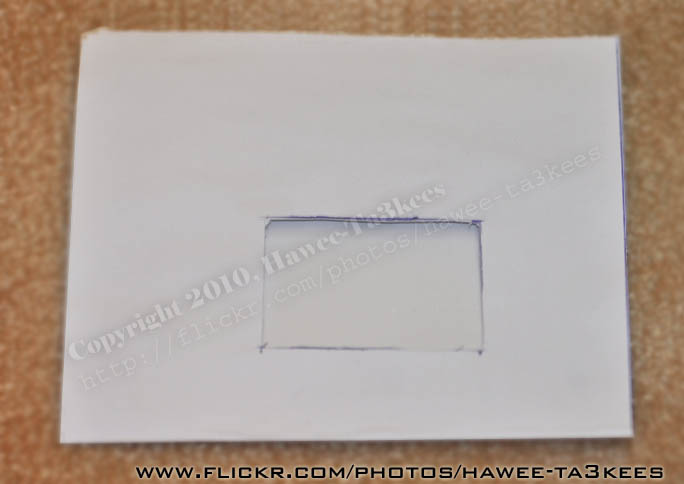
[o] First photo to describe How to create the Negatives Holder..
You Need:
- White paper size (A):12.5cm x 10.5cm (H*W)
- Another white/transparent paper size (B): 12cm x 8cm (H*W)
- Adhesive Tape.
- Scissors and/or Razor blade.
Here is the studio set-up:
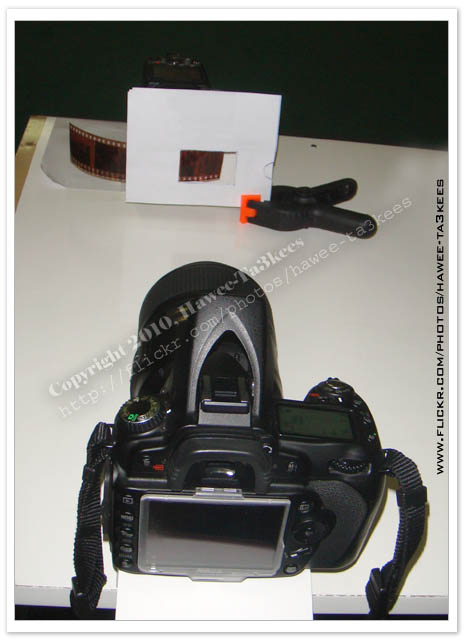
Now you are ready, slide the Negatives between the tow papers (A & B) adjust the focus and take the shot. [You Must NOT Change the position of the camera, Negative holder or the flash during the session] Here is the results..
The Negative..
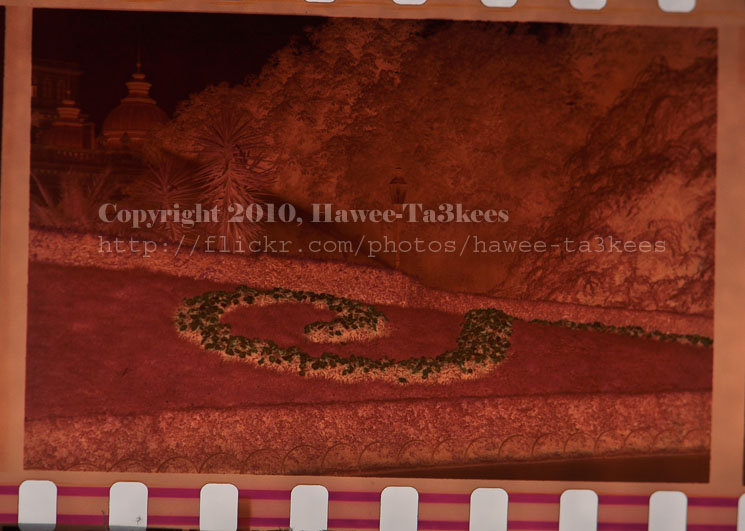
Photoshop Time:
Open the Photoshop or any photo editor software (this demo for photoshop)
Menu–> Image –> Adjustment –> Invert (Or Ctrl + I)
Do some more Adjustment for:
[o] Color Balance as shown:
Menu–> Image –> Adjustment –> Color Balance
Tone Balance: Shadows
Color Levels: +100, 0, 0
Tone Balance: Midtones
Color Levels: +100, -1, 0
Tone Balance: Highlight
Color Levels: +56, +15, -21
[o] Brightness/Contrast
Menu–> Image –> Adjustment –> Brightness/Contrast
Brightness : -10
I fond that the above setting and the numbers will vary if we move any part of the studio, so the settings are suite for me 🙂 you have to do some changes to come up with your levels of colors/Brightness/Contrast.
Write down the setting then create an Action (in Photoshop) to apply the setting to a photo, put all the Negatives in a folder (copy of them) then (from photoshop): File –> Automate –> batch and select the folder and the action you just create, click OK. DONE!
All the Negatives in the folder are now a Positive photos, you need to tone up some of them manually as you wish.
Some samples from my Trip to Austria in 1998.
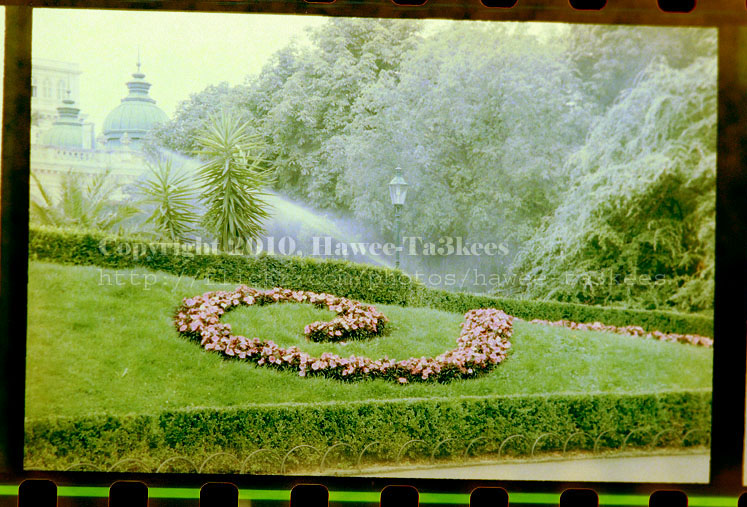
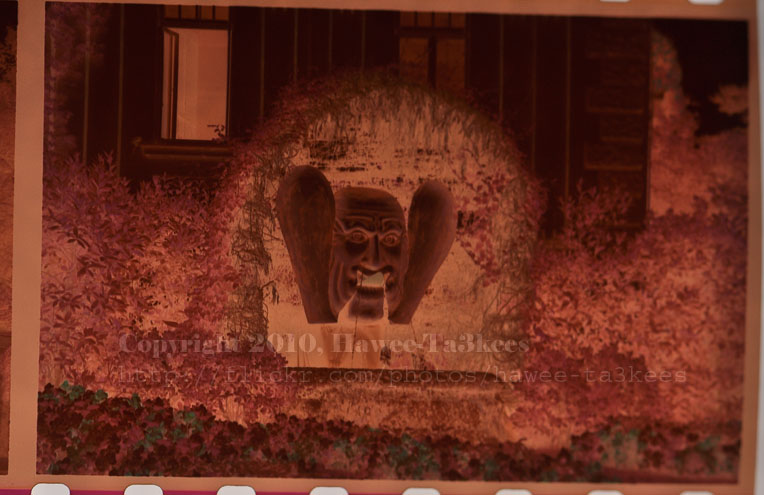
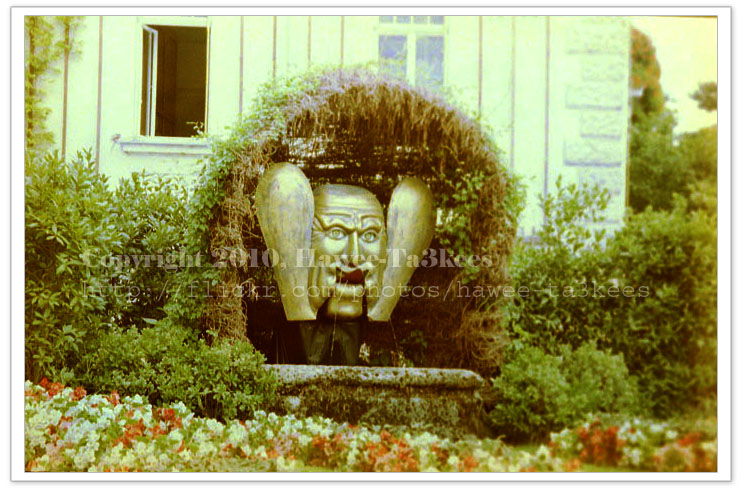
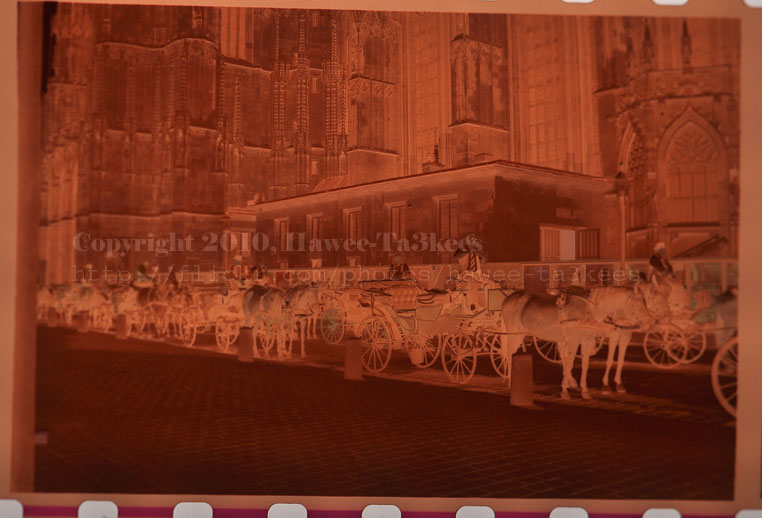

Have Fun …
Ali,
Macro on Fruit
Macro on Fruit: In this project I set-up my studio to be able to capture/shot the fruit from top, I use my Nikon D90 with tow lenses the Nikon 35mm and Nikon 105mm Macro. Note that the Focal Length of 105mm lens is equivalent to 157mm in 35mm Film.
[Click on the images to see them larger..]
The Studio set-up…
o. Camera Nikon D90. [Nikon 35mm + Nikon 105mm macro]
o. Square Glass. [Size as your studio need]
o. Glass Pyrex dish.
o. Light source.
o. Different type of fruit. [cut to slices or as you want/plan]
o. ML-L3 Wireless Remote Control.
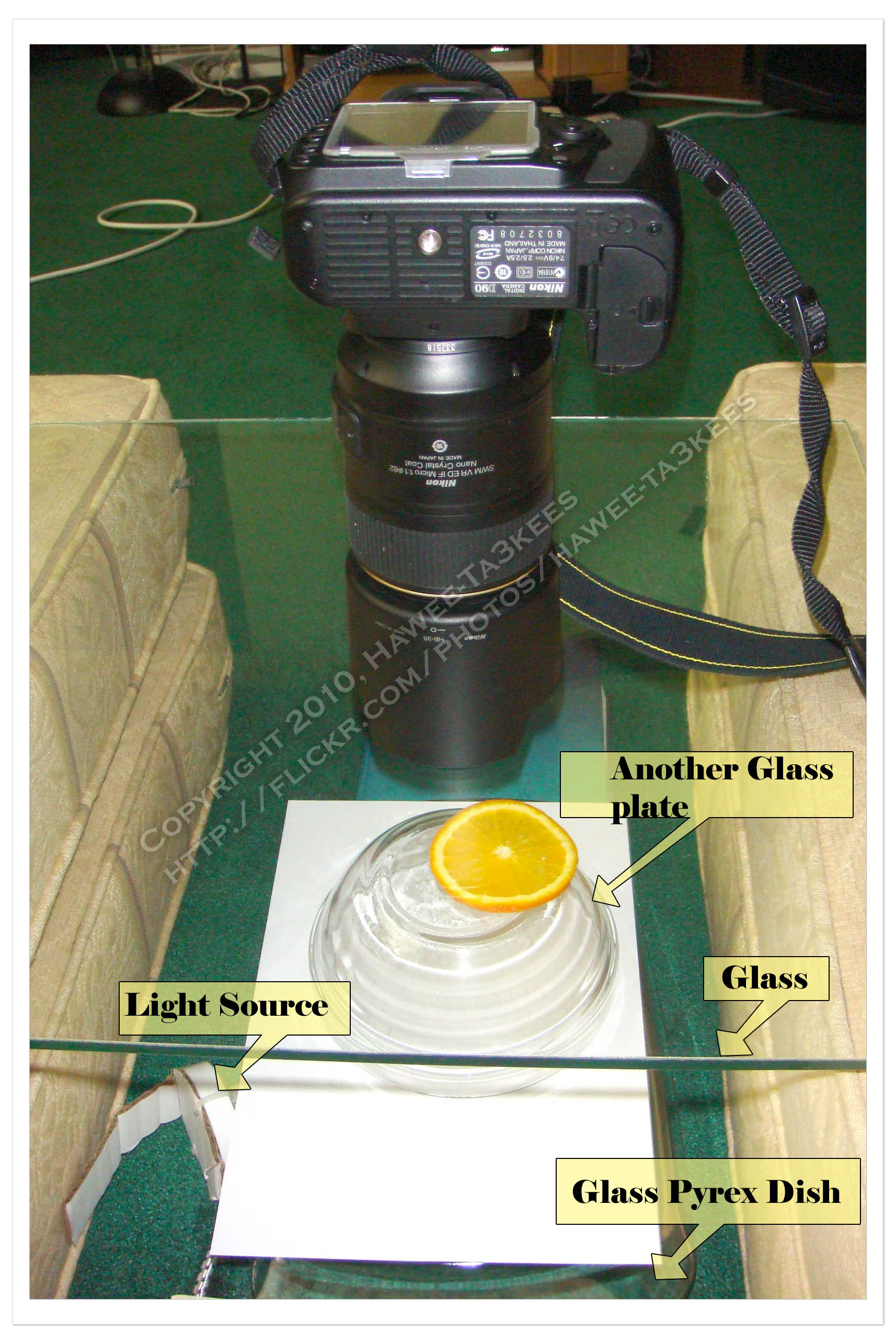
Here are some shots:
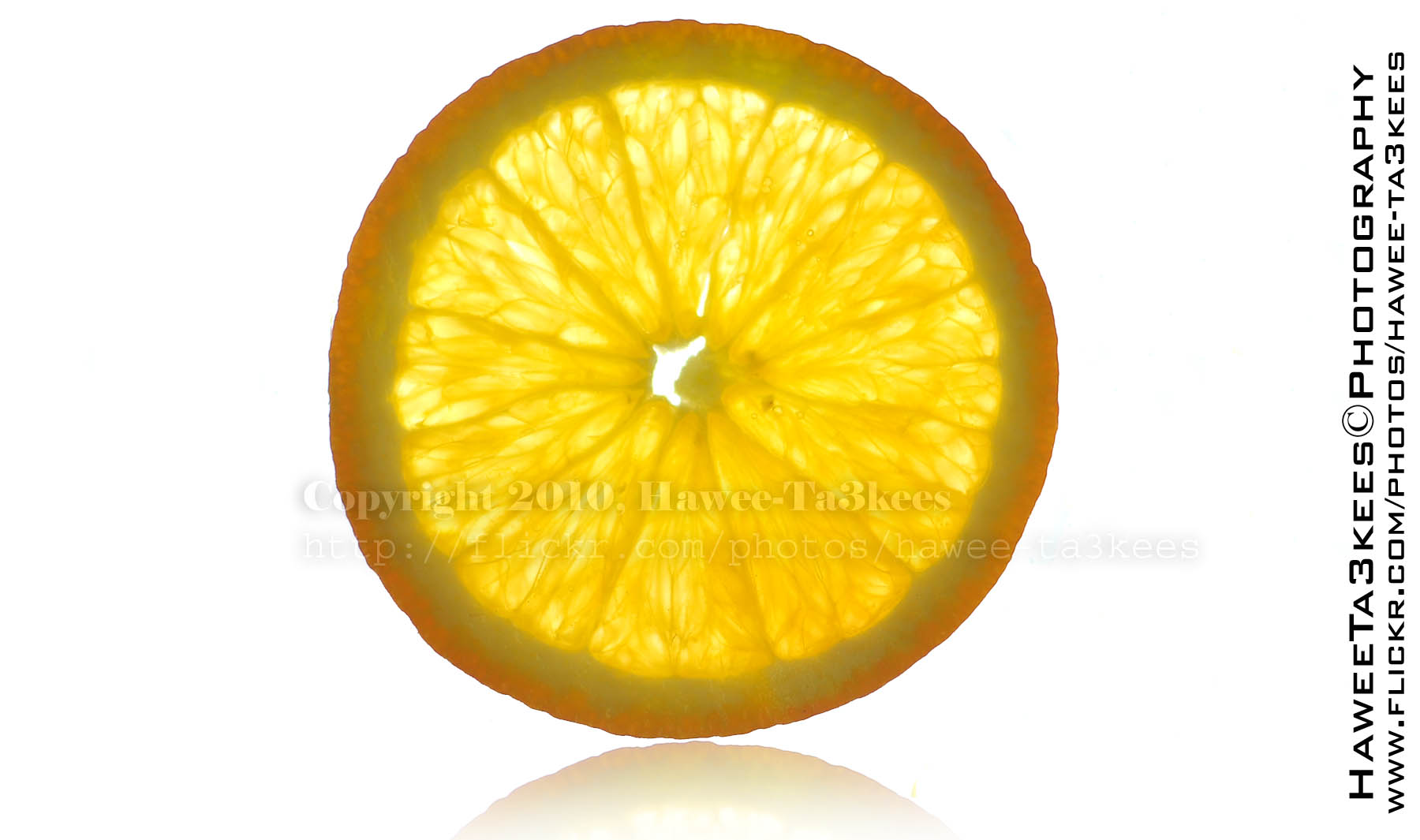
Slice of Orange, I add the reflection and increase the brightness. In this shot I used 35mm lens, listed the other camera setting:
Exposure Time = 1/200″
Focal Length = 35mm [Nikon 35mm f/1.8]
F Number = F1.8
ISO Speed Ratings = 200
Exposure Bias Value = +5EV
Flash = Off
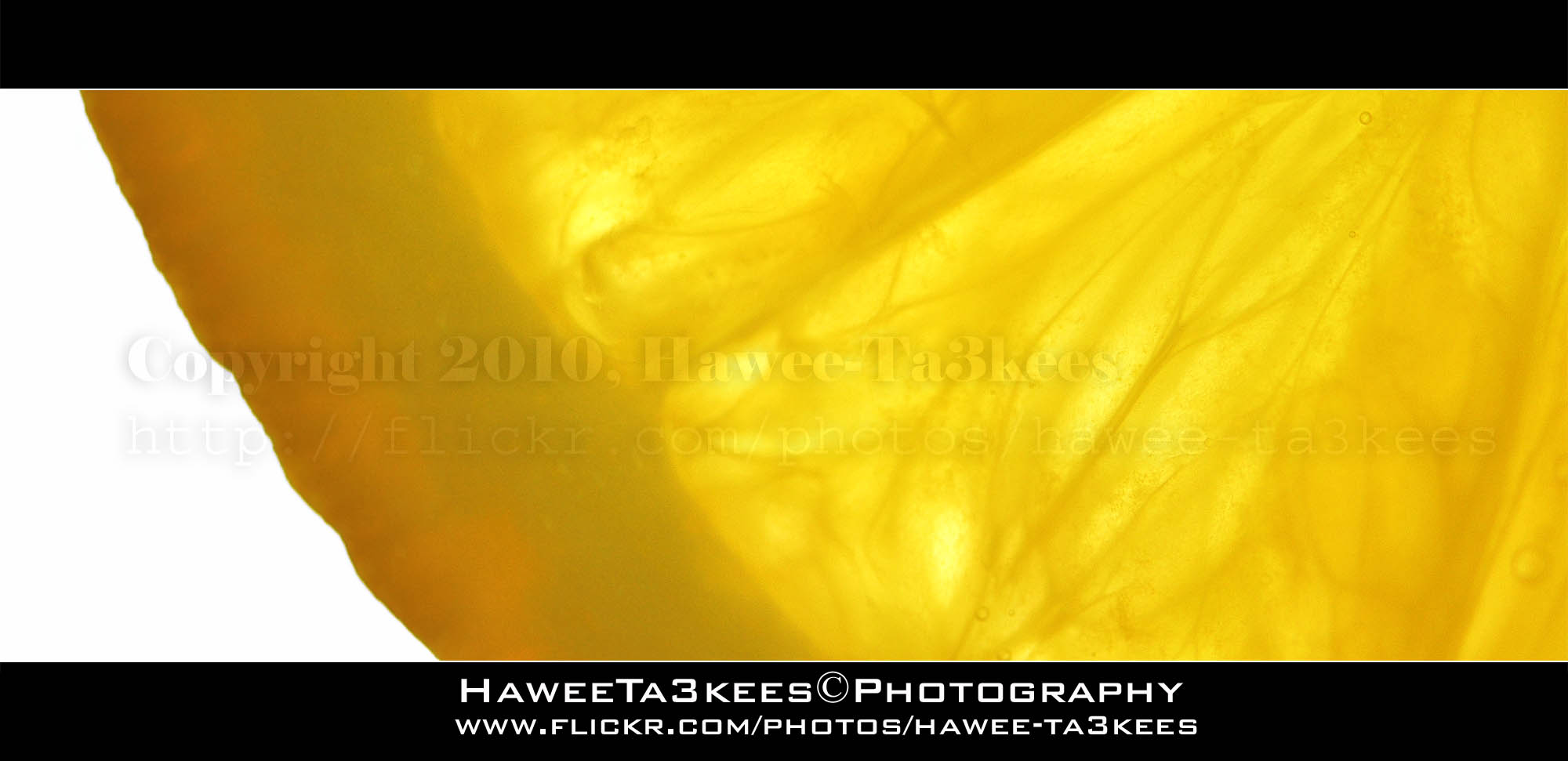 Same Orange with Macro lens,
Exposure Time = 1/320″
F Number = F4
Focal Length = 105mm
ISO = 200
Exposure Bias Value = ±0EV
Light Source = out source
Flash = Off
 What is this? Yes, Kiwi Fruit, macro lens with extra brightness; the frame (upper & lower) are a black rectangular with 45% opacity.
Camera Setting:
Exposure Time = 1/80″
F Number = F4
Focal Length = 105mm
ISO Speed = 200
Exposure Bias Value = +5EV

Here is another shot for the Kiwi with 35mm lens.
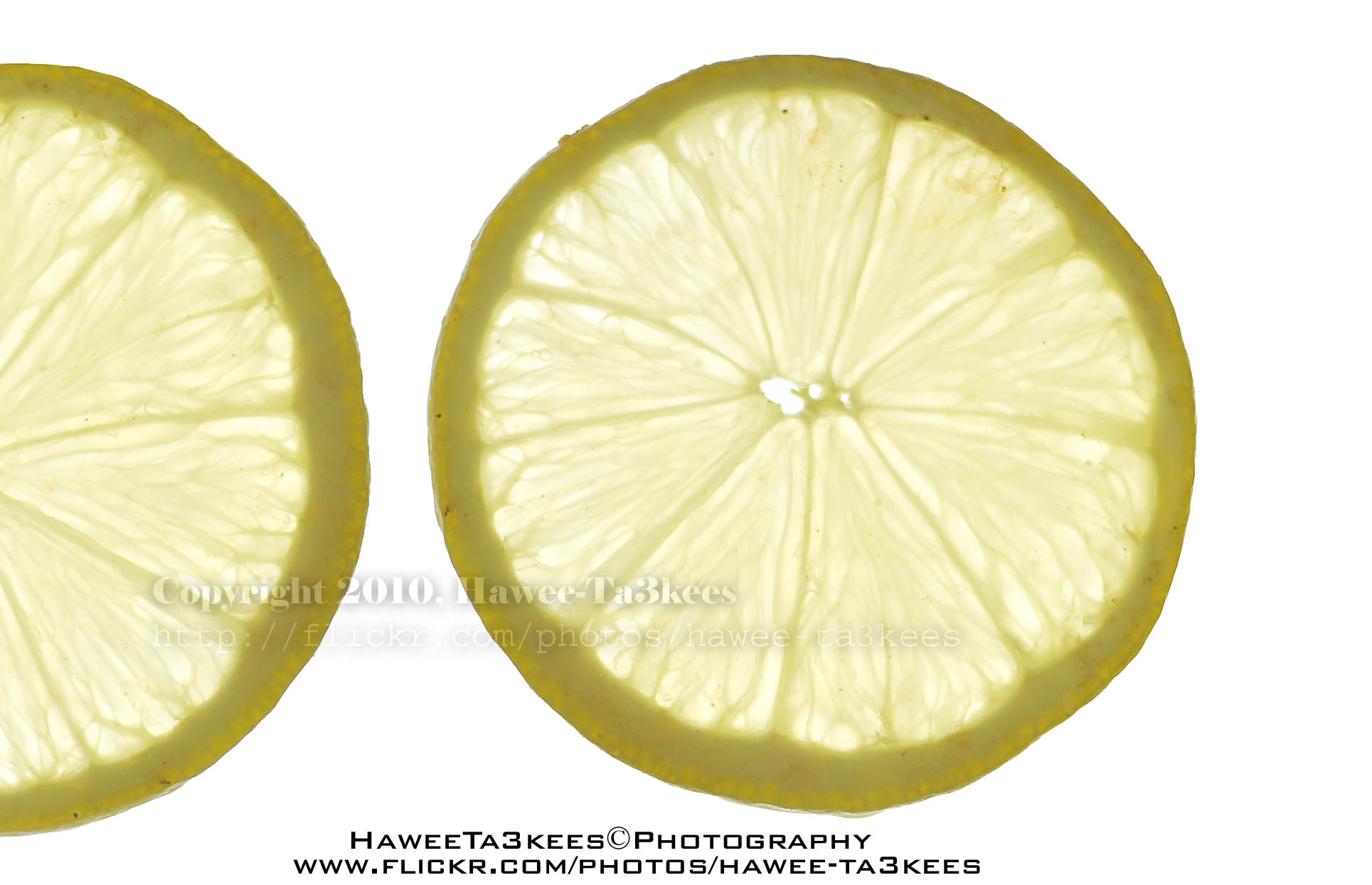
This is a Lemon, tow images been joined in photoshop to get this..
 Camera setting for the shot on the left..
Exposure Time = 1/80″
F Number = F4
ISO Speed = 200
Exposure Bias Value = +5EV
Focal Length = 105mm
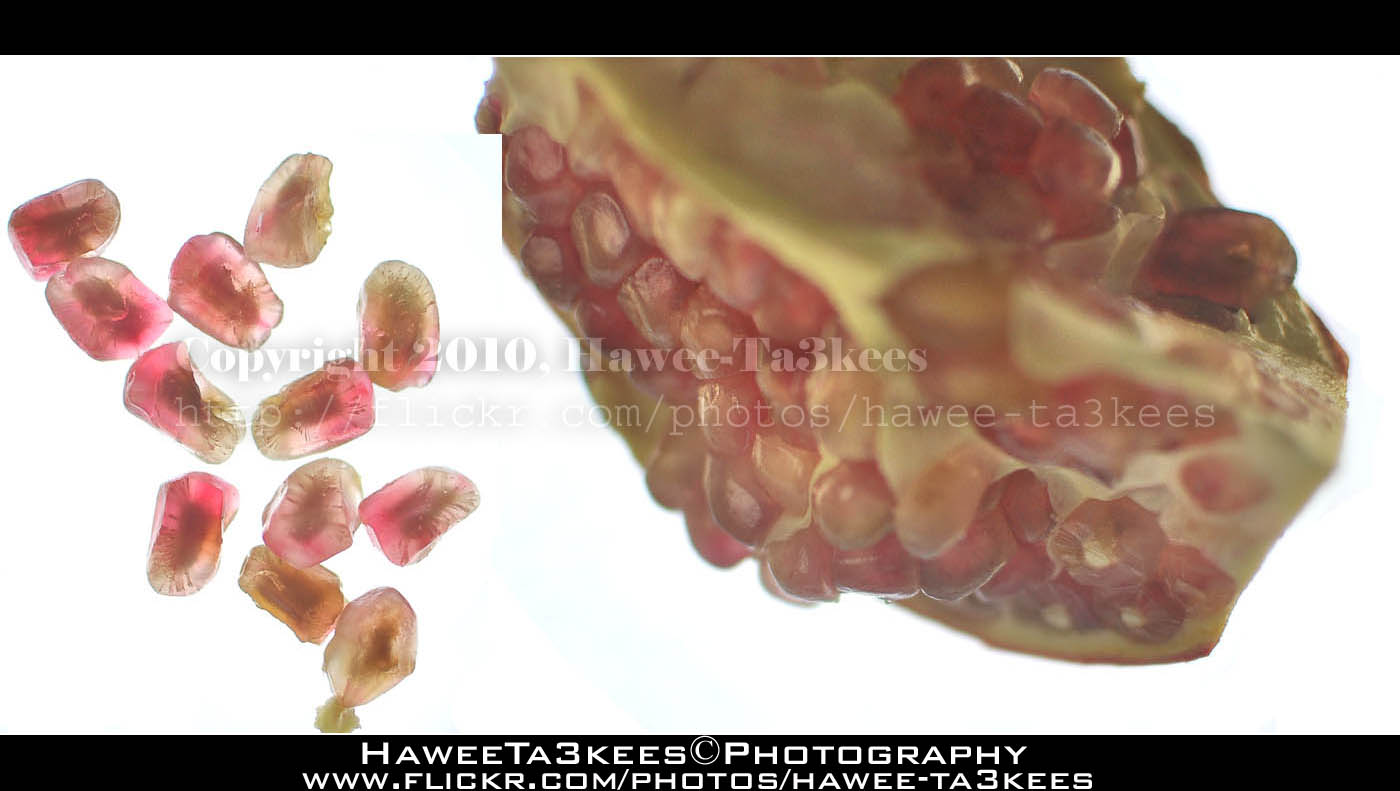
The Pomegranate is a wonderful fruit
More photos are on my Flickr : Hawee – Ta3kees
Ali,
The Sound Trigger system..
Sound Trigger System
Usually you need to press a button (Shutter release) to take a photo, but there are other ways to take photos such as timeing mode and the way we will talk about “Sound Trigger System” so What is it?
Sound Trigger System: In a simple words, some thing let you camera fire or releass it’s shutter when it detict any sounds.
In this artical i will show you how i create my Sound Trigger system.
Requirement:
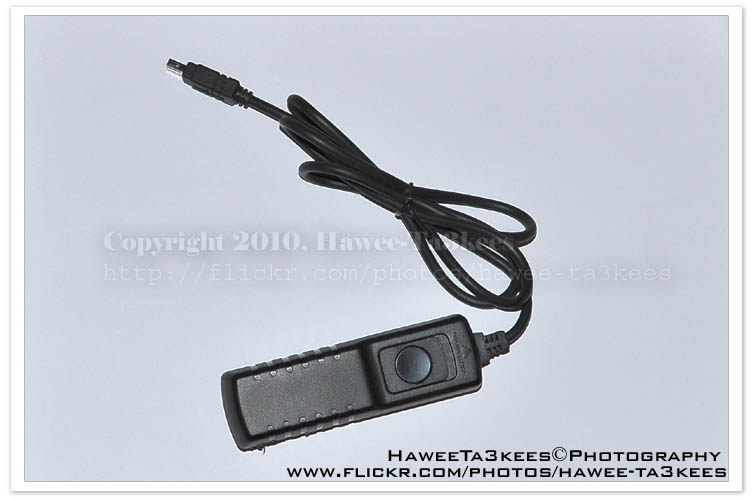
[0] Shutter Release Cord. ($8 from Amazon.com).
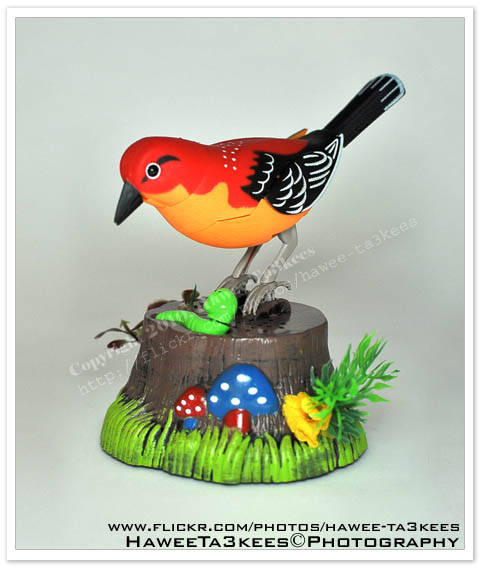
[0] Any sound detection toy. ($3.5 from local toy’s shop)
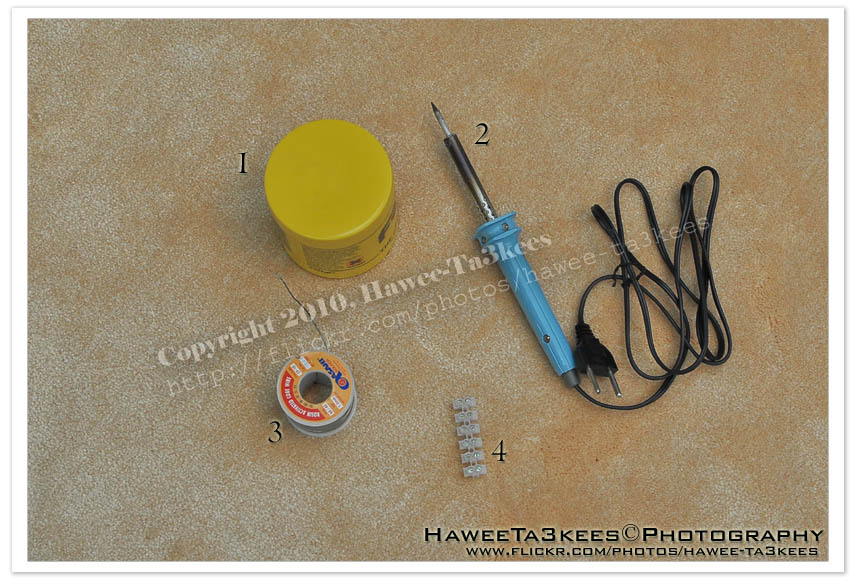
[0] Some electrical tools..
1. Soldering Flux.
2. Soldering iron.
3. Rosin Core Solder.
4. Plastic terminal blocks. (Wire Connectors)
[0] Some knowledge in electricity. (Basic information)
The Shutter Release Cord.
A bird toy that start singing when it detect a sound.
Electrical tools
Start with:
[0] Unscrews the toy and find it’s parts and the functionalty of each.
1. The sound detector.
2. The speaker.
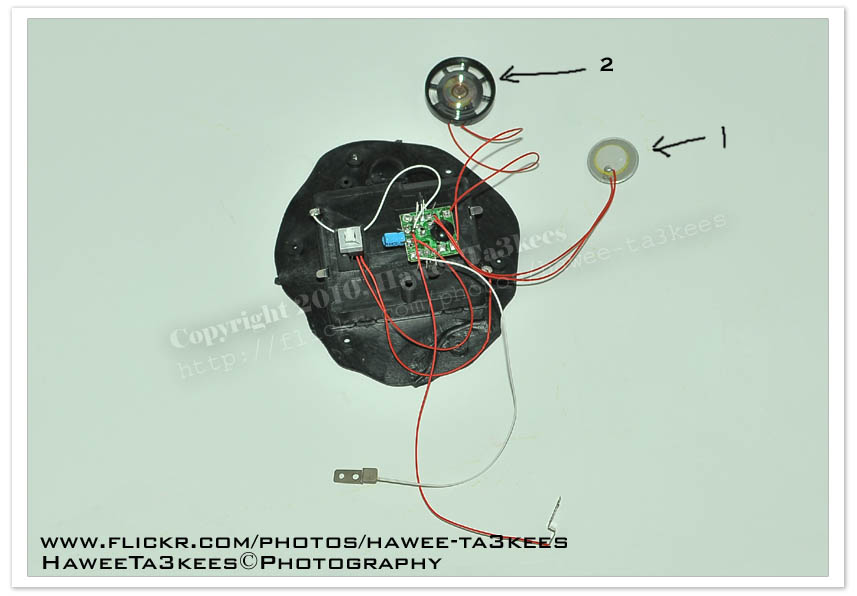
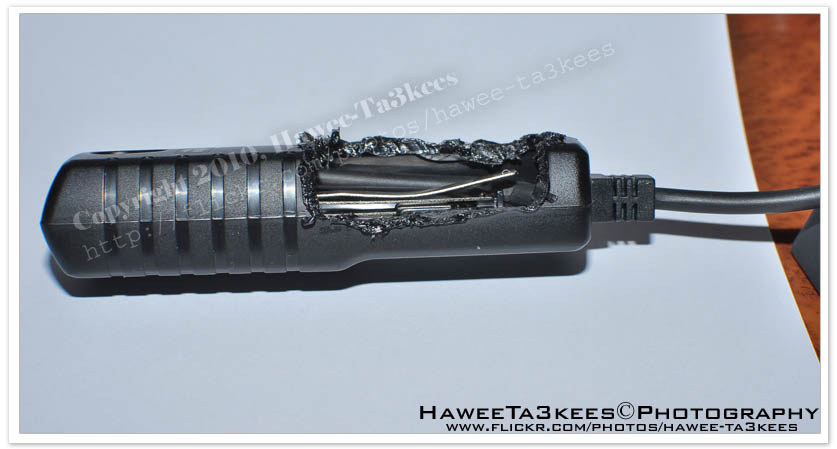
[0] Unscrews the Shutter Release Cord and find it’s parts and the functionalty of each.
i could’t open mine so i break it.
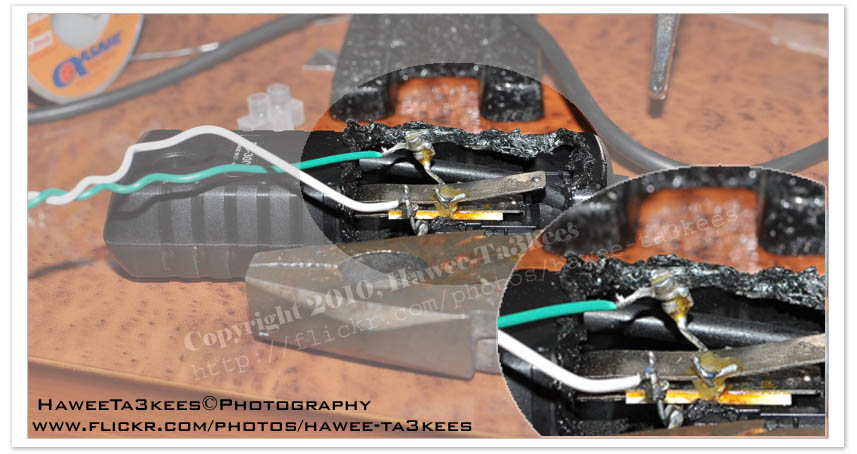
[0] Here i just did some electical Weld job.
The problem was that you need to press the shutter release on the remote half way down to set focus, then press all-way down to release the shutter, so i just turnover the the focus function.
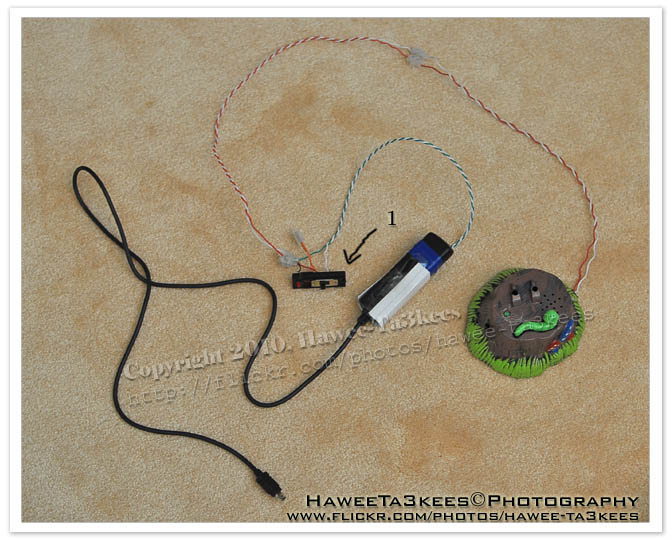
[0] Packing-up the remote.

[0] The final shape, i add the On/Off switch (1) for more control.
The resault:
Here are some resaults and the studio set-up.
The Studio set-up

Sample images
For more photos, please visit my Flickr: Hawee-Ta3kees
Ali,
🙂 Feel free to visit my Flickr: Hawee Ta3kees
Ink in Water
The Equipments
o Water + Water container or Glass.
o Food color or normal ink.
o Use Camera Flash or light source.
o Camera on Stand.
o Manual Focus.
o High Speed shutter.
here is the studio set-up that i use
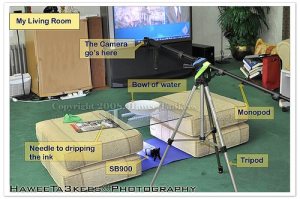
List of things in this Studio:
[o] Bowl of water. [semi-transparent bowl]
[o] Needle for dripping the ink.
[o] Food ink, or any normal ink.
[o] I used a Tripod and Monopod [as shown] to get the camera Top to bottom.
[o] Nikon SB900 as speed-light.
[o] Camera Nikon D90 + 35mm lens.
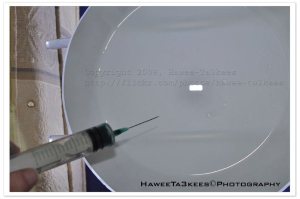
some original shots without any photoshop edits: [No crop, No colors.. Just resize to W800]

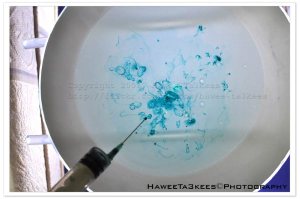
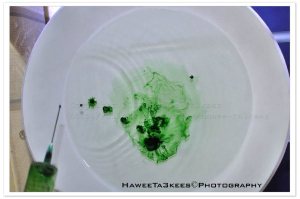

Sample shots after Photoshop edits
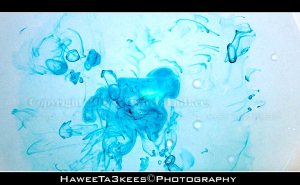
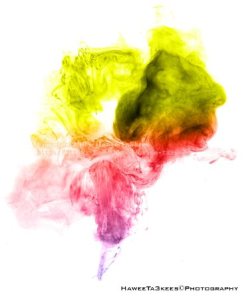

From more photos and sample shots, visit my Flickr ,, Hawee – Ta3kees
Ali,
Ali,
🙂 Feel free to visit my Flickr: Hawee Ta3kees
Water Drops Project


Taking pictures is not my main daily practices, but when i start playing with my camera, i really enjoy my self.
Thanks for visiting my Space..


 Ali's Photography Space...