Archive
illy The Coffee you Deserve …
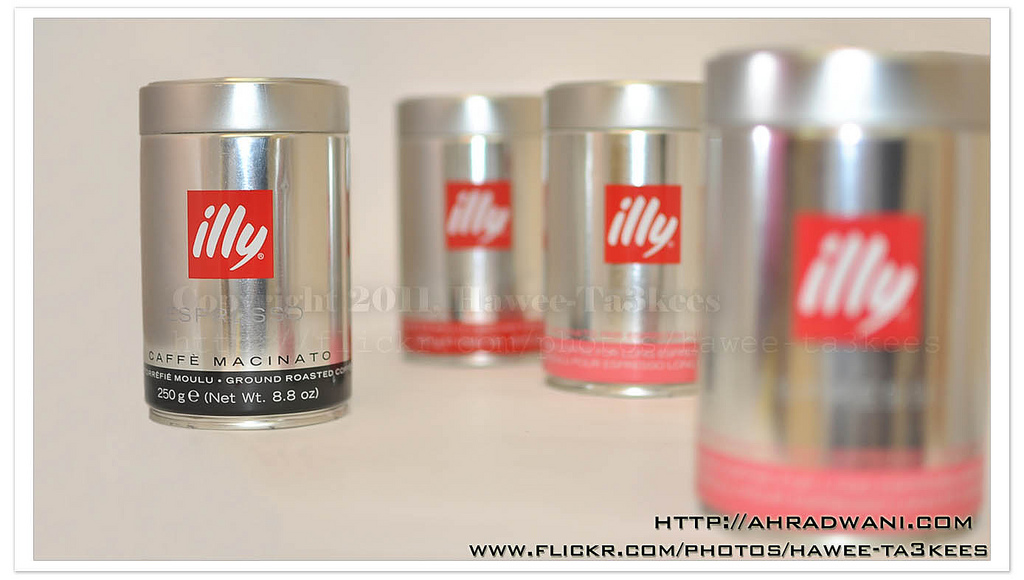
illy is a wonderful espresso coffee, I never used other than it from the day i start using it.
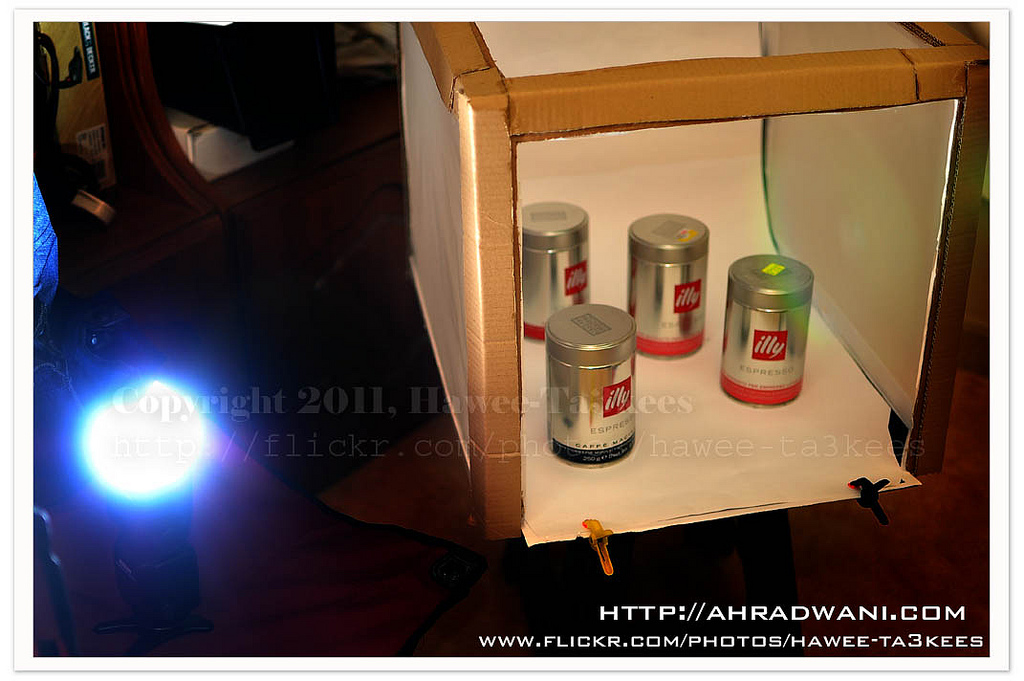
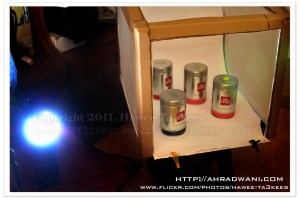
This is my studio to shot the illy boxes or cans, I used my Nikon SB900 head up and remote fire, the D90 with Nikon 35mm lens mounted on the tripod.
Ali,
The Candle Session
In this session i take some shoots of a Candle and edit it with the photoshop.
here is the original shoot..

[Click the image to enlarge..]
And here after some photoshop touches..

[Click the image to enlarge..]
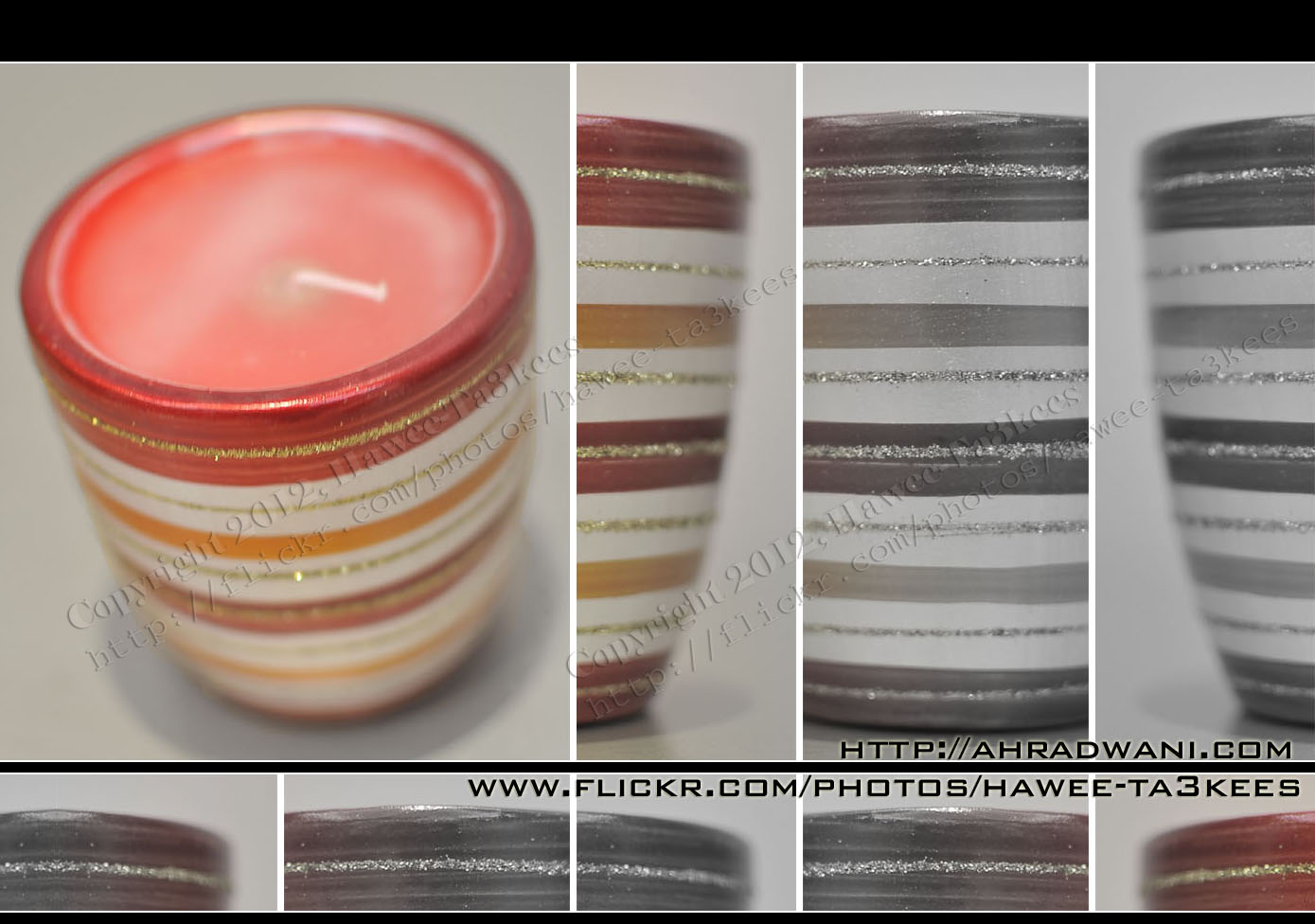
[Click the image to enlarge..]
Model : NIKON D90
Exposure Time : 1/25″
F Number : F1.8
Exposure Program : Manual
Exposure Bias Value : +5EV
Focal Length : 35mm
Ali,
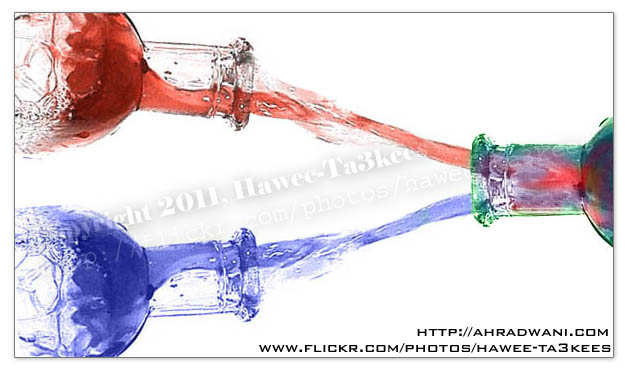
Water Drops from the Bottle…More result 2..
More Photos of the ‘Water Drops from the Bottle..’ all the photos been edited by me in the photoshop..
Listing of the Equipment..
o} A Bottle.
o} Food colors.
o} Light.
o} Monopod.
To read more on How To … Click Here
Read More About:
o: How to shot the water while it drops out from the bottle?
o: Water Drops from the Bottle…More result 1..
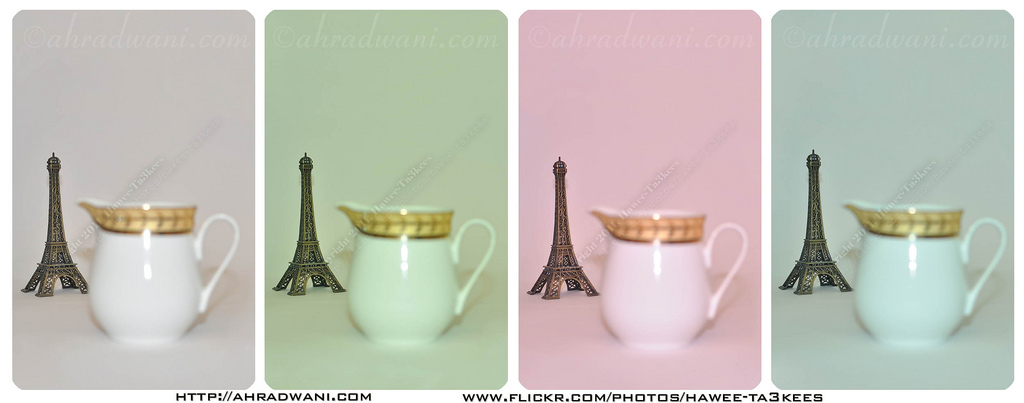
Flash Color [White Balance] Temperature
[o] Information
Subject: Small Eiffel Tower and a Milk pot.
Studio: Home Made LightBox.
Flash: Normal Room light + Camera Flash
[o] Camera Setting
Camera: Nikon D90
Exposure: 0.033 sec (1/30)
Aperture: f/3.2
Focal Length: 35 mm
Exposure Bias: 0 EV
Flash: On, Return not detected
One of the features in the ‘almost all’ new digital cameras the you can change the White Balance colors Temperature to get colors atmosphere in your shot, In each shot of this image I changed the flash color temperature (White Balance) to get different colors and merged them all in one picture ..
starting from the left..
1. White Balance Red, Blue Coefficients = 485/256, 316/256, 256/256, 256/256
2. White Balance Red, Blue Coefficients = 422/256, 263/256, 256/256, 256/256
3. White Balance Red, Blue Coefficients = 579/256, 341/256, 256/256, 256/256
4. White Balance Red, Blue Coefficients = 411/256, 309/256, 256/256, 256/256
The result..
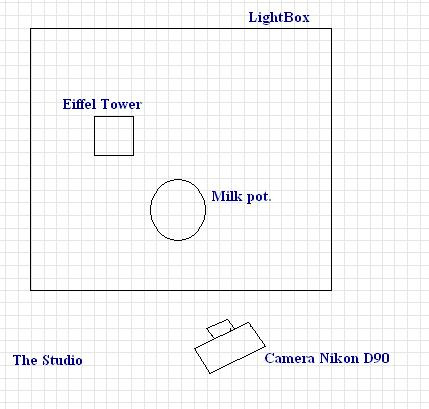
Here is the Studio..
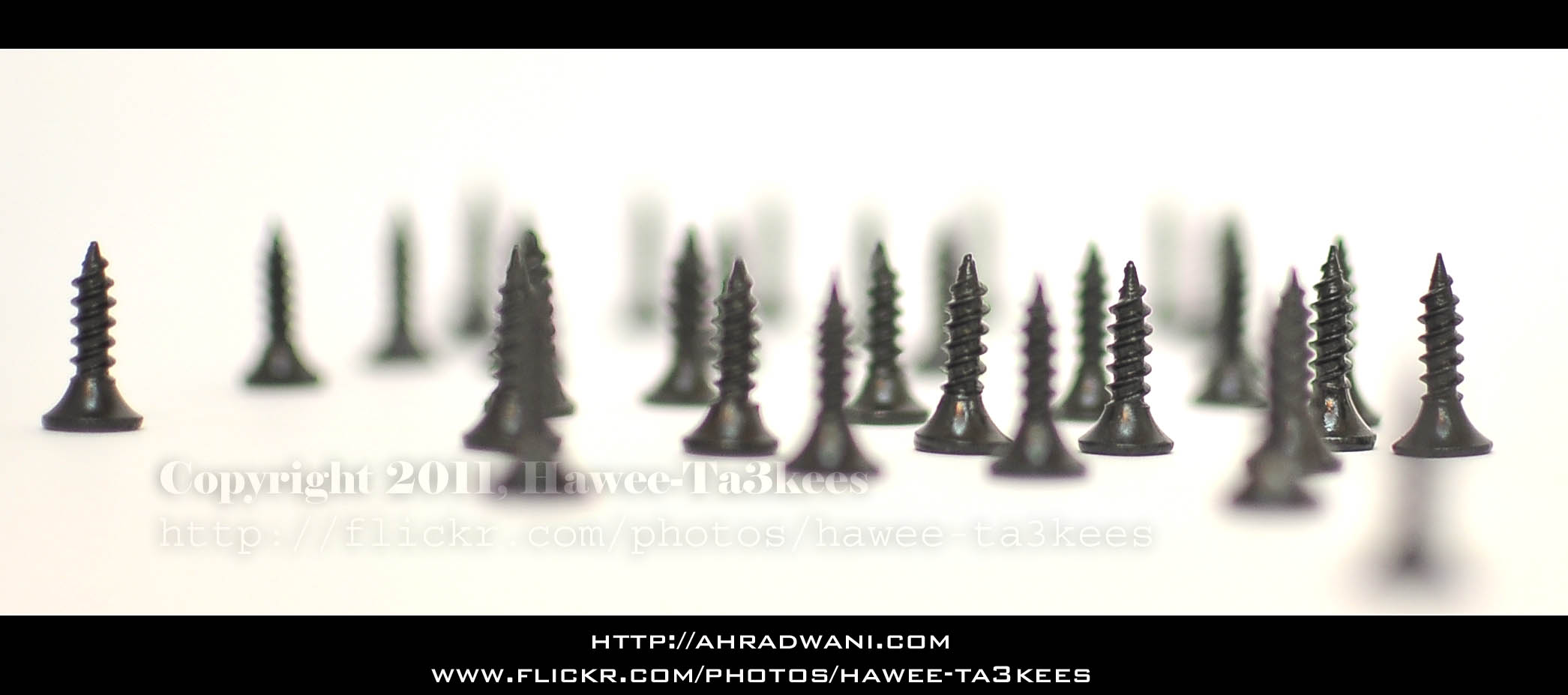
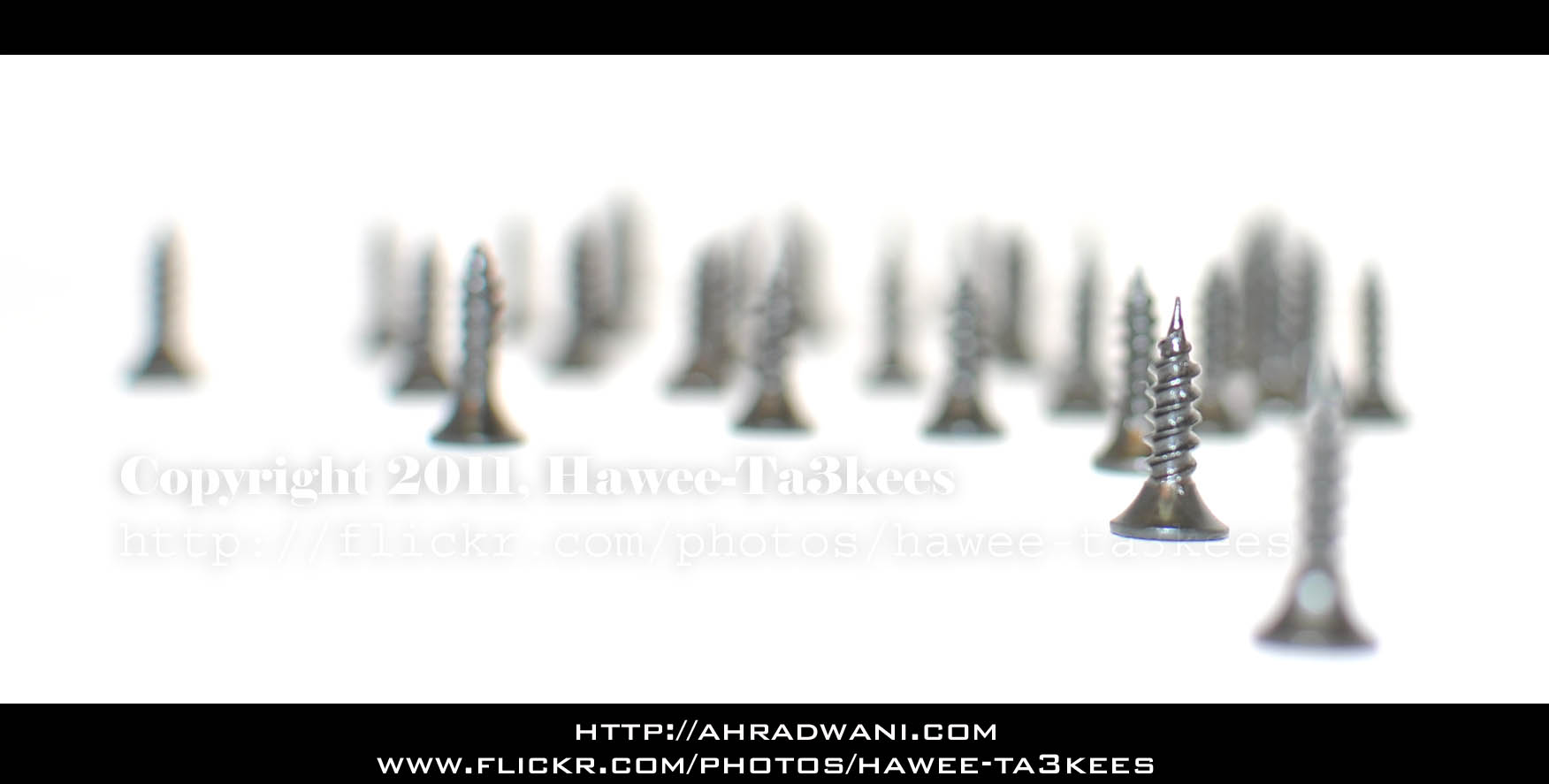
Changing the Focus Point.. ‘Screws Wood’
I used some screws to make this ‘Screws Wood” in my lightbox and with my Nikon D90 & 35mm f/1.8 lens start taking some photos with different focus point, here are some result..[Click the image to enlarge]
Another one..
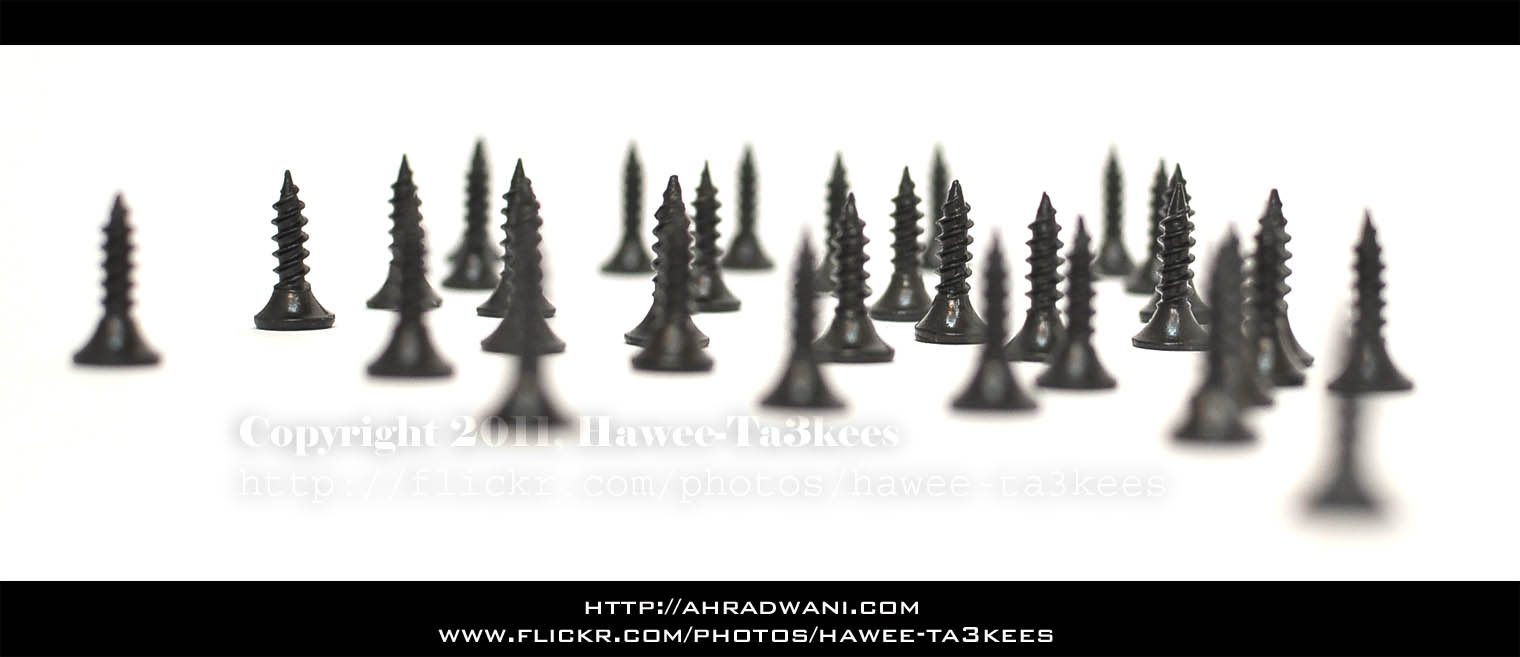
And the last photo..
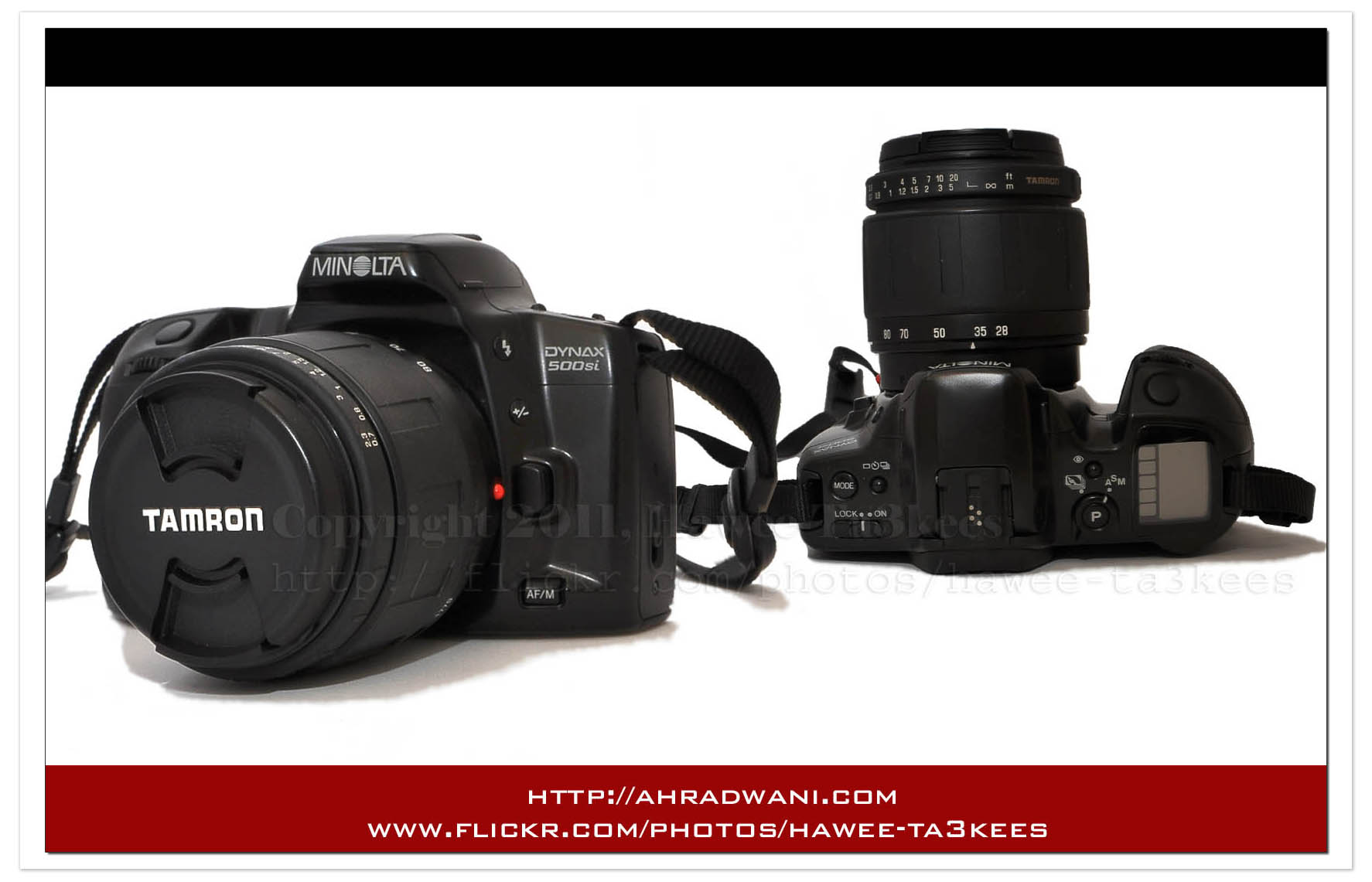
My old Minolta 500si Dynax.
Minolta Dynax 500si was my first 35mm film SLR camera, I bought it in 2004 from UK with a TAMRON 28-80mm f/3.5-5.6 lens, am not using it anymore. In this shot I merge two photos to get this result. and I use my Nikon D90 with SB900 and the lightbox to take the pictures.
[Click the image to enlarge]
If you want to see the lightbox in action Click Here..
illy… The coffee you need..
illy is a coffee brand it is the best.. Here are two photos and i used my homemade lightbox [another example here]
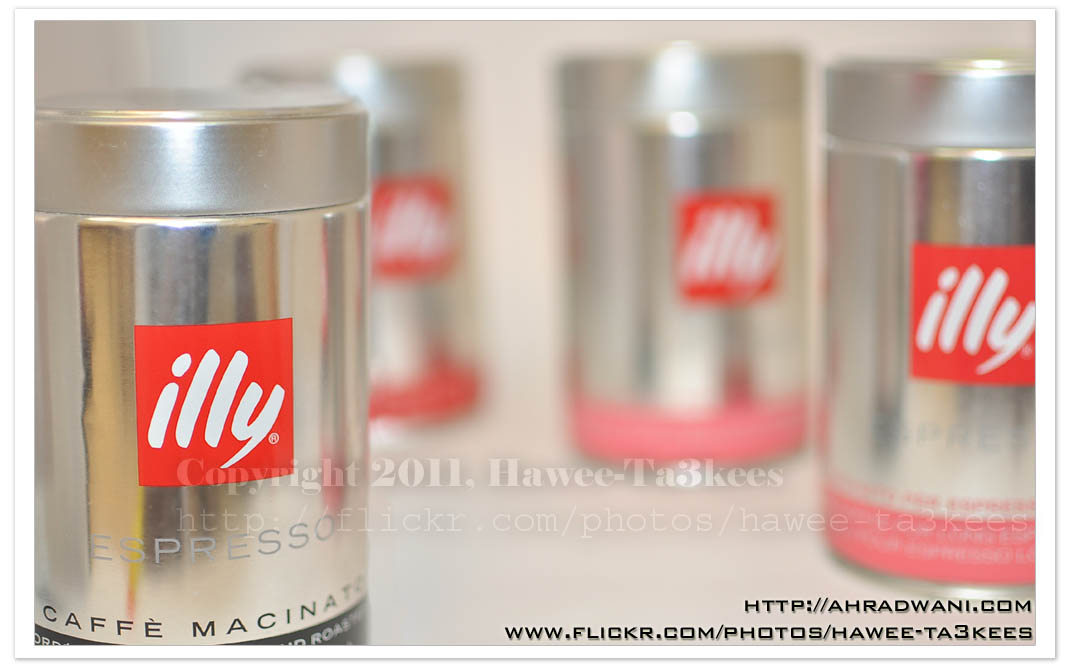
Camera Setting..
Model = NIKON D90
Date Time = 2011-08-05 23:08:33
Exposure Time = 1/50″
F Number = F1.8
Exposure Program = Manual
Exposure Bias Value = ±0EV
Flash = Flash fired, compulsory flash mode, return light not detected
Focal Length = 35mm
Here is the studio setup and the Lightbox..[Click the image to read more on How to Create one]
Shrimp Pasta and Perrier
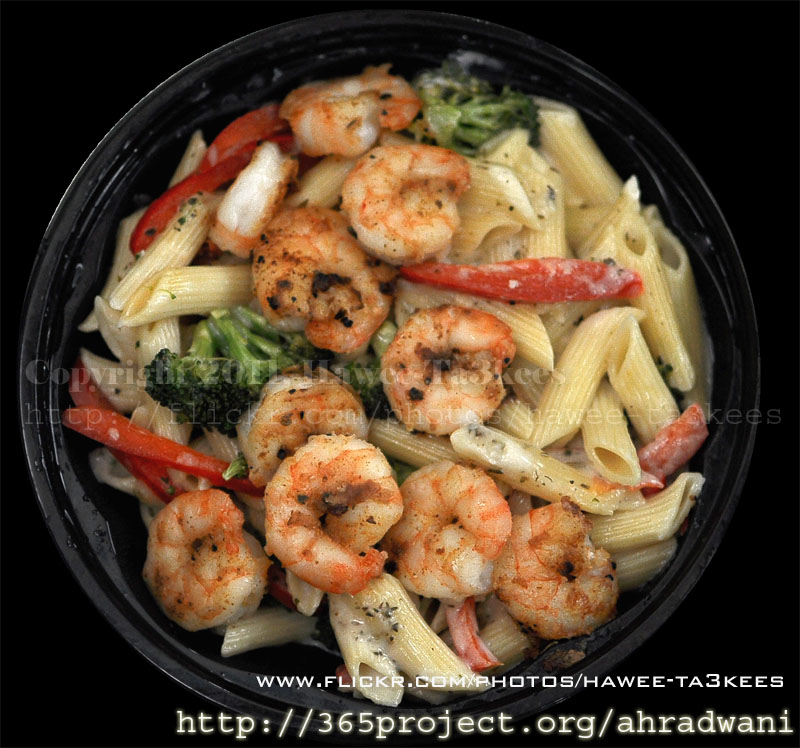 Shrimp Pasta one of the greatest meal in the Applebees, this photo is one of my 365project [a photo everyday]
[Click the image to enlarge]
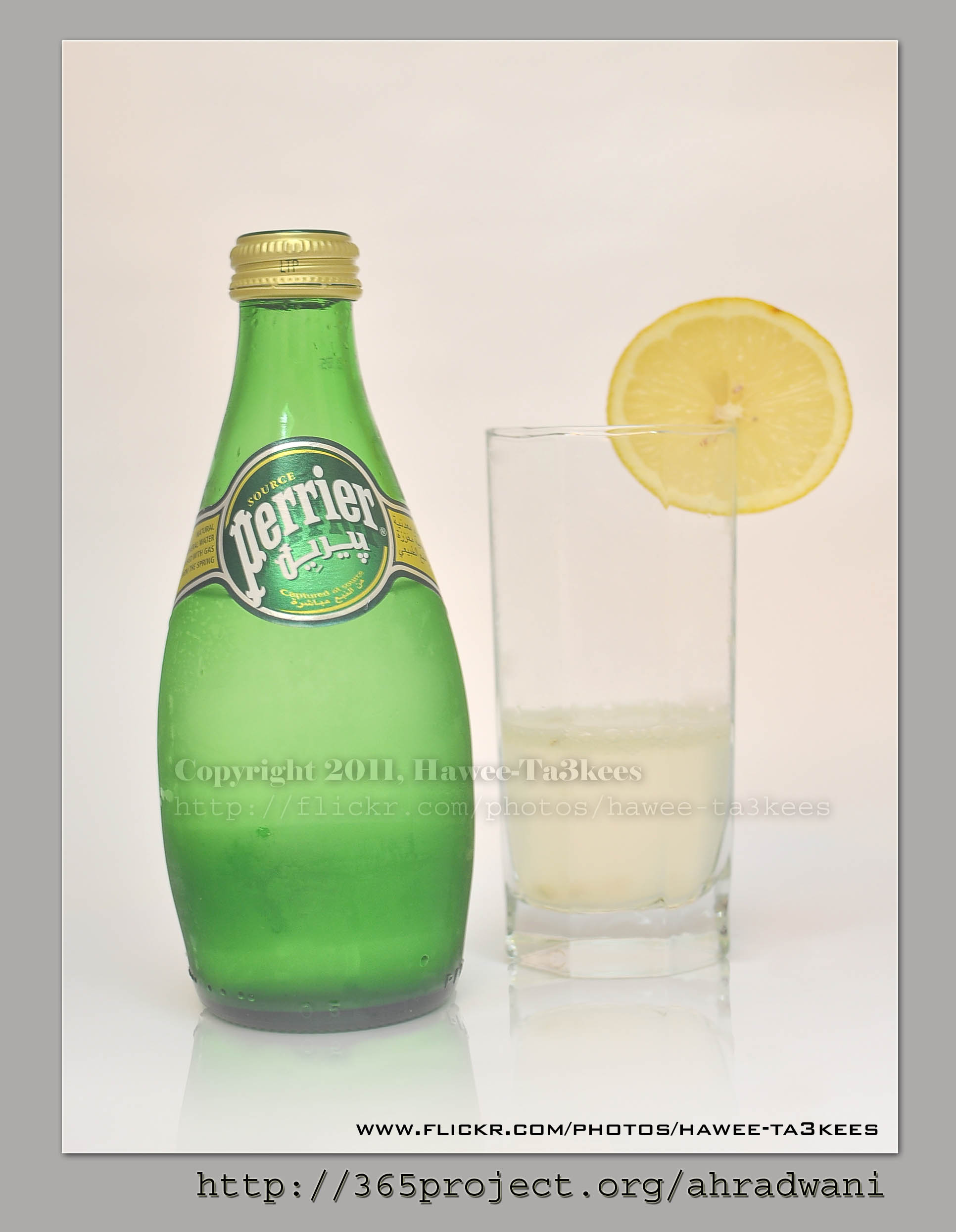
I select the Perrier with lemon as a drink make sure it’s cold.
[Click the image to enlarge]
Tea Set @ Lightbox..
This is a black-gold Tea set on my kitchen shelf, i just bring it down and move my camera around it with my Nikon 35mm lens…. see the result..
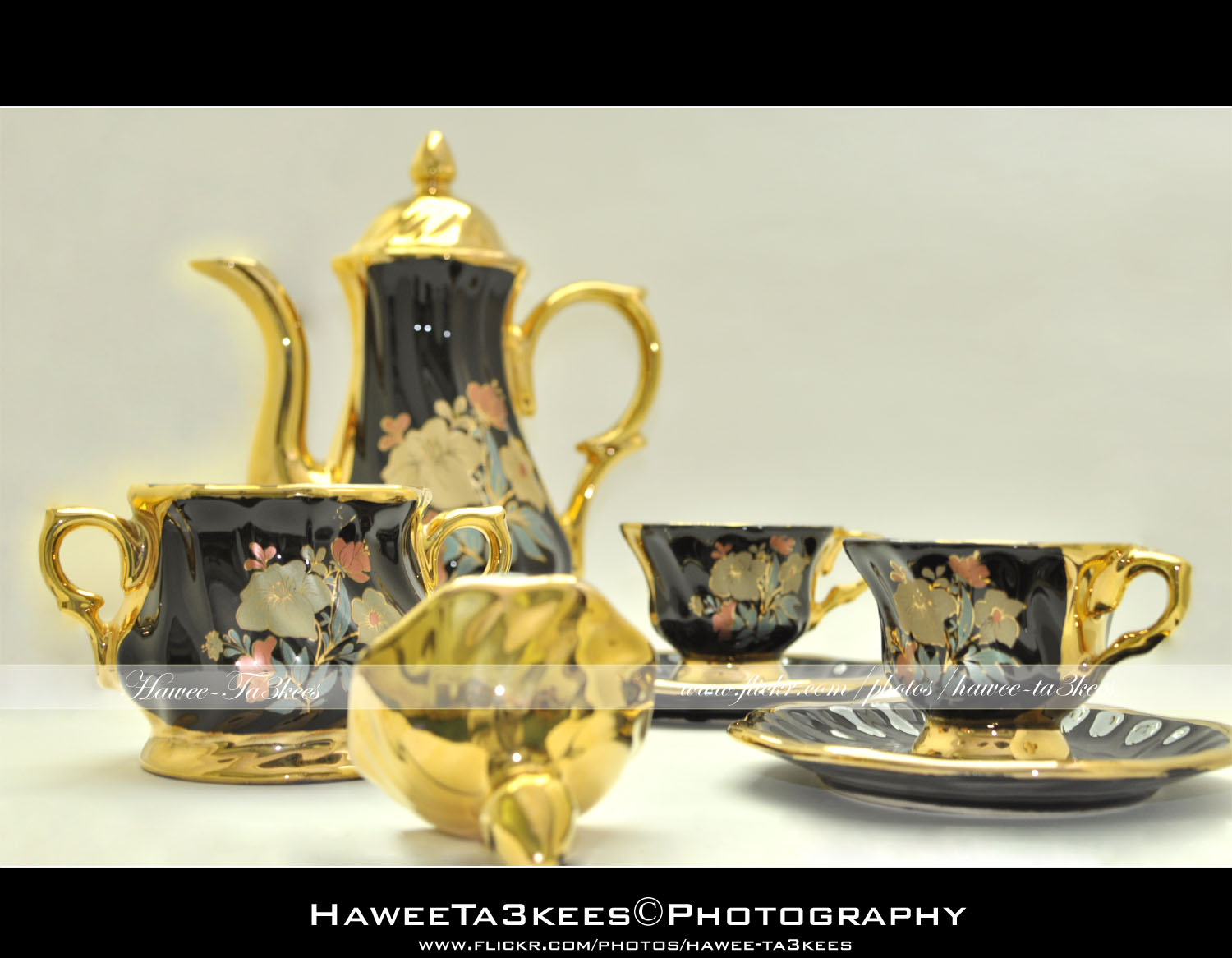
In first photo you can see the tea-cup teapot and sugar bowl.[Click the image to enlarge]
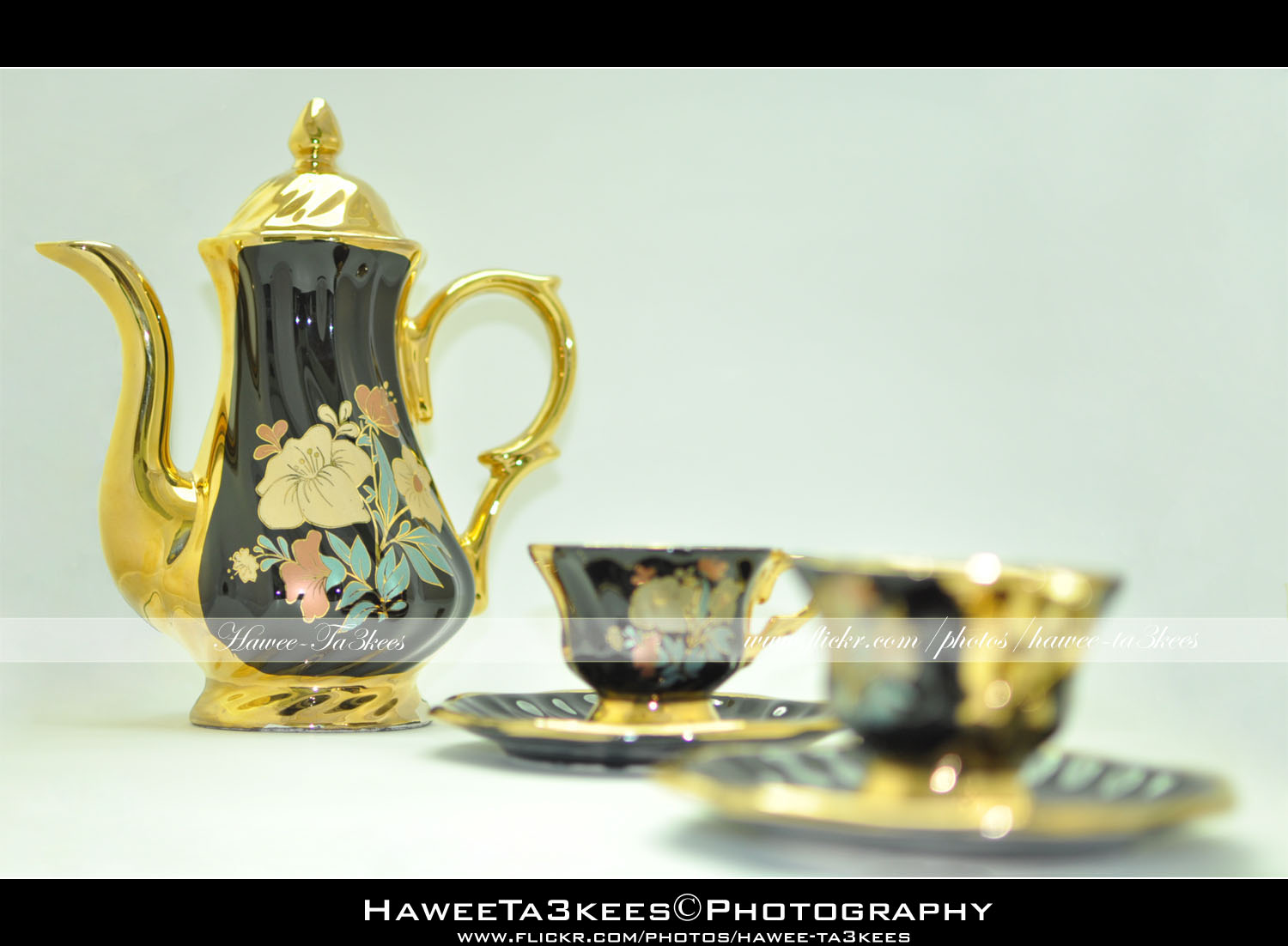 In this shot i remove the sugar bowl and change the focus point a little..[Click the image to enlarge]
Before & After Adobe LightRoom
Adobe LightRoom is a great tool to add some light/shadow effects and to the image, you may add colored lights or take the capture to the B/W channel.
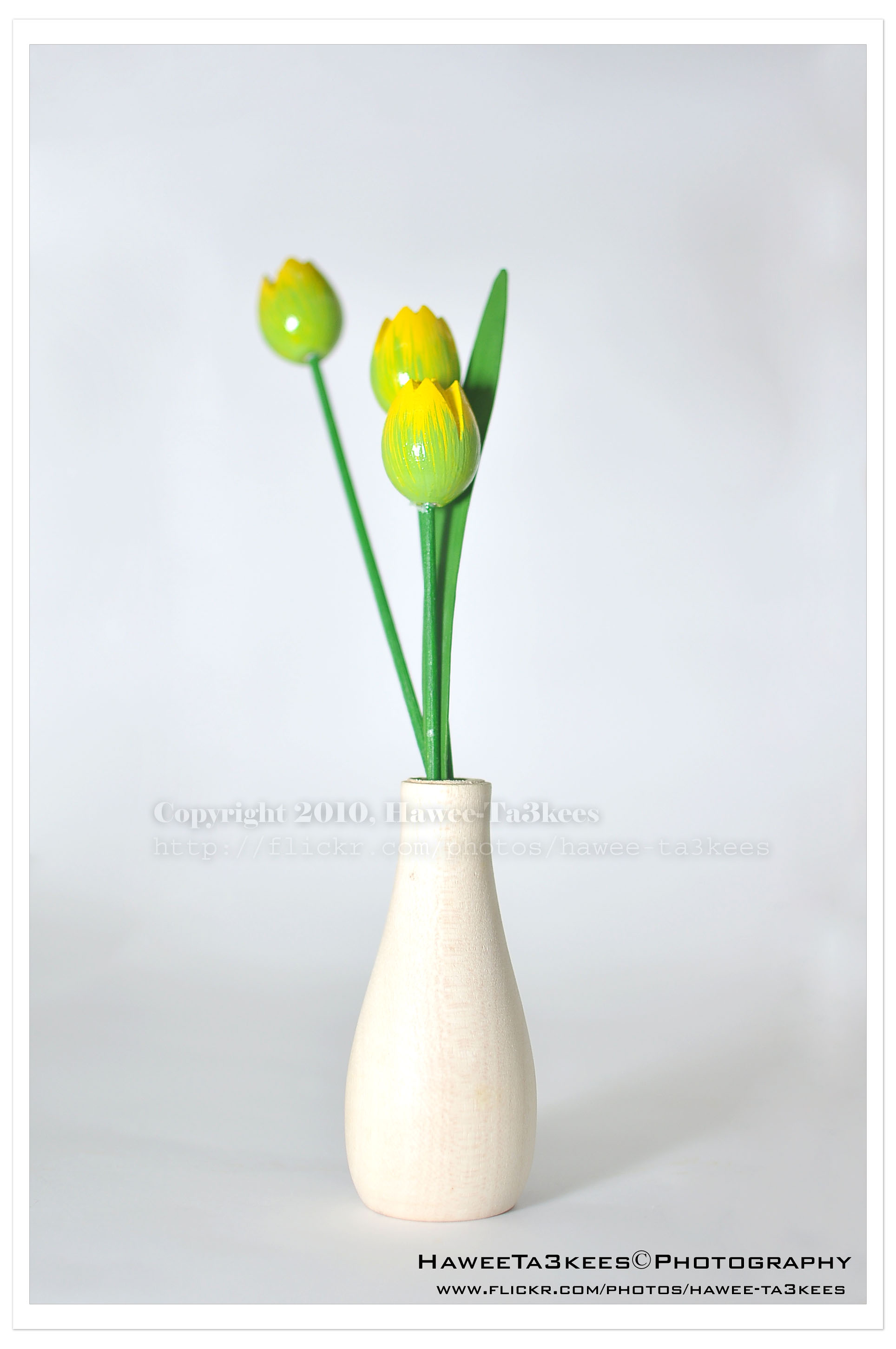
Here is a shot of a wooden flower vase in my lightBox.The first one is before the LightRoom effect, the light source is from the Nikon SB900 speed light. [Click the image to enlarge]
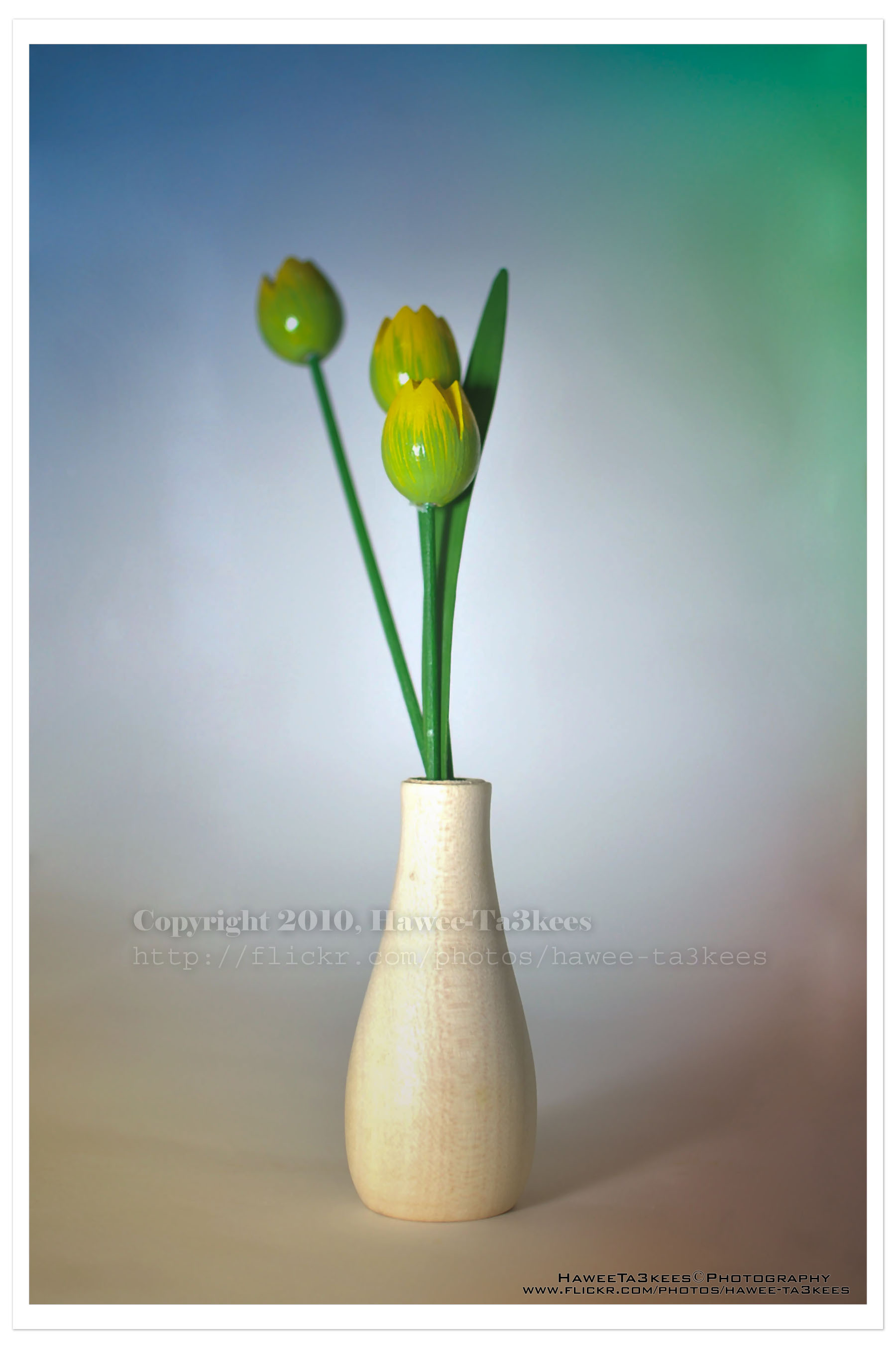
In this shot (same subject) I add four lights with colors in LightRoom, and some shadows.[Click the image to enlarge]

Taking pictures is not my main daily practices, but when i start playing with my camera, i really enjoy my self.
Thanks for visiting my Space..


 Ali's Photography Space...