Archive
LightRoom2 preset … More Green
Some time you may want to add more Green colors to the trees in your photos, here is a LightRoom 2 preset file to do this and you can see the sample shot to..you can download this preset from The download section..
A screen shot of the lightroom 2
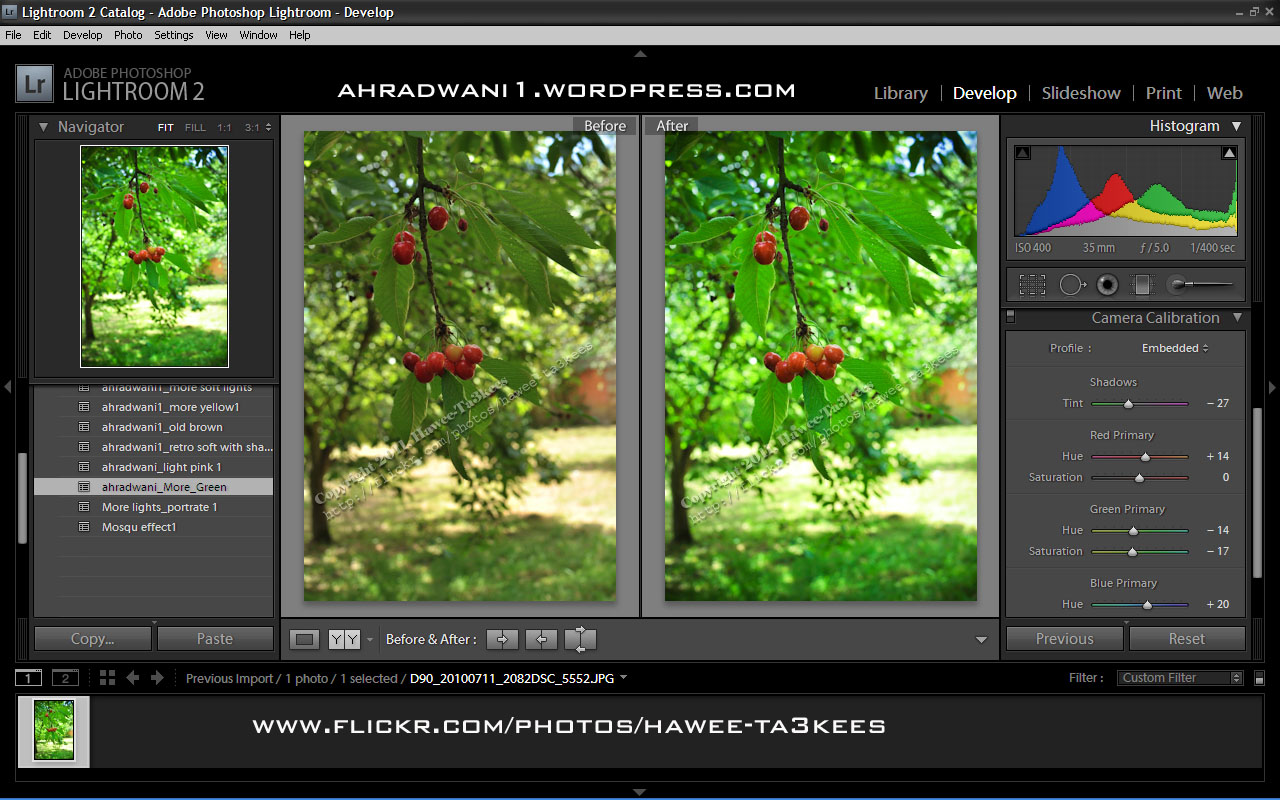
[Click the image to enlarge]
Another shot Before & After..
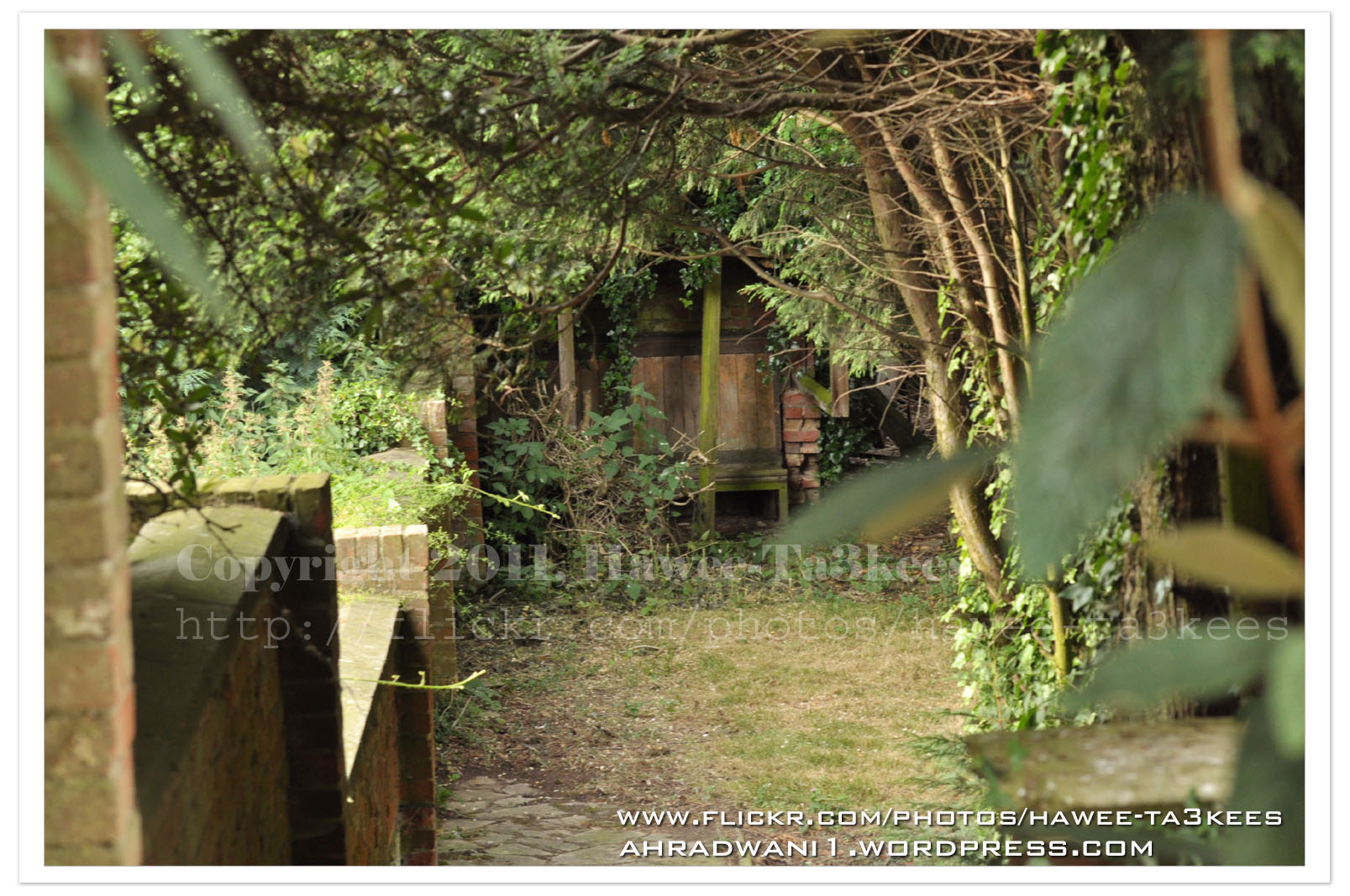
After … [Click the image to enlarge]
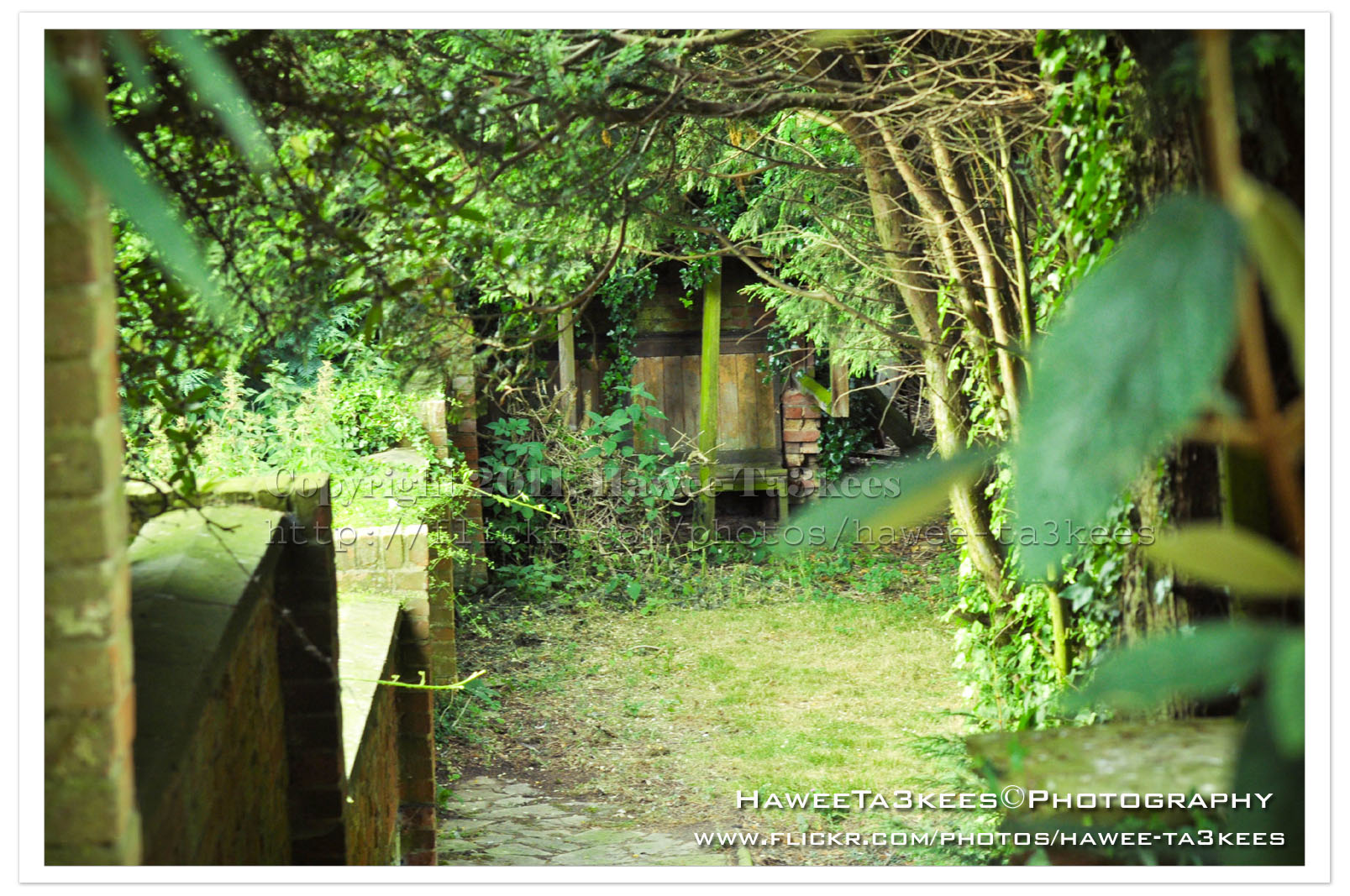
Adobe Lightroom2 Before & After
Here is another preset file you can download from the download section.This preset will add more colors to your photo and from there you can adjust it as your need.
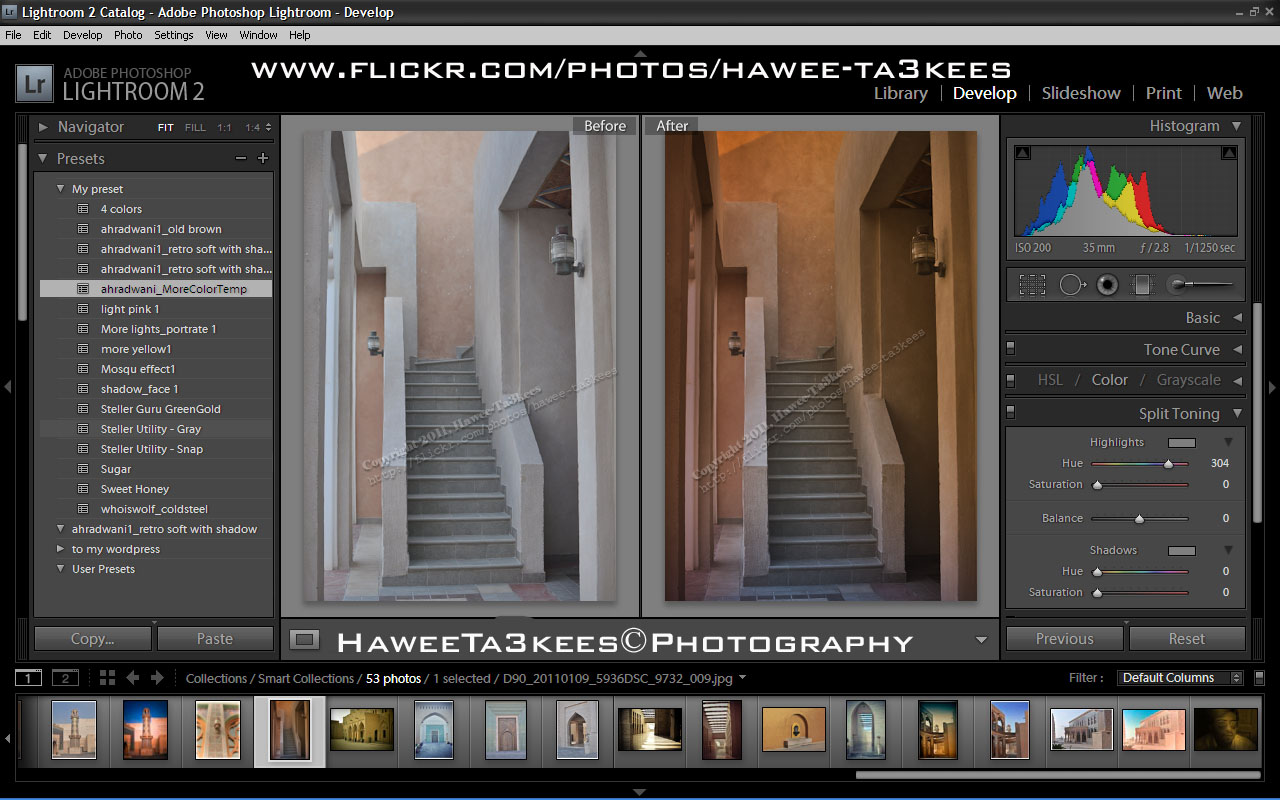
File Name: ahradwani_MoreColorTemp [lrtemplate]
Click the image to see the Before & After photos in the LightRoom.
Click the file name to download it, or navigate to the Download Section to see more preset files.
Sun Eclipse Lens cover … Create One..
How to create a sun eclipse cover for the camera lens you have?
What do you need?
* Cardboard – any color.
* A4 paper or any paper that can be twisted around the lens.
* Camera Film.
* Tape (Masking/Duct Tape)
* The lens that you want to use. (I prepare two covers for my Nikon 70-300mm, and Sigma 50-500mm)
Assemble it..
* Put the lens on the card board and draw a circle around the lens.
* Draw a rectangle in the middle of the circle and cut it out,
The cutting area must be smaller than the film width/height.
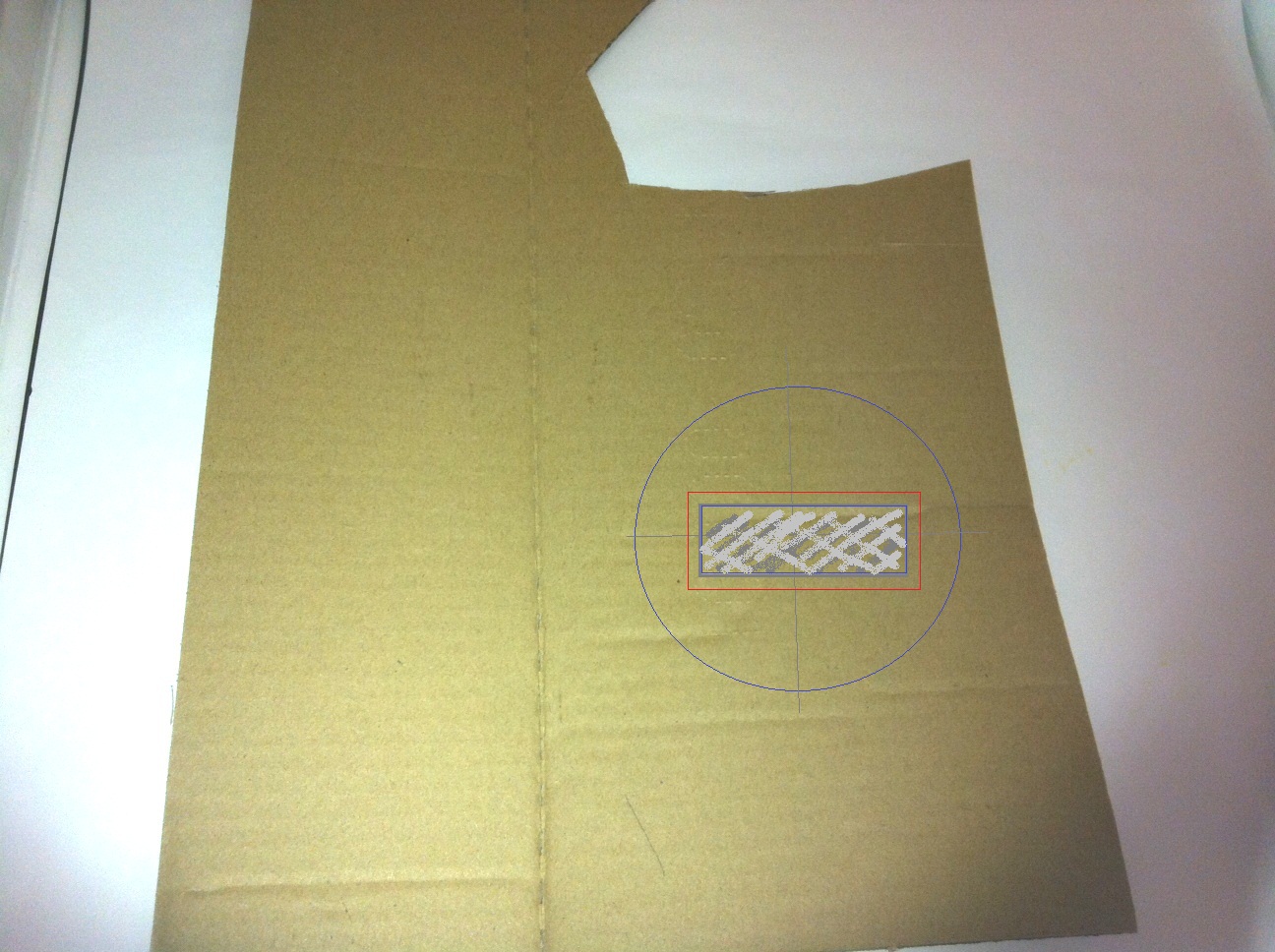
The RED rectangular is the Film size, you have to cut the GRAY (Smaller) rectangular
[Click the image to enlarge]
* Fix the film on the card,
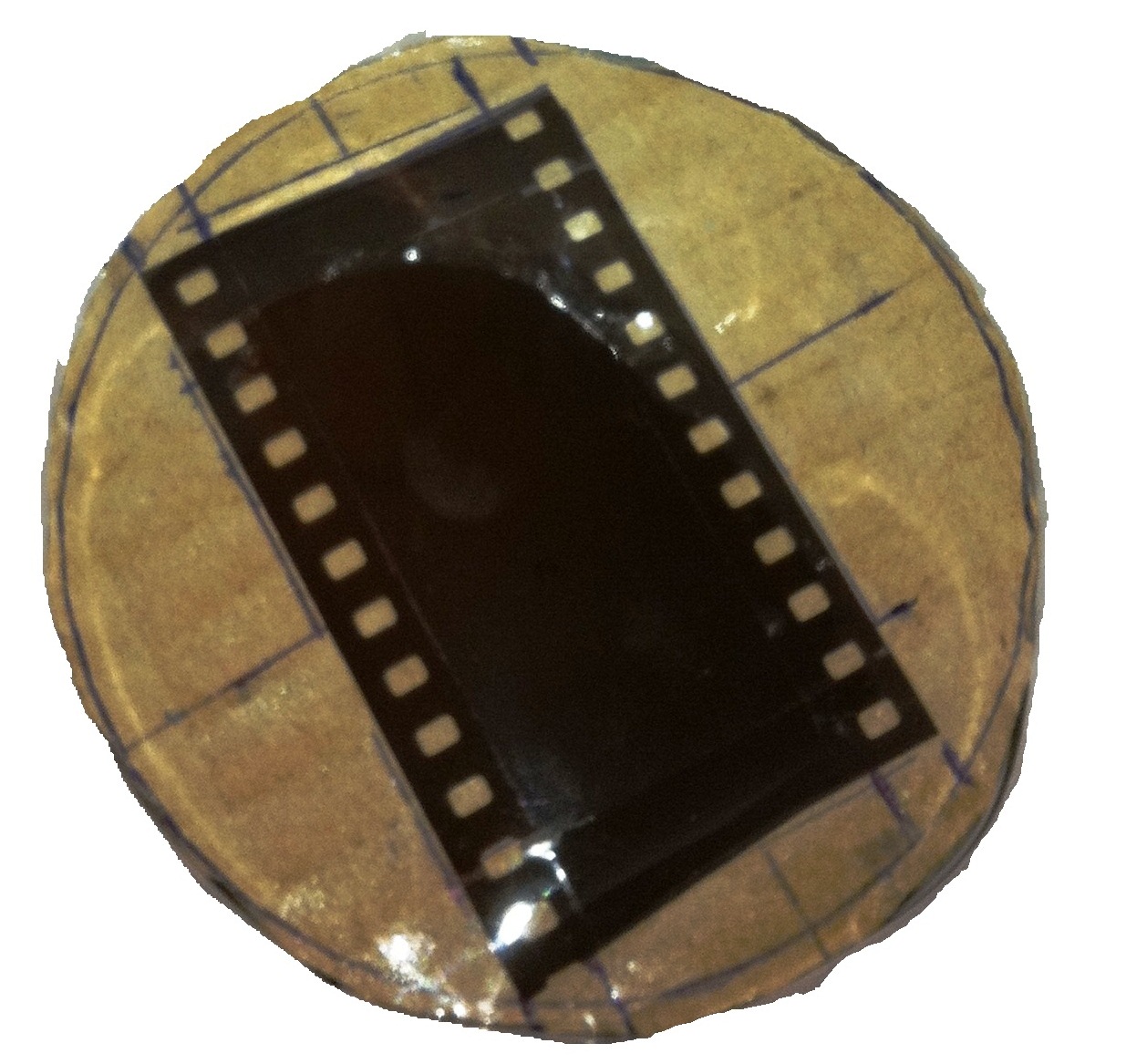
for now, you have the cardboard and the Film taped on it you need another one step to start shooting the sun in the mid of day.
[Click the image to enlarge]
* Make a Cylinder of the A4 and use the tape to fix it.
* Place the Card inside the Cylinder (on the top of one side – left 1cm) and use the tape to fix it.
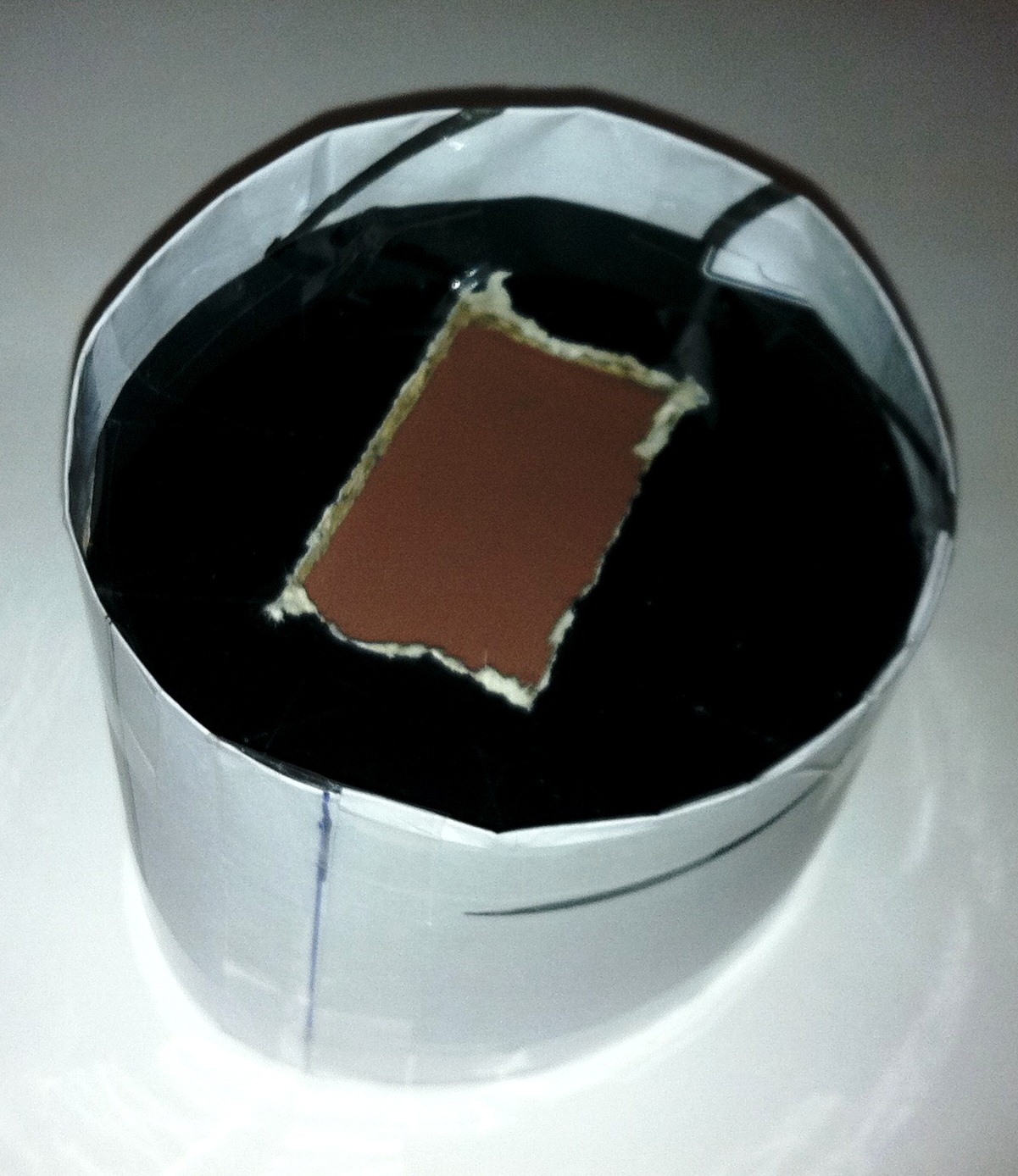
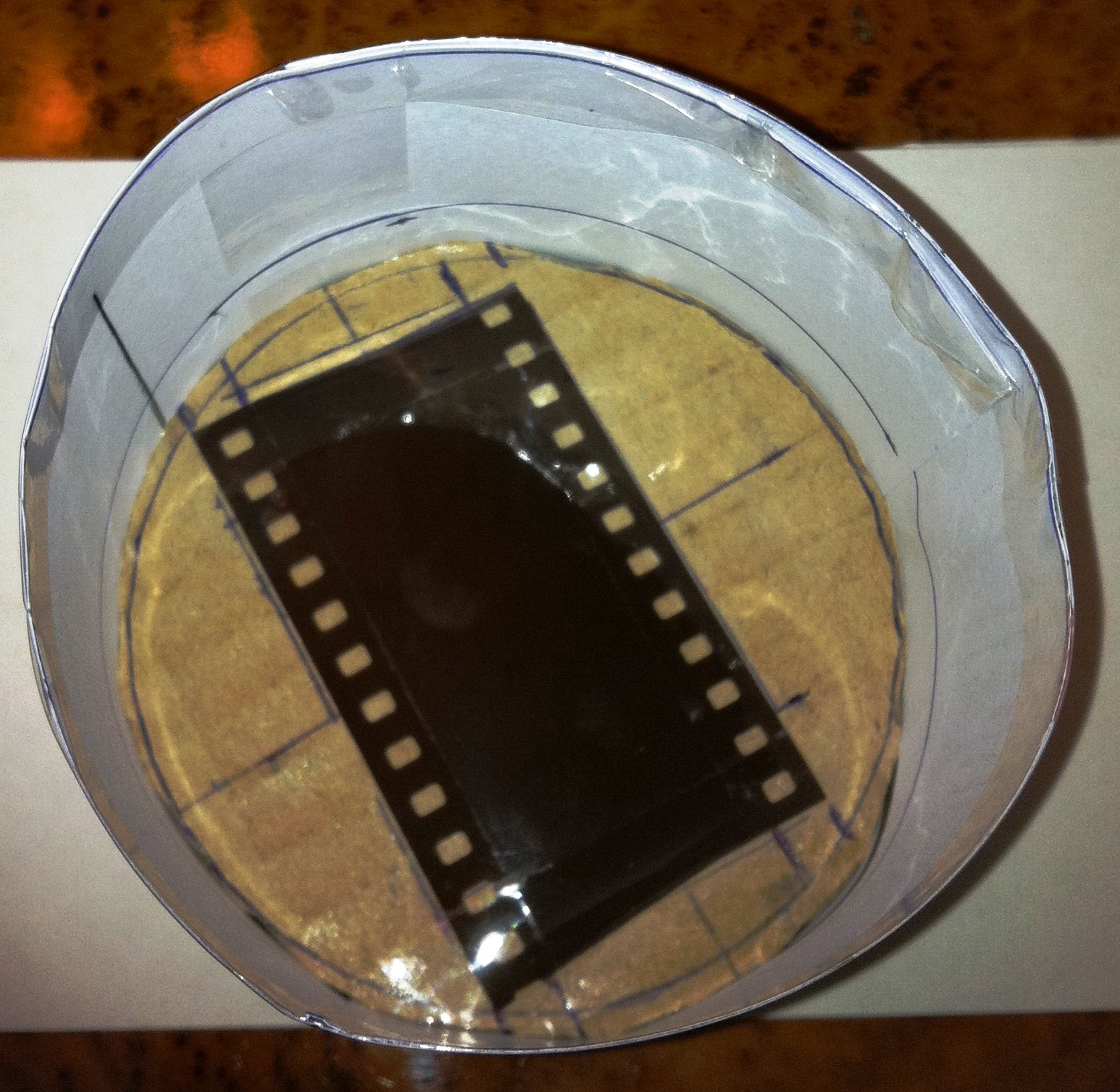
Now you have this, and it’s complete, just fix it on the top of the lens and shot the sun.
[Click the image to enlarge]
Final result… the cover for the Nikon 70-300mm
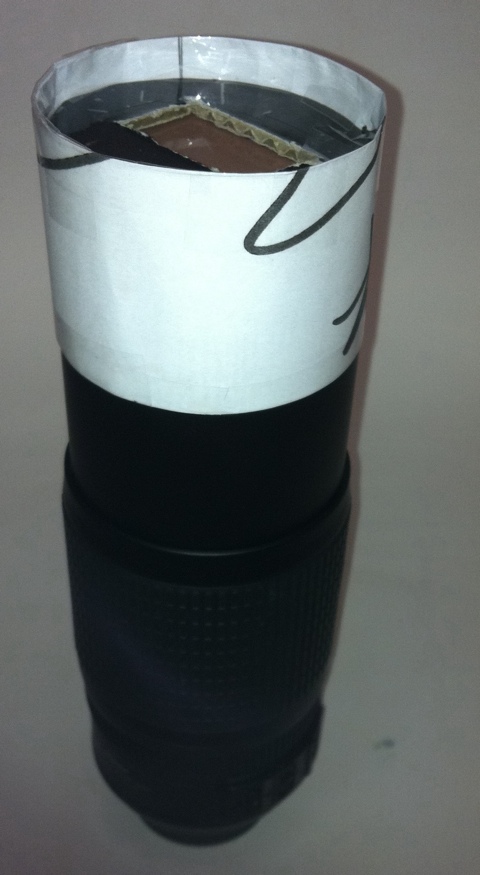
[Click the image to enlarge]
Done …
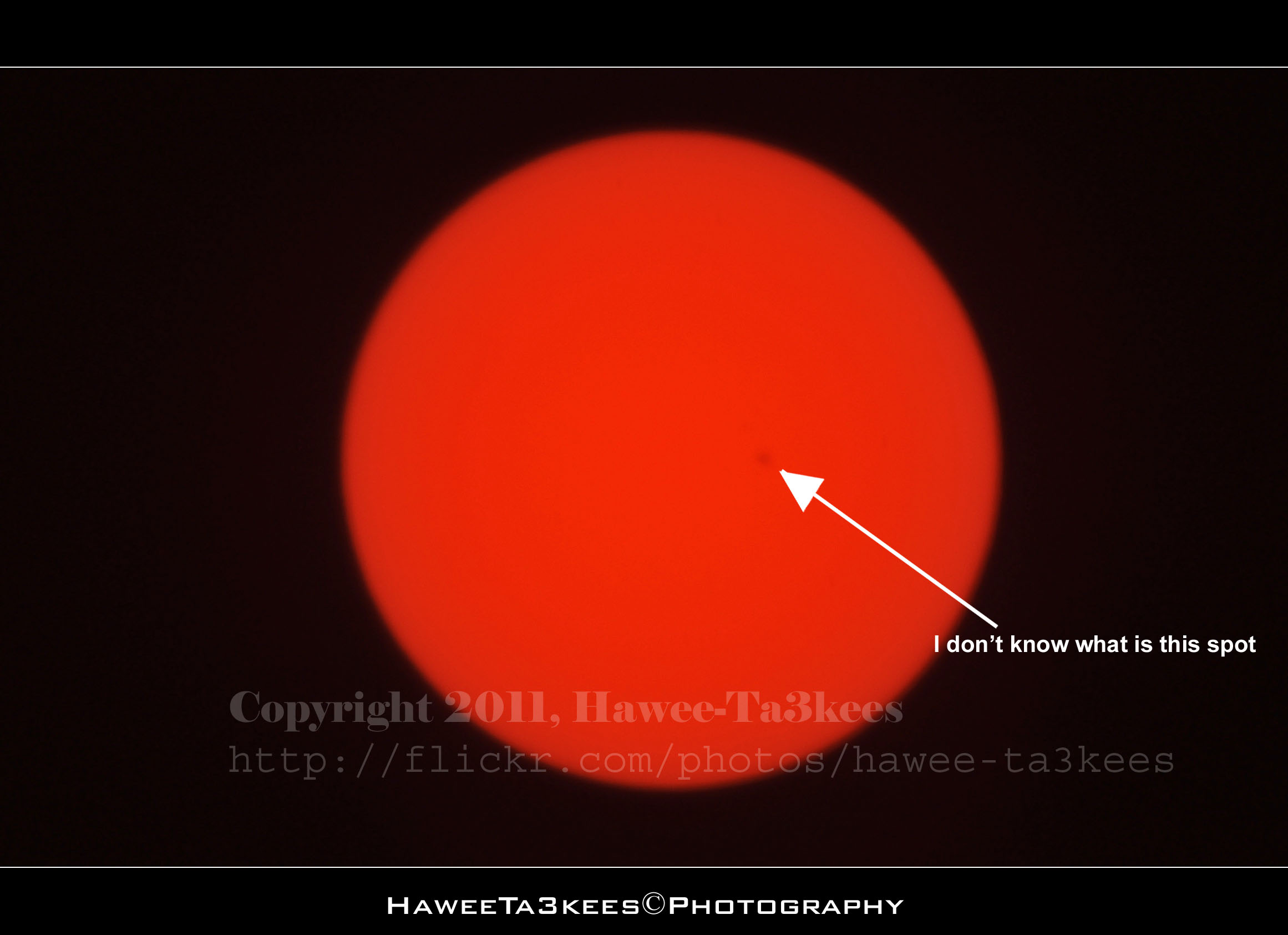
Here is a shots for the sun and it was great to see the small black spot on the sun! i don’t know what is it but it’s there you can see it, too make sure it is not a dust on my lens; i move the camera to the right and left but the spot dose’t move which mean it it not on the camera it is something on the sun or close to it it may be a planet… Have Fun
[Click the image to enlarge]
The Camera Setting
Exposure Time = 1/1250″
F Number = F13
Exposure Program = Manual
Date Time Original = 2011-06-20 16:02:48
Exposure Bias Value = +5EV
Focal Length = 1000mm
My New iPhone 4, a stupid lock phone!!

I purchased this iPhone 4 from the internet (amazon.com) there was nothing saying that it’s lock to AT&T and can’t be used out side USA (I wonder where is the customer rights to select a carrier), once i received it i notes that it will not work on Qatar, i am waiting for the unlock solution for OS 4.2.1 BB 3.10.01… No thing till now. For now all i can do is jailbreak it and hope the unlock will be soon released..
Tea Set @ Lightbox..
This is a black-gold Tea set on my kitchen shelf, i just bring it down and move my camera around it with my Nikon 35mm lens…. see the result..
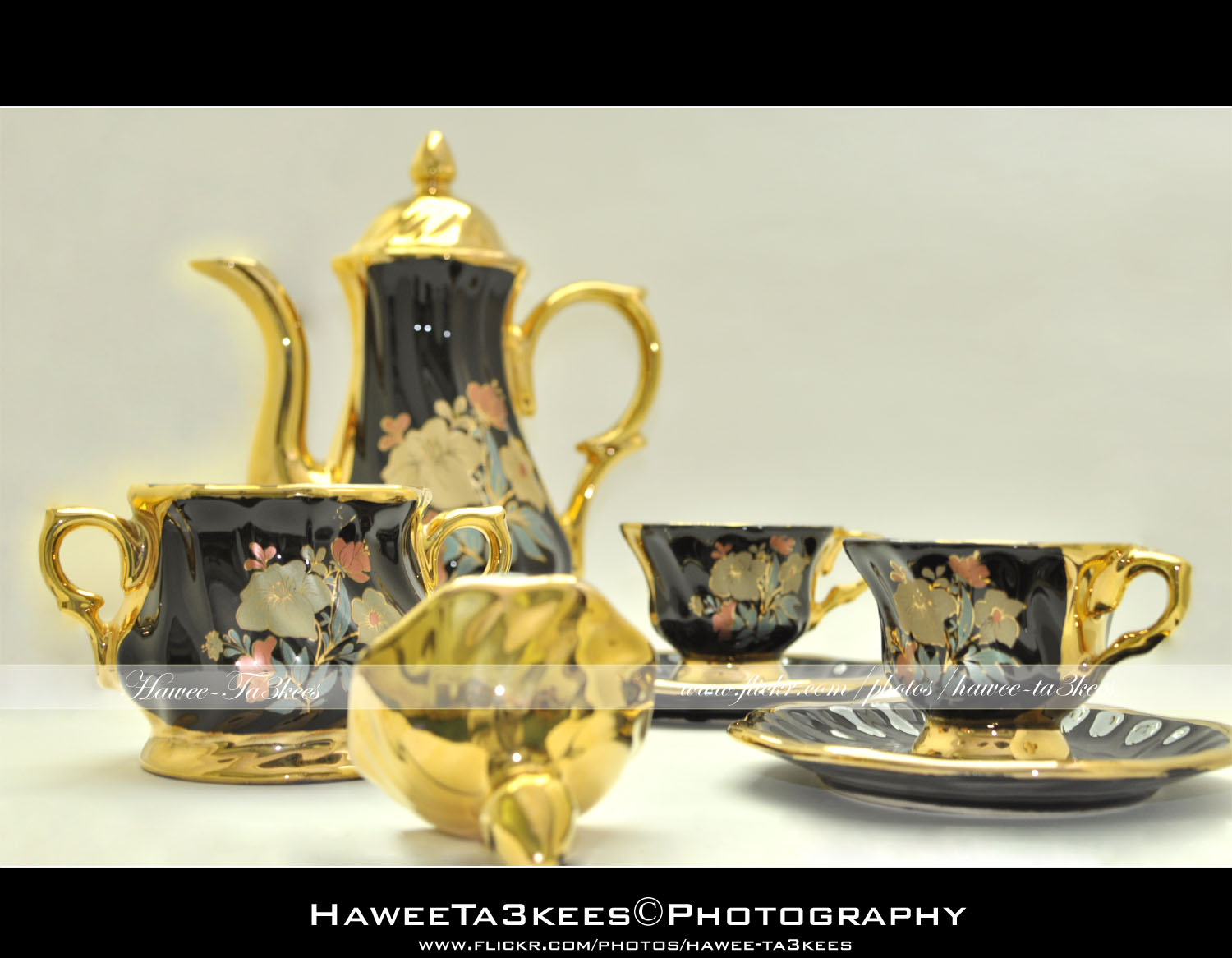
In first photo you can see the tea-cup teapot and sugar bowl.[Click the image to enlarge]
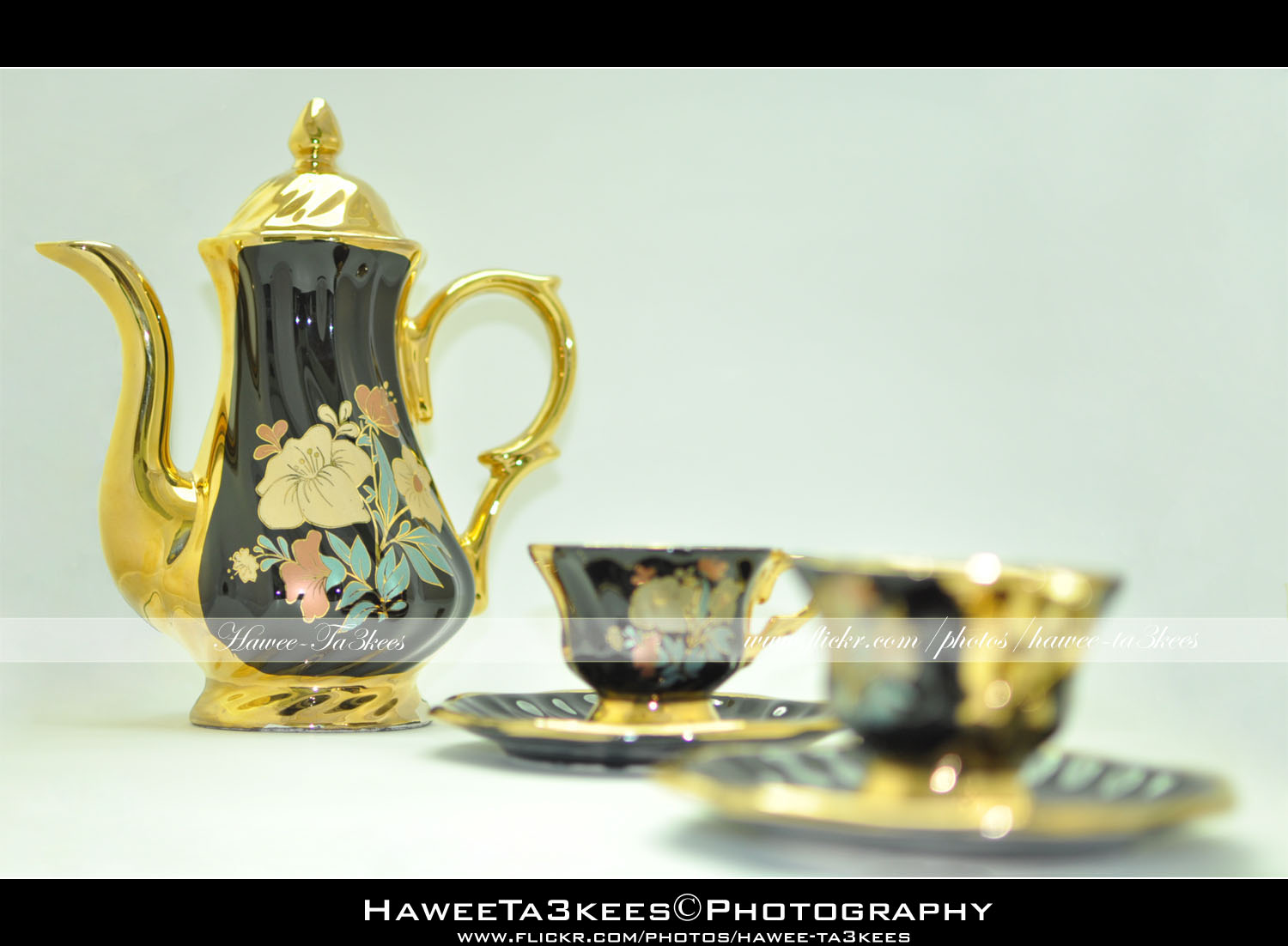 In this shot i remove the sugar bowl and change the focus point a little..[Click the image to enlarge]
Photo Frame by Photoshop Action..#4
In this Action the file will be resized to 2500W and the image will resized (about 1cm), New layer will be Created with two rectangular one as out border and the second is just bigger than the image.
Name: Double Black.
Download: Download the File from the Photoshop Actions in my “Download Section“
Result: [Click the image to enlarge]
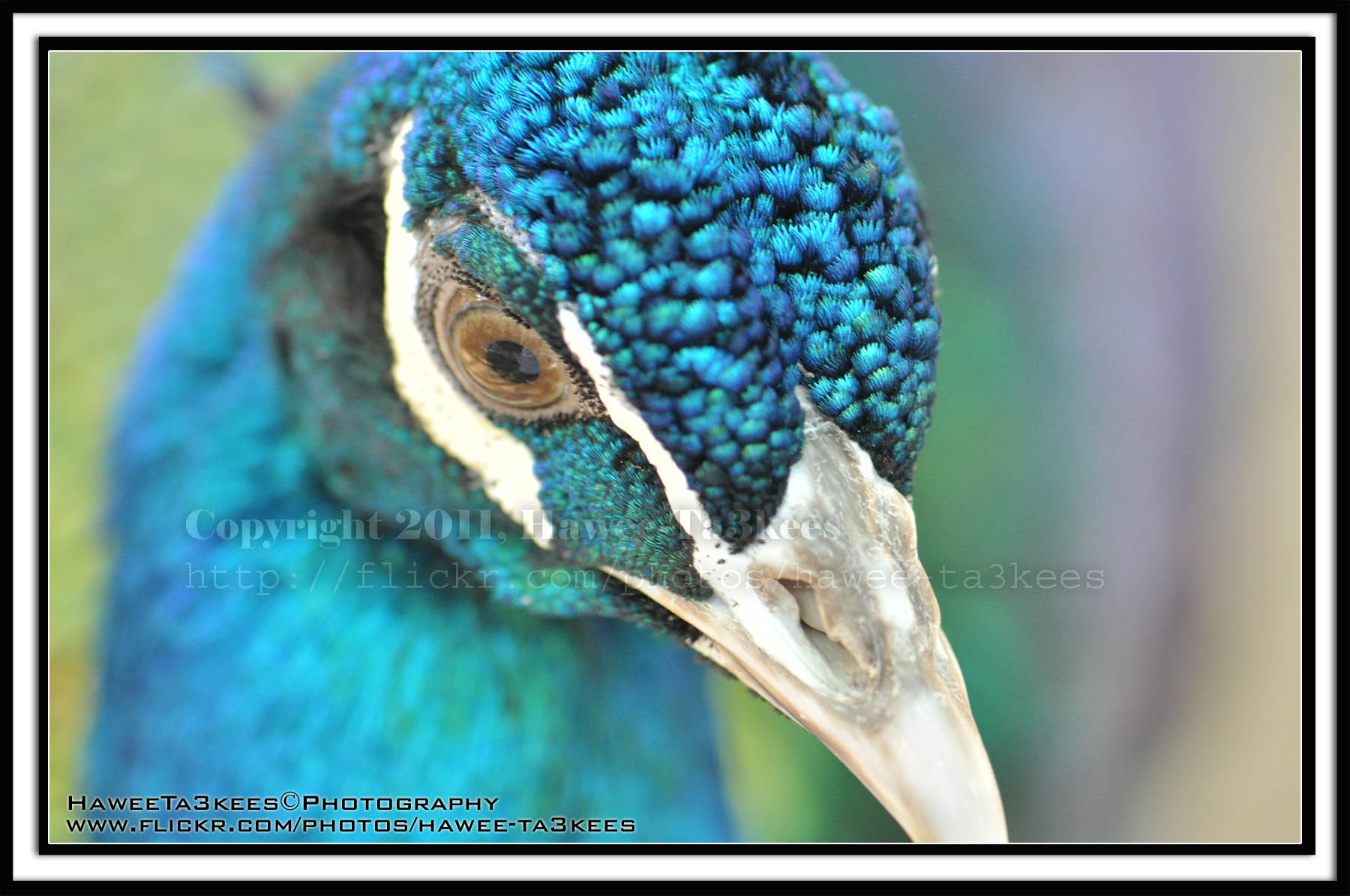
Instruction:
– Un-ZIP the file.
– Copy the file to this folder :[Your Drive] .. Program Files\Adobe\Photoshop 7.0\Presets\Photoshop Actions
– Open the Photoshop (this sample is for Photoshop 7.0)
– Your image must NOT BE on the background Layer, copy it to new layer first.
For How to open an action file in Photoshop Click Here..
Photo Frame by Photoshop Action..#2
In this Action the file will be resized to 2500W, Black rectangular will be drown another yellow (olive) rectangular bigger than the black.
Name: Golden Black Frame.
Download: Download the File from the Photoshop Actions in my “Download Section“
Result: [Click the image to enlarge]
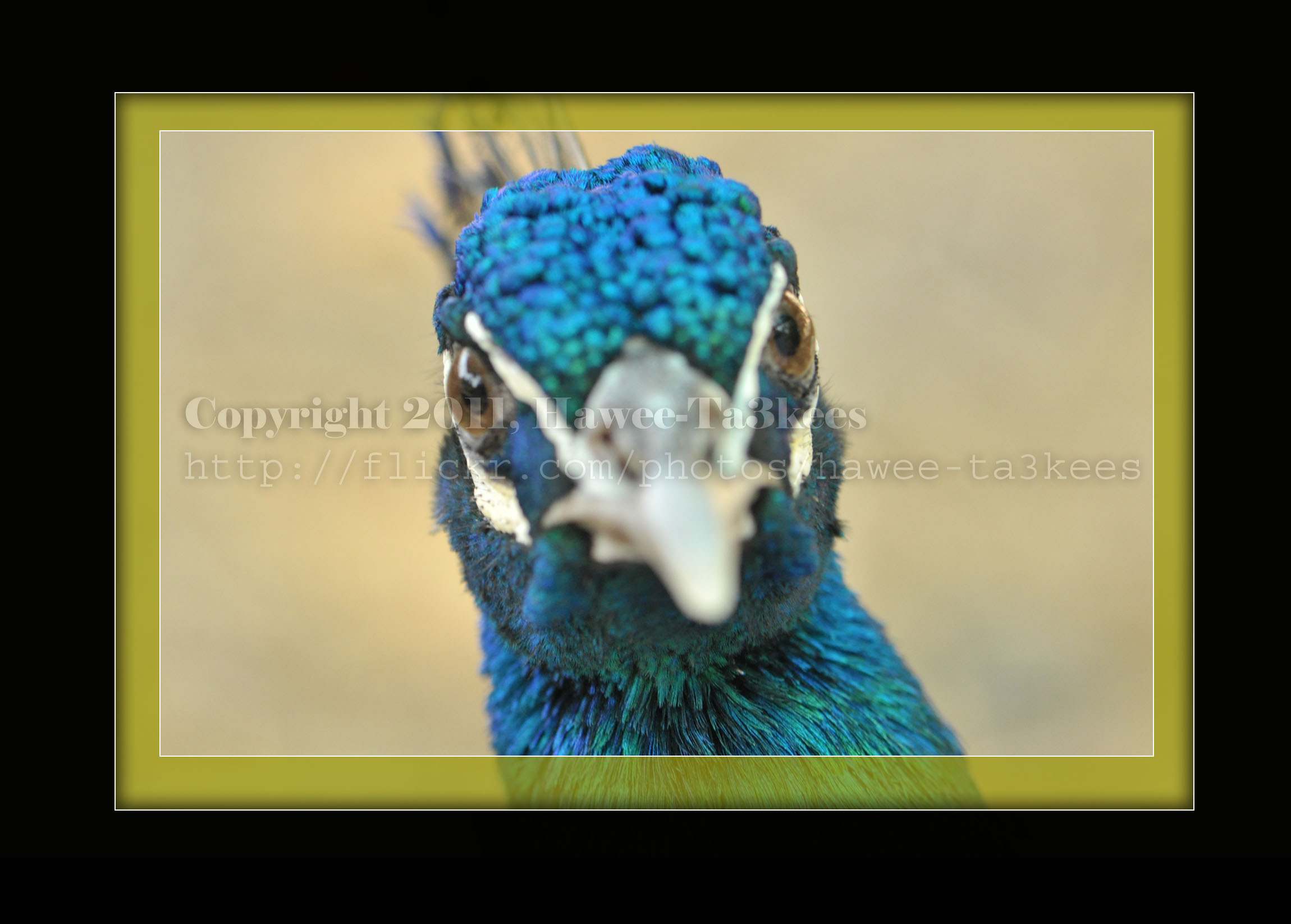
Instruction:
– Un-ZIP the file.
– Copy the file to this folder :[Your Drive] .. Program Files\Adobe\Photoshop 7.0\Presets\Photoshop Actions
– Open the Photoshop (this sample is for Photoshop 7.0)
– Your image must NOT BE on the background Layer, copy it to new layer first.
For How to open an action file in Photoshop Click Here..
Photo Frame by Photoshop Action..
This is the first Photoshop Action I upload.
Name: Frame Normal Shadow.
Result: [Click the image to enlarge]

Instruction:
– Un-ZIP the file.
– Copy the file to this folder :[Your Drive] .. Program Files\Adobe\Photoshop 7.0\Presets\Photoshop Actions
– Open the Photoshop (this sample is for Photoshop 7.0)
[::] If the Action panel not appear then: From the menu Press Windows > Action

[::] On the Action Panel press the small triangle on the right (see the image)
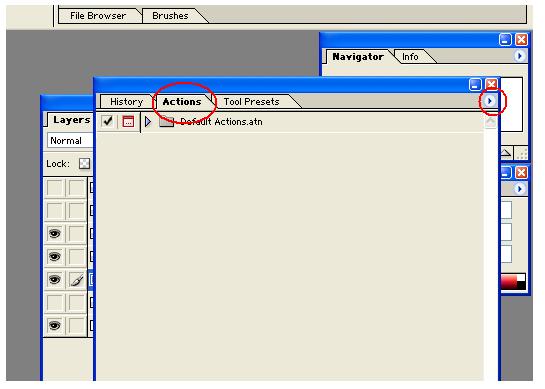
[::] Select the Load Action, then select the action file from you drive.
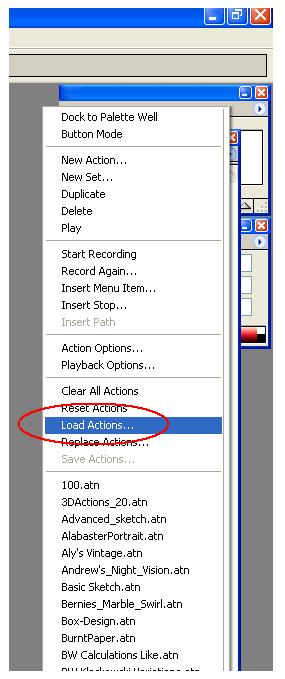
Note: You have to have your photo on a layer not on the Background layer, then run the action.
Download the File from the Photoshop Actions in my “Download Section”
Preparing the Scene for a good capture.
It is not that easy, yes you may use the Point and Shot cameras for daily quick capturing. If you want to have a good shot you may want to set-up the scene and arrange the objects in the positions that suit you.
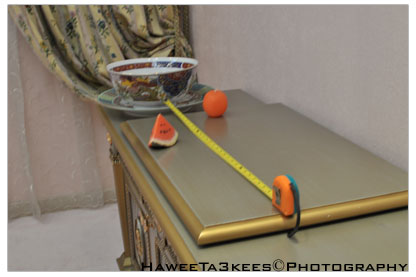 Here is a studio set-up for a shot, I used the natural lights from the windows and the room light, Nikon D90 with Nikon 35mm lens with f/1.8 to get the DOF effect, subjects are Watermelon, Orange [made of candle]and The Chinese’s Porcelainin in different distance from each other.
[Click the image to enlarge]
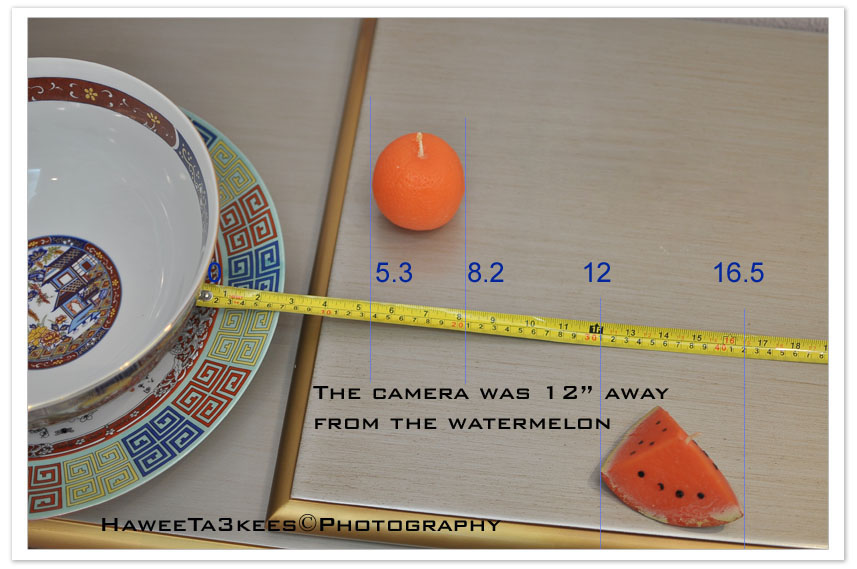 Here is another view with more details on the set-up and distances. [Click the image to enlarge]
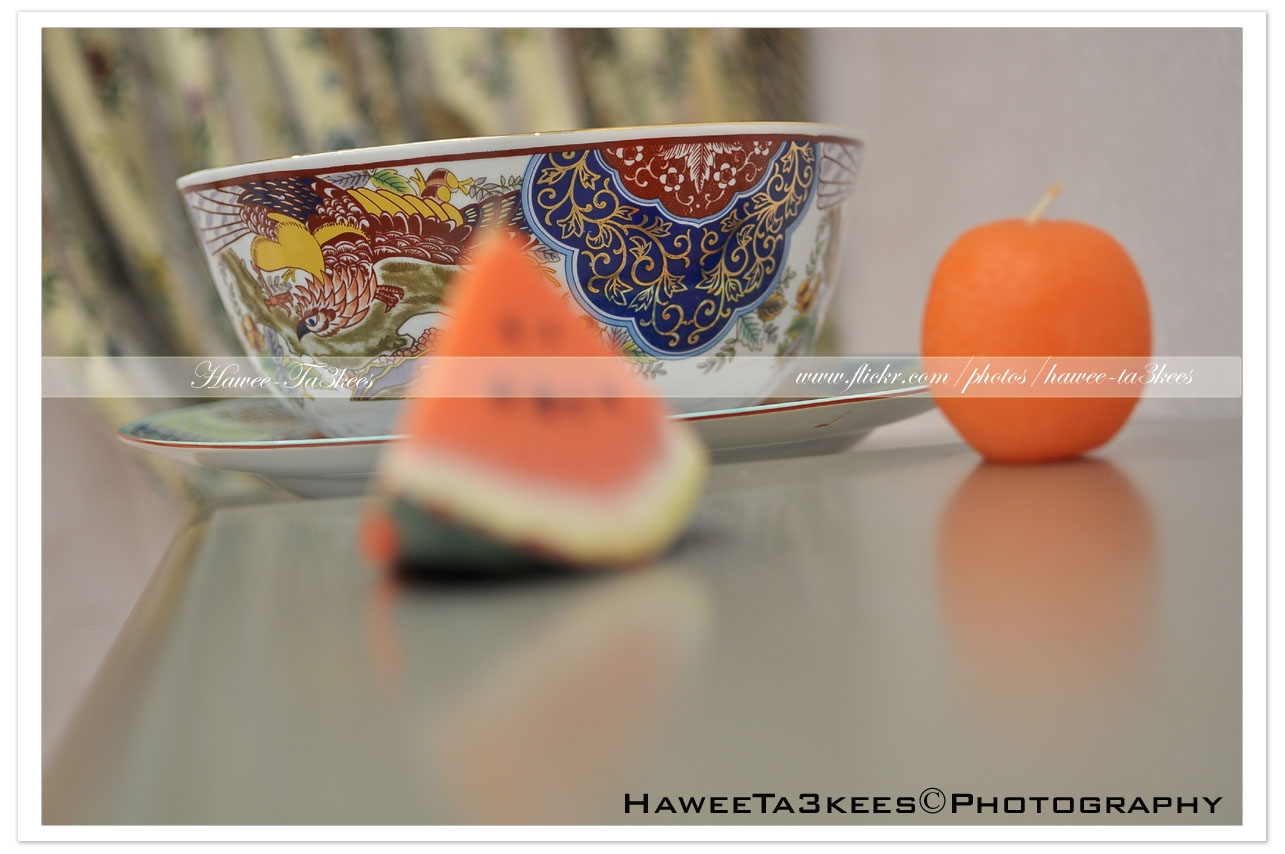
A shot with focus on the rear object (Chinese’s Porcelain).[Click the image to enlarge]
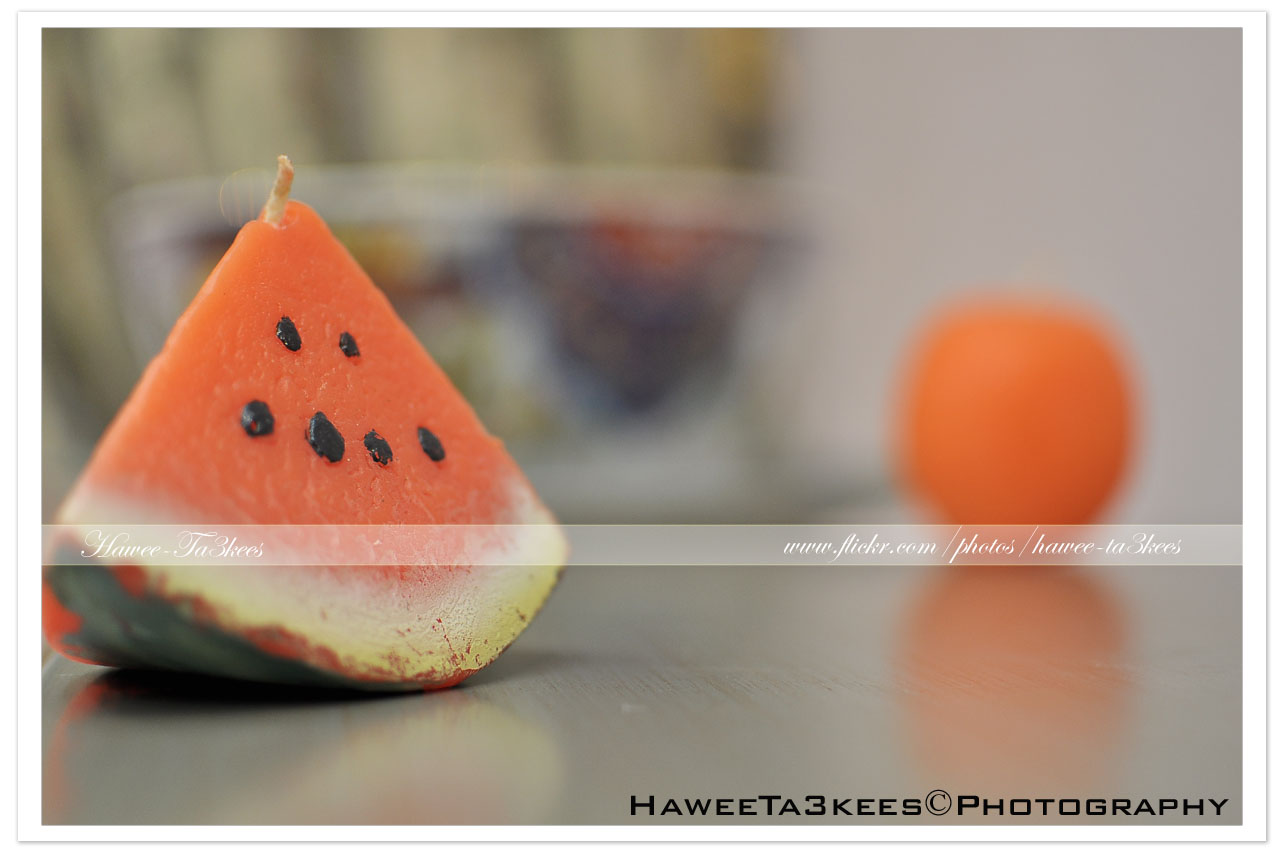 And now I just moved the focus to the watermelon and take the camera closer. [Click the image to enlarge]
Photo from Austria 1998 .. Photo #2
Another photo from Austria 1998, it is a flower clock in Stadtpark. [Click the image to enlarge]
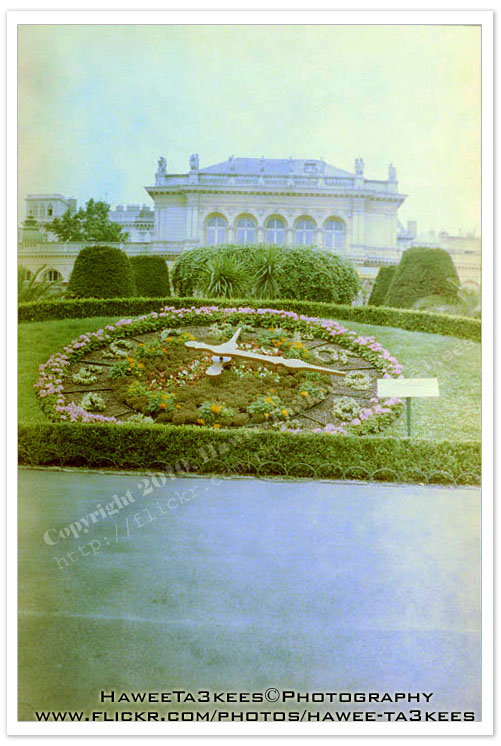
Film camera, Austria-1998, the negatives converted to JPG in 2010.
Click for more detail on ‘Convert Negative to JPG project‘.
Ali,

Taking pictures is not my main daily practices, but when i start playing with my camera, i really enjoy my self.
Thanks for visiting my Space..


 Ali's Photography Space...