Archive
Canon Coffee Mug..
I am a Nikon user but i fond this Mug on the amazon.com, there was also Nikon’s but loved this for it’s size, it is a Canon Lens mug as same size as the original 24-105mm IS Lens with Lens Hood. Very cool, stainless steel inside.
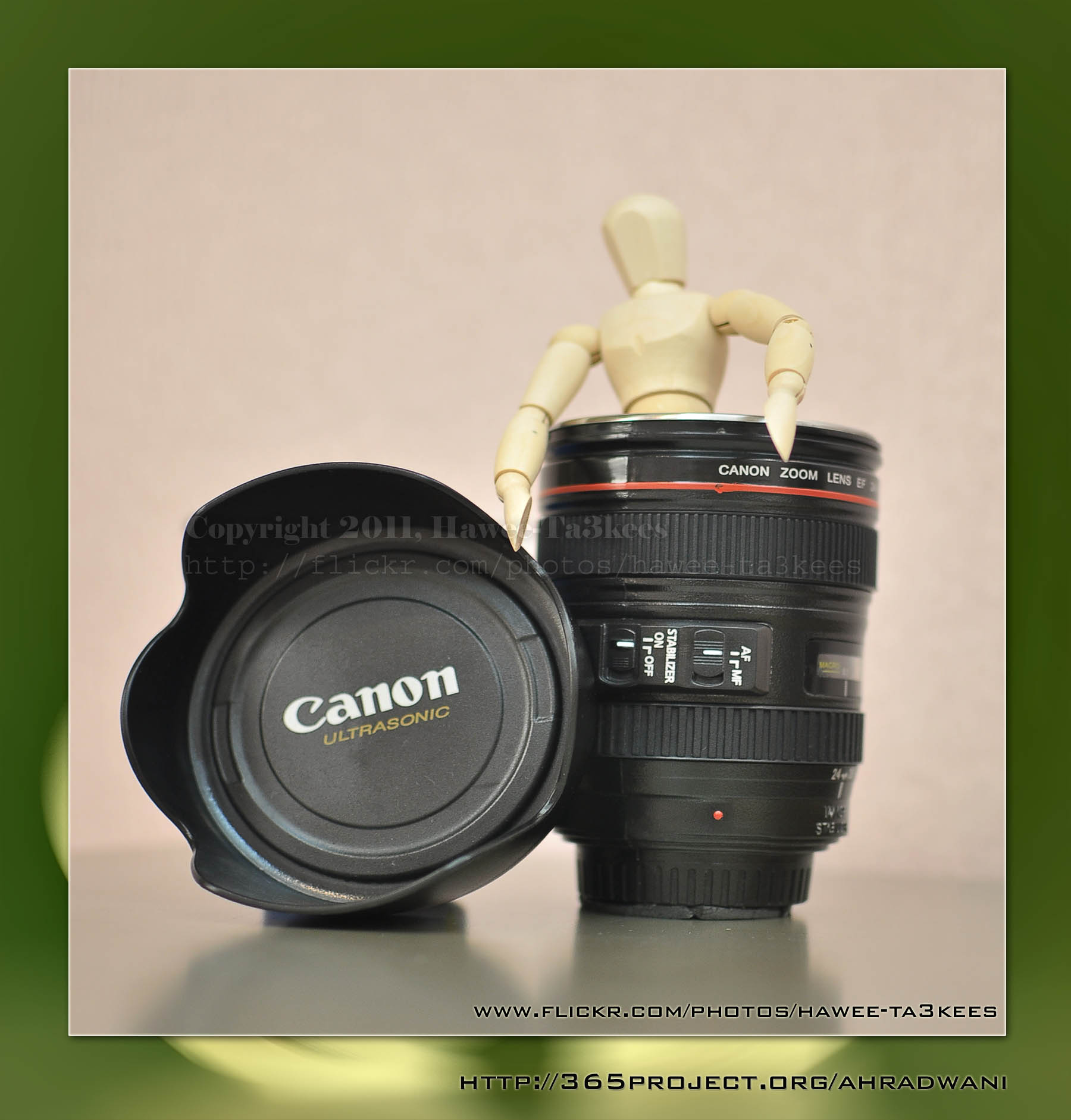
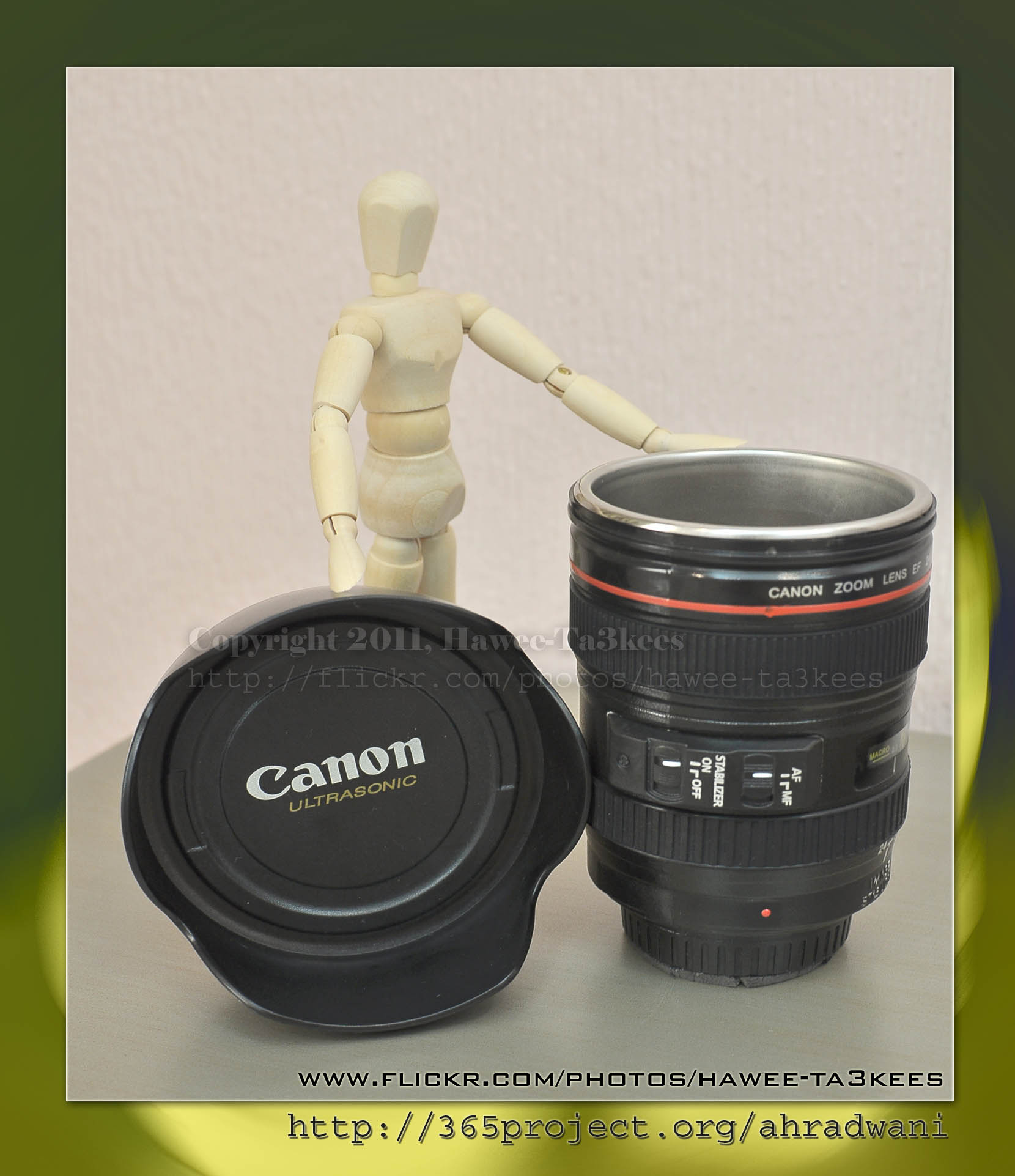
More photos on My Flickr, or Visit the 365Project
Ali,
Photo Frame by Photoshop Action..
This is the first Photoshop Action I upload.
Name: Frame Normal Shadow.
Result: [Click the image to enlarge]
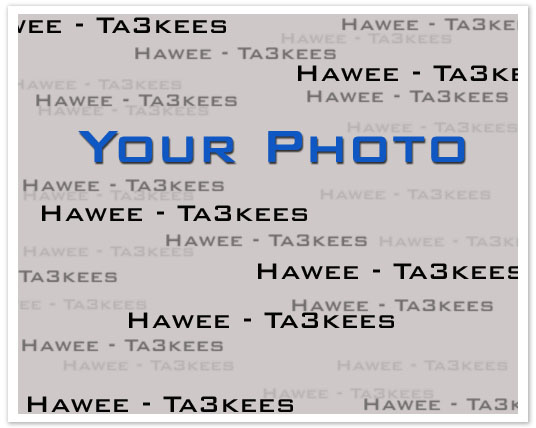
Instruction:
– Un-ZIP the file.
– Copy the file to this folder :[Your Drive] .. Program Files\Adobe\Photoshop 7.0\Presets\Photoshop Actions
– Open the Photoshop (this sample is for Photoshop 7.0)
[::] If the Action panel not appear then: From the menu Press Windows > Action

[::] On the Action Panel press the small triangle on the right (see the image)
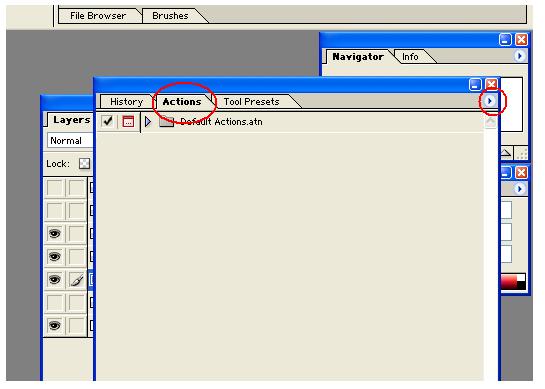
[::] Select the Load Action, then select the action file from you drive.
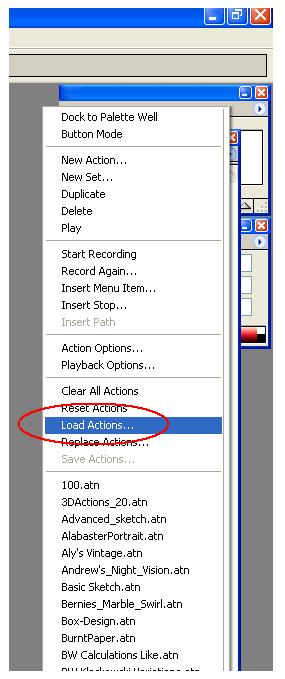
Note: You have to have your photo on a layer not on the Background layer, then run the action.
Download the File from the Photoshop Actions in my “Download Section”
The Bicycle..
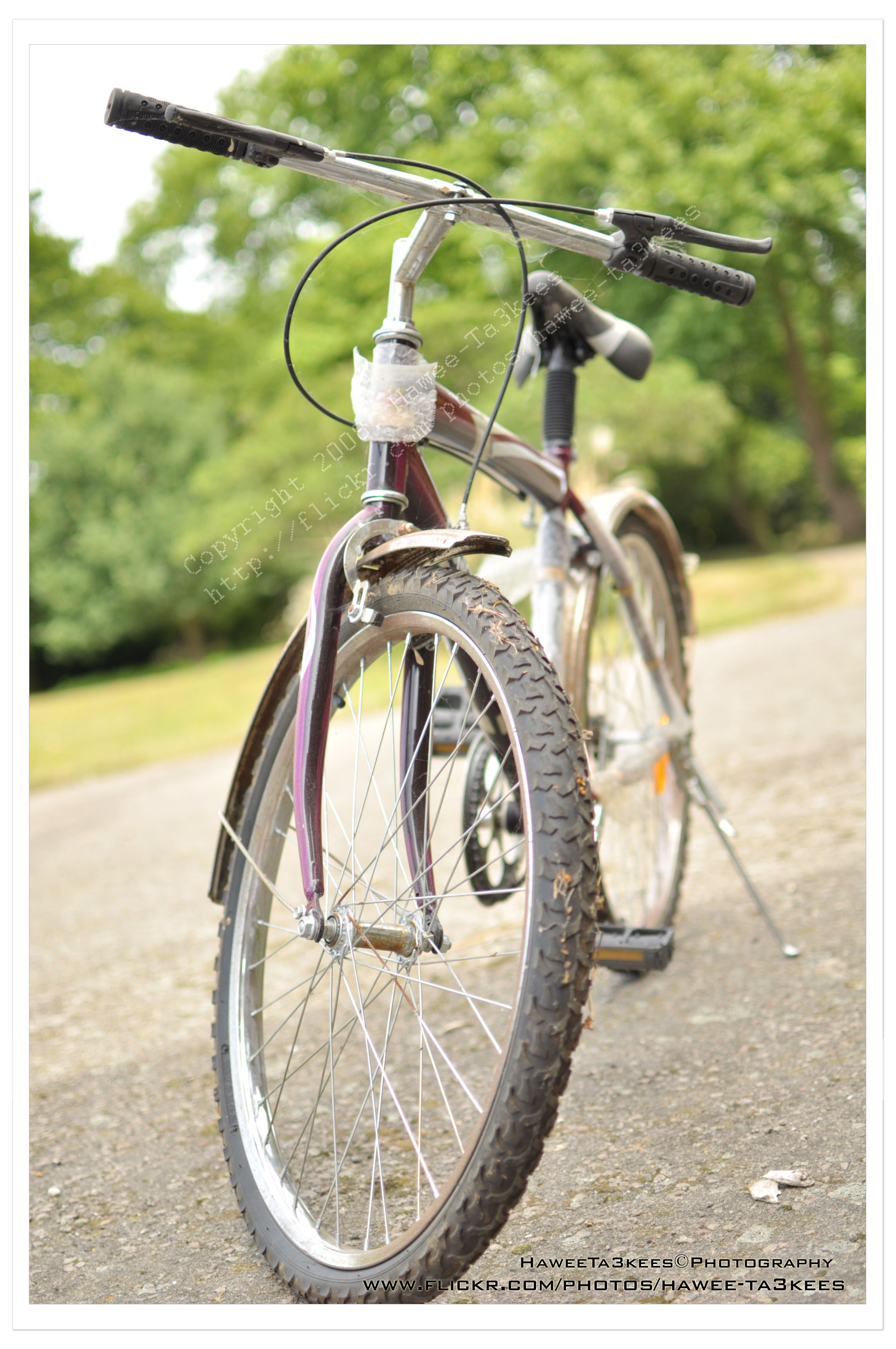
Here is another shot for a Bike with Nikon 35mm f/1.8 ..
More Information
Exposure: 1/1250″
f Number: F2
Exposure Mode: Manual
ISO: 200
Date Time: 2010-07-06 13:48:22
Exposure Base: +2.67EV
Metering Mode: Pattern
Light source: Cloudy weather
Flash: Off
Lens: 35mm
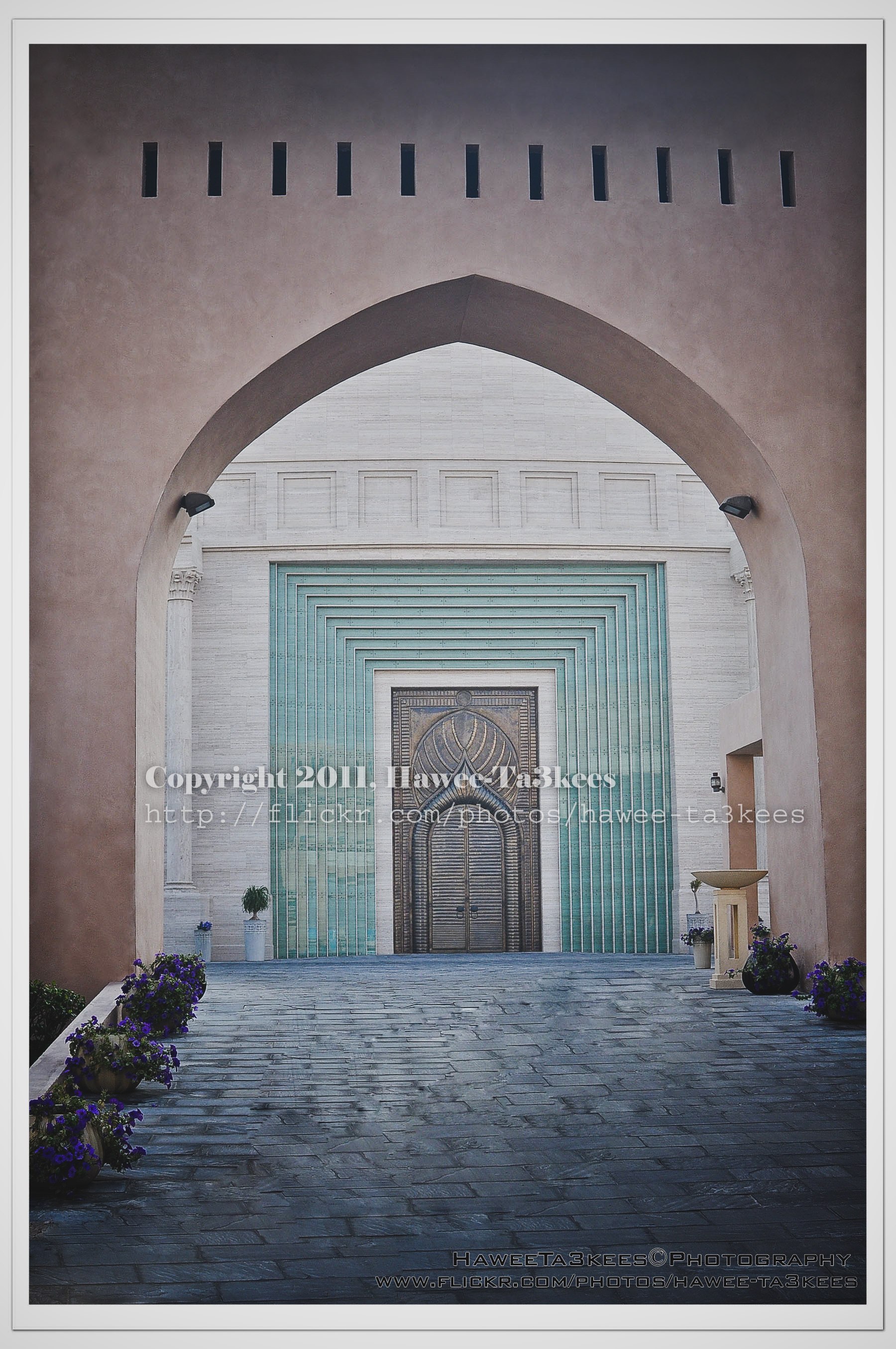
The Door in KATARA
This is the door on a side of The Amphitheater I used the Reto effect on the Adobe lightroom in the second.
You can download the lightroom preset file from Download section on main menu or Click Here.
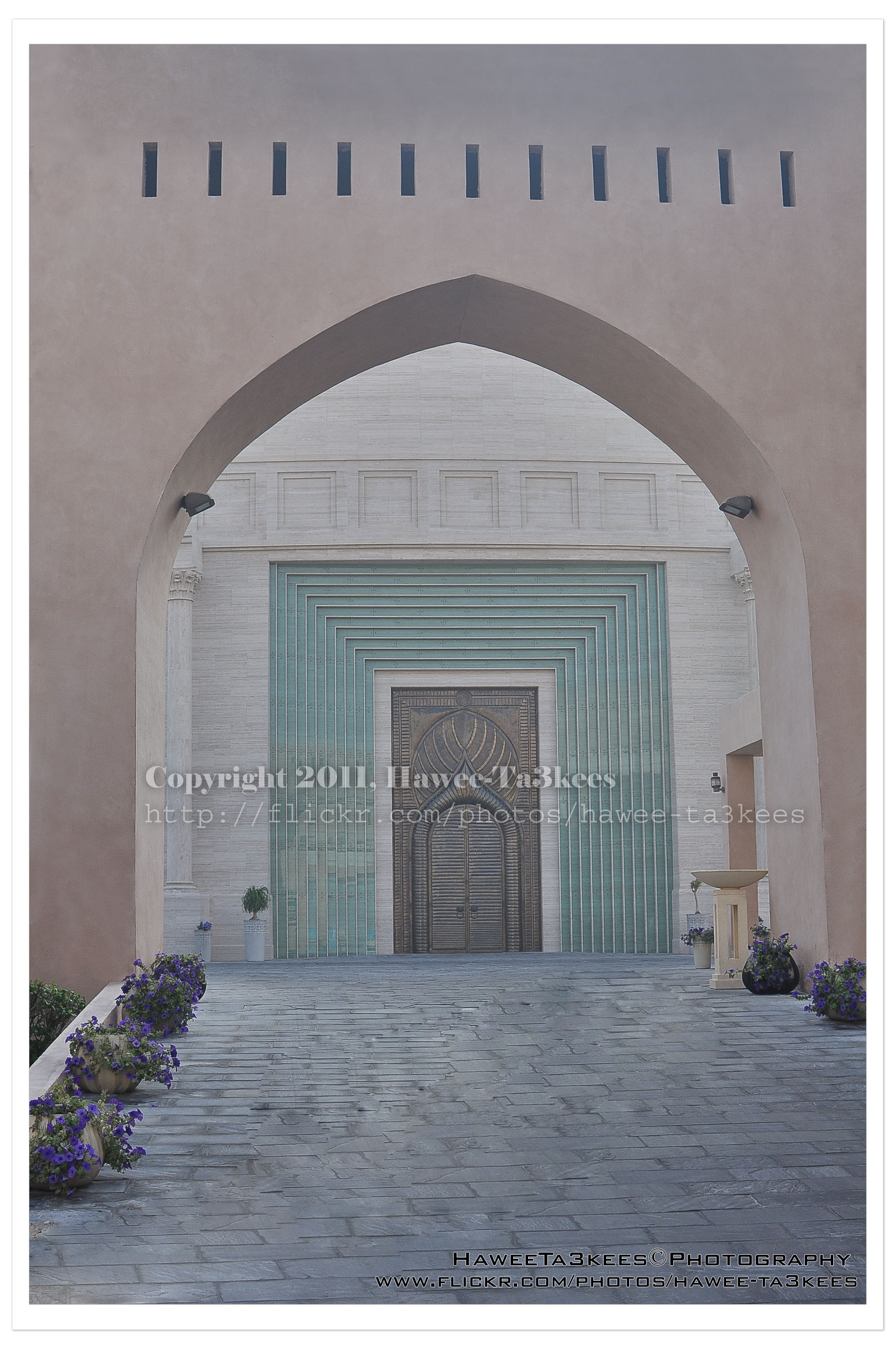 The original shot:
[Click the image to enlarge]
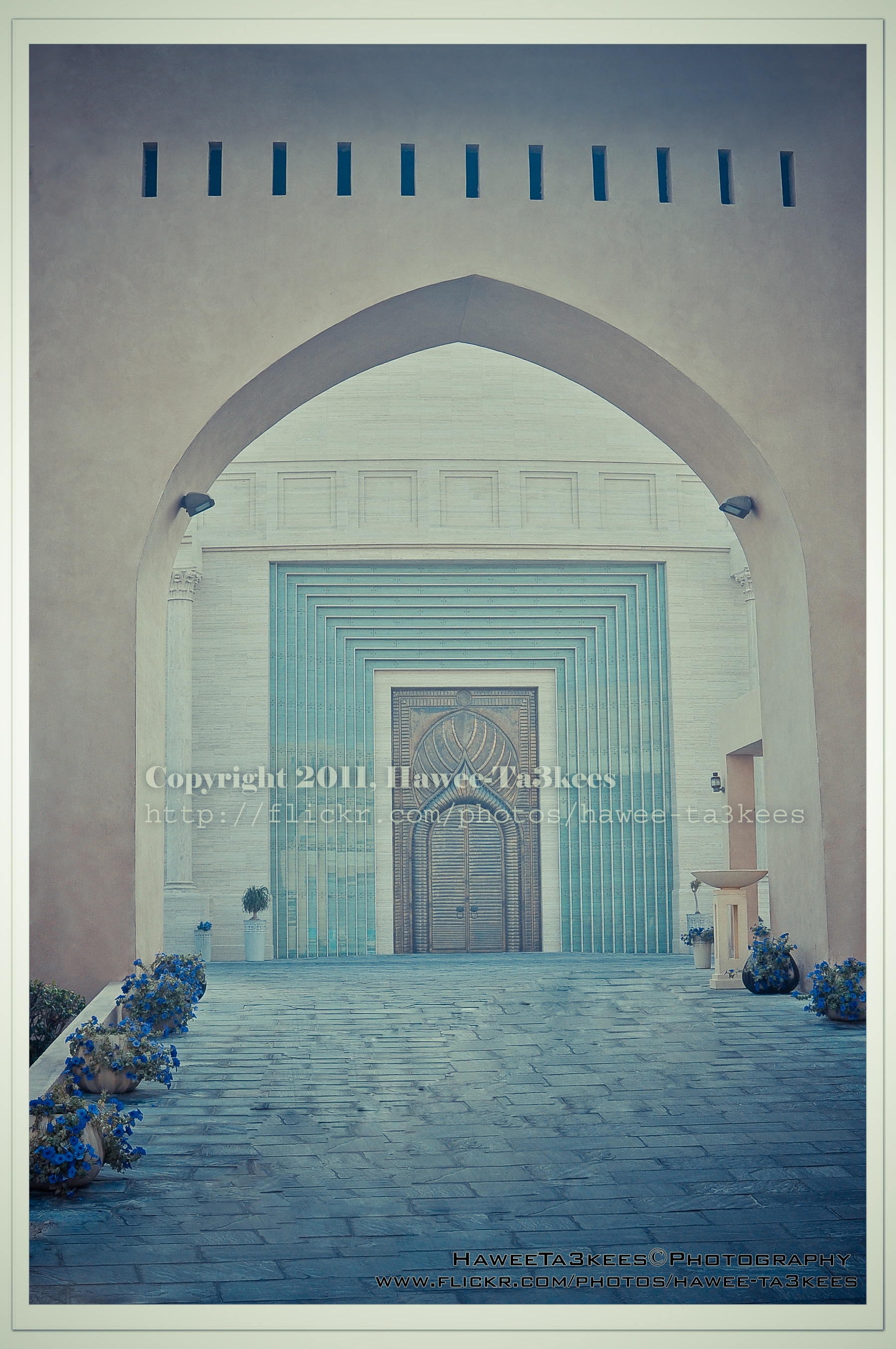 After Retro Effects:[Click the image to enlarge]
 Another effect..[Click the image to enlarge]
Adobe LightRoom2 before and..
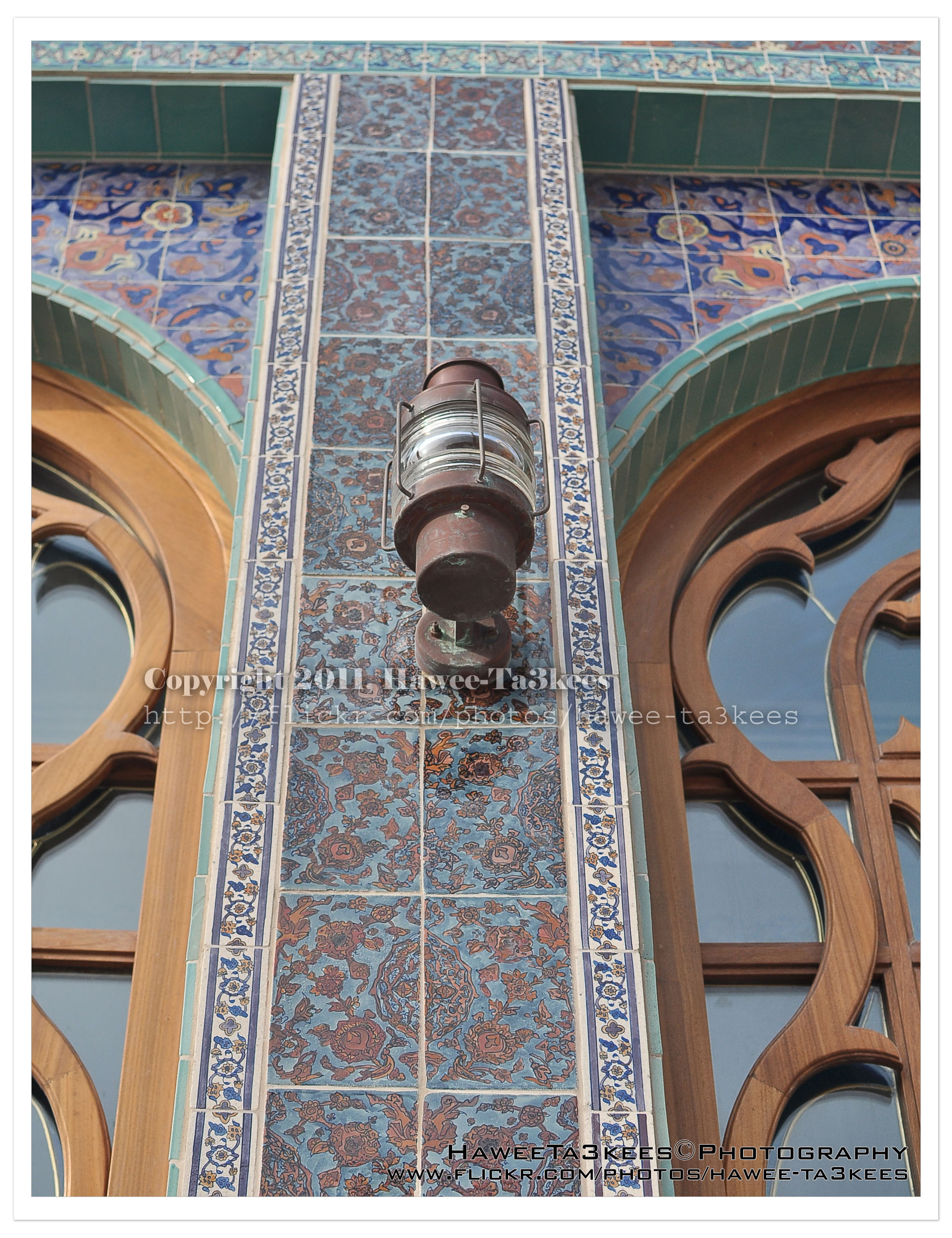
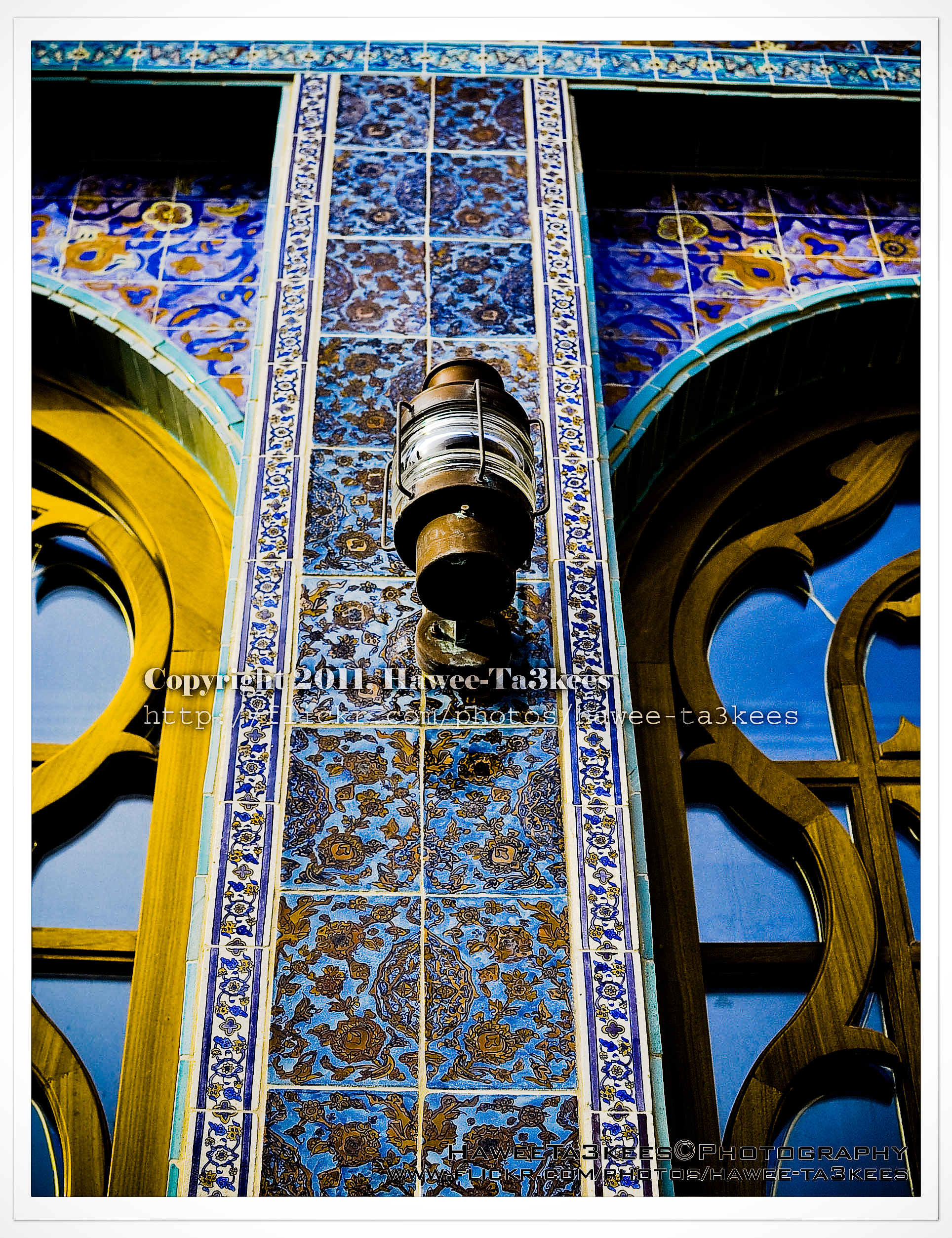
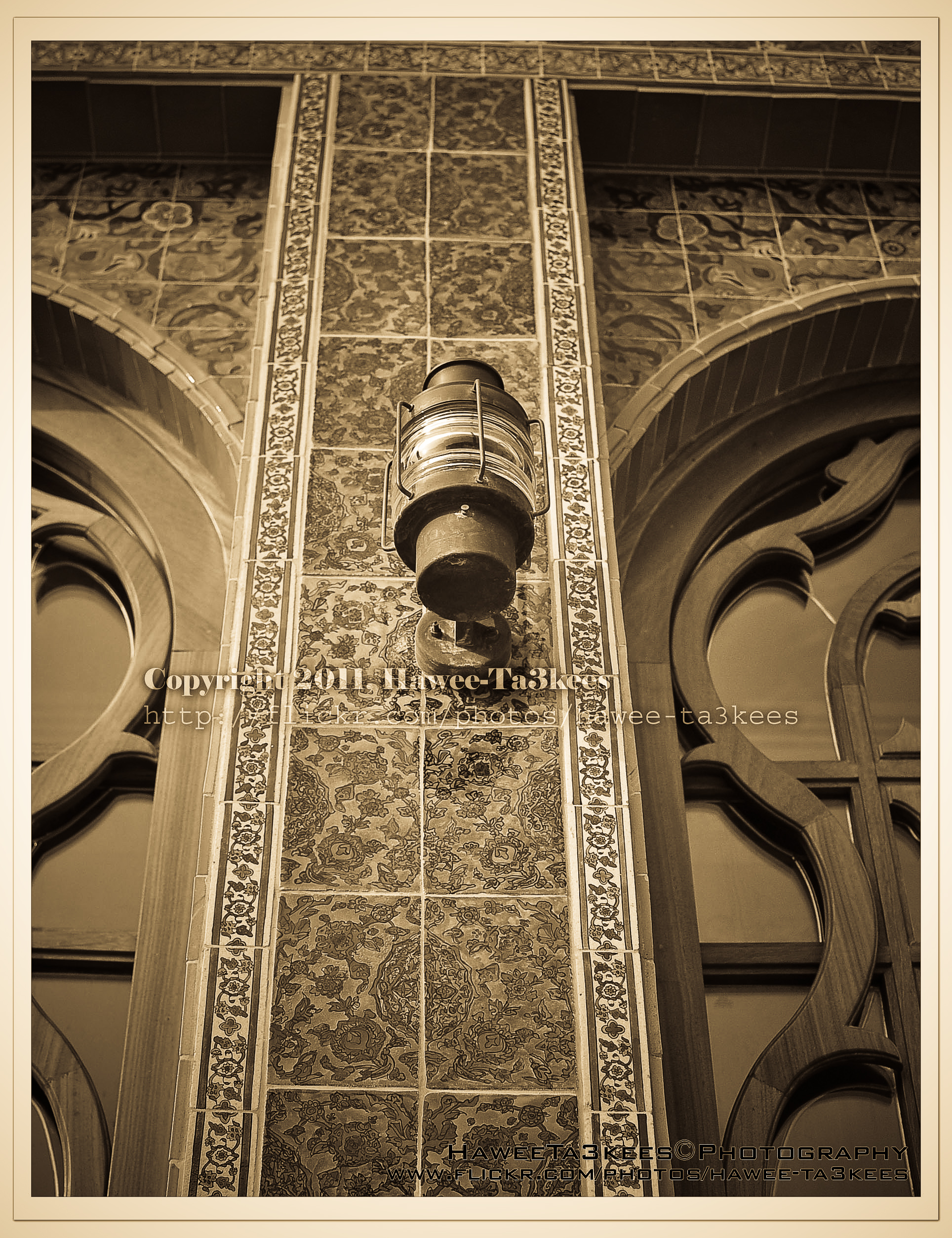
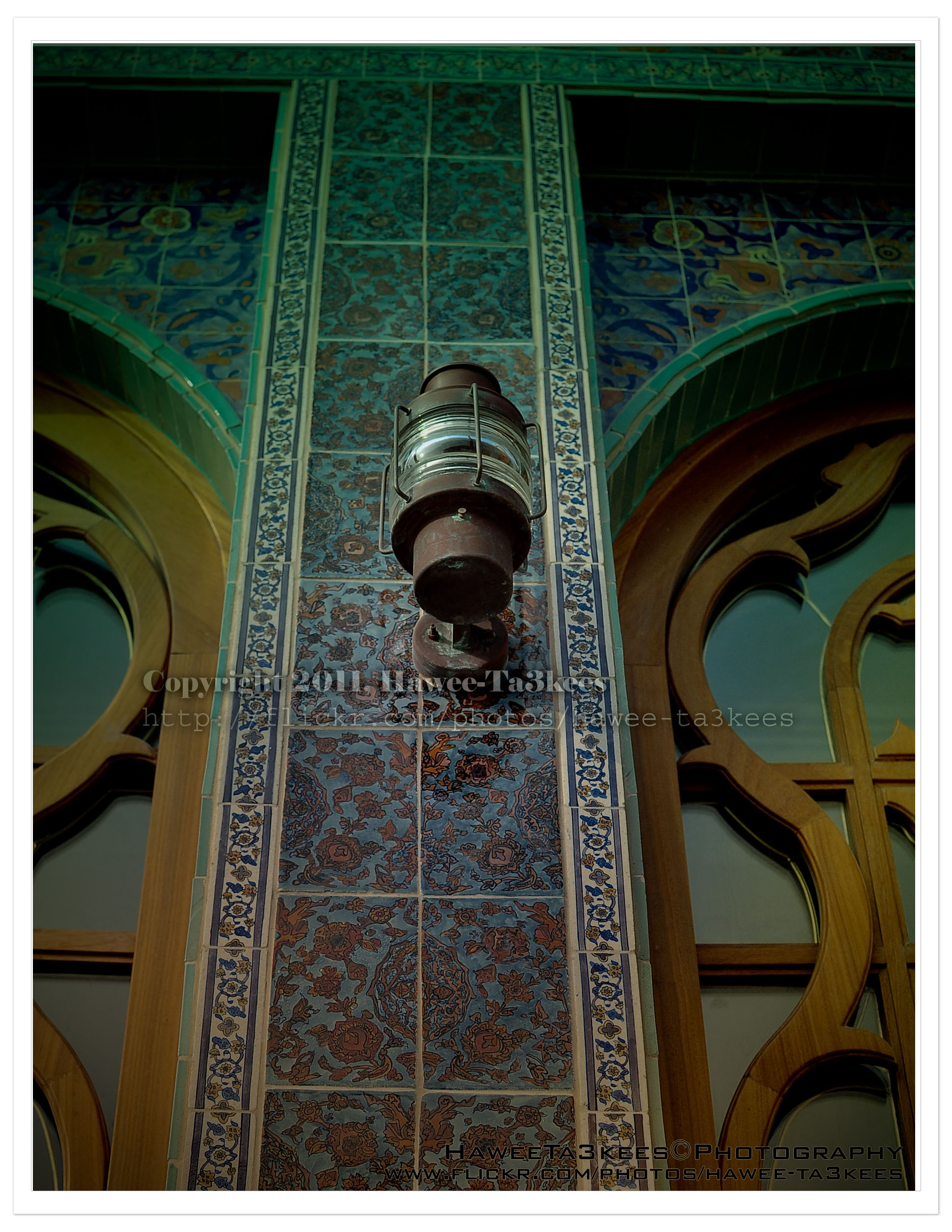
Adobe LightRoom is a great tool to add some light/shadow effects to the image, you may add colored lights or take the capture to the B/W channel.
The first photo is a part of the Mosque @ KATARA before any lightroom effect.[Click the image to enlarge]
The Amphitheater @ KATARA
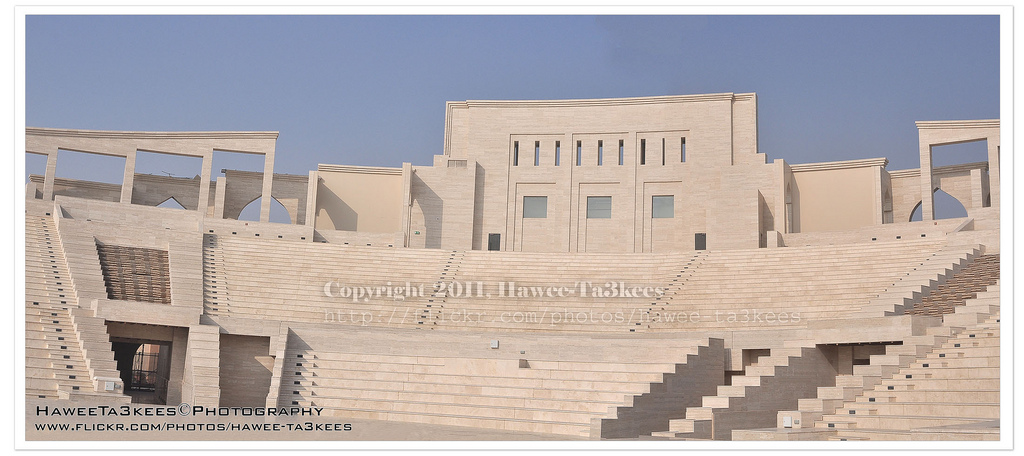
This Amphitheater can be fond in Katara. I merged two photos with some photoshop touch to get this wide angle.
[Click the image to enlarge]
More photos of KATARA on my flickr Hawee-Ta3kees
PhotoShop Touches
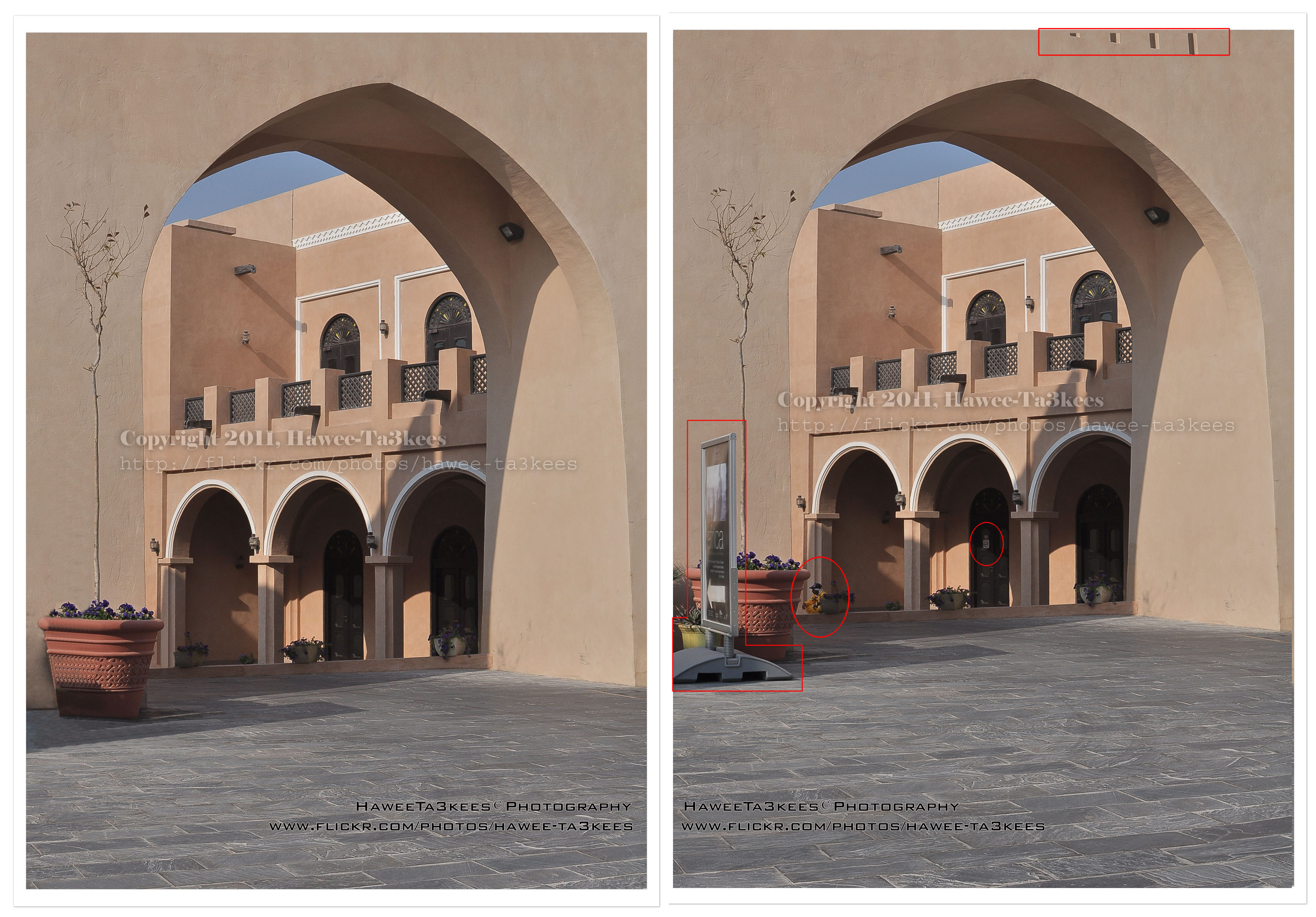 PhotoShop is one of greatest photo-edit software, you can remove lots of non-wanted objects from a capture you take. Here are tow photos from KATARA you can see the Before & After some PhotoShop Touches, see the circles.[Click the image to enlarge]
More photos of KATARA on my flickr Hawee-Ta3kees
The Mosque in KATARA after Adobe LightRoom effect..
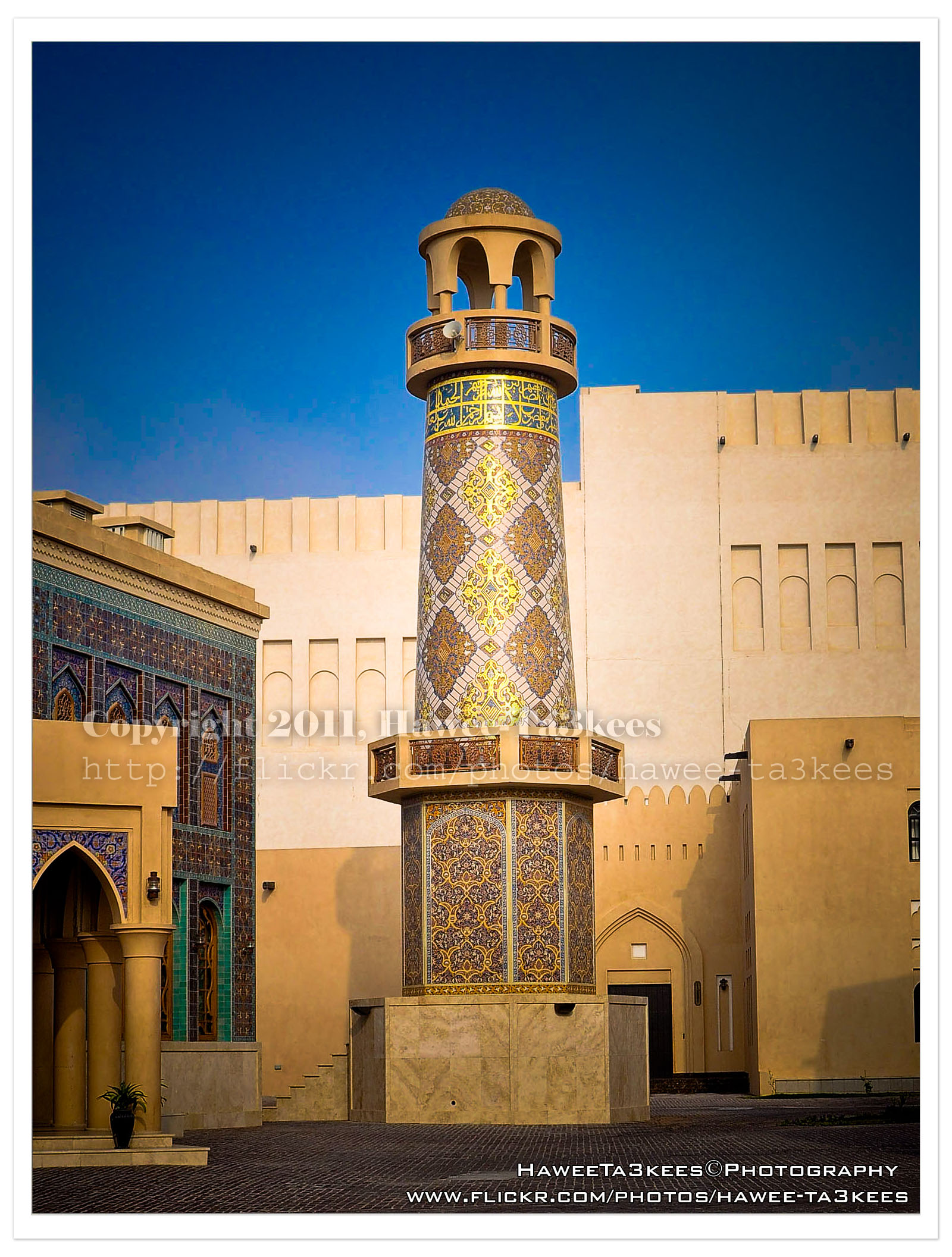
This photo is for the Mosque in KATARA after adding some Adobe LightRoom effects. [Click the image to enlarge]
To see it before the LightRoom effects Click Here..
The Mosque in KATARA
KATARA is the old name of Qatar, fond in old Maps & Manuscripts, these daysKatara is the name given to the cultural village in Qatar, it is located between Doha’s West Bay and the pearl Project. It has been soft-opened in October 2010 During Doha Tribeca Film Festival the DTFF[1], and TEDxDoha. Many Qatari organisations have their offices in Katara. These include the Qatari Society for Engineers, Qatar Fine Arts Society, Visual Art Centre, Qatar Photographic Society, Childhood Cultural Centre, Theatre Society and Qatar Music Academy.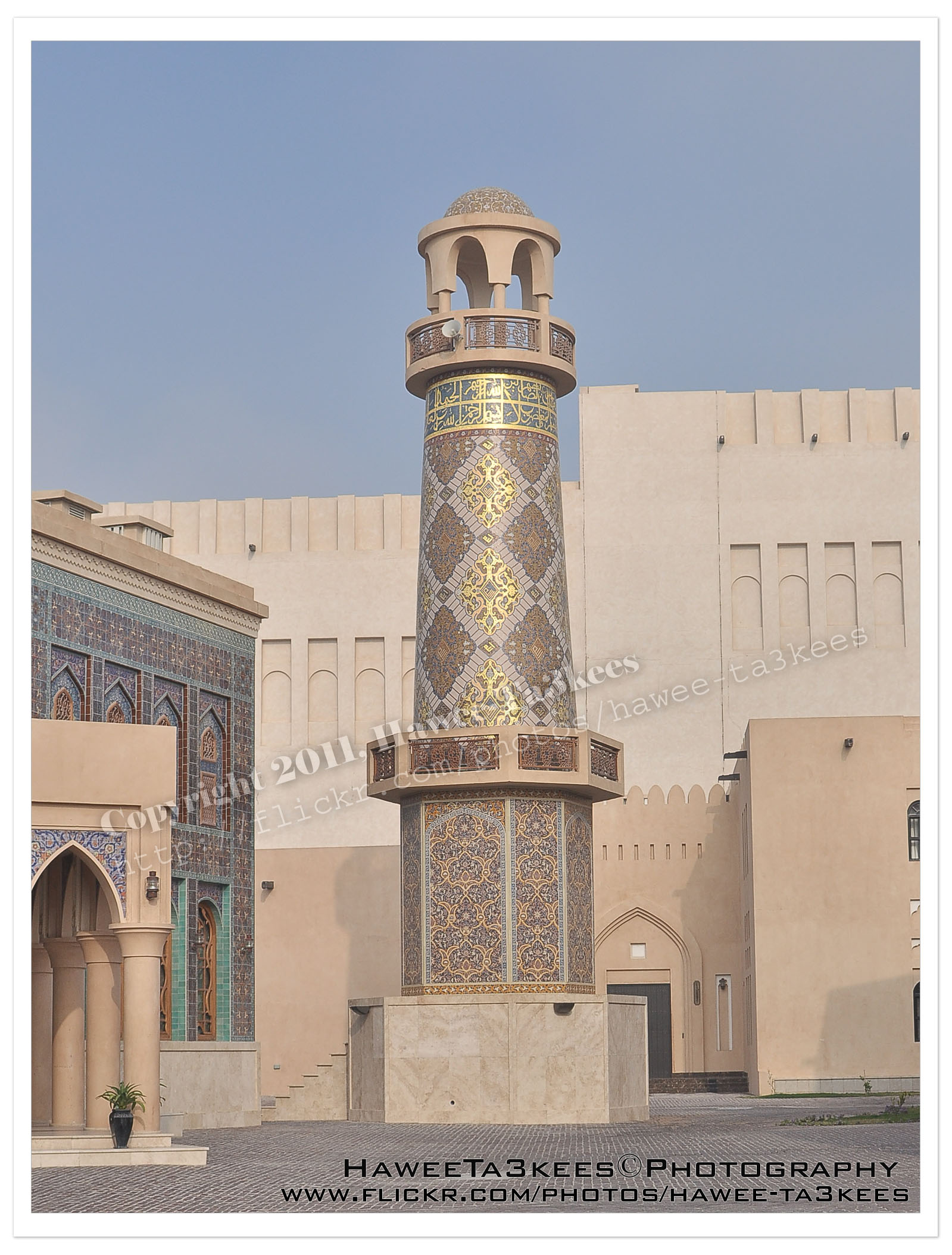 [Click the image to enlarge]
Here I am posting one of the KATARA photos “The Mosque” other photos will be posted all under KATARA Tag.
Another shot:[Click the image to enlarge]
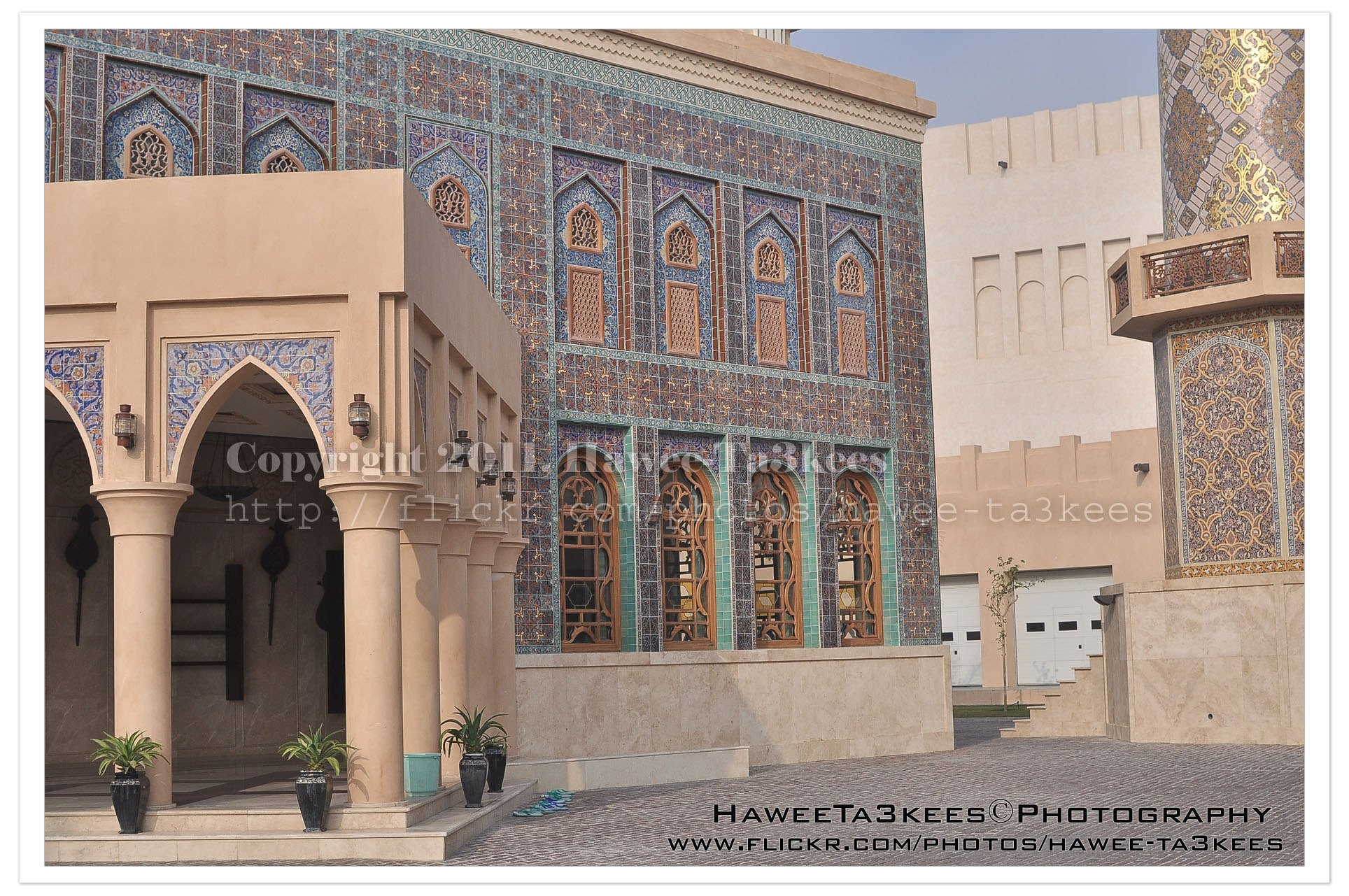
Other Photos of KATARA are in my Flickr site.
And you can see them on Google Map/Earth by clicking here..
Before & After Adobe LightRoom
Adobe LightRoom is a great tool to add some light/shadow effects and to the image, you may add colored lights or take the capture to the B/W channel.
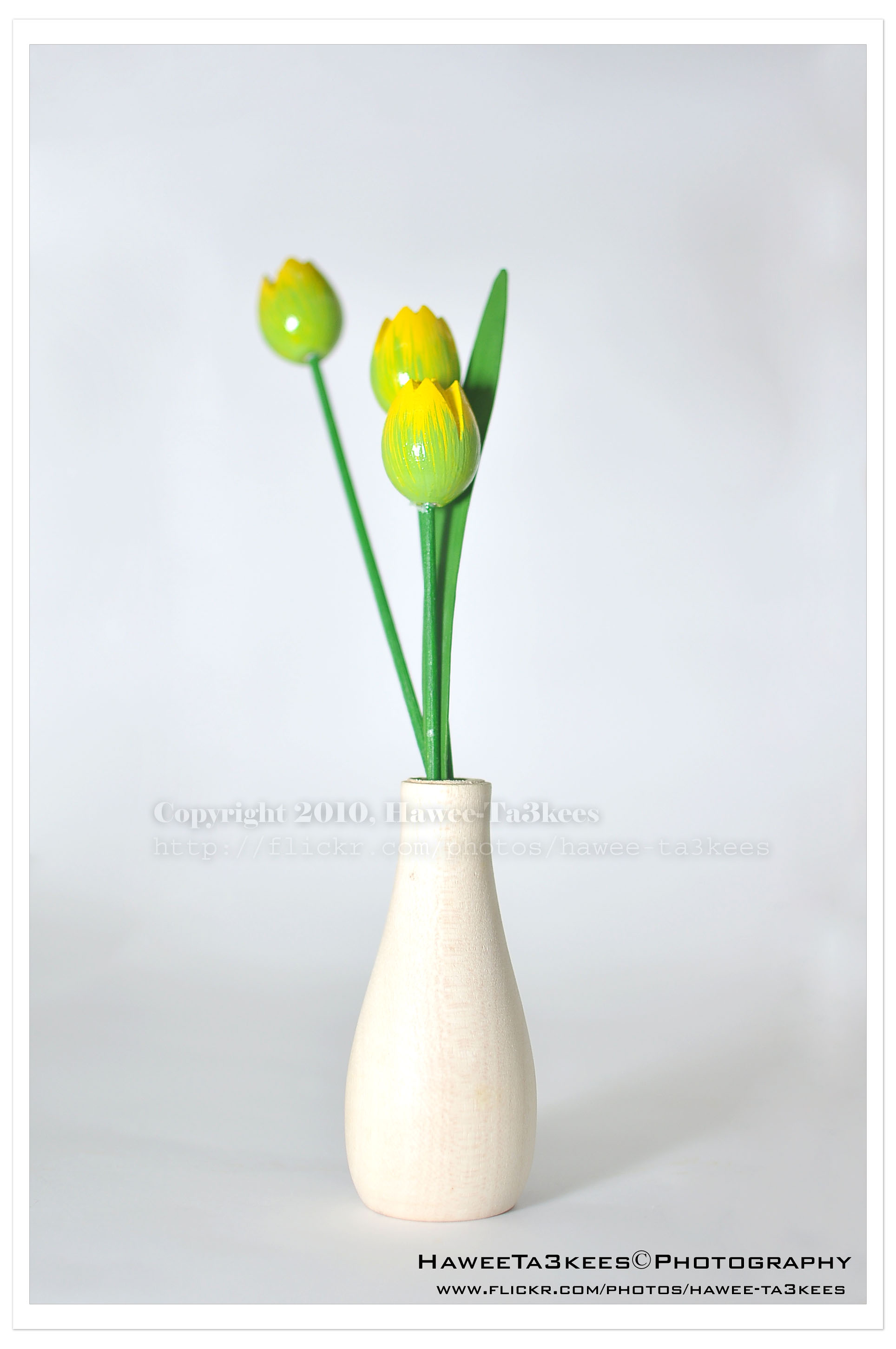
Here is a shot of a wooden flower vase in my lightBox.The first one is before the LightRoom effect, the light source is from the Nikon SB900 speed light. [Click the image to enlarge]
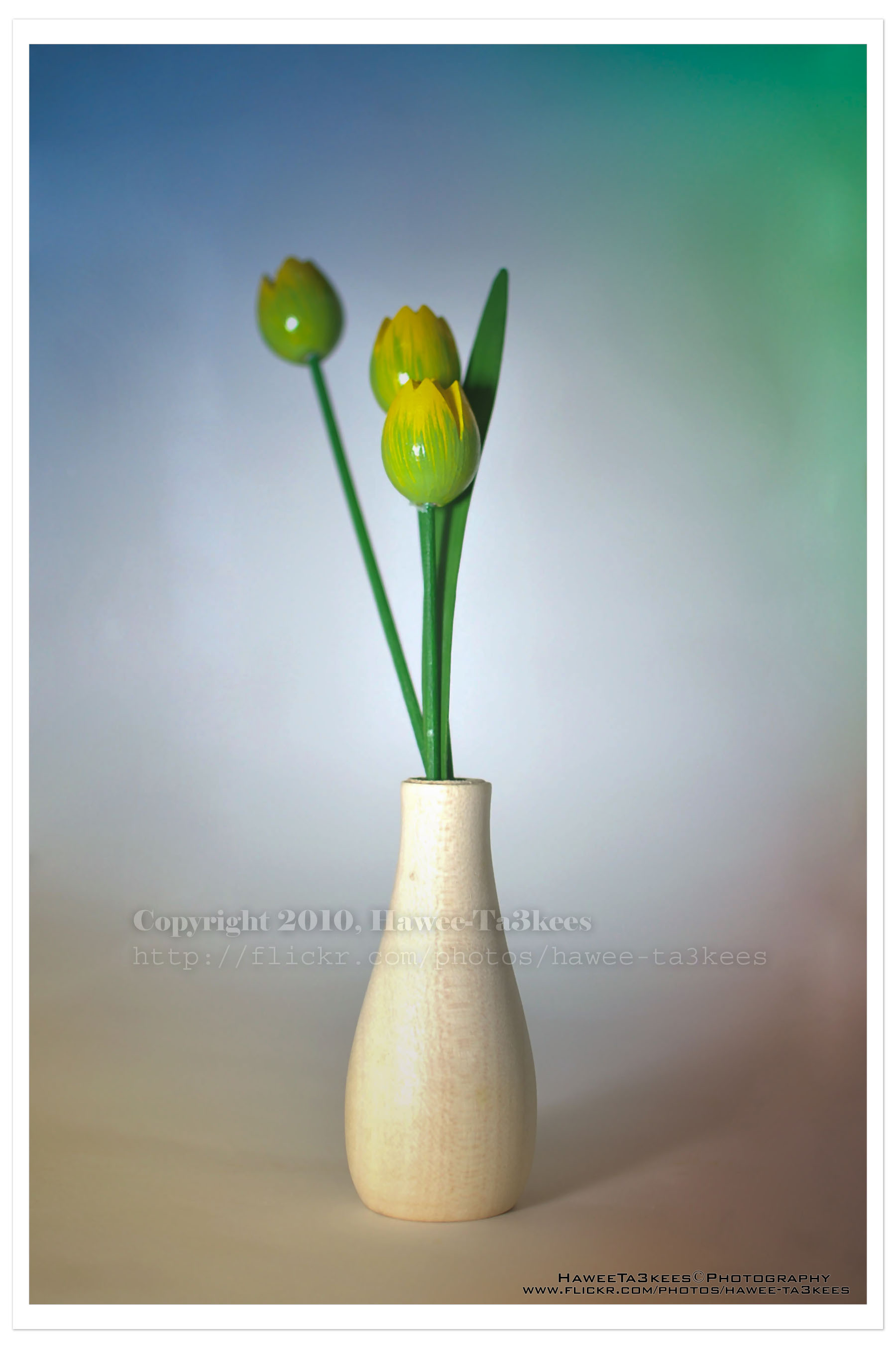
In this shot (same subject) I add four lights with colors in LightRoom, and some shadows.[Click the image to enlarge]

Taking pictures is not my main daily practices, but when i start playing with my camera, i really enjoy my self.
Thanks for visiting my Space..


 Ali's Photography Space...