Archive
Photo Frame by Photoshop Action..#7
In this Action the file MUST be resized to 1500W, new layer will be created (filled with white) and curved rectangular to be erased from the white layer.
Name: ahradwani_curveFrame
Contain two actions for two frames.
Download: Download the File from the Photoshop Actions in my “Download Section“
Result: [Click the image to enlarge]
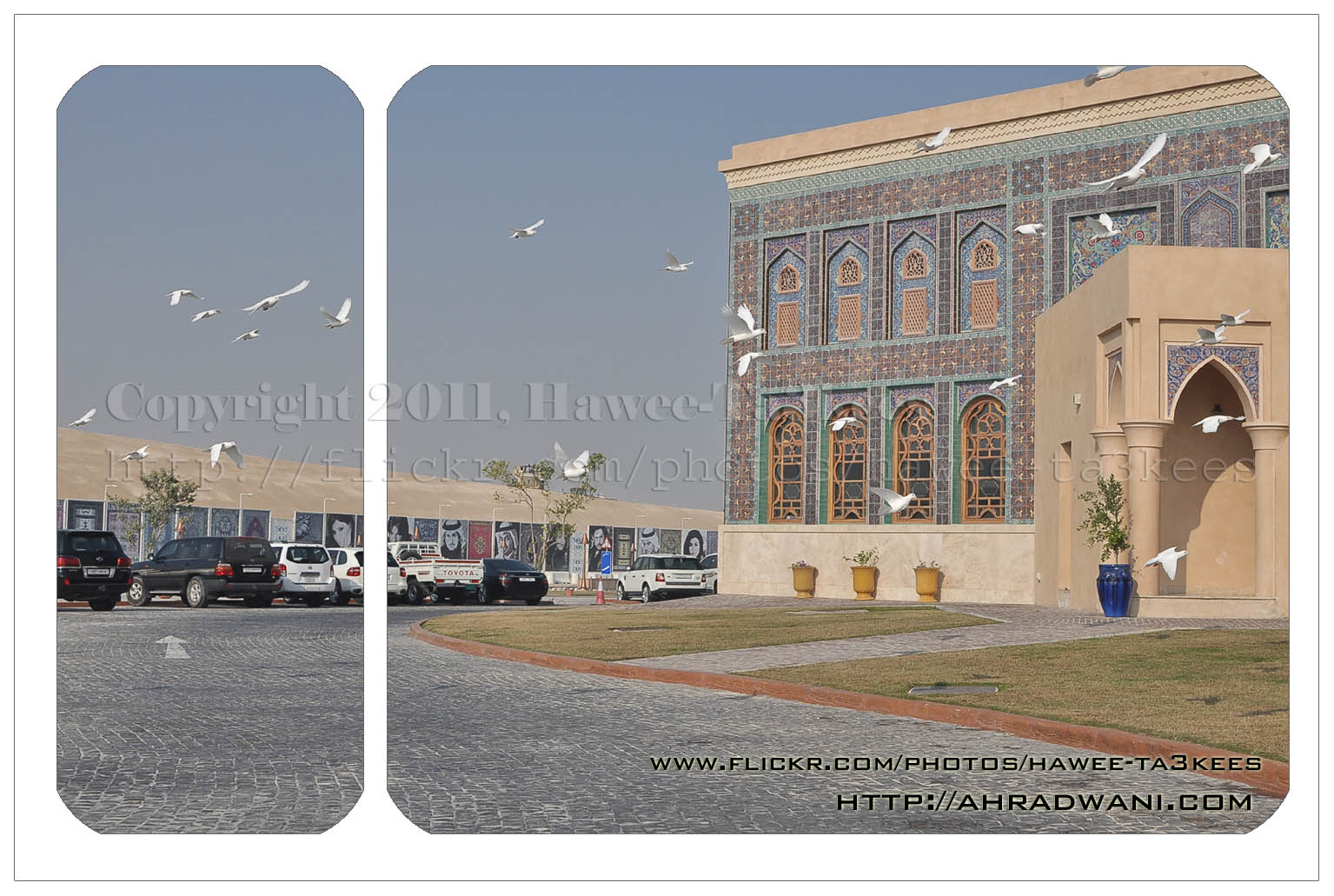
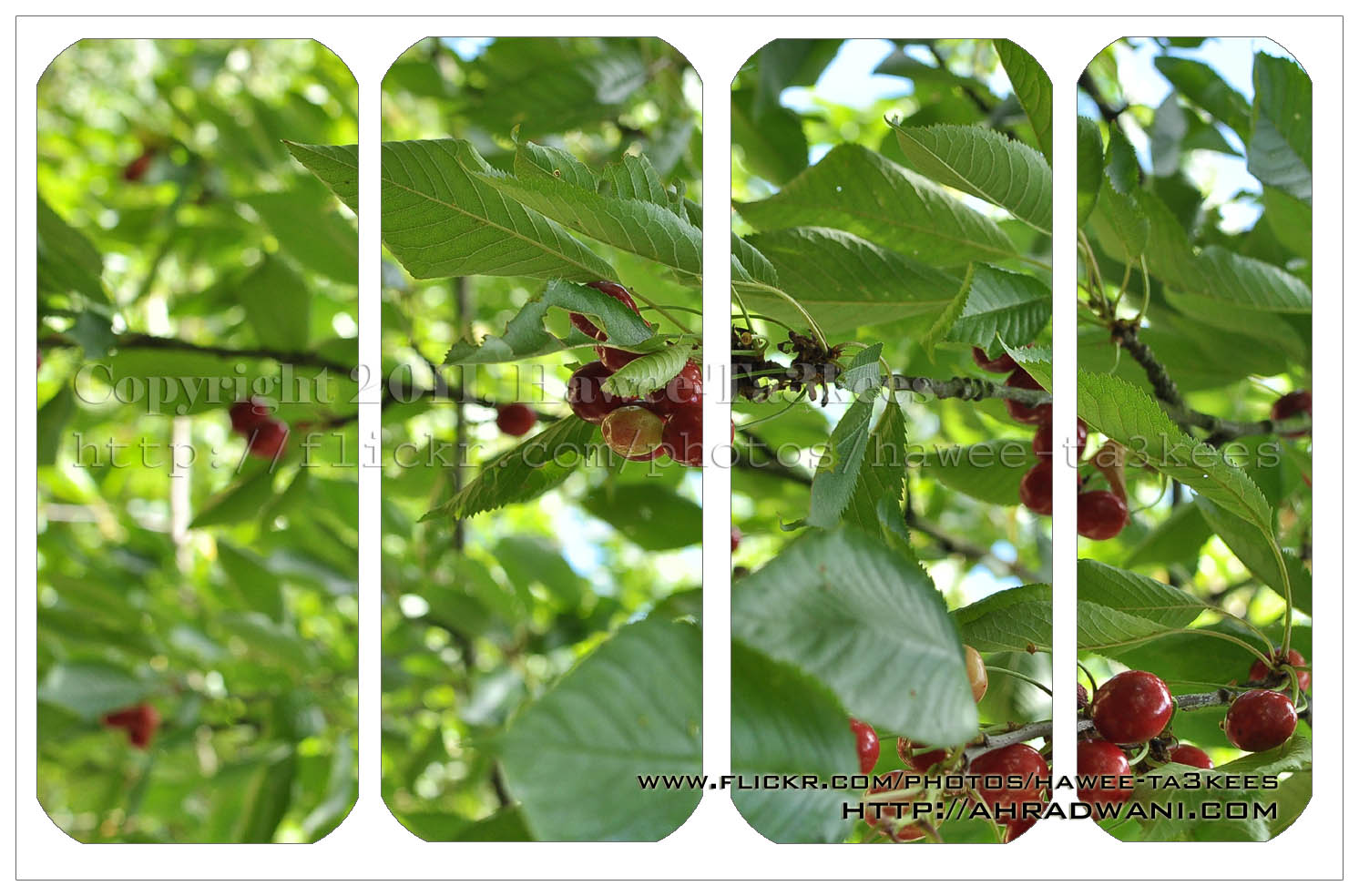
In this action 4curveframe your image will looks like this..[Click the image to enlarge]
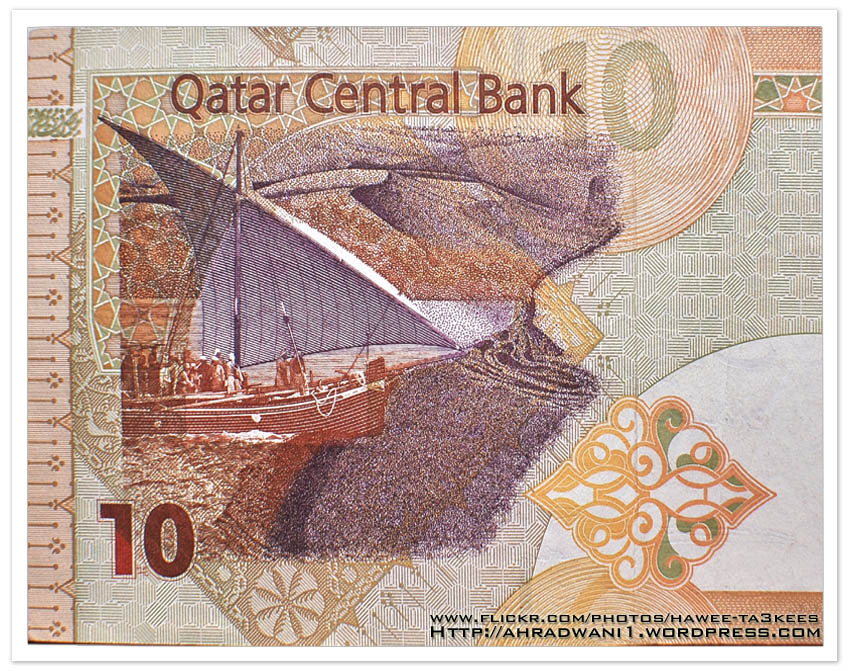
MoneyArt 10QR
This is a shot of the 10 Qatari Riyal [1$ = 3.65QR], it’s an orange money paper with some draws.
It shows the traditional boat and the pearl gathering season from Qatar/Gulf cultures.
This is part of the money paper, the other half dose’t show any art.
You can find a list of all BankNotes graphics on this link.
MoneyArt 1QR
This is a shot of the 1 Qatari Riyal [1$ = 3.65QR], it’s a green/blue/gray money paper with some draws.
It shows some wild birds from Qatar/Gulf environment.
This is part of the money paper, the other half dose’t show any art.

You can find a list of all BankNotes graphics on this link.
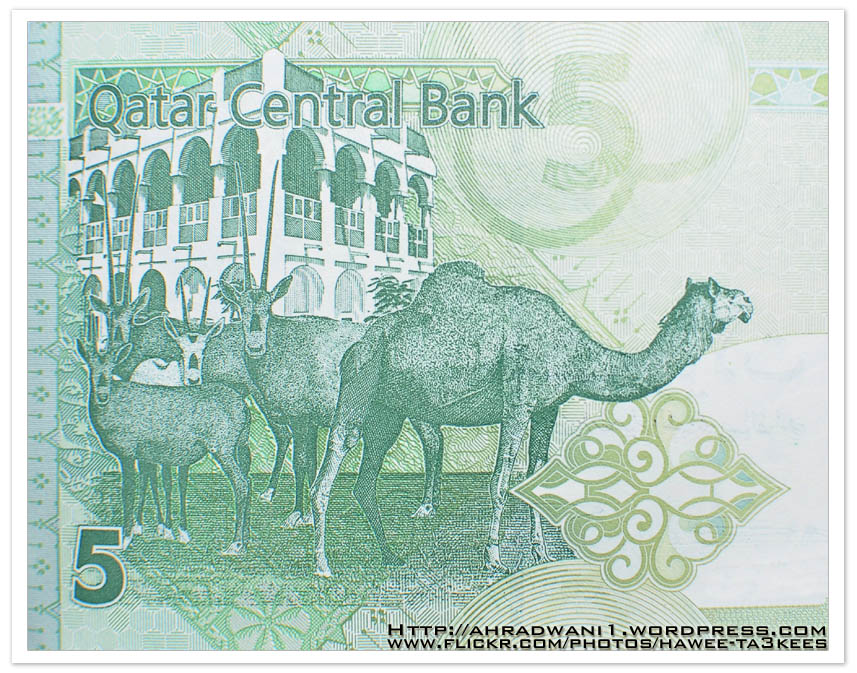
MoneyArt 5QR
This is a shot of the 5 Qatari Riyal [1$ = 3.65QR], it’s a green money paper with some draws.
It shows a Camel and some Arabian Oryx and a traditional building in the background.
This is part of the money paper, the other half dose’t show any art.
} Camera Setting {
Camera: NIKON D90
Exposure Time : 1/50″
F Number : F4
Exposure Program : Manual
Exposure Bias Value : +5EV
Focal Length : 35mm
You can find a list of all BankNotes graphics on this link.
Adobe Lightroom2 Before & After
Here is another preset file you can download from the download section.This preset will add more colors to your photo and from there you can adjust it as your need.
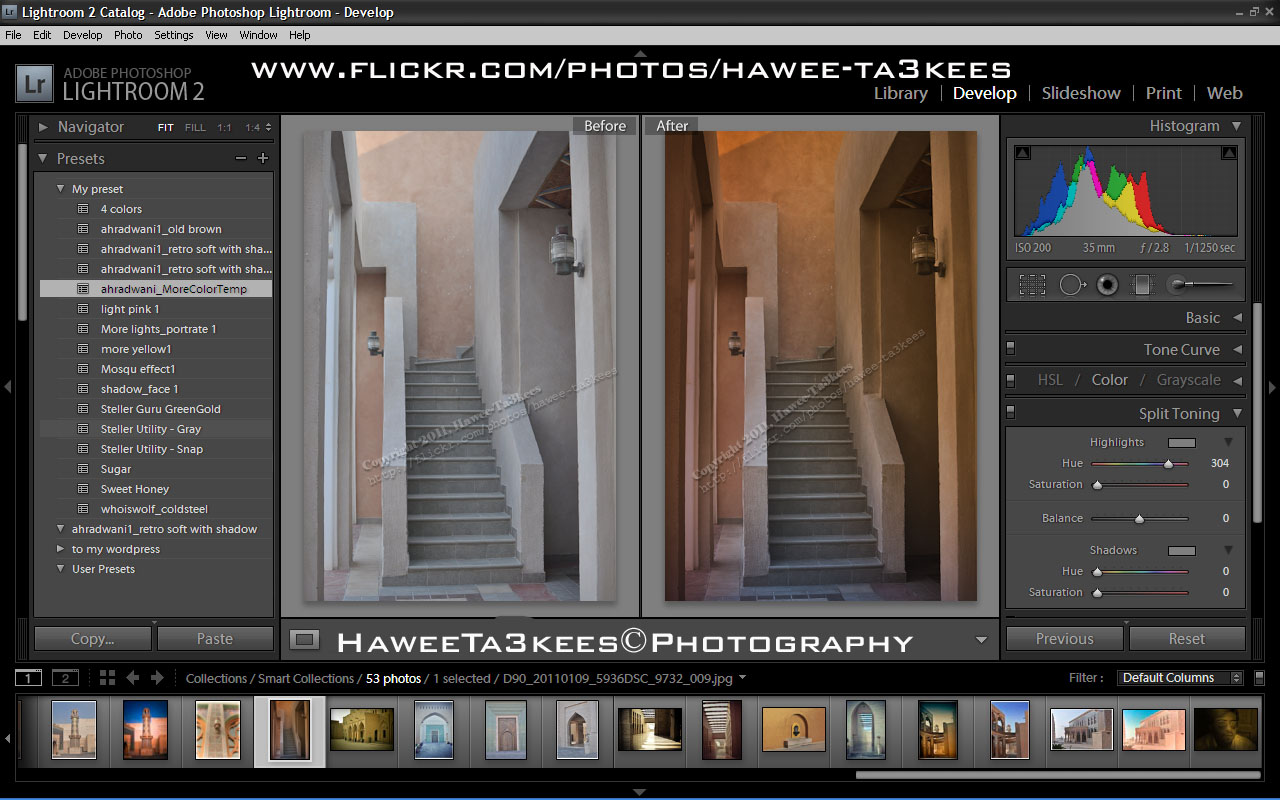
File Name: ahradwani_MoreColorTemp [lrtemplate]
Click the image to see the Before & After photos in the LightRoom.
Click the file name to download it, or navigate to the Download Section to see more preset files.
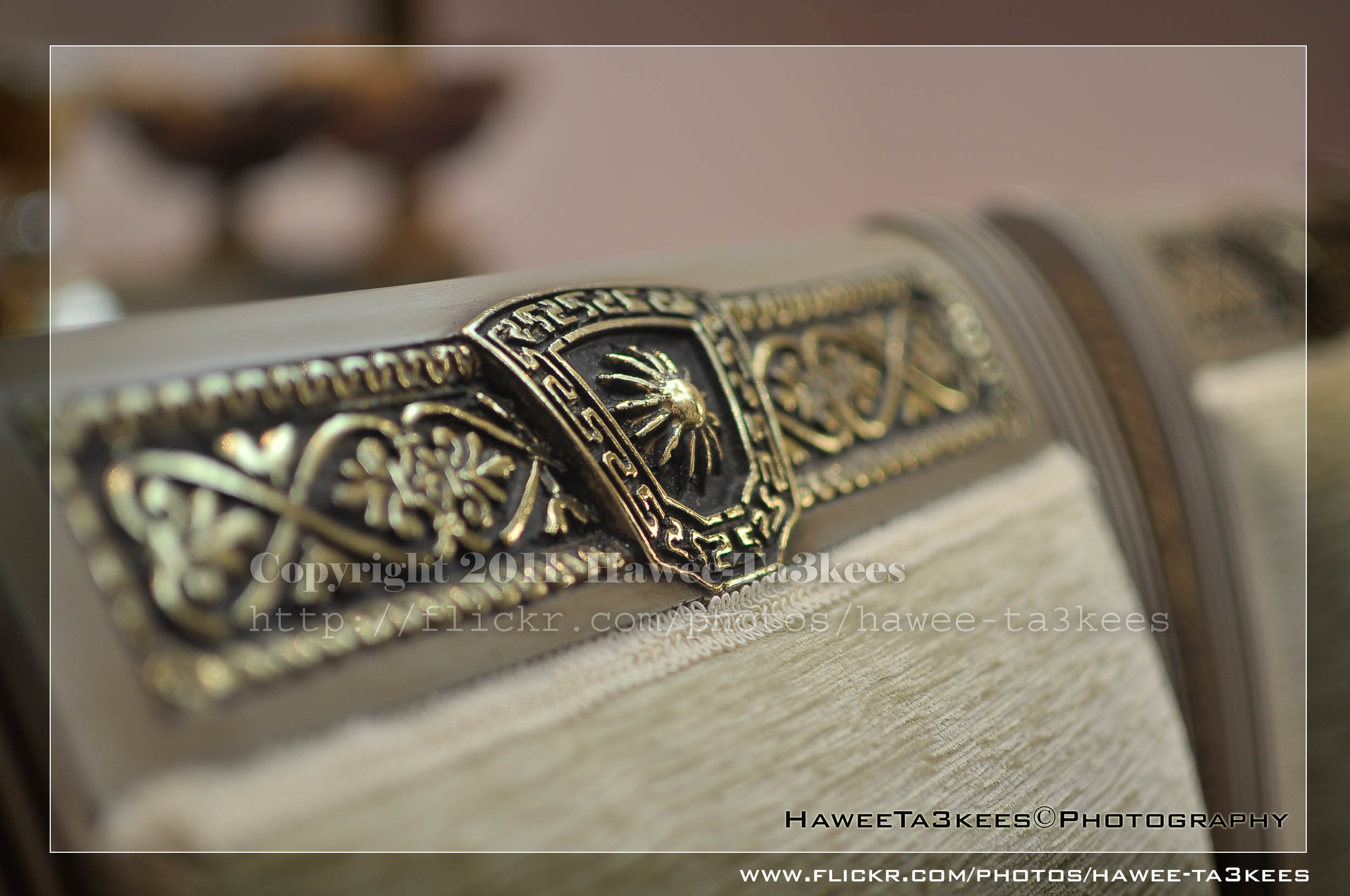
Photo Frame by Photoshop Action..#5
In this Action the file will be resized to 2500W, 0.5cm border will be selected and copied to new layer with multiply blinding mode finally white border the image will resized (about 0.5cm), New layer will be Created with two rectangular one as out border and the second is just bigger than the image.
Name: Simple Dark.
Download: Download the File from the Photoshop Actions in my “Download Section“
Result: [Click the image to enlarge]
Instruction:
– Un-ZIP the file.
– Copy the file to this folder :[Your Drive] .. Program Files\Adobe\Photoshop 7.0\Presets\Photoshop Actions
– Open the Photoshop (this sample is for Photoshop 7.0)
– Your image must NOT BE on the background Layer, copy it to new layer first.
For How to open an action file in Photoshop Click Here..
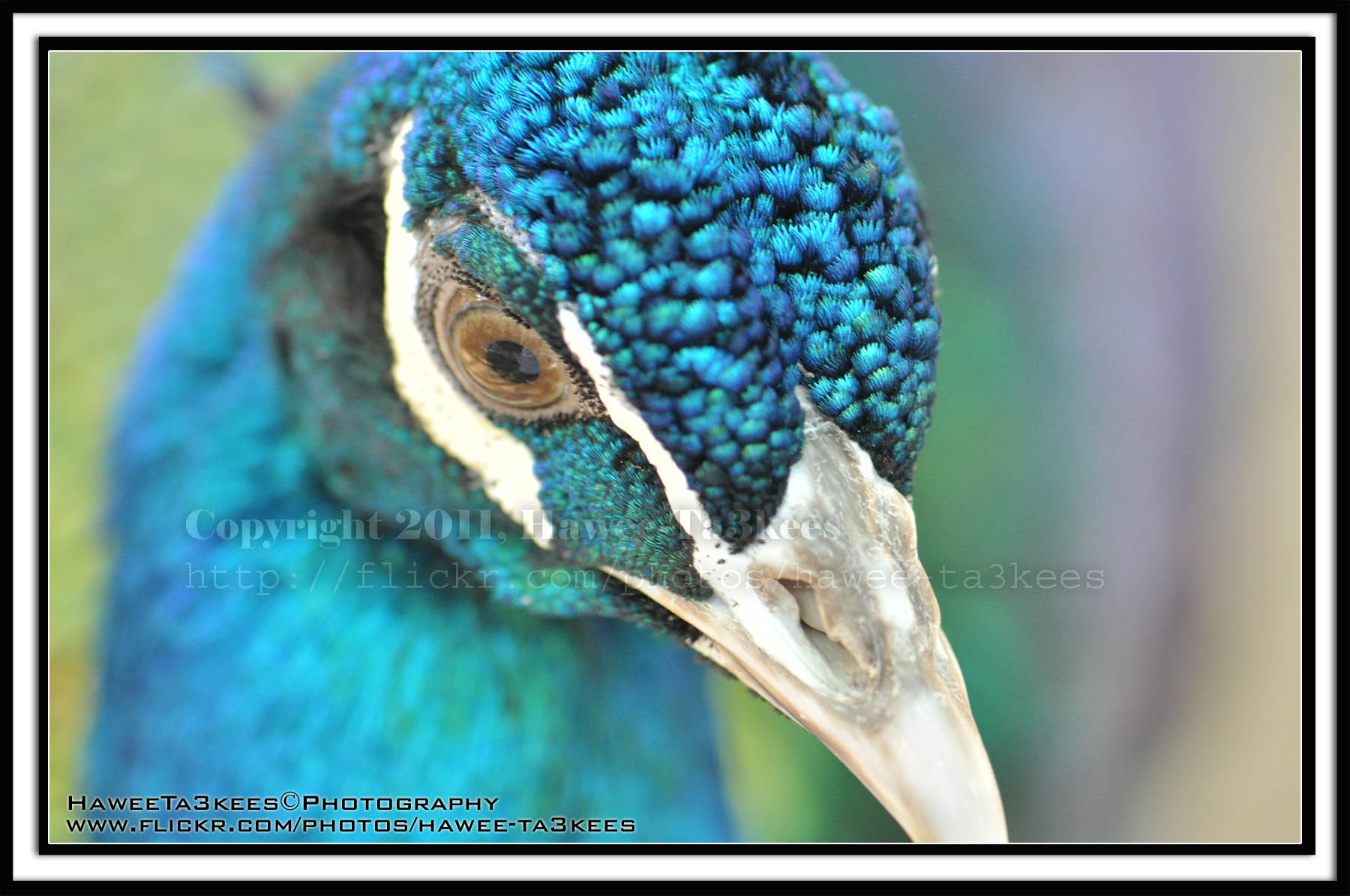
Photo Frame by Photoshop Action..#4
In this Action the file will be resized to 2500W and the image will resized (about 1cm), New layer will be Created with two rectangular one as out border and the second is just bigger than the image.
Name: Double Black.
Download: Download the File from the Photoshop Actions in my “Download Section“
Result: [Click the image to enlarge]
Instruction:
– Un-ZIP the file.
– Copy the file to this folder :[Your Drive] .. Program Files\Adobe\Photoshop 7.0\Presets\Photoshop Actions
– Open the Photoshop (this sample is for Photoshop 7.0)
– Your image must NOT BE on the background Layer, copy it to new layer first.
For How to open an action file in Photoshop Click Here..
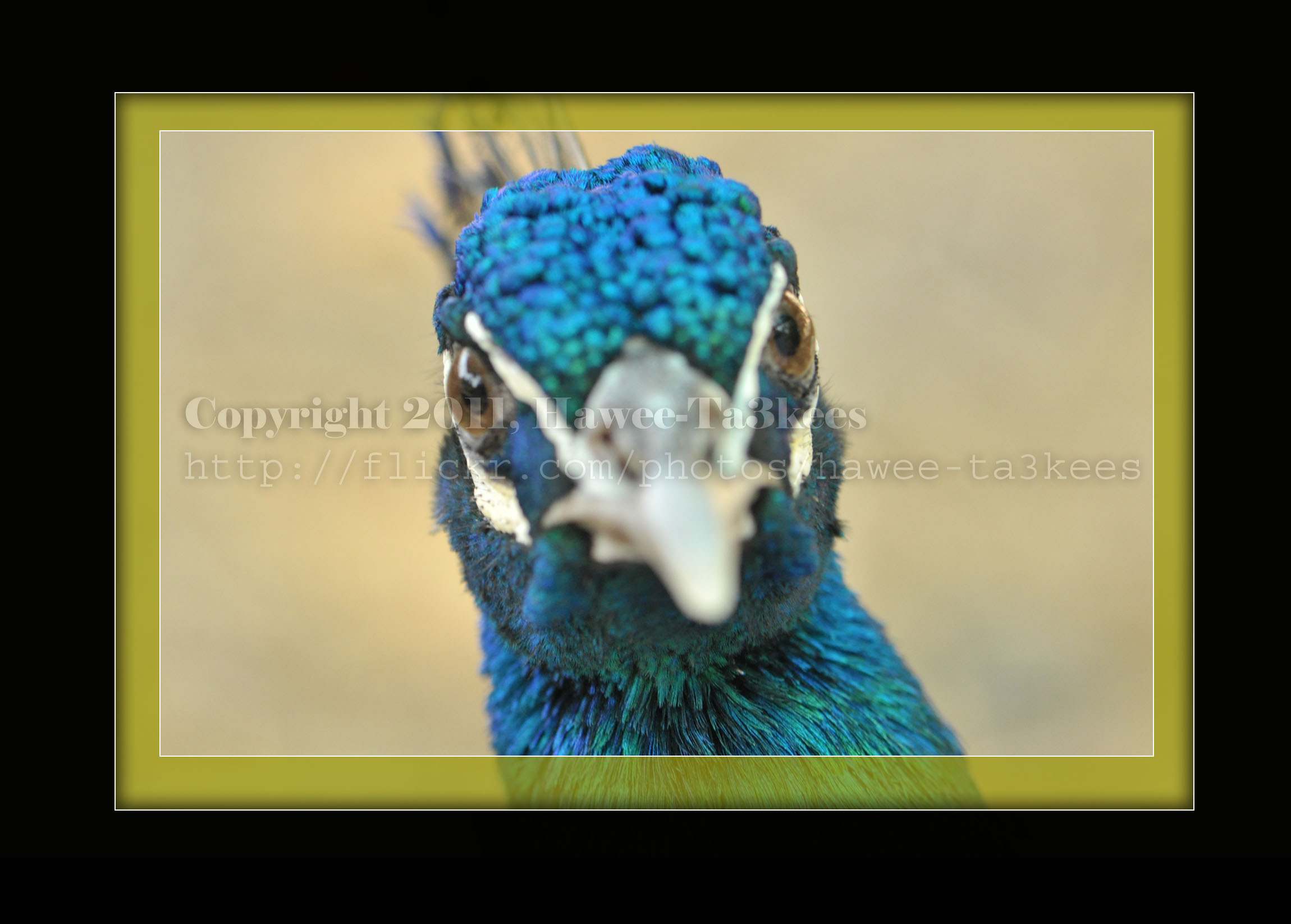
Photo Frame by Photoshop Action..#2
In this Action the file will be resized to 2500W, Black rectangular will be drown another yellow (olive) rectangular bigger than the black.
Name: Golden Black Frame.
Download: Download the File from the Photoshop Actions in my “Download Section“
Result: [Click the image to enlarge]
Instruction:
– Un-ZIP the file.
– Copy the file to this folder :[Your Drive] .. Program Files\Adobe\Photoshop 7.0\Presets\Photoshop Actions
– Open the Photoshop (this sample is for Photoshop 7.0)
– Your image must NOT BE on the background Layer, copy it to new layer first.
For How to open an action file in Photoshop Click Here..
Qatar 2022, A Dream That Become Reality
Another Design for the ‘Qatar 2022, A Dream That Become Reality‘. [Click the image to enlarge]
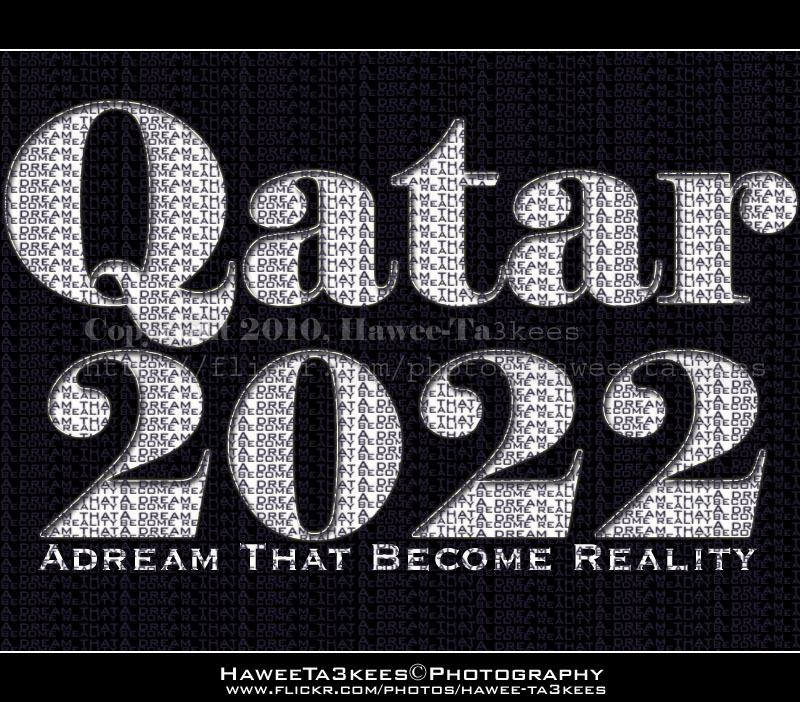
In the second of December 2010 FIFA announce QATAR as the WINNER to host the world cup tournament 2022.
We WON
Designed By: Me.
Qatar 2022, A Dream That Become Reality..

Qatar 2022, A Dream That Become Reality
In the second of December 2010 FIFA announce QATAR as the WINNER to host the world cup tournament 2022.
We WON
Designed By: Me.

Taking pictures is not my main daily practices, but when i start playing with my camera, i really enjoy my self.
Thanks for visiting my Space..


 Ali's Photography Space...