Archive

Archive for the ‘Camera’ Category

Ink in Water

May 11, 2010 11 comments

 
Ink ‘N’ Water
 
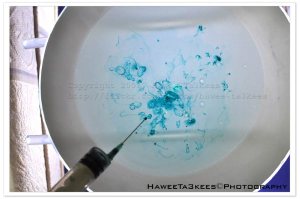
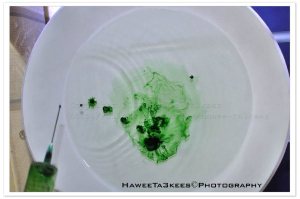
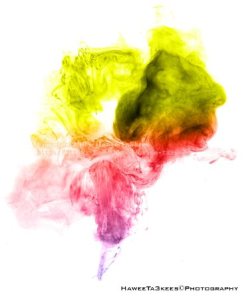
   One of the funniness project, dropping inks in a water and shooting the action, you will never know what you will get.
 

 The Equipments
  o Water + Water container or Glass. 
  o  Food color or normal ink.
  o Use Camera Flash or light source.
  o Camera on Stand.
  o Manual Focus.
  o High Speed shutter.

here is the studio set-up that i use
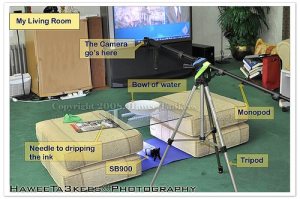
List of things in this Studio:

[o] Bowl of water. [semi-transparent bowl]
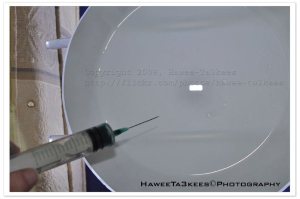
[o] Needle for dripping the ink.
[o] Food ink, or any normal ink.
[o] I used a Tripod and Monopod [as shown] to get the camera Top to bottom.
[o] Nikon SB900 as speed-light.
[o] Camera Nikon D90 + 35mm lens.


some original shots without any photoshop edits: [No crop, No colors.. Just resize to W800]
 

Sample shots after Photoshop edits
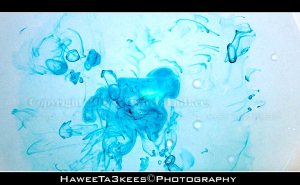


From more photos and sample shots, visit my Flickr ,, Hawee – Ta3kees


Ali,


Ali,

🙂 Feel free to visit my Flickr: Hawee Ta3kees

Adobe LightRoom

March 27, 2010 Leave a comment

Adobe LightRoom:   

  [Last Update: 27-03-2010]  

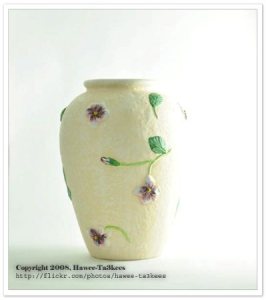
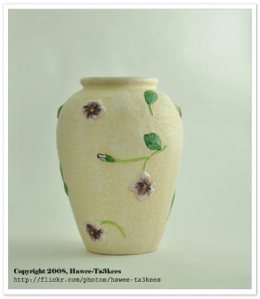
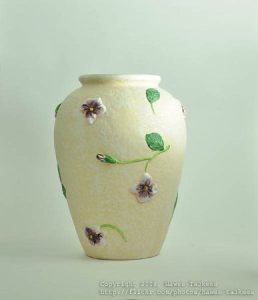
One of best software’s to add lights effects to the image, I will use it to add some effects to my photos. Here are some examples and for more photos click on the album "Photos with LightRoom effects " or Visit my flickr Hawee-Ta3kees


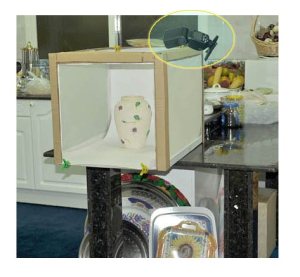
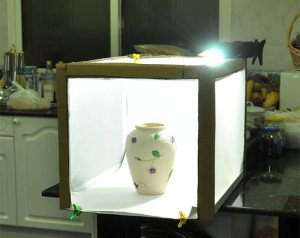
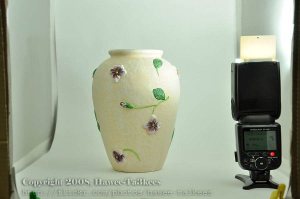
for this photo, you can see the studio and the HomeMade LightBox… Click Here


For more photos visit my Flickr .. Hawee-Ta3kees


Ali,


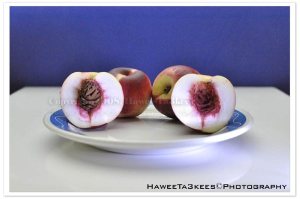
The Peach with 35mm
March 13, 2010 Leave a comment

 
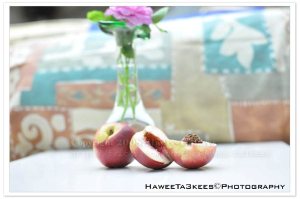
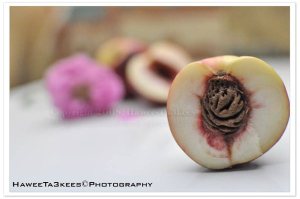
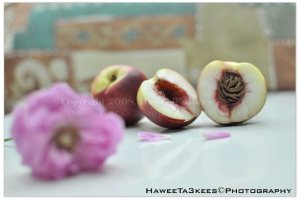
Sample shot with Nikon 35mm lens:
 
Session 1:
 
The Peach


 For more photos of the Peach, see this Album
 
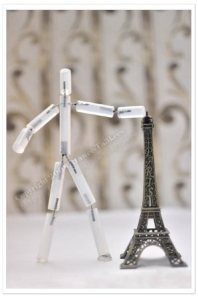
Session 2:
 
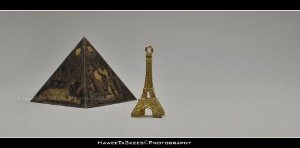
Eiffel with Mr. Stick


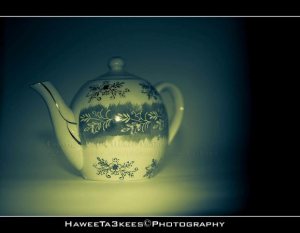
Tea Maker


 For more photos, visit my Flickr Hawee-Ta3kees
 
Regard,
 
Ali
 

Nikon 35mm f1.8 Lens

December 28, 2009 Leave a comment

 
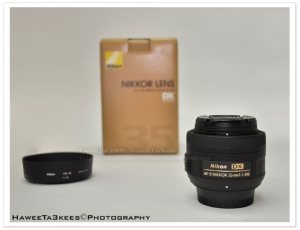
   My New Lens ‘Nikon 35mm f1.8’
 
 My New Lens Nikon 35mm f1.8 just arrived, it was $199 from amazon.com (USA Store).  
 
::~:: Unpacking/
 
 [o] Rear and front caps.
 [o] Hood HB-46 plastic hood.
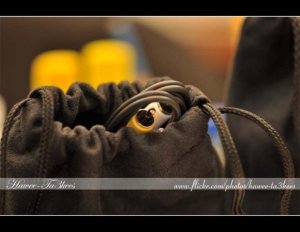
 [o] Case CL-0913 pouch.
 [o] Manual.


::~:: Testing the lens:

  Camera setting:
   * Nikon D90.
   * Homemade LightBox.
   * Nikon 35mm f/1.8 lens.
   * Nikon SB900 Speedlight fixed on camera. 
 

  :~: First Session:
   Objects used:
     * Eiffel tower (big one 6 inch height and small one 1.5 inch height)
     * Rubiks Cube.
     * Camera on the stand.
 
    Camera setup for the 3 photos:
       * Exposure: 0.006 sec (1/160)
       * Aperture: f/1.8
       * Focal Length: 35 mm 
       * ISO Speed: 250
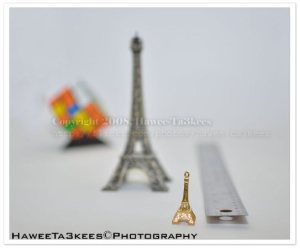
       * Flash: On, Return detected
 
  The focus on the small Eiffel Tower:


    The focuson the big Eiffel Tower.
 
 
   The focus on the Rubiks Cube:      


   The Set-up and the distance in Inchs.


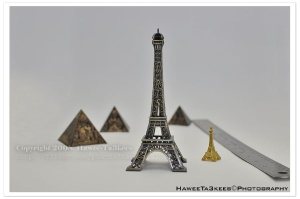
:~: Second Session:

   Objects used:
     * Eiffel tower ( 6 inch height and 1.5 inch height)
     * 3 size of small scale Egyptian Pyramid.
     * Camera on the stand.


   The Set-up and the distance in Inchs.


   The shot with above setup:
  
    Camera setup:
    * Exposure: 0.033 sec (1/30)
    * Aperture: f/4.5
    * Focal Length: 35 mm
    * ISO Speed: 250
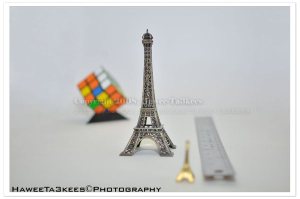
    * Exposure Bias: 0 EV
    * Flash: On, Return detected
 
 
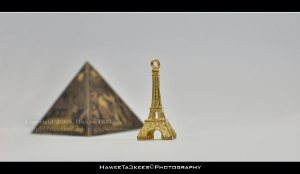
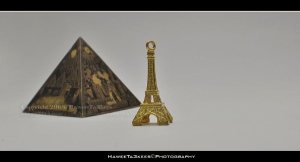
:~: Third  Session:
   Objects used:
     * The small Eiffel tower ( 1.5 inch height)
     * The medium size (1.7 inch) of small scale Egyptian Pyramid.
     * Camera on the stand.


    First shot, Aperture f/5.0 :
 
    Camera setup:
    * Exposure: 0.05 sec (1/20) 
    * Aperture: f/5.0 
    * Focal Length: 35 mm 
    * ISO Speed: 250 
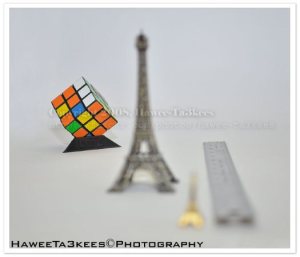
    * Exposure Bias: 0 EV 
    * Flash: On, Return detected


  Second shot, Aperture f/14.0 :

 
    Camera setup:
      * Exposure: 0.3 
      * Aperture: f/14.0 
      * Focal Length: 35 mm 
      * ISO Speed: 250 
      * Exposure Bias: 0 EV 
      * Flash: On, Return detected


  Third shot, Aperture f/22.0 :

 
    Camera setup:

     * Exposure: 0.8 
     * Aperture: f/22.0 
     * Focal Length: 35 mm 
     * ISO Speed: 250 
     * Exposure Bias: 0 EV 
     * Flash: On, Return detected


 Other photos will be published. More test photos with Nikon 35mm Click Here, to the Nikon 35mm album.
 
 
For more photos visit my Flickr: Hawee-Ta3kees


Strobist Techniques

November 13, 2009 1 comment


Strobist Techniques:  Part 2, [ Click here to read Part1 ]

The light is the key element in the photography, you may use the day-light, or the camera built-in flash but to play with lights and shadows you will need one or more external lights with remote fire capability. (I have the Nikon SB-900)

In this article (Part 2) i will use the same LightBox with black background and Glass as a reflection of the object, again SB-900 Nikon SpeedLight will be used in remote sync with my Nikon D90, also i will use a flashlight as another light source.


This is the LightBox with black background, and sb900 position.


The position of the of the FlashLight.


The result after Crop, you can see the reflection on the Glass.


The SB-900 placed inside the LightBox with 50% light power, [no flashlight]
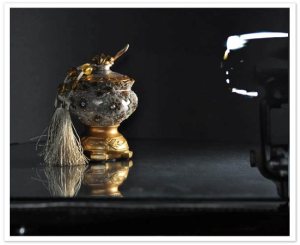
 

Same after crop the SB-900.


 The result, after croped.
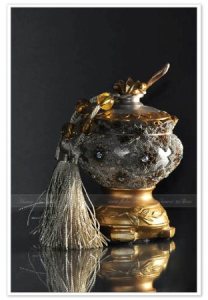
 

other photos for different objects will be post.

More on my Flickr: Hawee-Ta3kees

Regard,

Ali ,


Strobist Techniques

October 21, 2009 2 comments

Strobist Techniques:  Part 1 , [ Click here to read Part 2 ]

The light is the key element in the photography, you may use the day-light, or the camera built-in flash but to play with lights and shadows you will need one or more external lights with remote fire capability. (I have the Nikon SB-900)
In this article i will loade some photos and the studio set-up for each to see the lights position and how this will effect the final result.
 
 Equipments
  • The Studio is my Kitchen.
  • Home Made LightBox.
  • Stand for the camera.
  • SB-900 SpeedLigth.
  • I will use the normal room light -ceiling light-.


   This is the Studio
 
 
   A shot without any lights (Just the normal room light – ceiling light-)
 
 
   Same after Crop.
 
 
   Light in Position 1, on lift and 100% of the light power.
 
 
   Same after Crop.
 
 
   Light in position 2, left, head 45%up, 50% light power.


The ligth position 2


     Same after Crop.


   Light in position 3, left, flash on the lightbox, 50% light power.
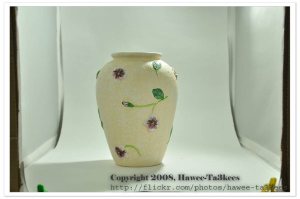
 
   light position 3. (you may use stand for the flash)
 
 
   Same after Crop.


   Same light positin with 100% light power.
 
 
    Same after Crop with 100% light power.


   Light from the top of the Object (you can see it here), 80%light power. 
 
 
   Same After Crop
 
 
The SB900 position, inside the lightbox 


Same after Crop 
 
 
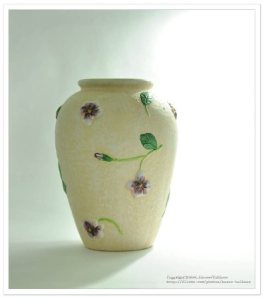
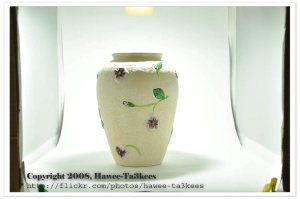
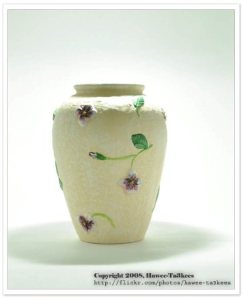
 Another objects.
 
 
 I hope it’s clear, part 2 will be for BlackBox and macro shotting.
 
For more photos please take time and look at my Flickr Hawee-Ta3kees


Qatar Islamic Museum – متحف الفن الاسلامي، قطر

July 23, 2009 2 comments

 
 Qatar Islamic Museum or Museum of Islamic Art

 * Designed by architect I. M. Pei. [ Chinese-born American architect]
 * Opened to the public in December 2008.
 * Showcases a selection of Islamic artefacts.
 * Museum have nearly 5,000 square meters of exhibition space.


       Islamic Dagger wih gold and shell hand, hang with its Green & Gold Scabbard.
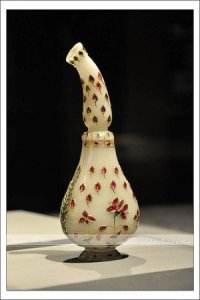
 

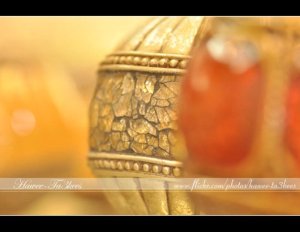
   The Arab use this to Splashing the "Rose Water"  (kind of perfume) on their guests. This masterpieces made of shell decorated by  Red, Green and gold flowers.


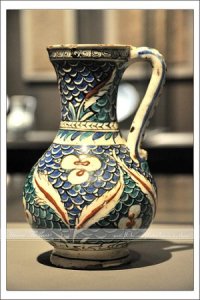
           Two Potteries decorated by flowers and nice blue, orange, green and some whaite and yellow colors.


For more about Qatar Islamic Museum visit my flickr account Hawee-Ta3kees, or Click here to go direct to the Museum of Islamic Art in Qatar.

 .


What we meant by a 100% crop?

March 31, 2009 Leave a comment


A 100% crop is: a part of an image that is viewed at the original resolution. Think of it like a picture puzzle, after you have it all together it makes a nice big picture, now if you take one of those little pieces out and look at it on it’s own, that is the same thing you are doing with a 100% crop. So this is an 800 x 600, 100% crop.


Source: Bill Huber blog.
 
 
Categories: Camera

Macro Shots with 105mm macro lens

March 27, 2009 Leave a comment

Hi,
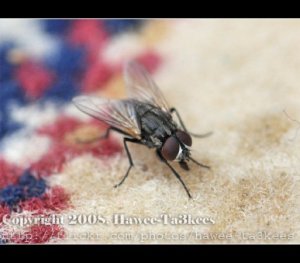
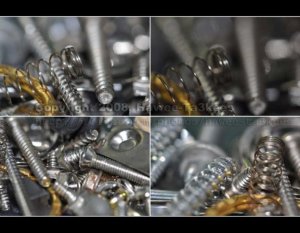
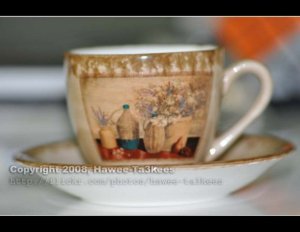
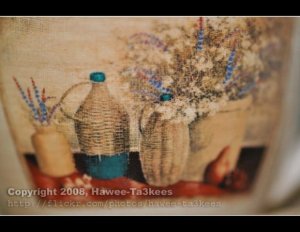
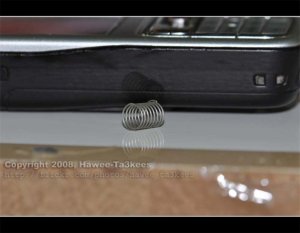
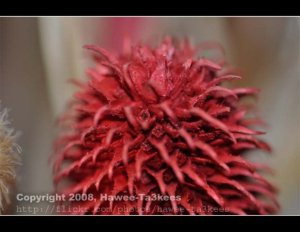
   In this section i will post some macro shots that i get useing the Nicon 105mm macro, i will post the upload date with the photos. 
 
__________________________________________________________________________
 
 
 [Upload in 7-4-2009]
 
Shots @ 1:2, … No Crop.
 
=-=-==-=-=-=-=-=-=-=-=-=-=-=-=-=-=-=-=-=-=-=-=-=-=-=-=-=-=-=-=
 
 [Upload in 4-4-2009]
 

Shots @ 1:1, … Croped image.


=-=-=-=-=-=-=-=-=-=-=-=-=-=-=-=-=-=-=-=-=-=-=-=-=-=-=-=-=-=-=-=-=
 
[Upload in 3-4-2009]
 
4 photos all Shots @ 1:1
 
=-=-=-=-=-=-=–=-=-=-=-=-=-=-=-=-=-=-=-=-=-=-=-=-=-=-=-=-=-=
 
 
[Upload in 31-3-2009]
 
Shot @ 1:2,
 
 
Shot @ 1:1, No Crop
 
 
=-=-=-=-=-=-=-=-=-=-=-=-=-=-=-=-=-=-=-=-=-=-=-=-=-=-=-=-=-=-=-=-=-=-=-=-=-
[Upload in 30-3-2009]
 
Shot @ 1:2,
 
 
Shot @ 1:1, No Crop
 
 
=-=-=-=-=-=-=-=-=-=-=-=-=-=-=-=-=-=-=-=-=-=-=-=-=-=-=-=-=-=-=-=-=-=-=-=-=-

[Upload in 29-3-2009]

Shot @ 1:3, iso:1000, shutter:1/30

Shot @ 1:1, iso:1000, shutter:1/30, … No Crop


Shot @ 1:4, iso:Lo 1, shutter:1/60
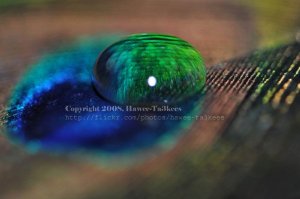
Shot @ 1:1, iso:Lo 1, shutter:1/60, … No Crop

 -=-=-=–=-=-=-=-=-=-=-=-=-=-=-=-=-=-=-=-=-=-=-=-=-=-=-=-=-=-=-=-=

 
[Upload in 27-3-2009]
 

__________________________  [More photos in my Flick Hawee – Ta3kees ] __________________________

New Nikon 105mm Macro lens
March 26, 2009 Leave a comment

Hi,
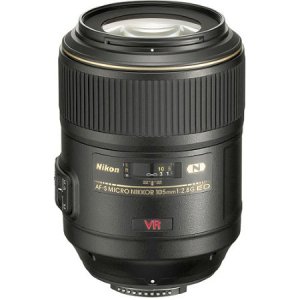
   I just get my new Nikon 105mm Macro lens, with VR (Vibration Reduction), i will post some sample photos in this artical.
 
first lets see the lens:
 
 
More photos can be fond in my Hawee-Ta3kees site.


Categories: Camera Tags: , ,