Archive
Bike Photography _3
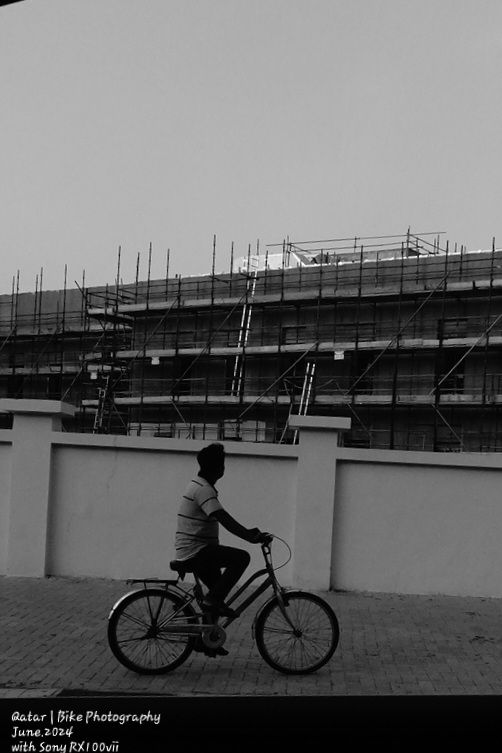
Fast capture man on the bike, I was driving the cat, slowing down to stop on the traffic lights, and saw him coming to my side, I grab the Sony RX100vii camera and fire the shutter two or three times, here is one of the photos.
Image croped.
Click Here to see all my images taken with Sony RX100vii.
Click Here to see all my images taken with Fujifilm X-T30ii.
Click Here to see all my images taken with Nikon S9900.
Click Here to see all my images taken with Nikon D7100.
Click Here to see all my images taken with Nikon D90.
Flowers Photography _2

Indoor flowers Photography using Sony RX100vii camera with Classic chrome picture profile.
Indoor Photography _3
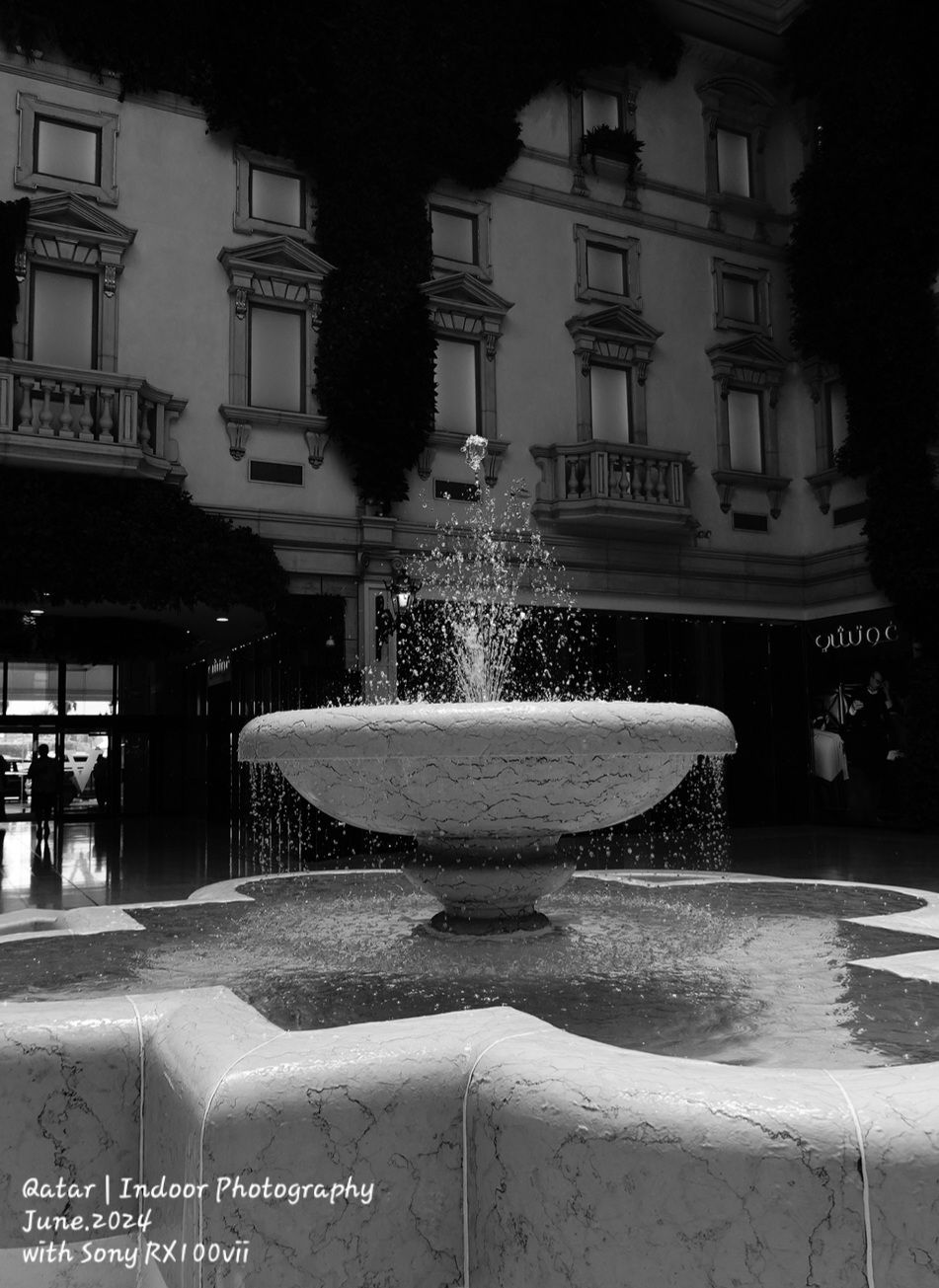
Walking with family in Villaggio Mall, image of water fountain, I take the shot with 1/500s , ISO 200, f4, the ev was -0.7 that’s add more shadows/darkness to the image on background and beautiful lighting on the water.
Photos from Qatar _127
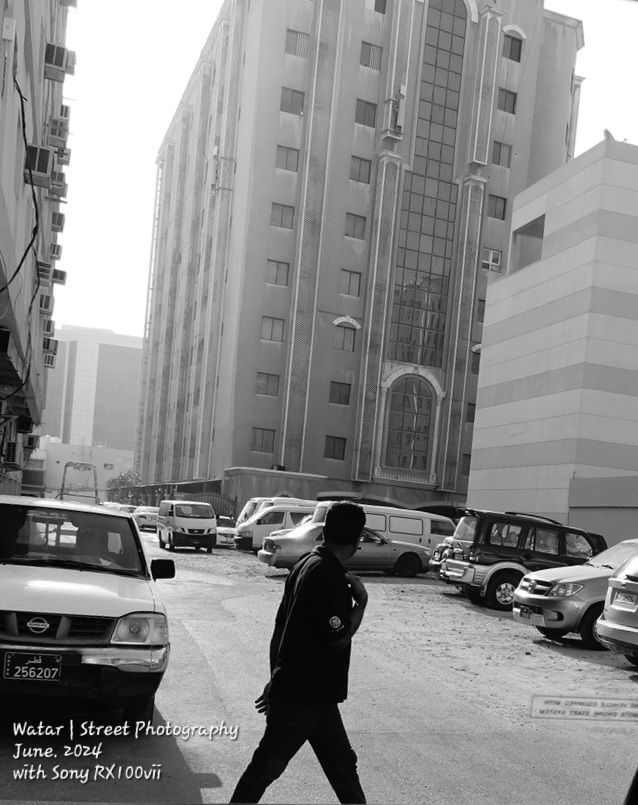
Street Photography, photo taken by Sony RX100vii camera at early morning while going to work.
Camera in Black and white, ISO 200, F4, shutter 1/667s.
Python: Simple Ticket System _Part1
Subject: Writing a Simple Ticket System Application
Learning : Python, SQL, Logeic
In this part we all do the following:
- Define the tables and the fields.(initially)
- Write the code to create the Data Base.
- Write the code to insert the data in selected tables.
- write the functions names.(initially)
- Create the main menu.
- Create the menu for the lookups tables.
Define the Tables and the fields
After spending some time thinking about the project, we can figure out some out-line about most important tables and fields that we may need in this project. So here are what I will use and we may need to add or alter during the project.
Tables are not in any order ..
staff : st_id, name, mobile, email, position(manager, )
ticket: t_id, dep_id, date(today), asignto(st_id), ndescription, priority_id(High, Medium, Low), Status_id(Open, In Progress, Resolved, Closed)
updated_date, category
category: cat_id, cat_name
t_notes: tn_id, note
priority: pr_id, pri_level(High, Medium, Low)
Status: stat_id, stat(Open, In Progress, Resolved, Closed)staff_job: sj_id, jobid, recived, finishd, status, note
departments: dep_id, dep_name
Create the Data Base
We will use the SQlite3 to create the database and the tables.
We will write the codes to create the table, and insert a Zero record, and in Lookups tables we will insert some more data such as in priority table we will insert [High, Medium, Low] in the priority level field.
#Code to create the status table.
sql_Ticket_status_t = “CREATE TABLE if not exists status_t (st_id INTEGER PRIMARY KEY AUTOINCREMENT, st_name text )”
c.execute(sql_Ticket_status_t)
db_conn.commit()
# Inserting ZERO records.
c.execute (“INSERT INTO status_t (st_name) VALUES(:st_name )”,{“st_name”:’0′})
db_conn.commit()
# Inserting Basic Information.
Ticket_status_list = [‘Open’, ‘In Progress’, ‘Resolved’, ‘Closed’]
for each in Ticket_status_list:
c.execute (“INSERT INTO status_t (st_name) VALUES(:st_name )”,{“st_name”:each})
db_conn.commit()
#Code to create the department table.
sql_Ticket_department_t = “CREATE TABLE if not exists department_t (dep_id INTEGER PRIMARY KEY AUTOINCREMENT, dep_name text )”
c.execute(sql_Ticket_department_t)
db_conn.commit()
# Inserting ZERO records.
c.execute (“INSERT INTO department_t (dep_name) VALUES(:dep_name )”,{“dep_name”:’0′})
db_conn.commit()
# Inserting Basic Information.
Ticket_department_list = [‘Human Resources (HR)’,’Marketing’,’Finance’,’Information Technology (IT)’,’Customer Servic’]
for each in Ticket_department_list:
c.execute (“INSERT INTO department_t (dep_name) VALUES(:dep_name)”,{“dep_name”:each})
db_conn.commit()
# Code to create the category table.
sql_Ticket_category_t = “CREATE TABLE if not exists category_t (cat_id INTEGER PRIMARY KEY AUTOINCREMENT, cat_name text)”
c.execute(sql_Ticket_category_t)
db_conn.commit()
# Inserting ZERO records.
c.execute (“INSERT INTO category_t (cat_name) VALUES(:cat_name)”,{‘cat_name’:’0′})
db_conn.commit()
# Inserting Basic Information.
Ticket_category_list = [‘Technical Support’,’Billing Inquiry’,’Account Management’,’Product Feedback’,’Bug Report’,’Feature Request’,’General Inquiry’,’Training Request’,’Hardware Issue’,’Software Issue’]
for each in Ticket_category_list:
c.execute (“INSERT INTO category_t (cat_name) VALUES(:cat_name)”,{“cat_name”:each})
db_conn.commit()
Code to create the status table.
Thats the code for three tables, the other will be the same with other table names and fields, I will not write them all save the time.
Main Menu
The main menu will be called to start/run the application, through the main menu we can jump to all other functions in the application. let’s see the cobe.
# The Main Menu.
def main_menu():
while True :
os.system(‘clear’)
line2 =”Main Menu”
header(line2,7,7)
print(‘ ‘*5,’ 1. Add New Ticket.’)
print(‘ ‘*5,’ 2. Edit a Ticket.’)
print(‘ ‘*5,’ 3. Delete a Ticket.’)
print(‘ ‘*5,’ 4. Show Tickets.\n’)
print(‘ ‘*5,’ 5. [ SETTING ]’)
print(‘ ‘*5,’ 99. Exit.’)
user_select = input(“\n\t Select from the Menu: > “)if user_select == ‘1’ :
print(‘ you select 1’)
if user_select == ‘2’ :
print(‘ you select 2’)
if user_select == ‘3’ :
print(‘ you select 3’)
if user_select == ‘4’ :
print(‘ you select 4’)
if user_select == ‘5’ :
setting_menu()
if user_select == ’99’ :
input(‘\n\n\t Thank you for using this Appliation. ‘)
break
Helping Functions
In the Ticket application, when the user insert a record in any lookup tables [category, priority, status, departmen], say category, then he may inter something already there, so we need to check for that.
Also, when the user want to select a ticket priority, or a category, he want to see the list of categories to select from, so we create a function called show_list so he can select from.
Two functions that will help and works within other functions.
def show_list(dt,d_id):
“””
Function to Display the Data we have in the Lookup Tables based on the user selection function.Return: None
“””
pass
def check_availabilty(dt, d_id, check_id):
“””
Function to check if the passed ID available in the data-set or not.Arguments:
dt : Data-Table
d_id : Name of id column.
check_id : The id we want to search for.Return : True if ID is available, False if not.
“””
pass
Functions Names
Here we list all [almost all] functions we may need in this application.
# ========== Category Function ==============def ticket_category_menu () :
passdef add_category():
passdef edit_category():
passdef delet_category():
passdef show_category():
pass# ========== Priority Function ==============
def add_priority ():
passdef edit_priority ():
passdef delete_priority ():
passdef show_priority ():
pass# ========== Status Function ==============
def add_status():
passdef edit_status():
passdef delet_status():
passdef show_status():
pass# ========== Department Function ==============
def add_department():
passdef edit_department():
passdef delet_department():
passdef show_department():
pass# ========== Staff Function ==============
def add_staff():
passdef edit_staff():
passdef delet_staff():
passdef show_staff():
pass
We almost done with part one, all base are ready to start coding, in next part [Part2], we will start writing the codes for two or three functions to manage the lookups table such as Add,Edit and Delete data from Category, Department, Priority .. tables.
:: Ticket System ::
| Intorduction | Part 1 | Part 2 | Part 3 |
..:: Have Fun with Coding ::.. 🙂
To Download my Python code (.py) files Click-Here
 Follow me on Twitter..
By: Ali Radwani
Indoor Photography _1
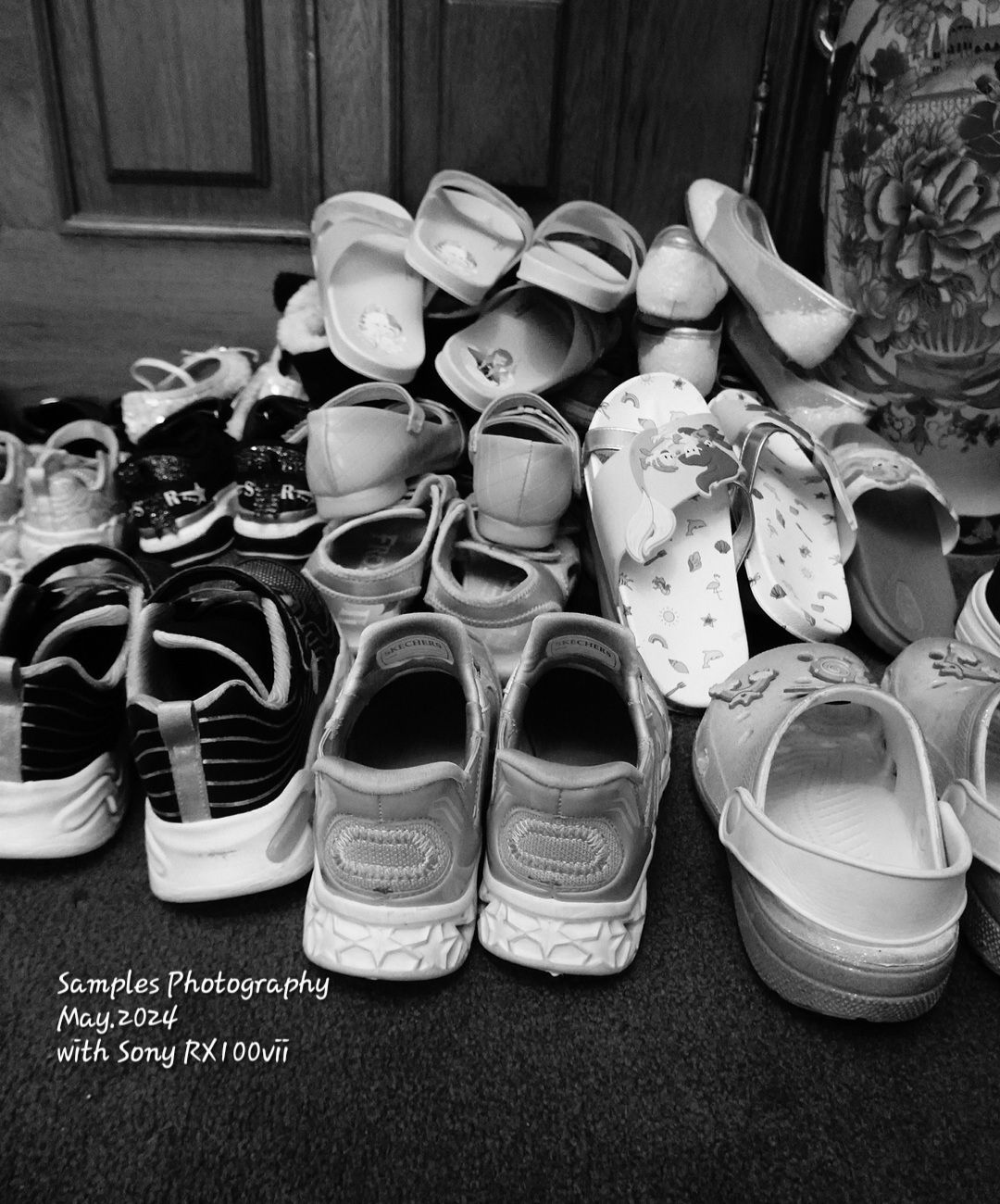
Indoor testing new black and white setting on sony picture profile, I am using RX100vii camera in hand.
I take the same image with the same angle using classic chrome and will publish it later.
Bike Photography _2
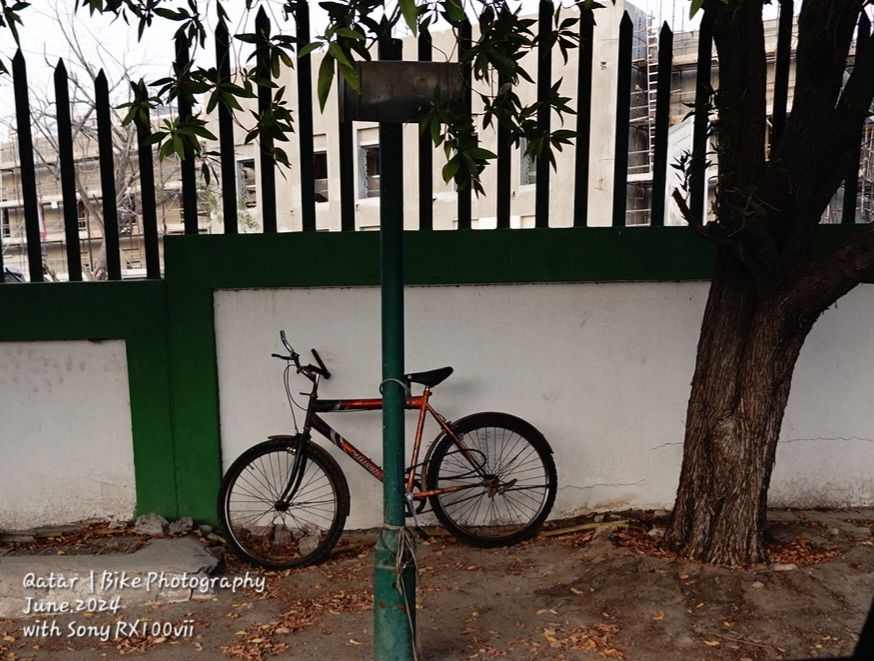
Photo taken in Classic Chrome using Sony RX100vii camera, image croped.
ISO 320, shutter 1/250s, F2.8 and ev -0.7
Indoor photography _2
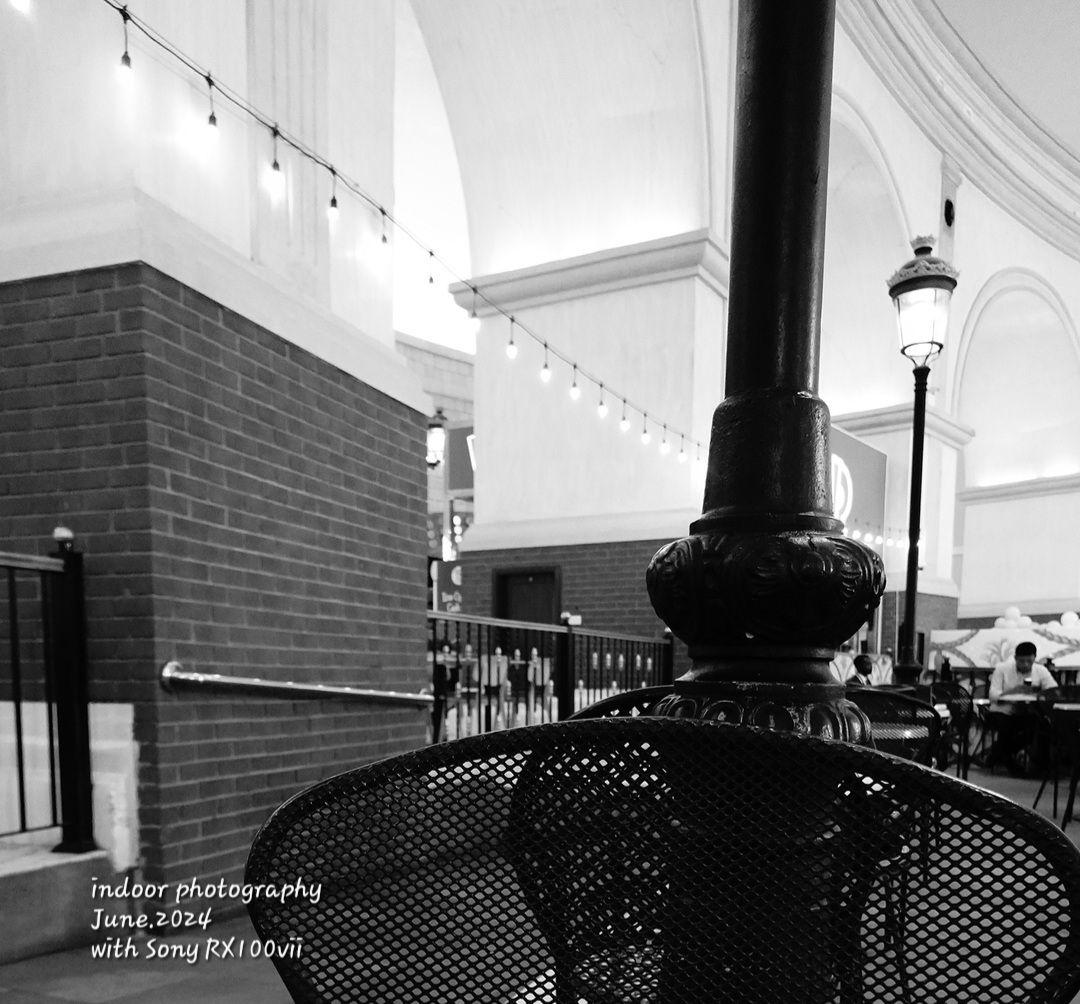
Photo taken in restaurant in a shopping mall, using Sony RX100vii camera.
Photos from Qatar _129
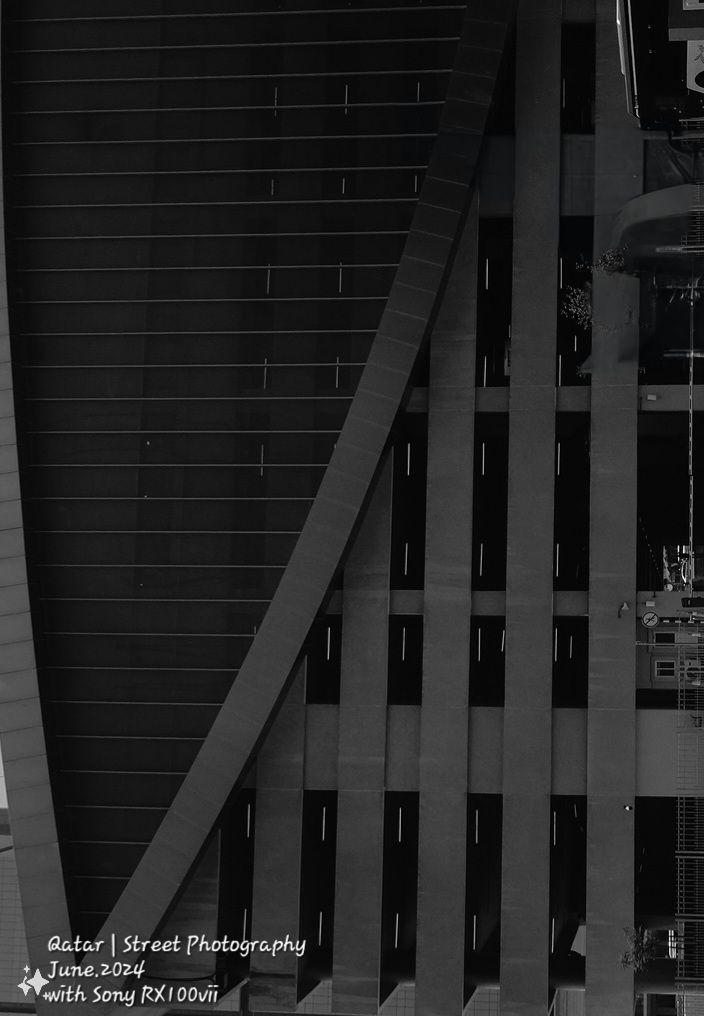
Street Photography, this image is for a building croped and rotated 90° , I use Sony RX100vii camera from 100meter.
Bike Photography _1

Street Photography for a man on bike, I take the shot with Sony RX100vii camera subject was 20-25 meter away, image croped.

Taking pictures is not my main daily practices, but when i start playing with my camera, i really enjoy my self.
Thanks for visiting my Space..


 Ali's Photography Space...