Archive
Another Sample for the Green Preset..
Some time you may want to add more Green colors to your photos, here is a LightRoom 2 preset file that i create to do this and you can see the sample shot on the left the Yellow rose without the Green Preset filter and on the right is the same shot after applying the filter..[Click the image to enlarge]
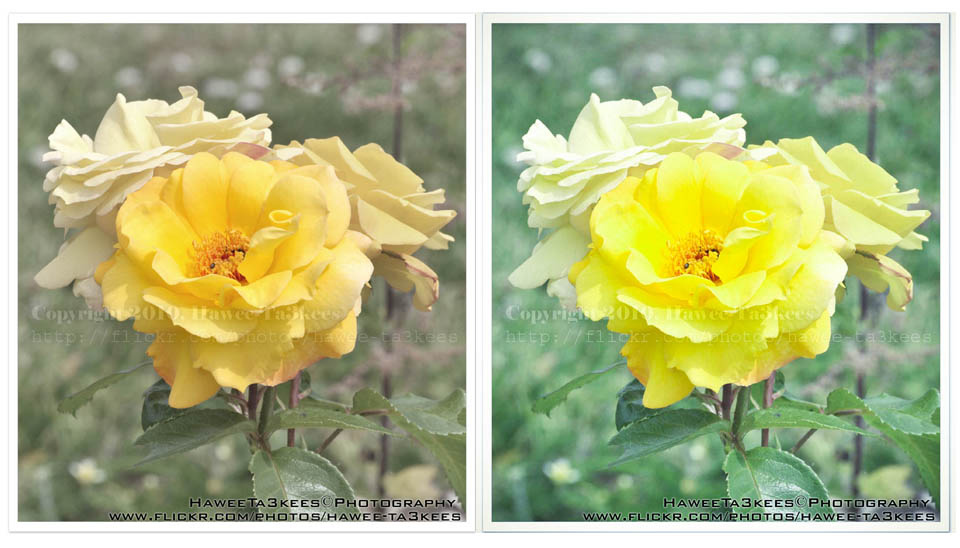
you can download this preset from The Download Section..
Macro on ‘Pierre Cardin’
This is a Macro shot on a ‘Pierre Cardin’ Watch, i used my Nikon 105mm Macro lens with the camera flash.
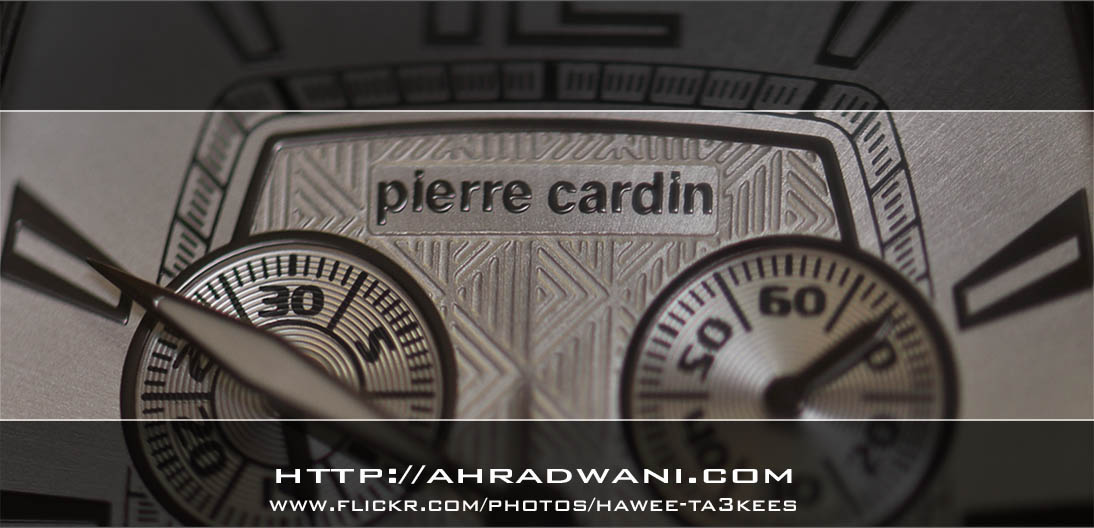
This is the Camera setting for the shot..
Model = NIKON D90
Date Time = 2011-07-30 14:39:22
Exposure Time = 1/60″
F Number = F4.5
Exposure Program = Manual
Exposure Bias Value = +5EV
Max Aperture Value = F4.29
Flash = Flash fired, compulsory flash mode, return light not detected
Focal Length = 105mm
Exposure Mode = Manual exposure
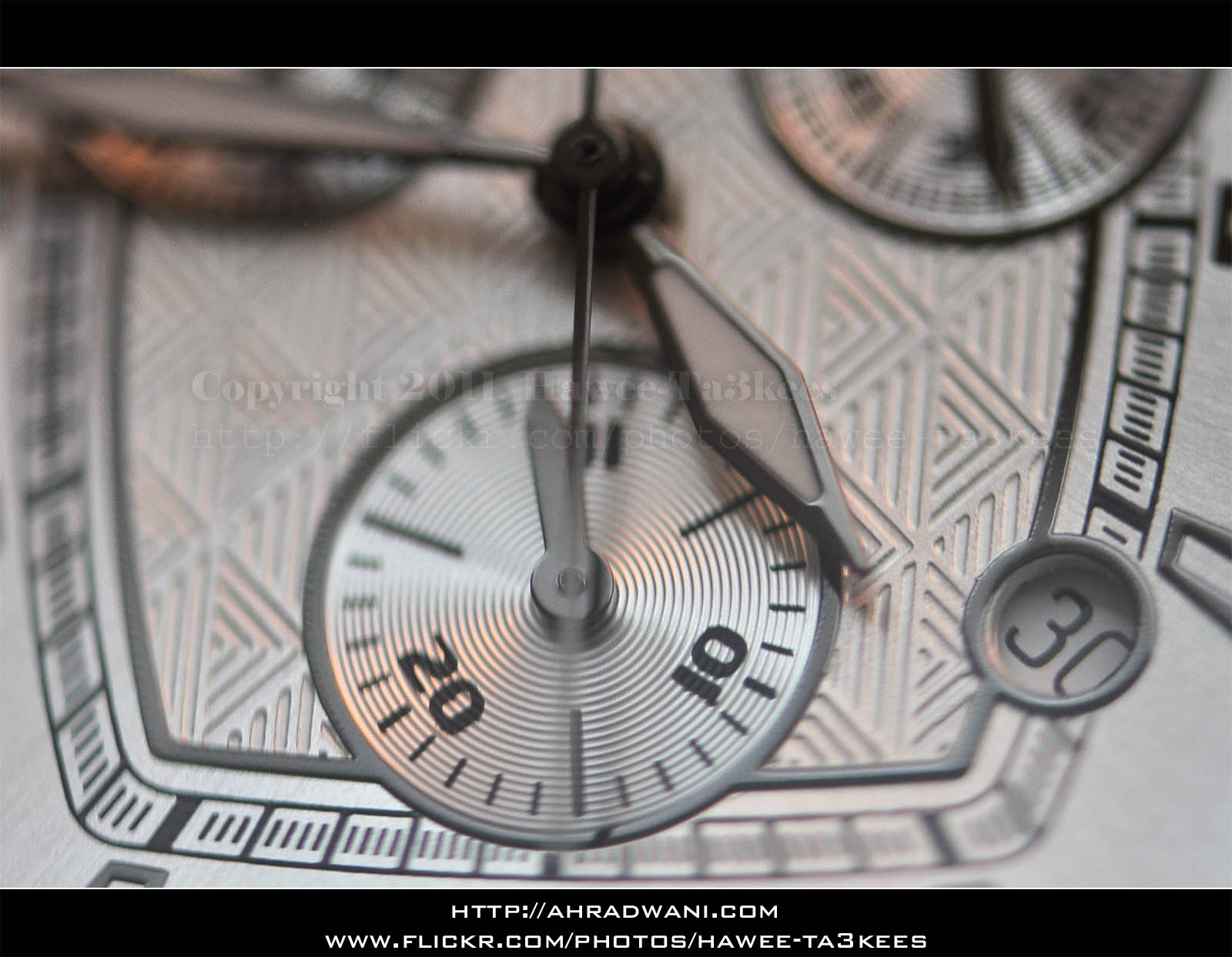
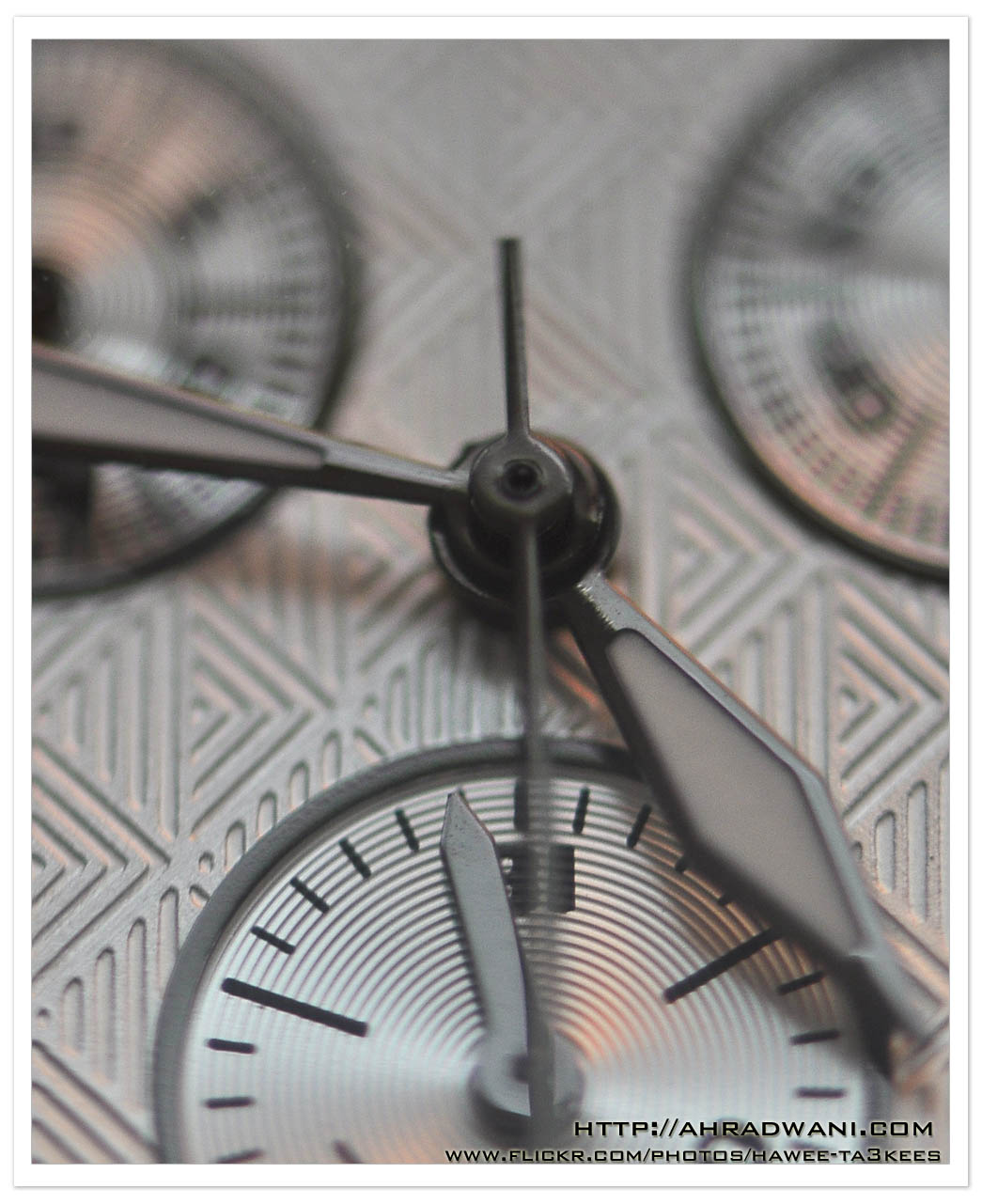
Here are another two shots ..[Click the image to enlarge]
MoneyArt 500QR
This is a shot of the 500 Qatari Riyal [1$ = 3.65QR], it’s a Blue money paper with some draws.
It shows two buildings first one [rear] is the Amiri Diwan or the Ruler Office, in the front you can see a traditional building, on the next part of the paper you will find a head of Arabian Falcon.
This is part of the money paper, the other half dose’t show any art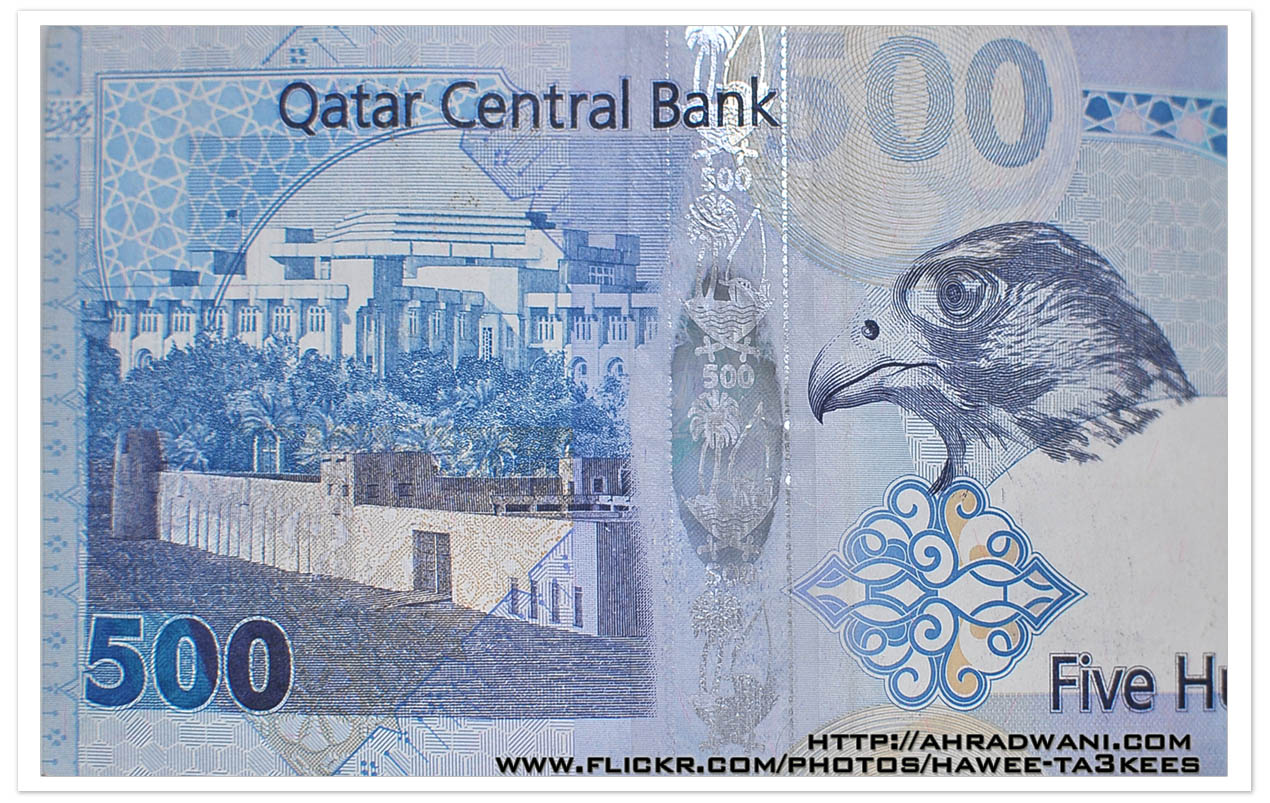
You can find a list of all BankNotes graphics on this link.
Three colored Bottles..
This is one of the Water drops from bottle project results, i edit the photo in the photoshop to colored the red water into blue and mauve.

MoneyArt 100QR
This is a shot of the 100 Qatari Riyal [1$ = 3.65QR], it’s a yellow, green and mauve money paper with some draws.
It shows two buildings first one for a traditional building and in front a mosque.
This is part of the money paper, the other half dose’t show any art.
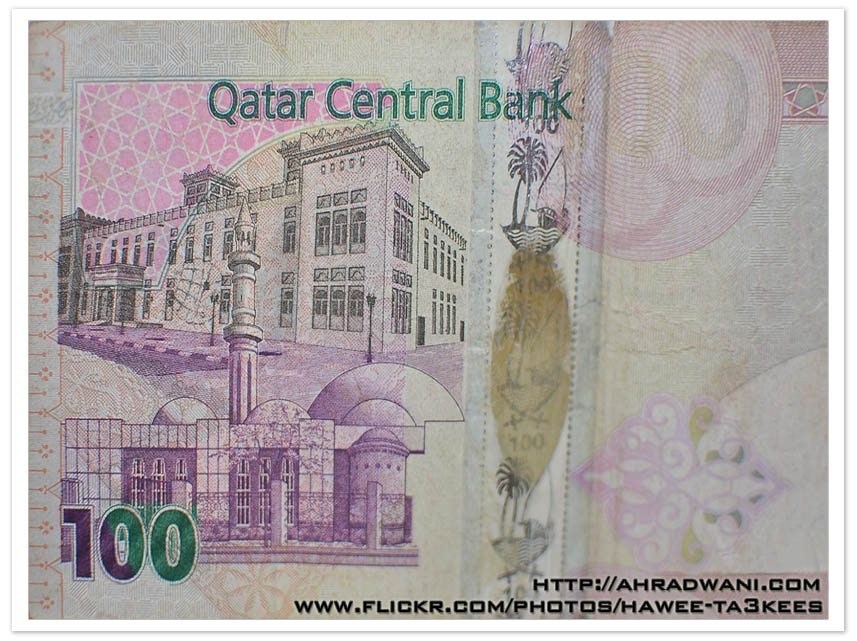
You can find a list of all BankNotes graphics on this link.
Photo Frame by Photoshop Action..#7
In this Action the file MUST be resized to 1500W, new layer will be created (filled with white) and curved rectangular to be erased from the white layer.
Name: ahradwani_curveFrame
Contain two actions for two frames.
Download: Download the File from the Photoshop Actions in my “Download Section“
Result: [Click the image to enlarge]
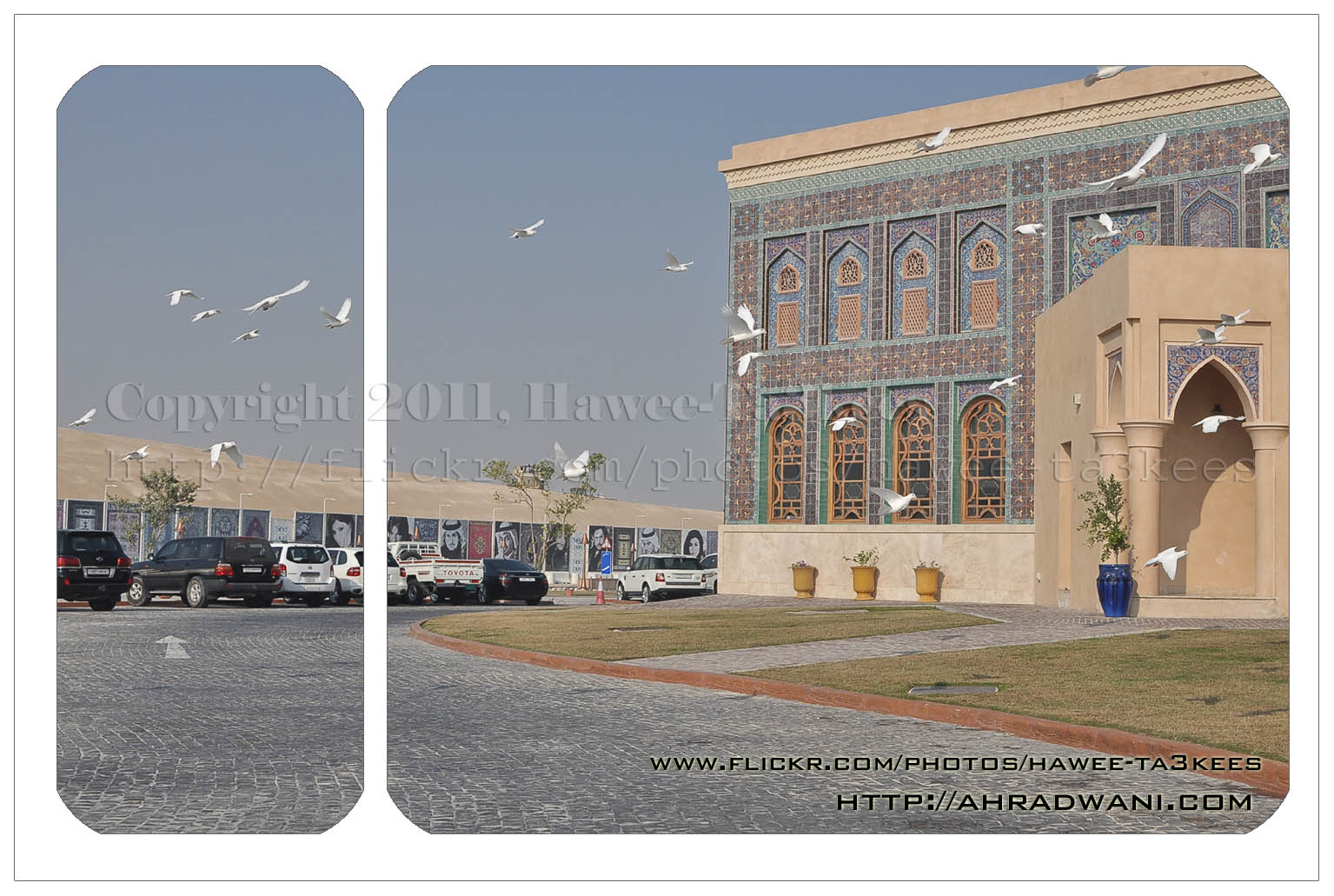
In this action 4curveframe your image will looks like this..[Click the image to enlarge]
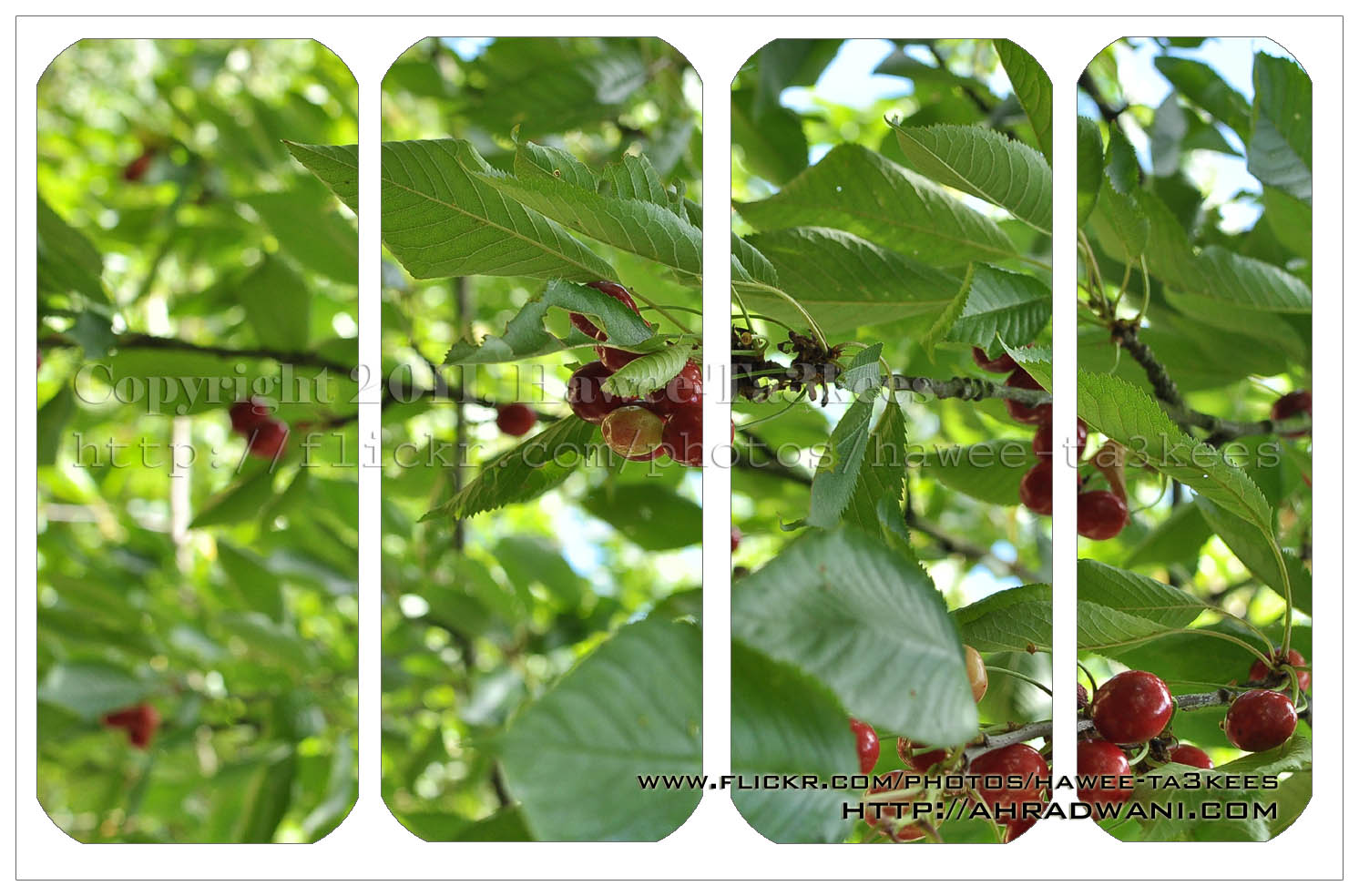
Photo Frame by Photoshop Action..#6
In this Action the file MUST be resized to 2500W, the image will be Divided to three parts, the up & down are black with Fill 59%, Opacity 80% and white border. .
Name: Wide Double Black.
Download: Download the File from the Photoshop Actions in my “Download Section“
Result: [Click the image to enlarge]

Photo Frame by Photoshop Action..#5
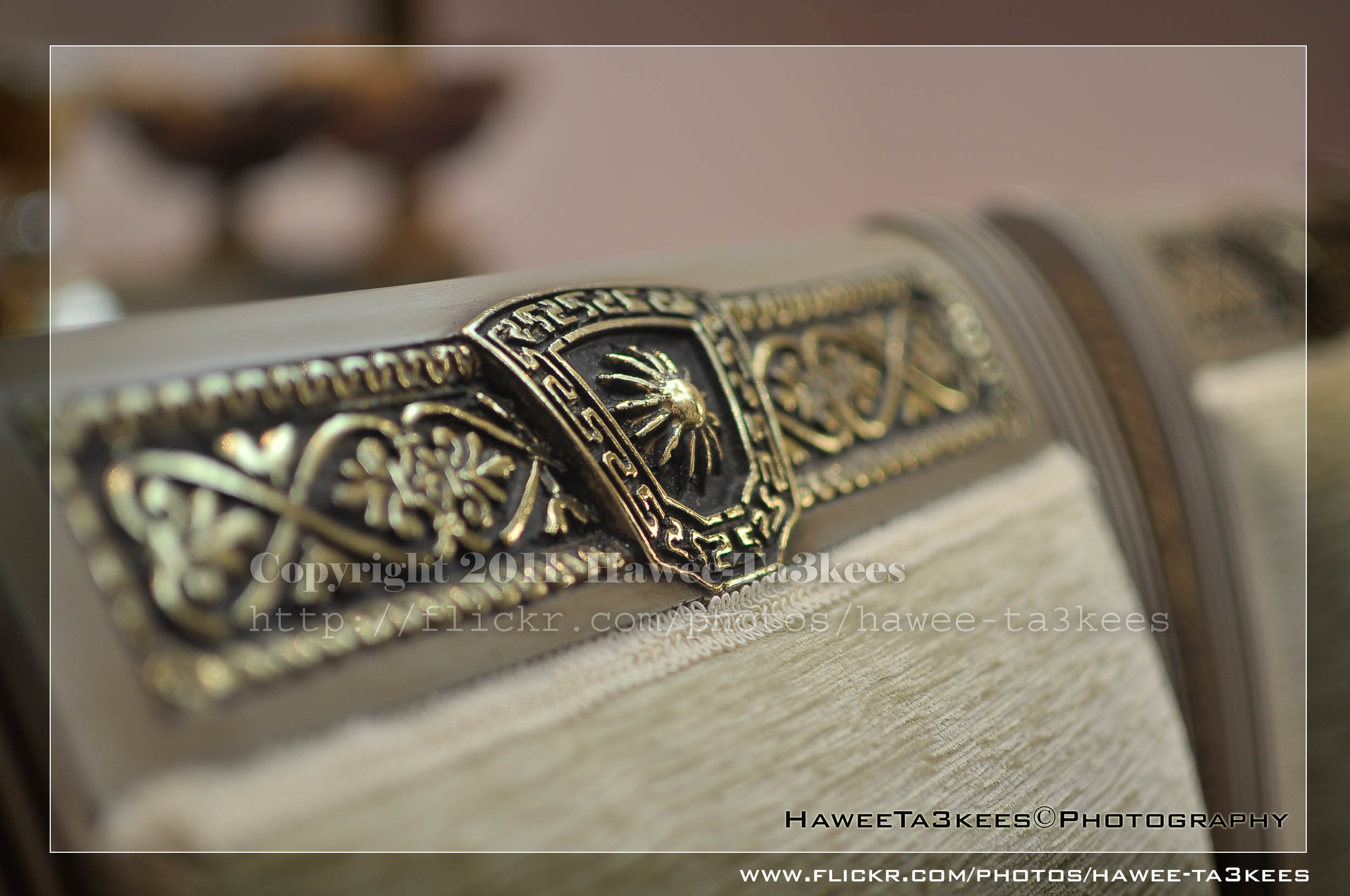
In this Action the file will be resized to 2500W, 0.5cm border will be selected and copied to new layer with multiply blinding mode finally white border the image will resized (about 0.5cm), New layer will be Created with two rectangular one as out border and the second is just bigger than the image.
Name: Simple Dark.
Download: Download the File from the Photoshop Actions in my “Download Section“
Result: [Click the image to enlarge]
Instruction:
– Un-ZIP the file.
– Copy the file to this folder :[Your Drive] .. Program Files\Adobe\Photoshop 7.0\Presets\Photoshop Actions
– Open the Photoshop (this sample is for Photoshop 7.0)
– Your image must NOT BE on the background Layer, copy it to new layer first.
For How to open an action file in Photoshop Click Here..
Photo Frame by Photoshop Action..#4
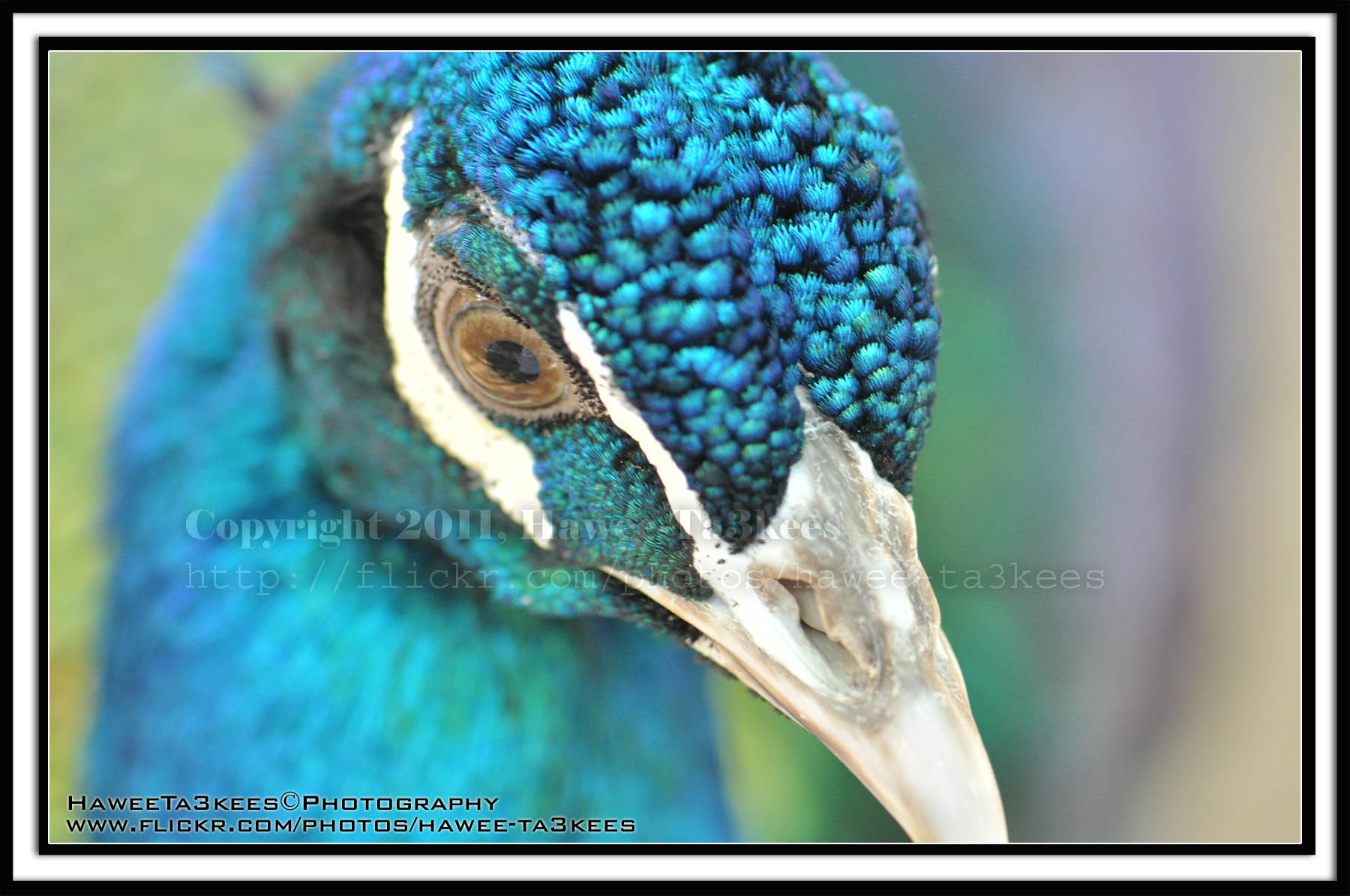
In this Action the file will be resized to 2500W and the image will resized (about 1cm), New layer will be Created with two rectangular one as out border and the second is just bigger than the image.
Name: Double Black.
Download: Download the File from the Photoshop Actions in my “Download Section“
Result: [Click the image to enlarge]
Instruction:
– Un-ZIP the file.
– Copy the file to this folder :[Your Drive] .. Program Files\Adobe\Photoshop 7.0\Presets\Photoshop Actions
– Open the Photoshop (this sample is for Photoshop 7.0)
– Your image must NOT BE on the background Layer, copy it to new layer first.
For How to open an action file in Photoshop Click Here..
Photo Frame by Photoshop Action..#3
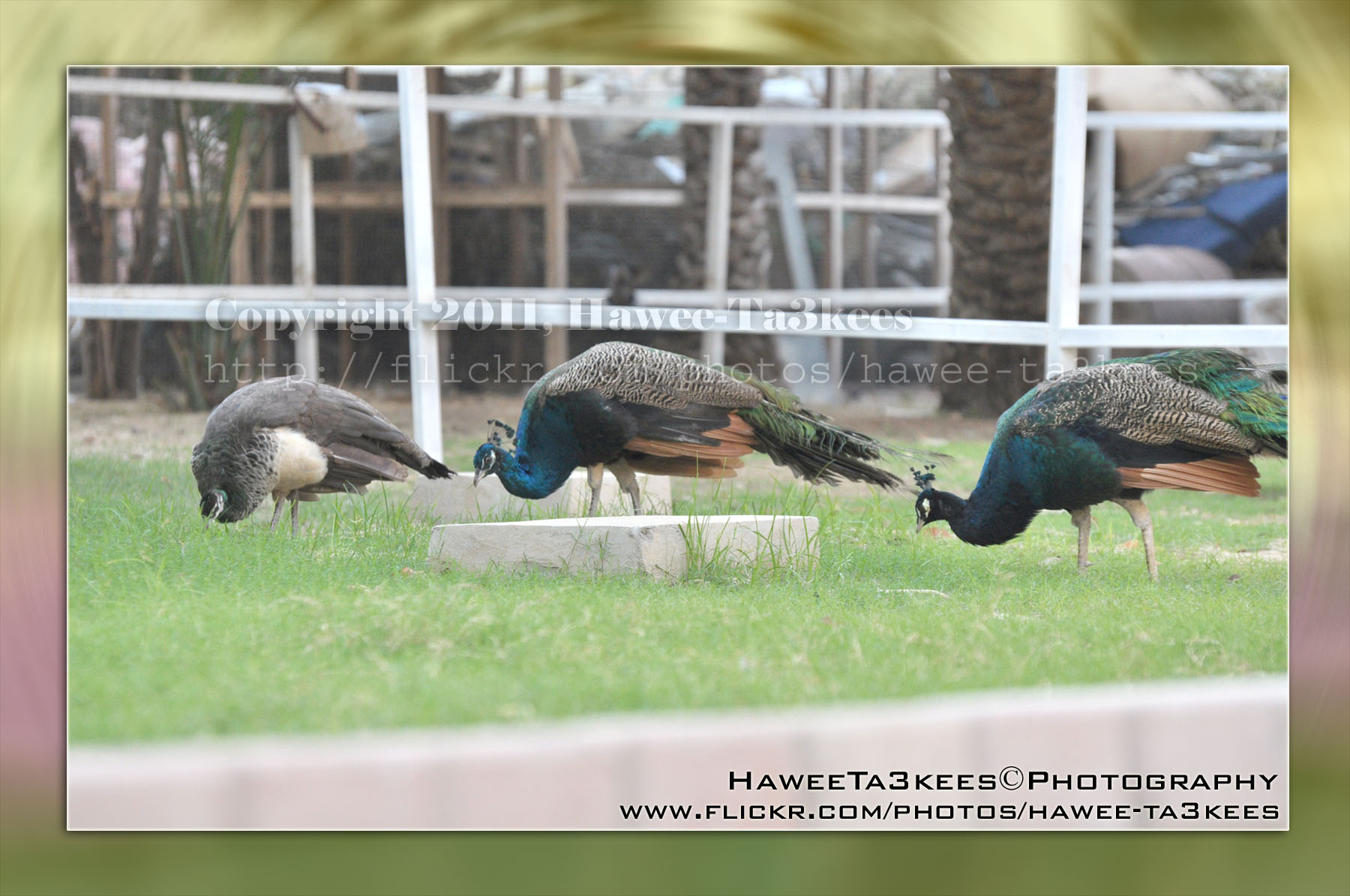
In this Action the file will be resized to 2500W, layer will be duplicated and resized, the Radial Blur effect will applied on the first layer, new layer filled with gray color and mode to be: Difference.
Name: Difference RadialBlur Frame.
Download: Download the File from the Photoshop Actions in my “Download Section“
Result: [Click the image to enlarge]

If you can change the color of the gray layer to yellow (R:251, G:250, B:193) you will get this:
[Click the image to enlarge]
Instruction:
– Un-ZIP the file.
– Copy the file to this folder :[Your Drive] .. Program Files\Adobe\Photoshop 7.0\Presets\Photoshop Actions
– Open the Photoshop (this sample is for Photoshop 7.0)
– Your image must NOT BE on the background Layer, copy it to new layer first.
For How to open an action file in Photoshop Click Here..

Taking pictures is not my main daily practices, but when i start playing with my camera, i really enjoy my self.
Thanks for visiting my Space..


 Ali's Photography Space...