Archive
Qatar, DohaPort _61
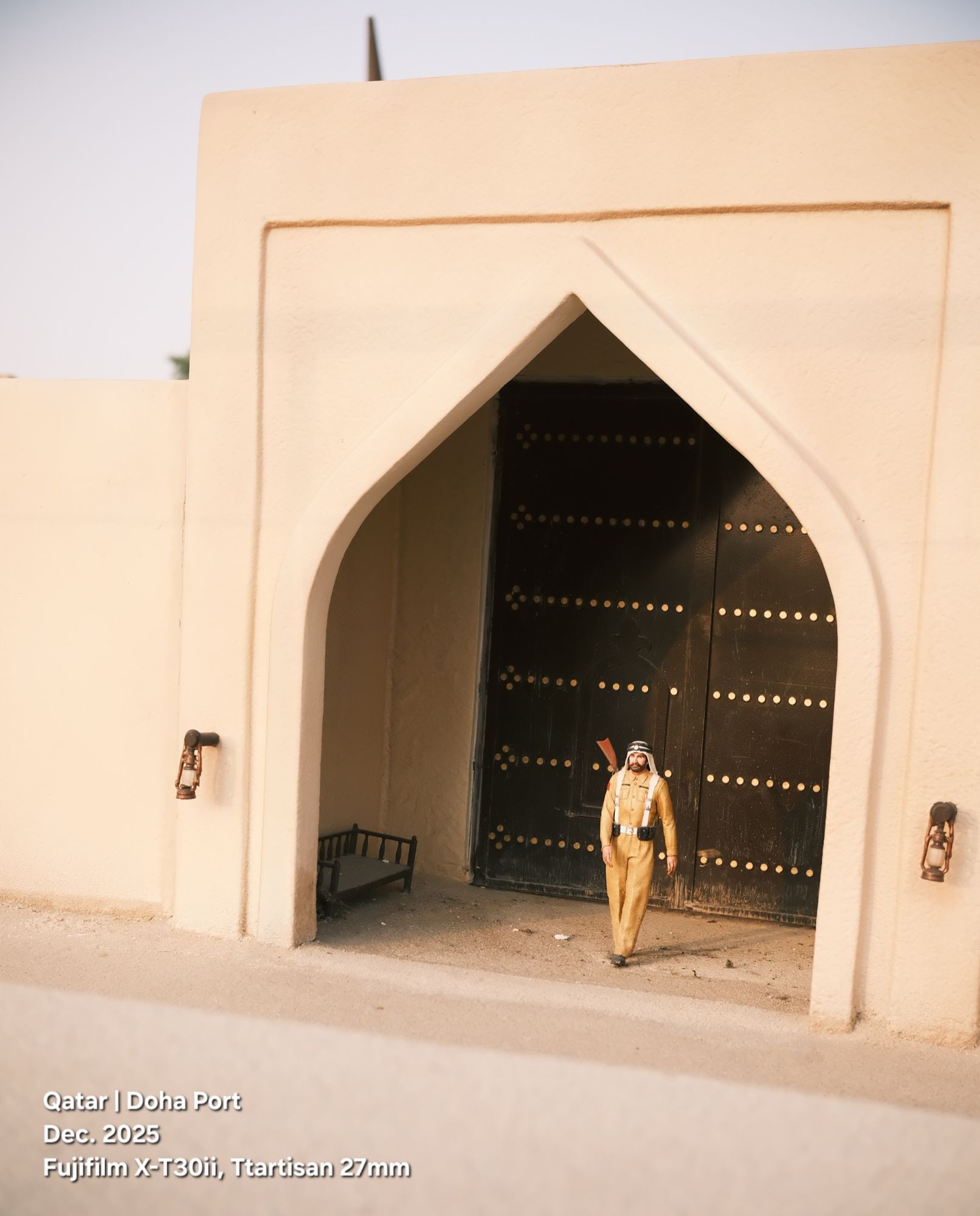
I wish I had taken the shot from a lower level. Probably I will go to visit this project again and take more photos from better angles.
The Old Doha Miniature project..
An accurate and miniature reconstruction of the old neighborhoods of Doha (Furjan) as they were in the 195Os. Documenting Qatari heritage consolidating national identity and presenting a visual journey linking the ancient past and the madfrigre renaissance.
The shot was taken by Fujifilm X-T30ii camera with a Ttartisan 27mm lens.
Qatar, DohaPort _55
 Click to Enlarge
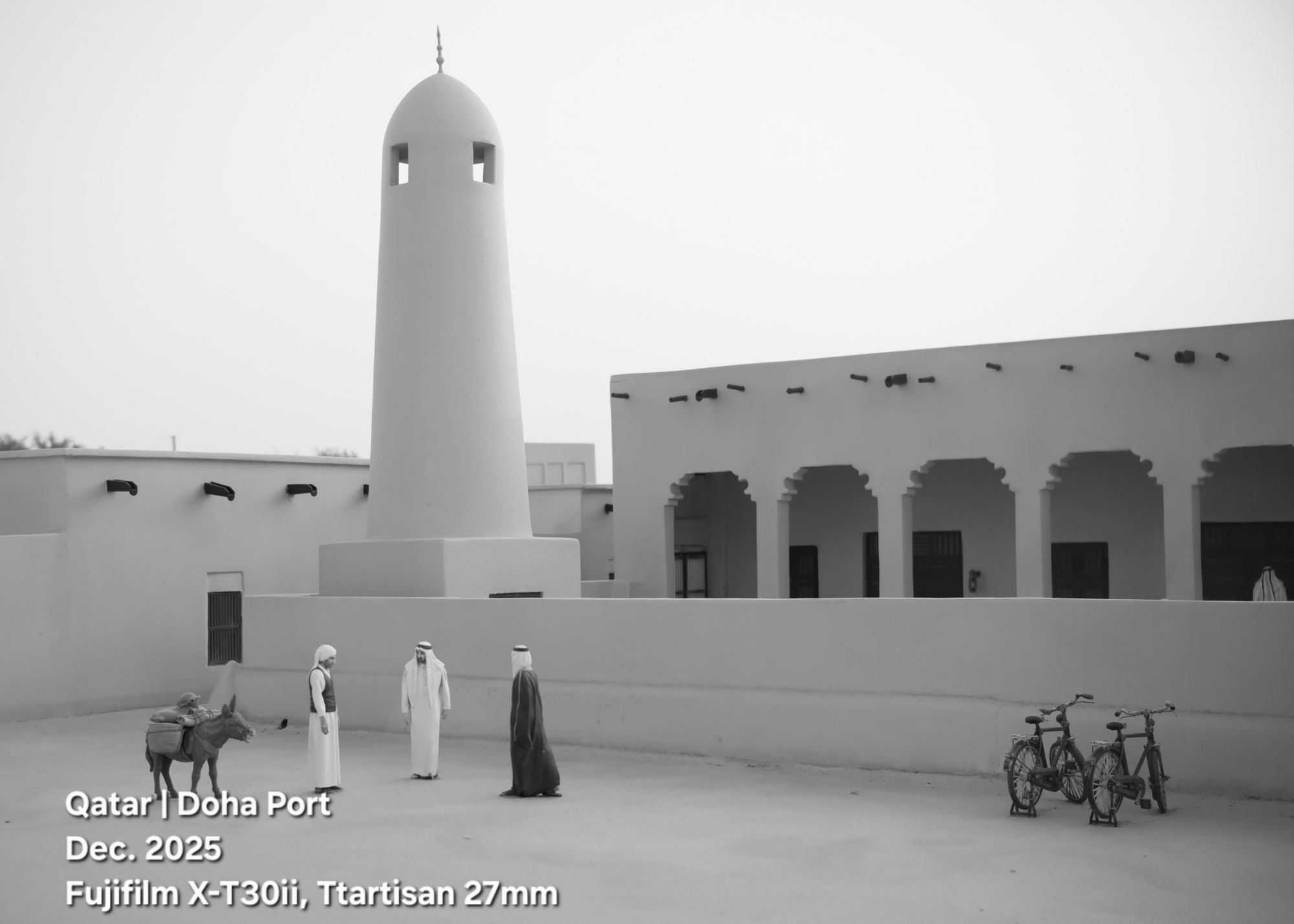
Small scale of the traditional mosque building in Qatar in the 60s and 70s. The building style, the windows, the door, and long corridors can be found in the houses at that period of time.
I take the shot at Old DohaPort, using Fujifilm X-T30ii camera with Ttartisan 27mm f2.8 lens in black and white.
Qatar, DohaPort _56
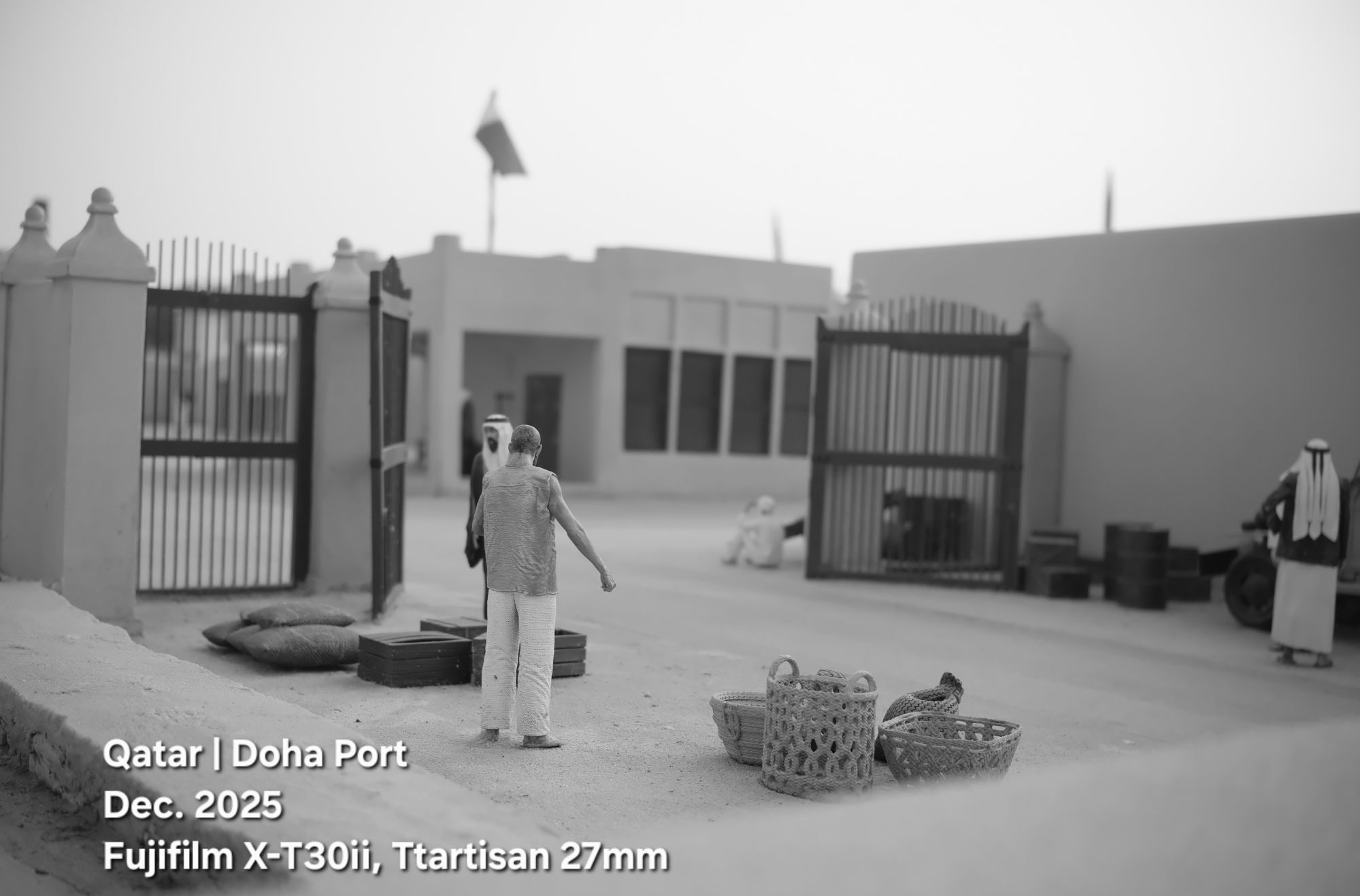
I am not sure what is this building, but since it has the country flag, then it is an official government building. We can also see there is a big gate, and some people out there.
I take toilet image in Qatar old DohaPort, where they set up a hole small-scale villages in Qatar. I use the FujiFilm X-T30ii and Ttartisan 27mm lens to take the shot.
Qatar, DohaPort _53
 Click to Enlarge
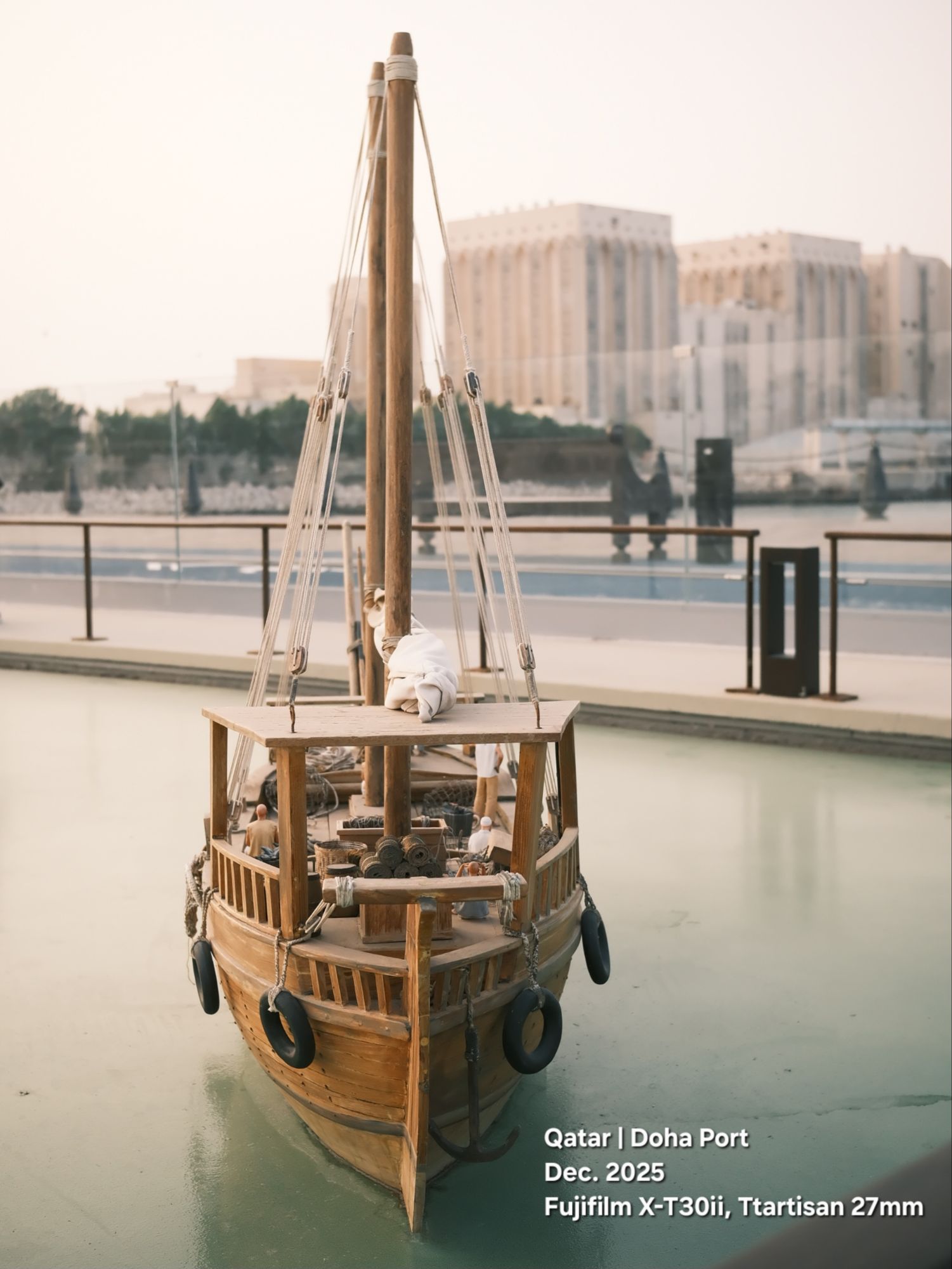
Photo from DohaPort, small scale of traditional Qatari Boat.
Photo taken by Fuji X-T30ii camera and Ttartisan 27mm lens.
Qatar, DohaPort _54
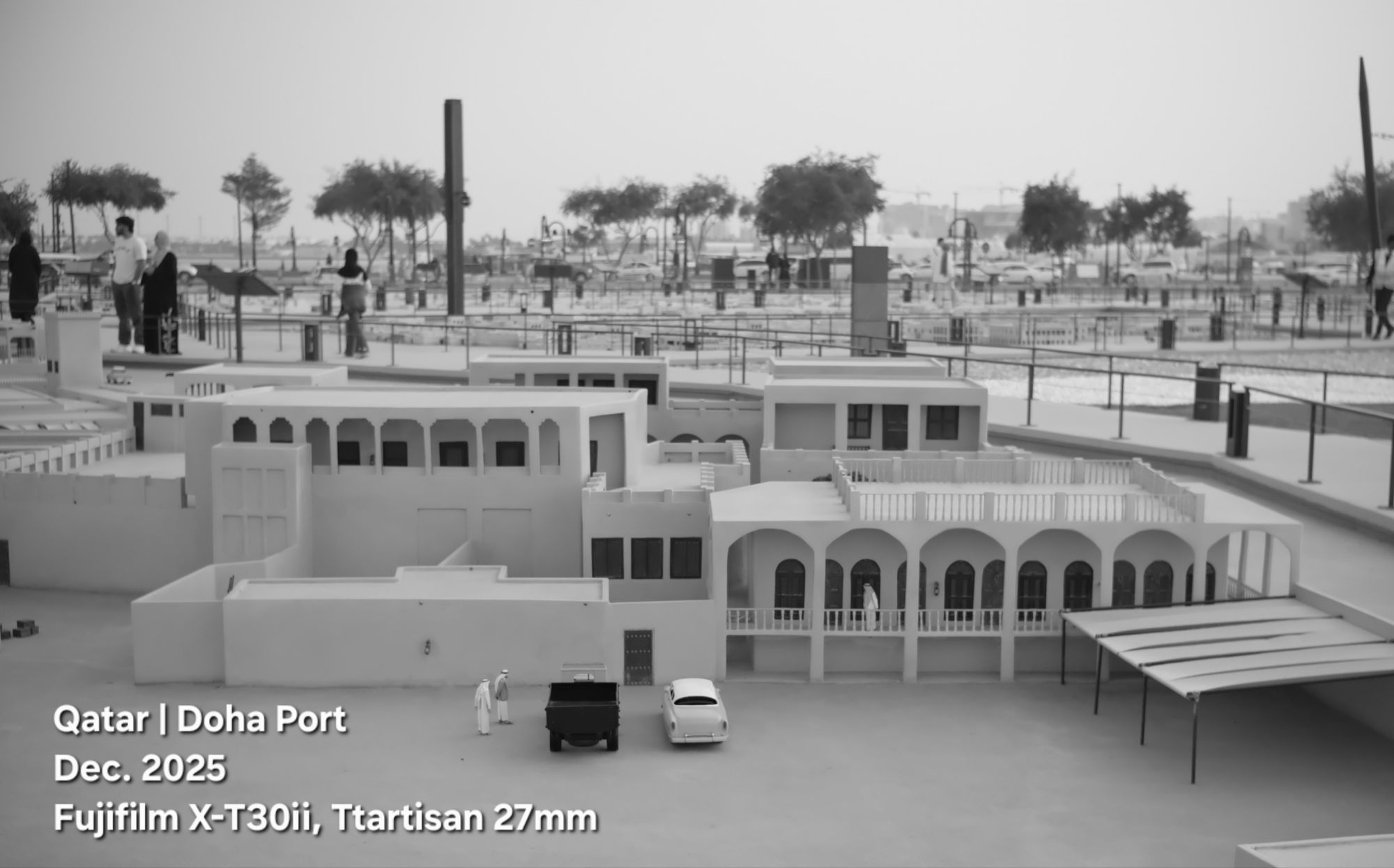 Click to Enlarge
Walking through a small scale of old Doha villages, great observation.
I was with my Fujifilm X-T30ii camera using TTartisan 27mm lens.
Qatar, DohaPort _51
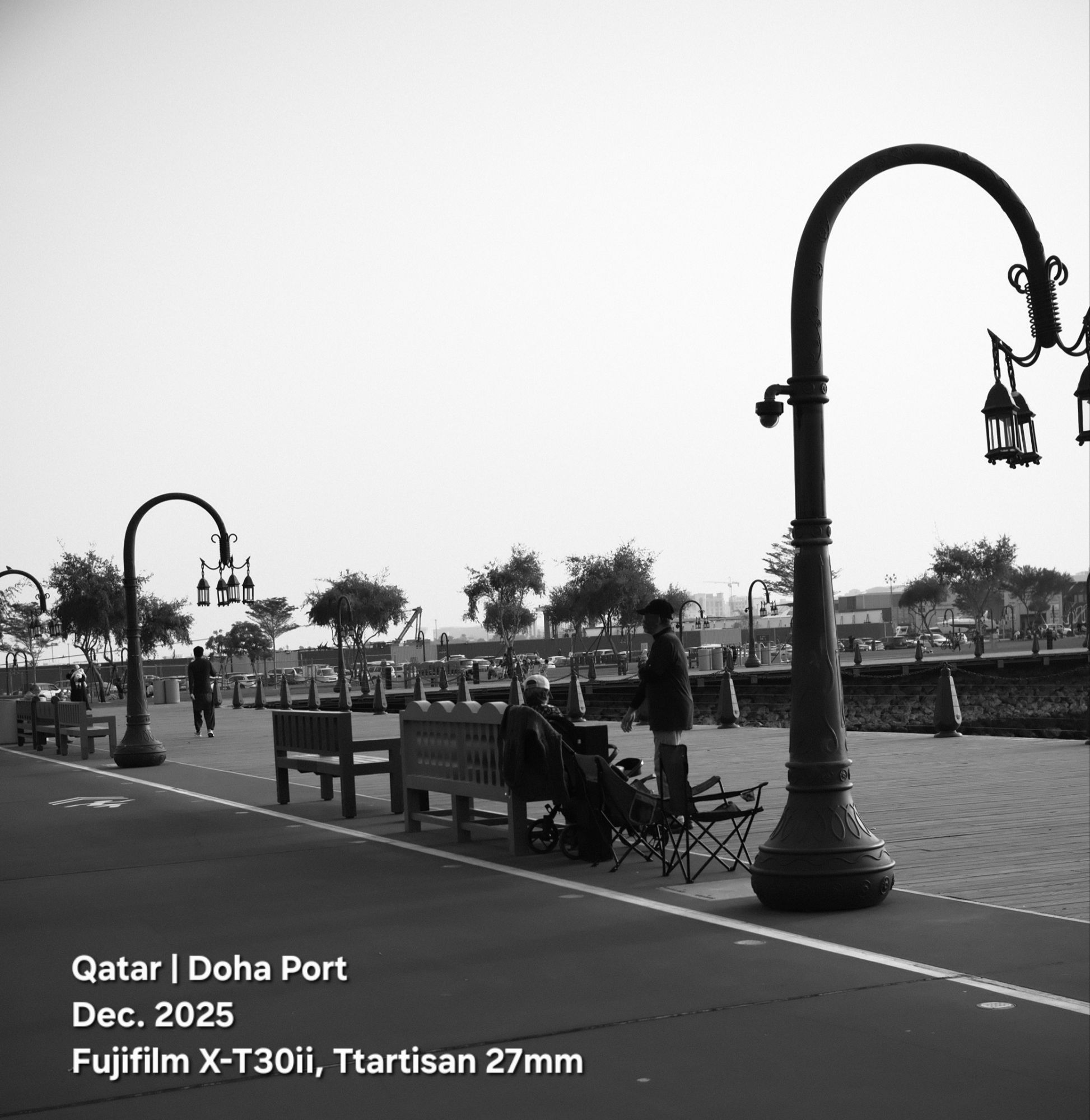 Click to Enlarge
Walking in the DohaPort with the family.
Here is another picture for the Marina in black and white.
Qatar, DohaPort _50
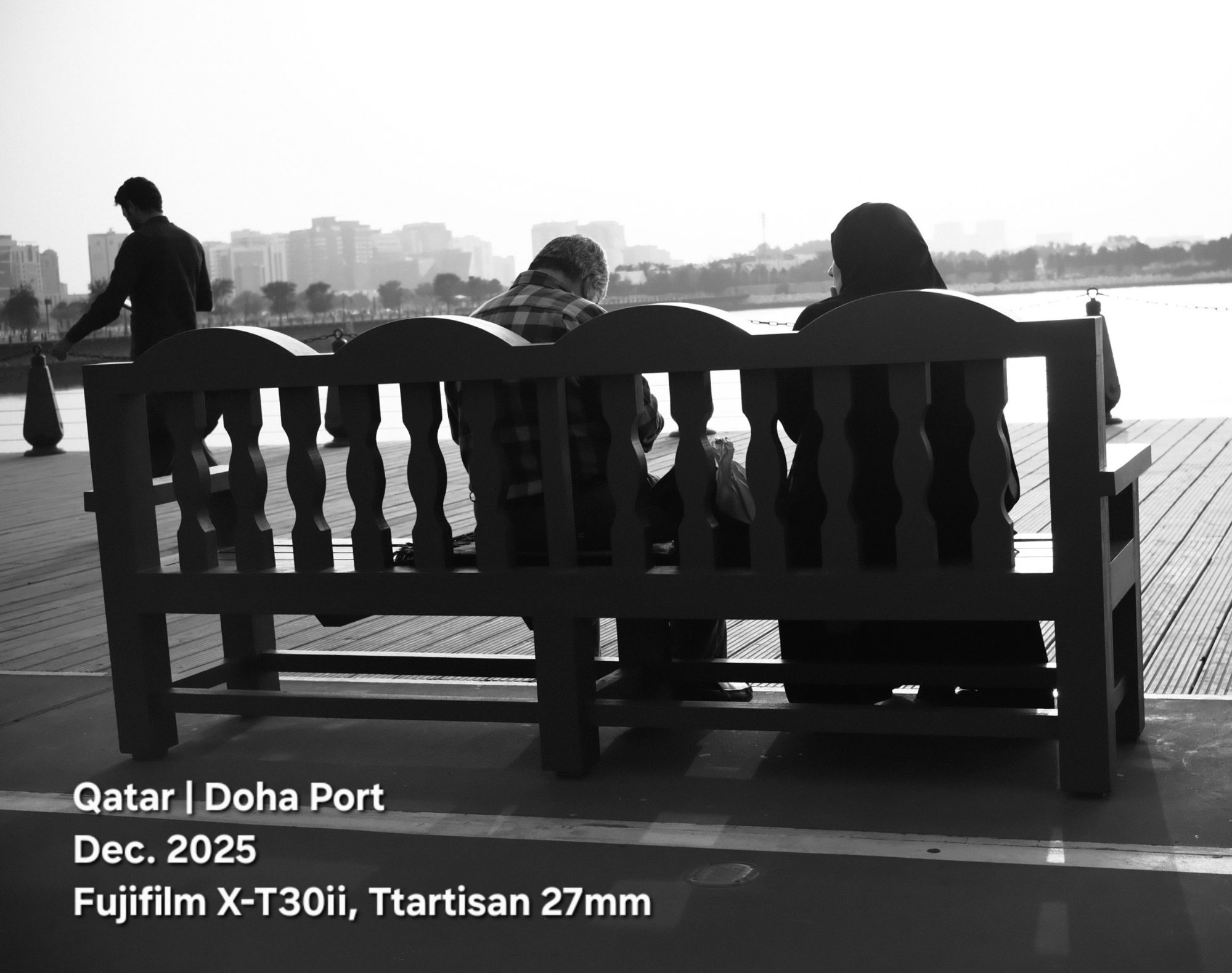 Click to Enlarge
Black and white photos are my favourite, but with using Fujifilm X-T30ii and the film simulations, sometimes I found myself wanting to publish a colored photos.
Here, I prefer to show you the Black and white.
Camera in Manual Mode, F/4, S.S. 1/1000s, ISO 200. The camera was in BKT2 Setting to take three shots with three different film simulations.
Qatar, DohaPort _49
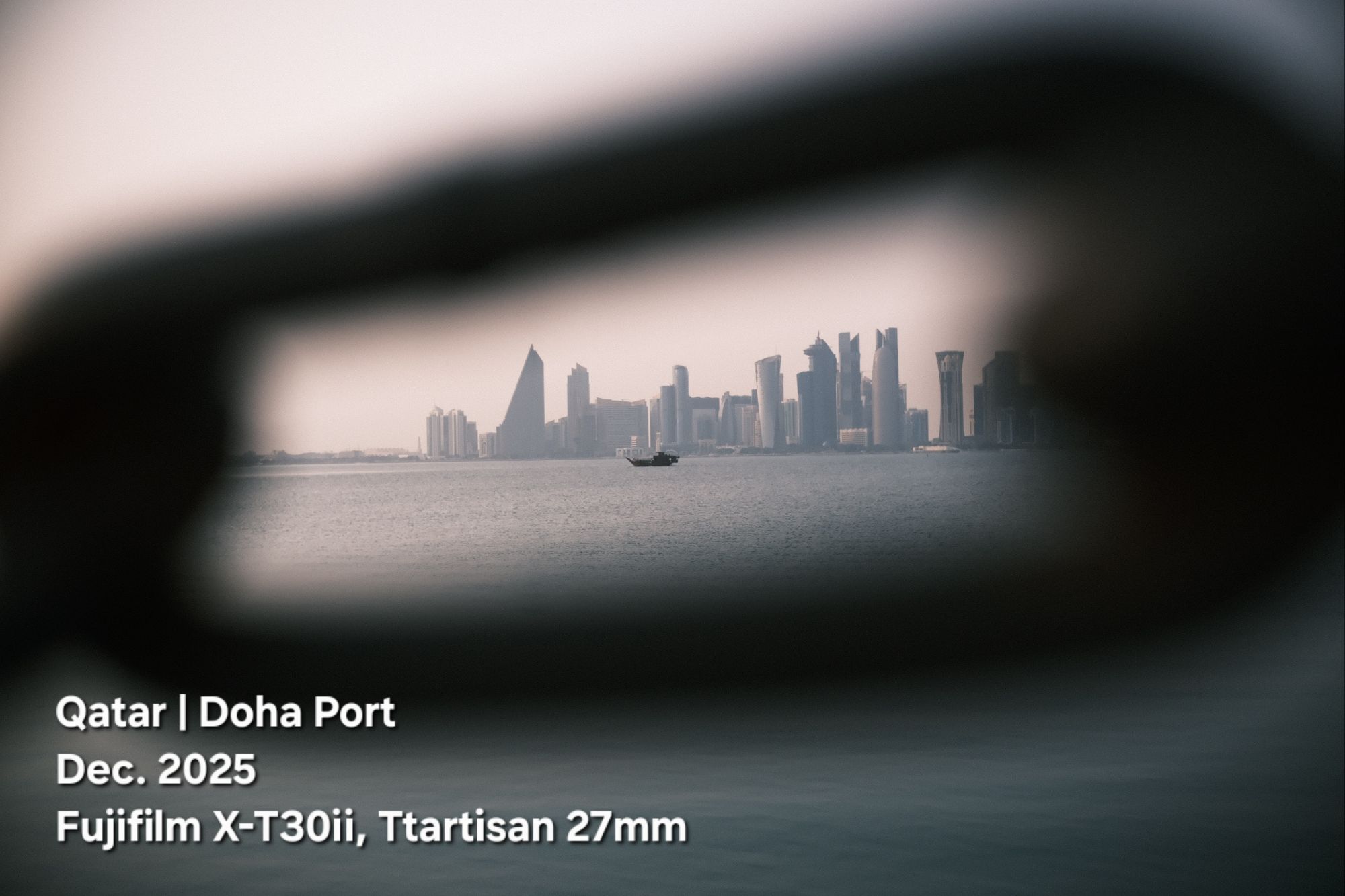 Click to Enlarge
Framing the west-bay towers in the metal chain ⛓️ on the port, I was waiting for that boat just to inter the shot.
I use the FujiFilm X-T30ii camera with Ttartisan 27mm lens and CineStill 800T as film simulation to take this photo.
Qatar, DohaPort _48
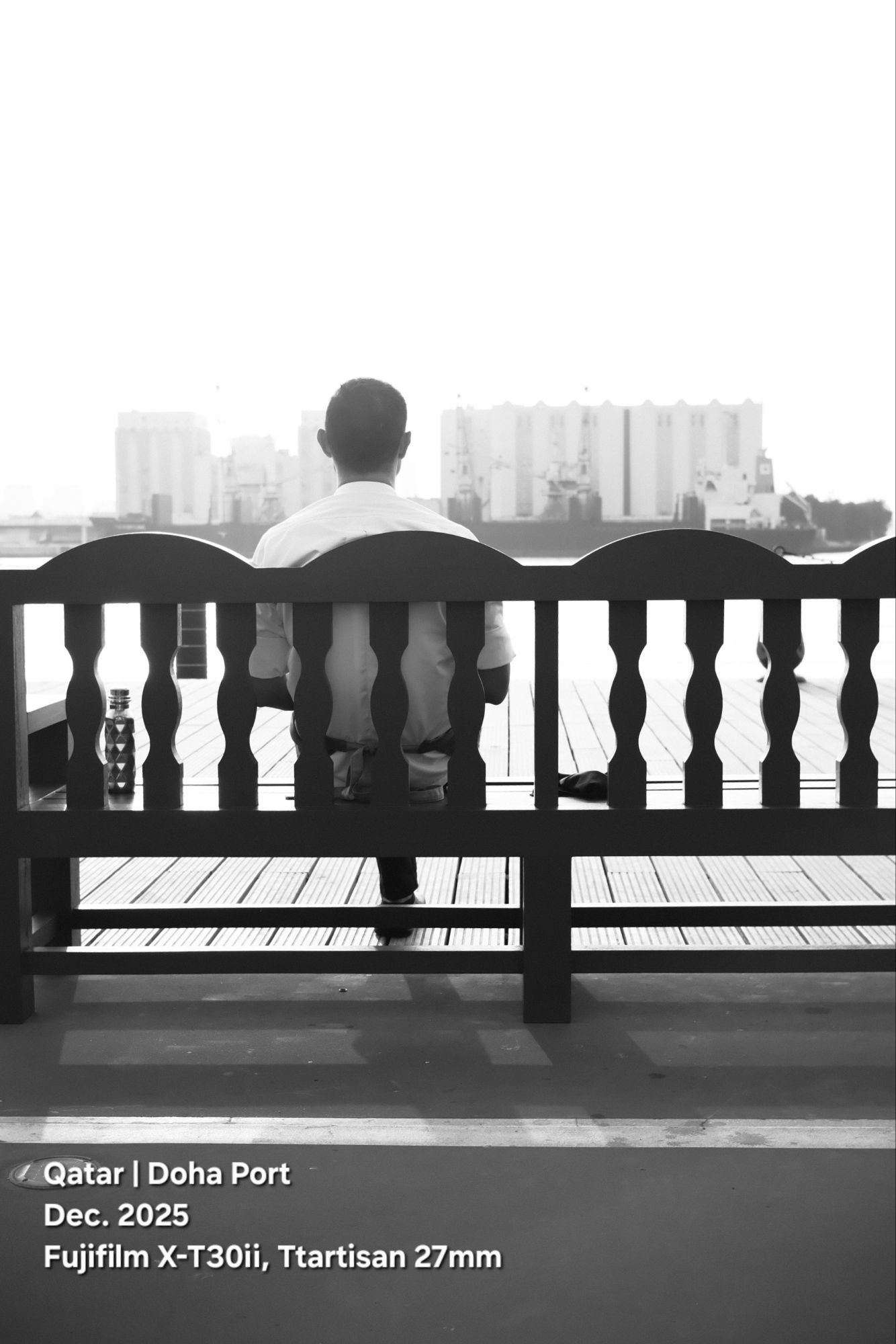 Click to Enlarge
Walking and sitting, looking at the sea or the distant towers, and enjoying the sound of the waves and the lovely weather. There are many things to do in the old DohaPort.
I was there with my camera, the Fujifilm X-T30ii ready to take some photos.
Qatar, DohaPort _45
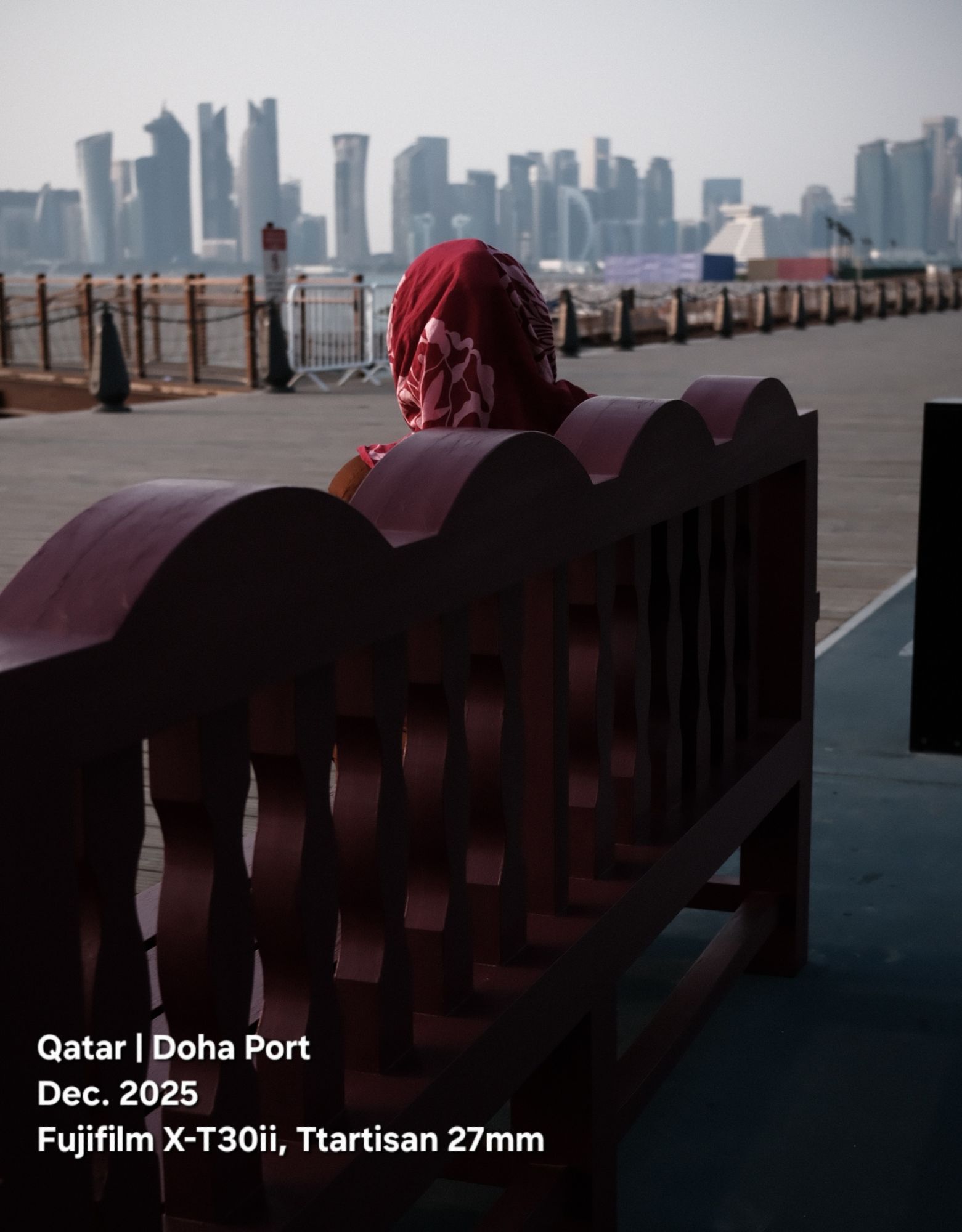
Looking at the Towers. I was walking, the camera was on, the moment was there, then I took the shot.
Location: DohaPort
Camera: Fujifilm X-T30ii
Lens: Ttartisan 27mm
Manual Mode: ISO 160, F 4, S.S 1/1000s

Taking pictures is not my main daily practices, but when i start playing with my camera, i really enjoy my self.
Thanks for visiting my Space..


 Ali's Photography Space...