Archive
The Candle Session
In this session i take some shoots of a Candle and edit it with the photoshop.
here is the original shoot..

[Click the image to enlarge..]
And here after some photoshop touches..

[Click the image to enlarge..]
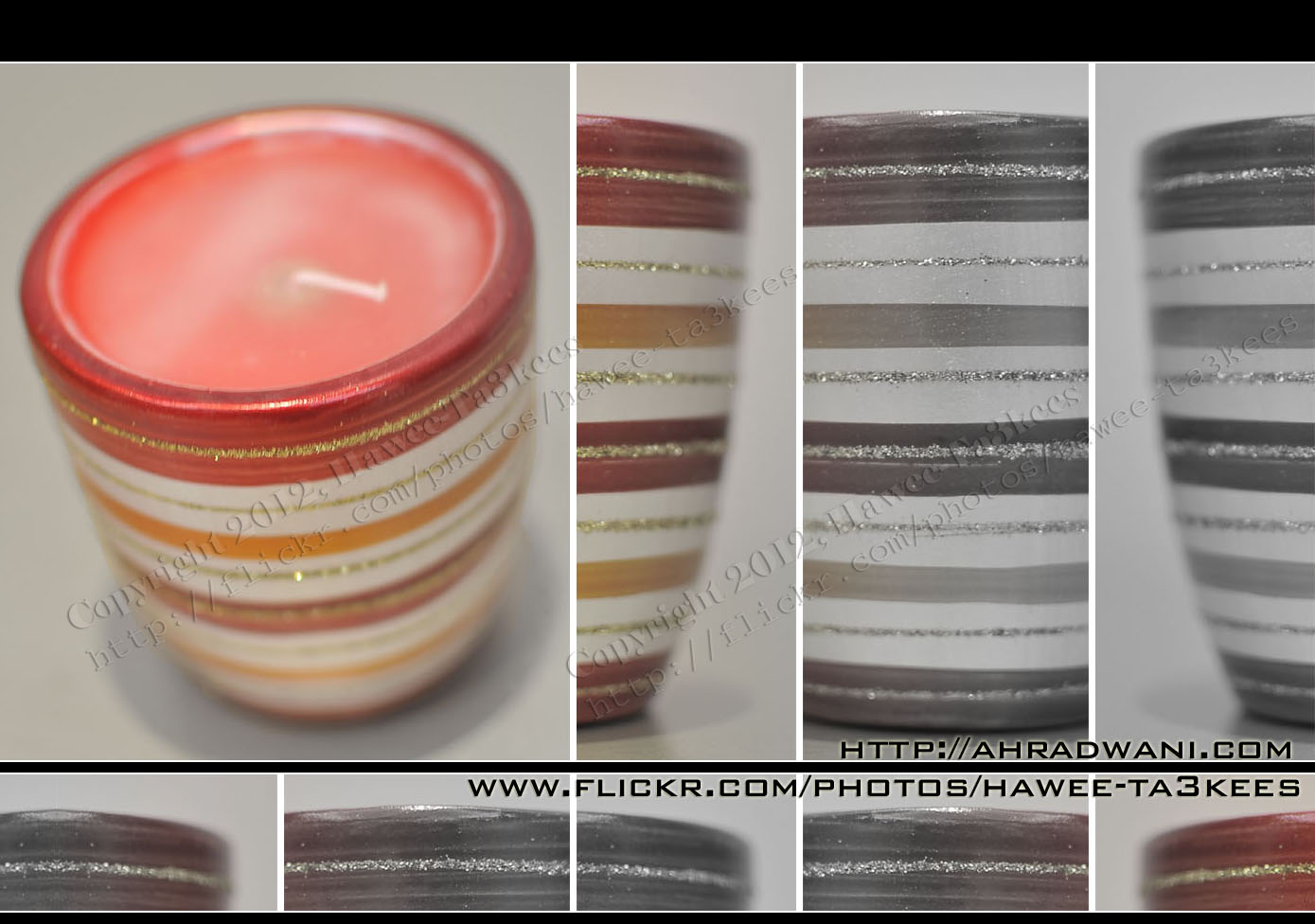
[Click the image to enlarge..]
Model : NIKON D90
Exposure Time : 1/25″
F Number : F1.8
Exposure Program : Manual
Exposure Bias Value : +5EV
Focal Length : 35mm
Ali,
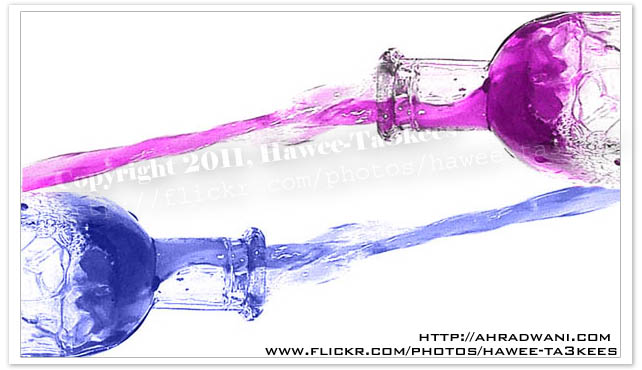
Water Drops from the Bottle…More result 2..
More Photos of the ‘Water Drops from the Bottle..’ all the photos been edited by me in the photoshop..
Listing of the Equipment..
o} A Bottle.
o} Food colors.
o} Light.
o} Monopod.
To read more on How To … Click Here

Read More About:
o: How to shot the water while it drops out from the bottle?
o: Water Drops from the Bottle…More result 1..
Water Drops from the Bottle…More result..
More Photos of the ‘Water Drops from the Bottle..’ all the photos been edited by me in the photoshop..
read more on How To… Click Here
The Sun-Spots @ 9-9-2011 16:11:51pm GMT+3
Here are three Sun-Spots i fond on the sun of the 9th of Sep. 2011 16:11pm GMT+3 QATAR Sky. I use the Nikon D90 with Sigma 50-500mm and x2 Teleconverter with Home made sun filter.

To be able to take a shot of the sun i create what i can call it “Sun Eclipse Lens Cover” it is very simple and easy to build it at home read the details of How to create a Sun Eclipse Lens cover on my Blog.
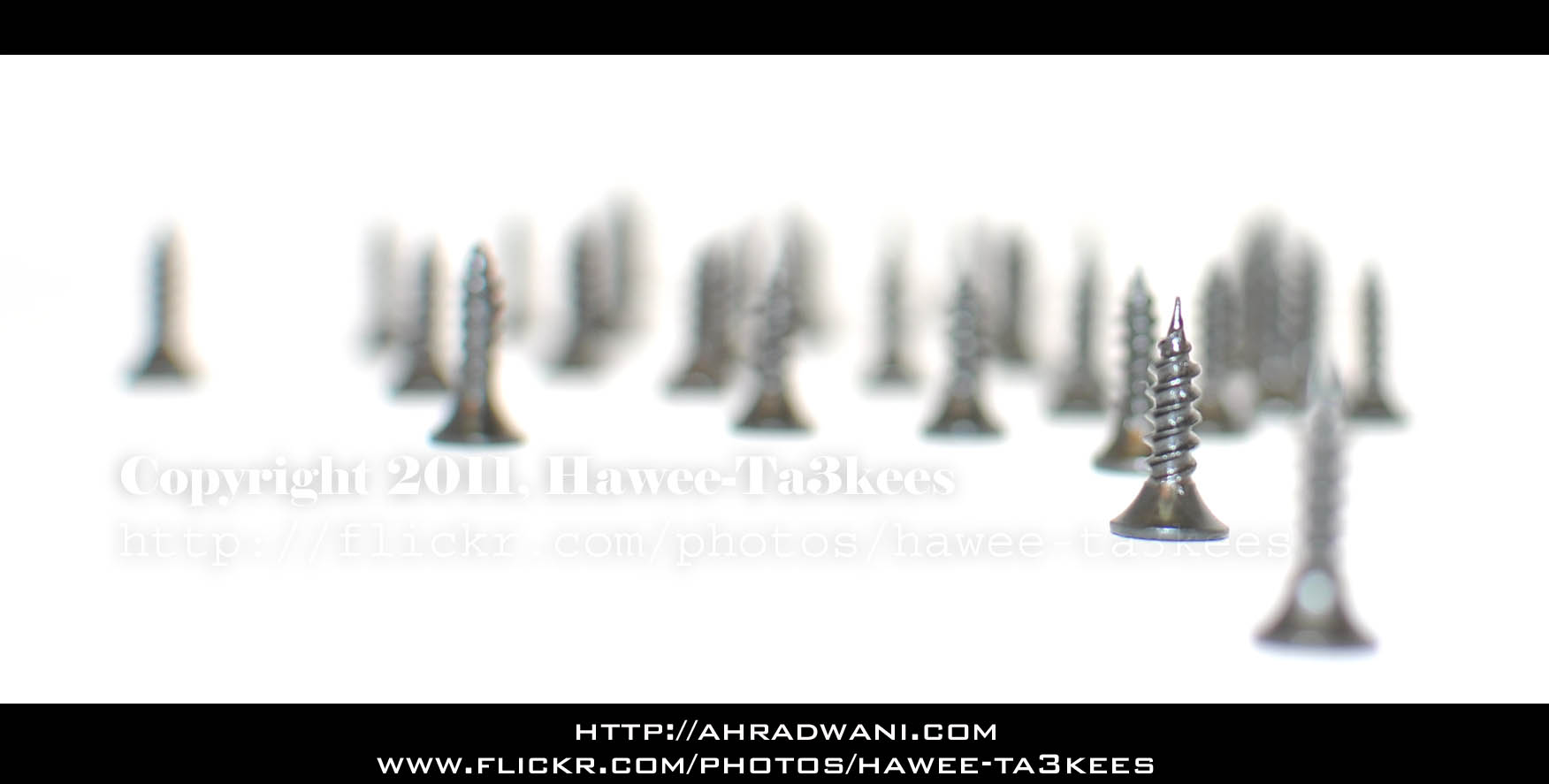
Changing the Focus Point.. ‘Screws Wood’
I used some screws to make this ‘Screws Wood” in my lightbox and with my Nikon D90 & 35mm f/1.8 lens start taking some photos with different focus point, here are some result..[Click the image to enlarge]
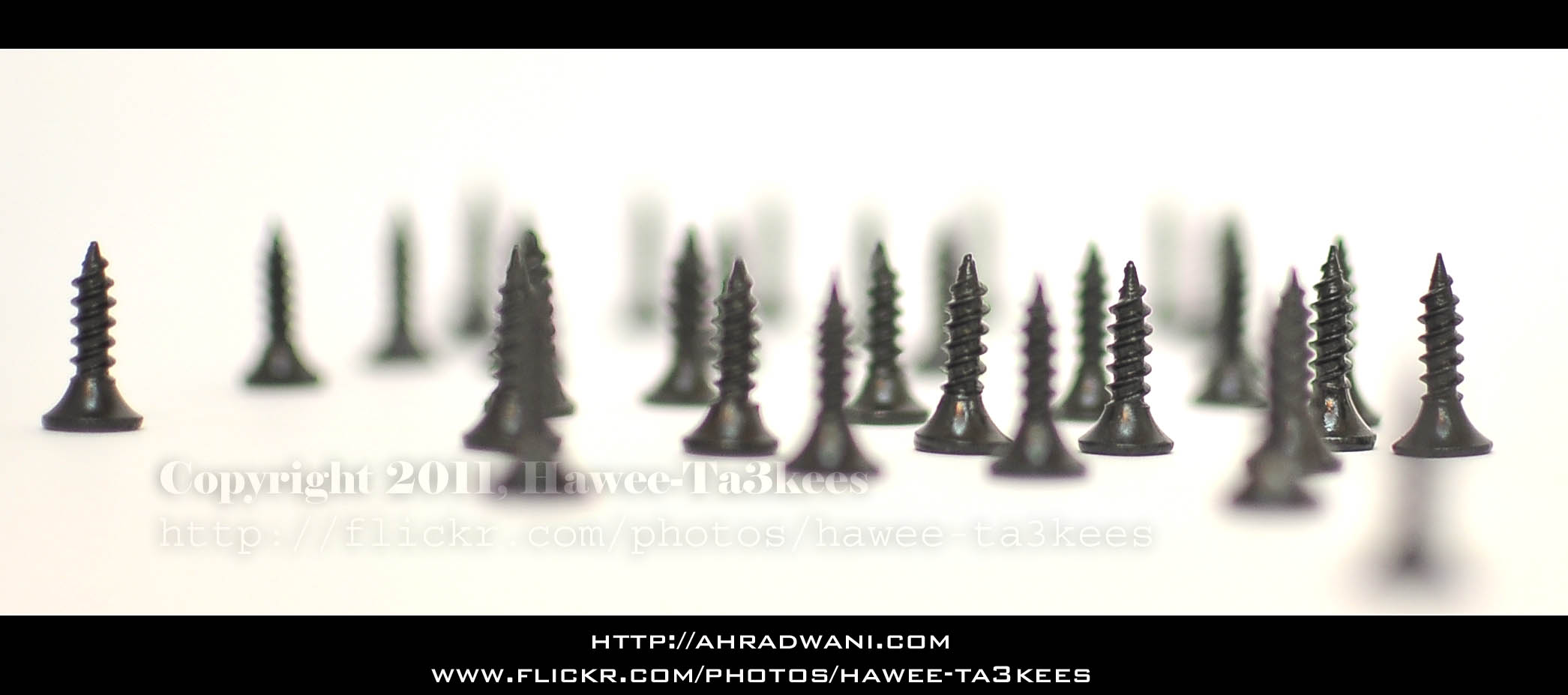
Another one..
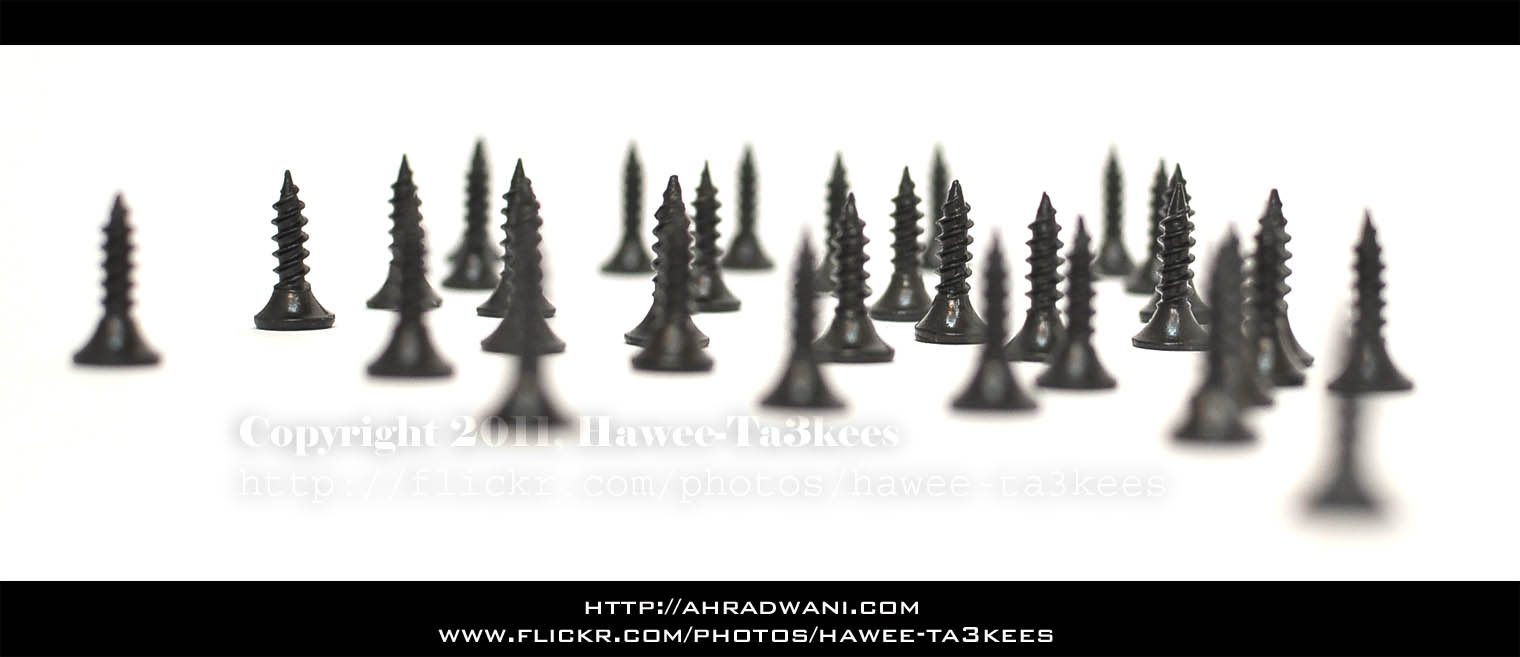
And the last photo..
Another Sample for the Green Preset..
Some time you may want to add more Green colors to your photos, here is a LightRoom 2 preset file that i create to do this and you can see the sample shot on the left the Yellow rose without the Green Preset filter and on the right is the same shot after applying the filter..[Click the image to enlarge]
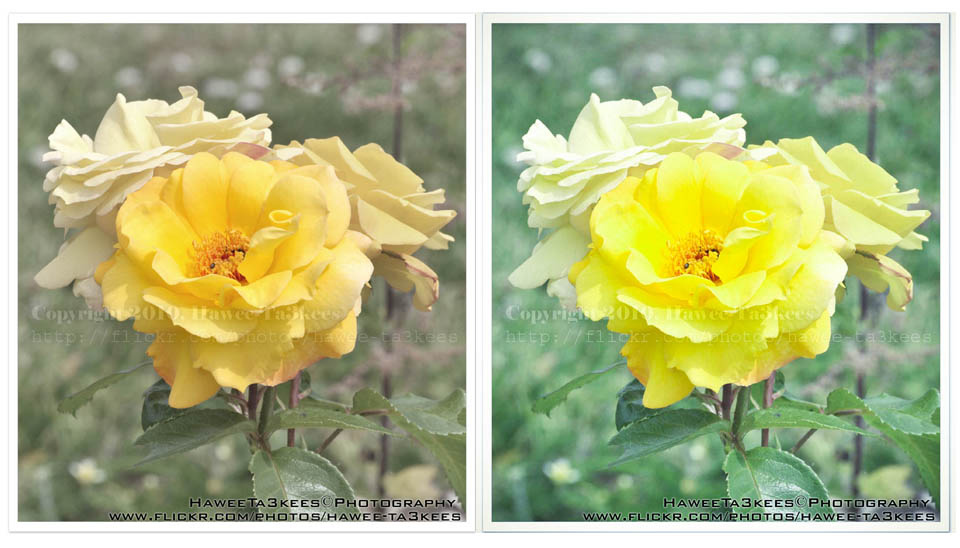
you can download this preset from The Download Section..
Photo Frame by Photoshop Action..#7
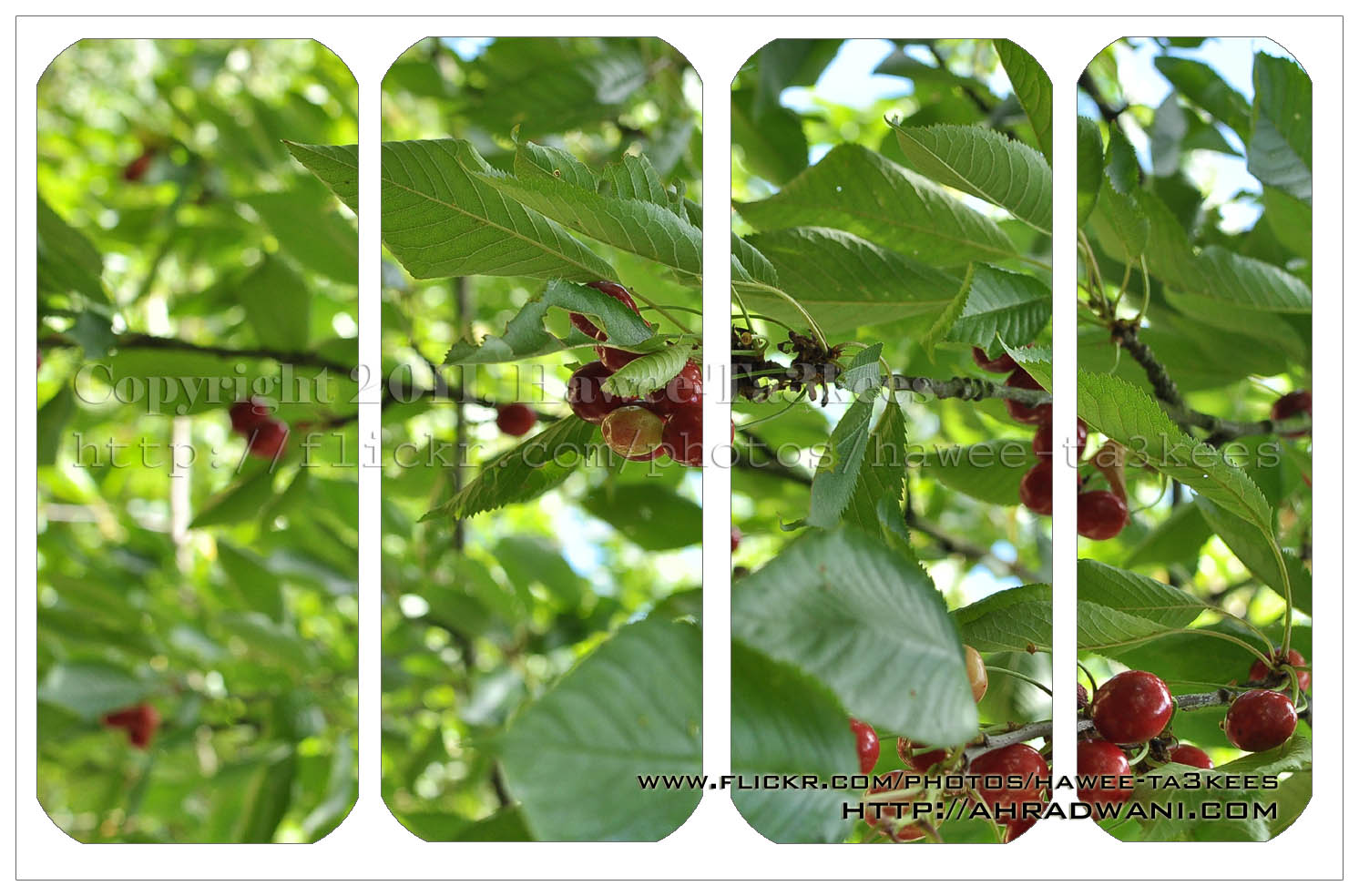
In this Action the file MUST be resized to 1500W, new layer will be created (filled with white) and curved rectangular to be erased from the white layer.
Name: ahradwani_curveFrame
Contain two actions for two frames.
Download: Download the File from the Photoshop Actions in my “Download Section“
Result: [Click the image to enlarge]
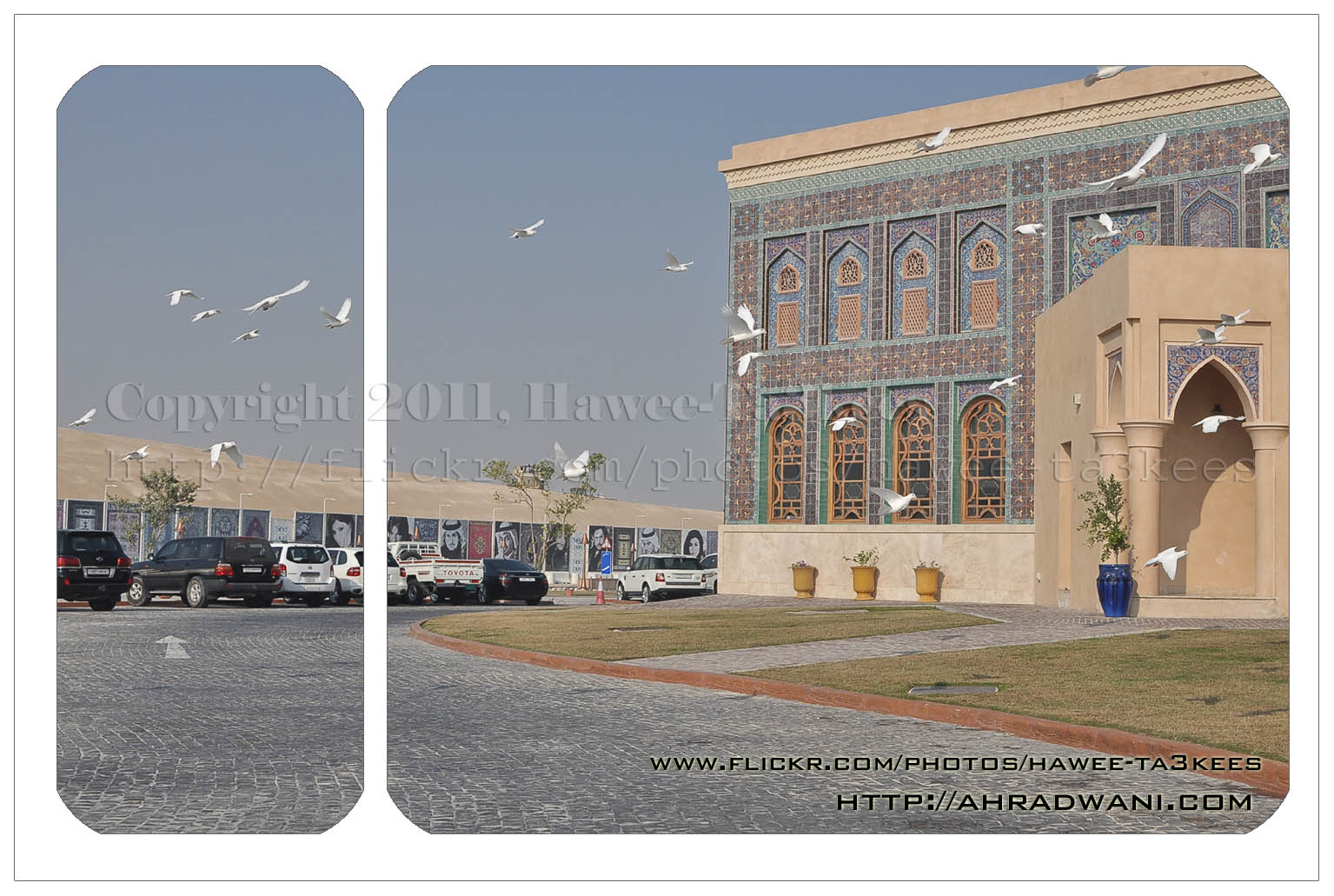
In this action 4curveframe your image will looks like this..[Click the image to enlarge]
Another Sample for the Green Preset
This is on of my photos from London2010 Collection the first photo is the original one without any edits.
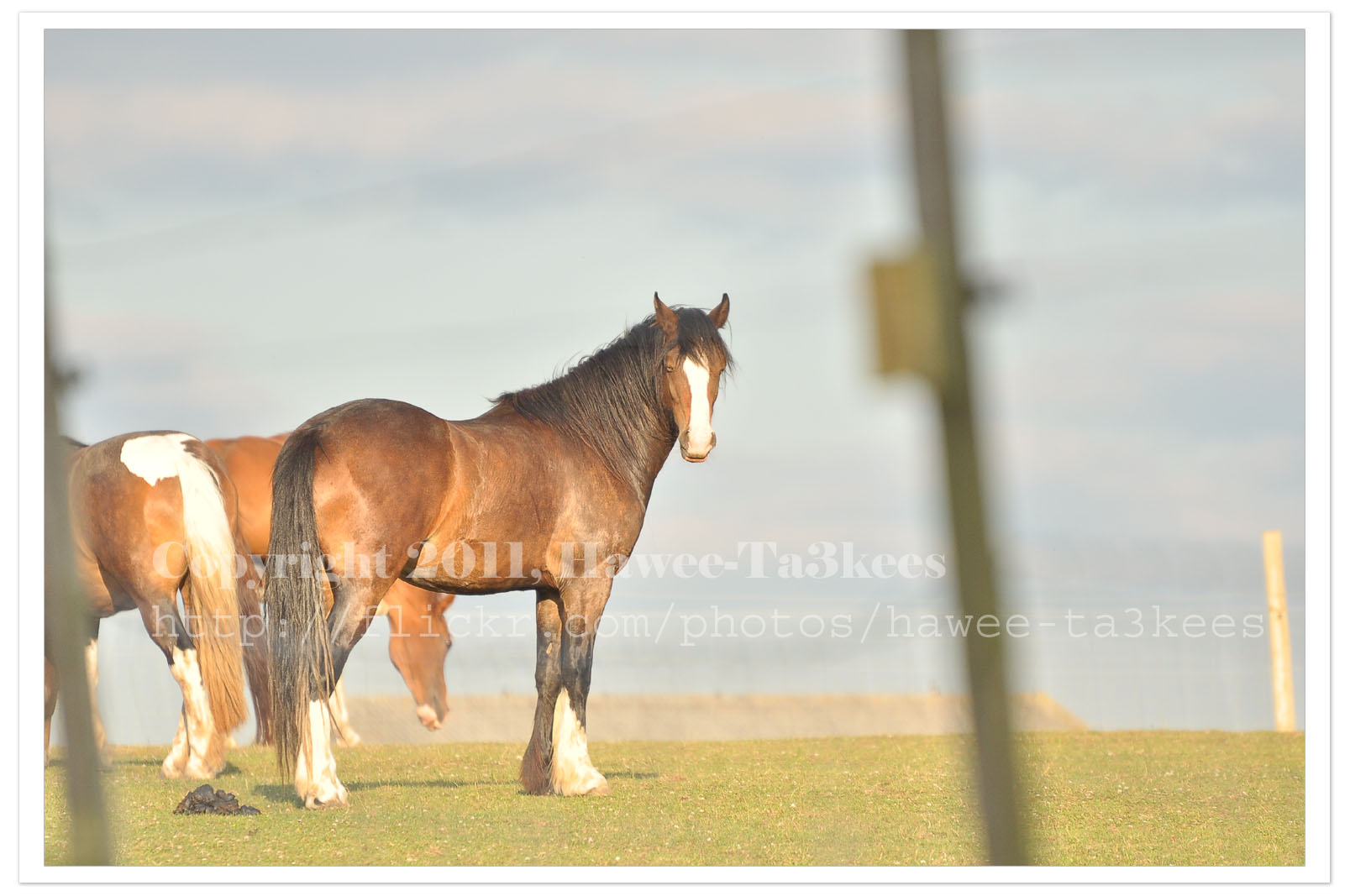
I used Nikon D90 with this setting:
Exposure: 0.002 sec (1/500)
Aperture: f/5.6
Focal Length: 300 mm [Nikon 70-300mm]
ISO Speed: 400
Exposure Bias: 0 EV
Flash: No Flash
And this is the same photo after been edited in Photoshop & Adobe Lightroom 2, I apply one of my preset files “More Green Color” and you may download it from My Download Section.
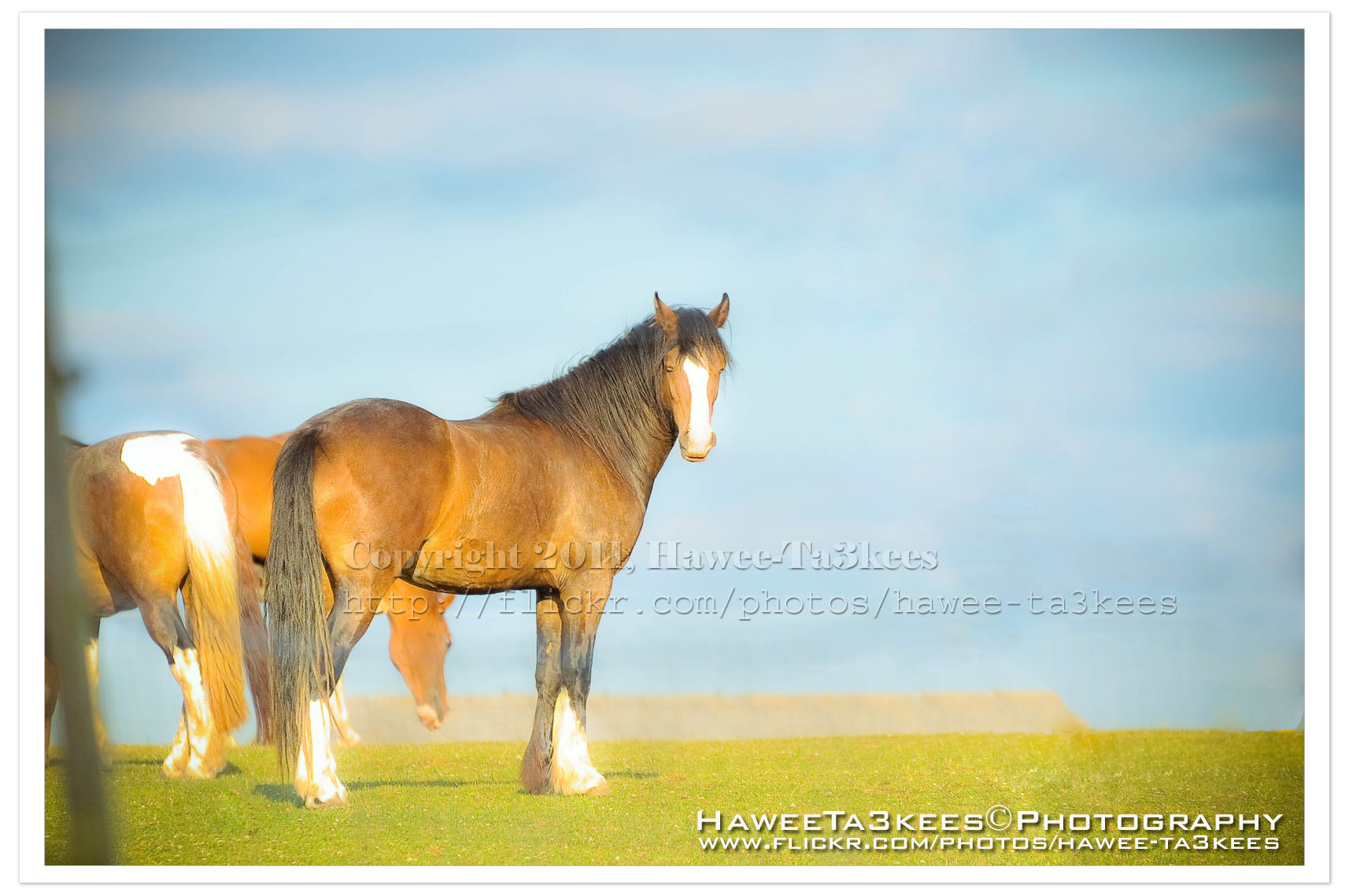
Adobe LightRoom 2 Preset file name: ahradwani More Green.rar
Click here to Download the File.
LightRoom2 preset … More Green
Some time you may want to add more Green colors to the trees in your photos, here is a LightRoom 2 preset file to do this and you can see the sample shot to..you can download this preset from The download section..
A screen shot of the lightroom 2
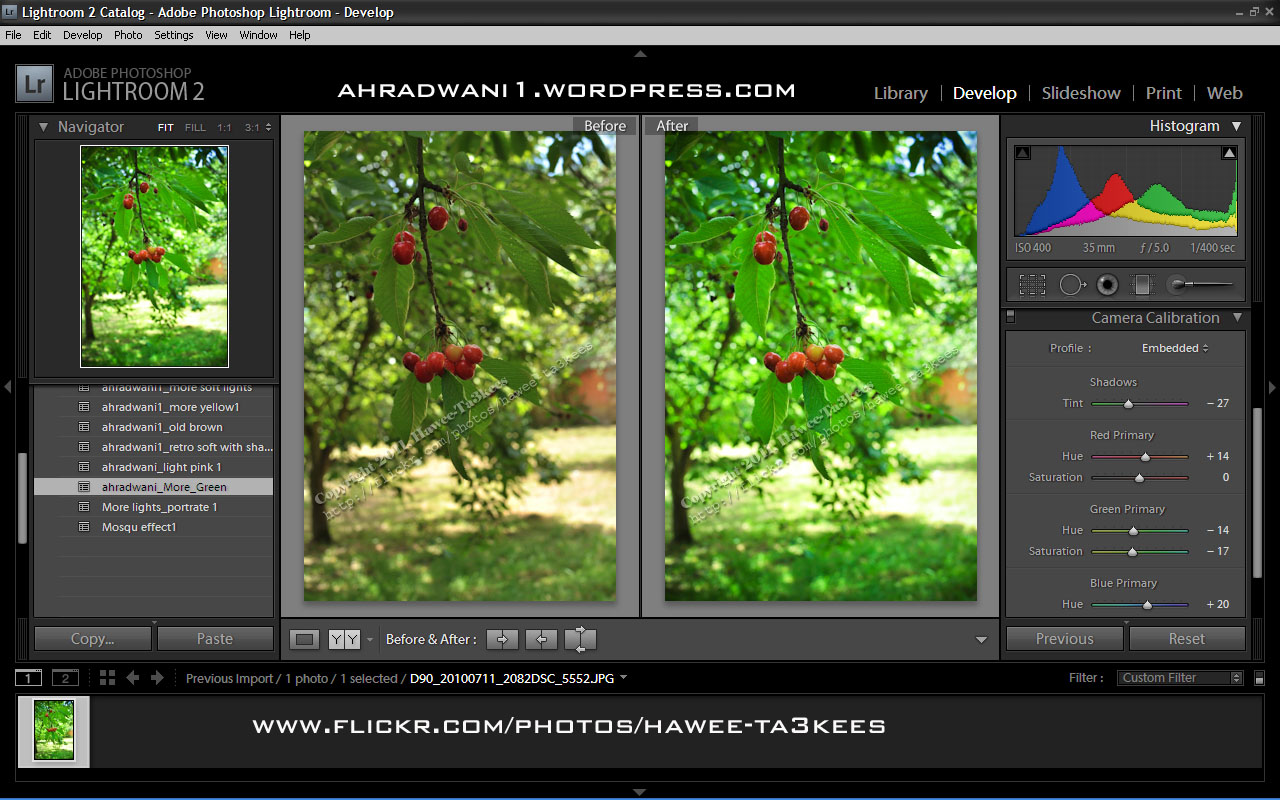
[Click the image to enlarge]
Another shot Before & After..
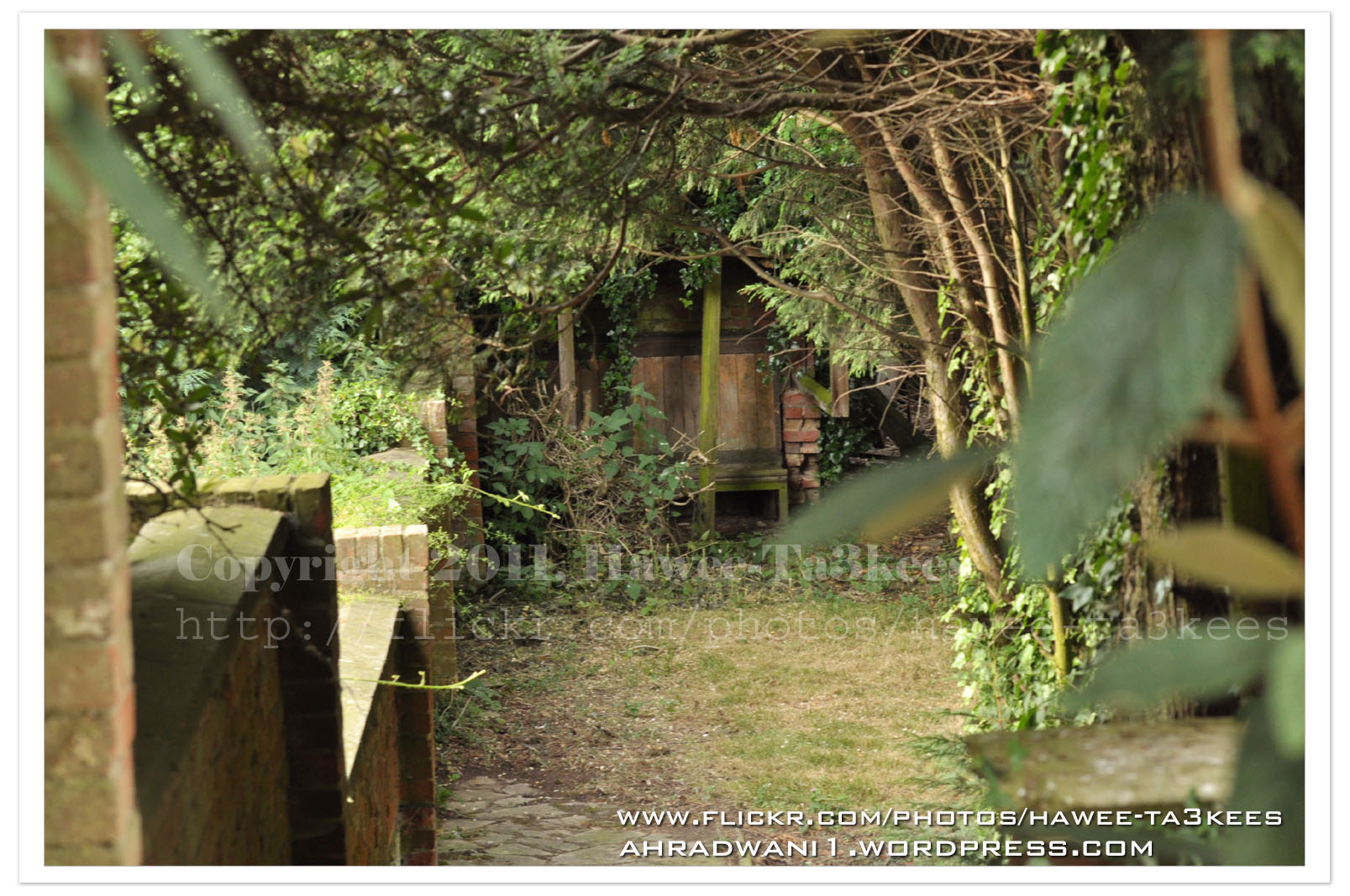
After … [Click the image to enlarge]
Adobe Lightroom2 Before & After
Here is another preset file you can download from the download section.This preset will add more colors to your photo and from there you can adjust it as your need.
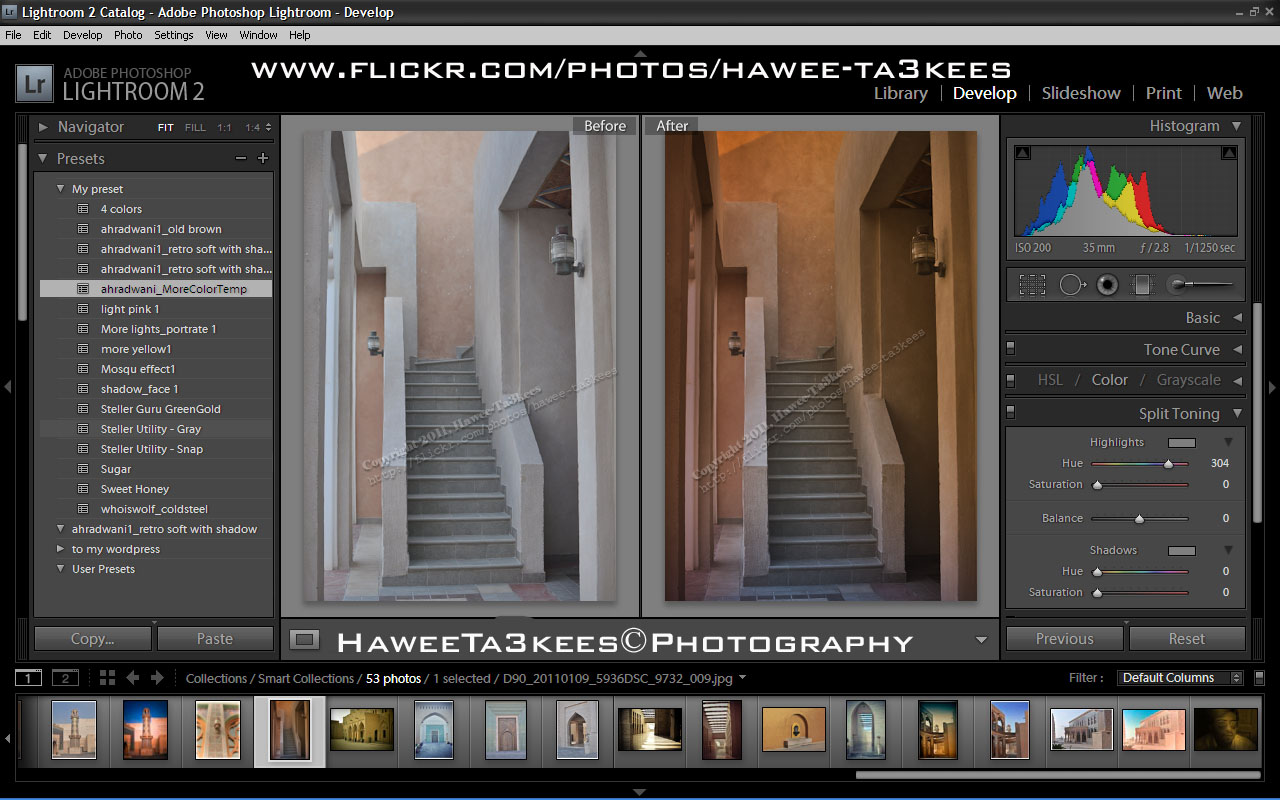
File Name: ahradwani_MoreColorTemp [lrtemplate]
Click the image to see the Before & After photos in the LightRoom.
Click the file name to download it, or navigate to the Download Section to see more preset files.

Taking pictures is not my main daily practices, but when i start playing with my camera, i really enjoy my self.
Thanks for visiting my Space..


 Ali's Photography Space...