Archive
Another Sample for the Green Preset
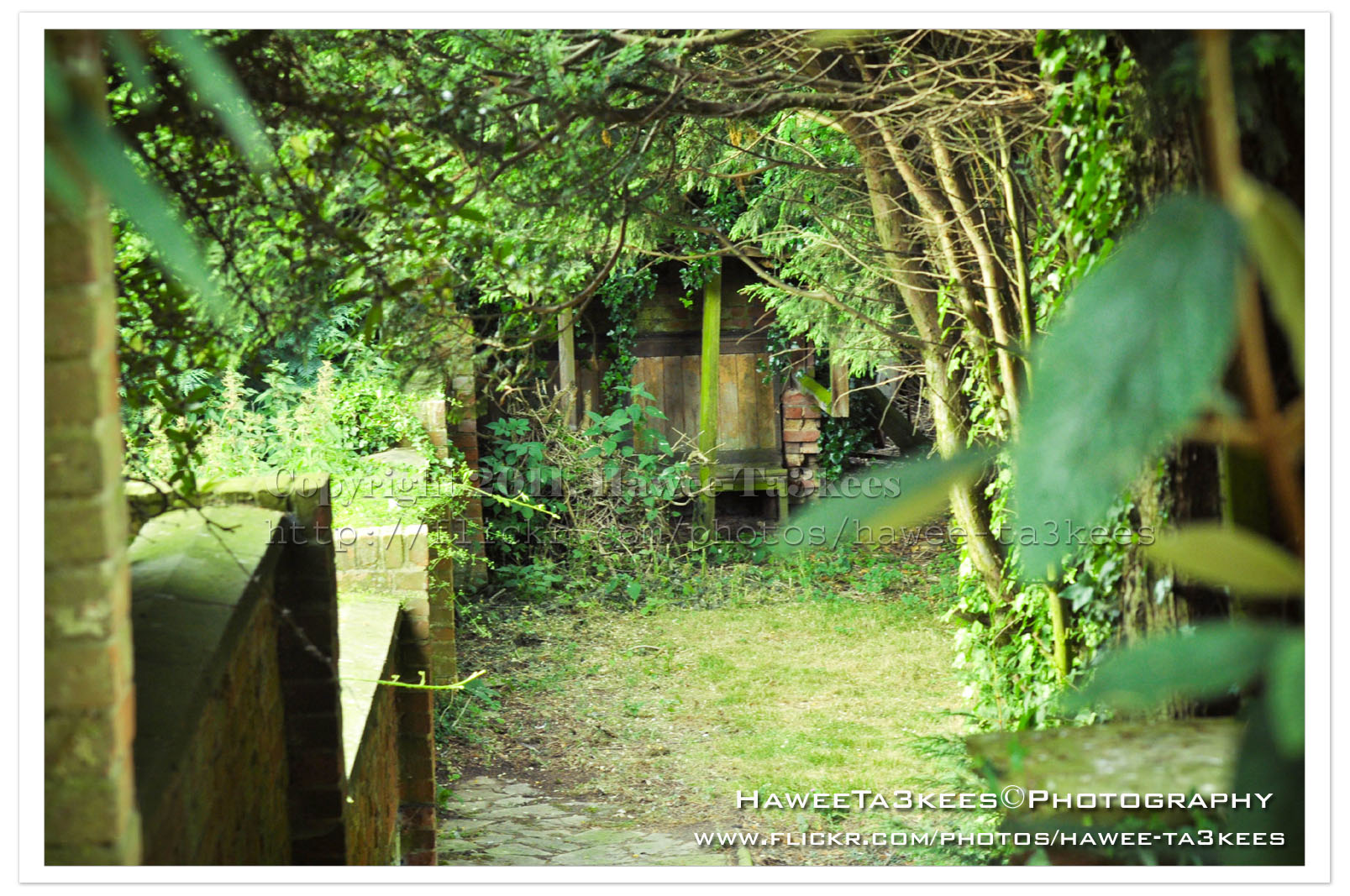
This is on of my photos from London2010 Collection the first photo is the original one without any edits.
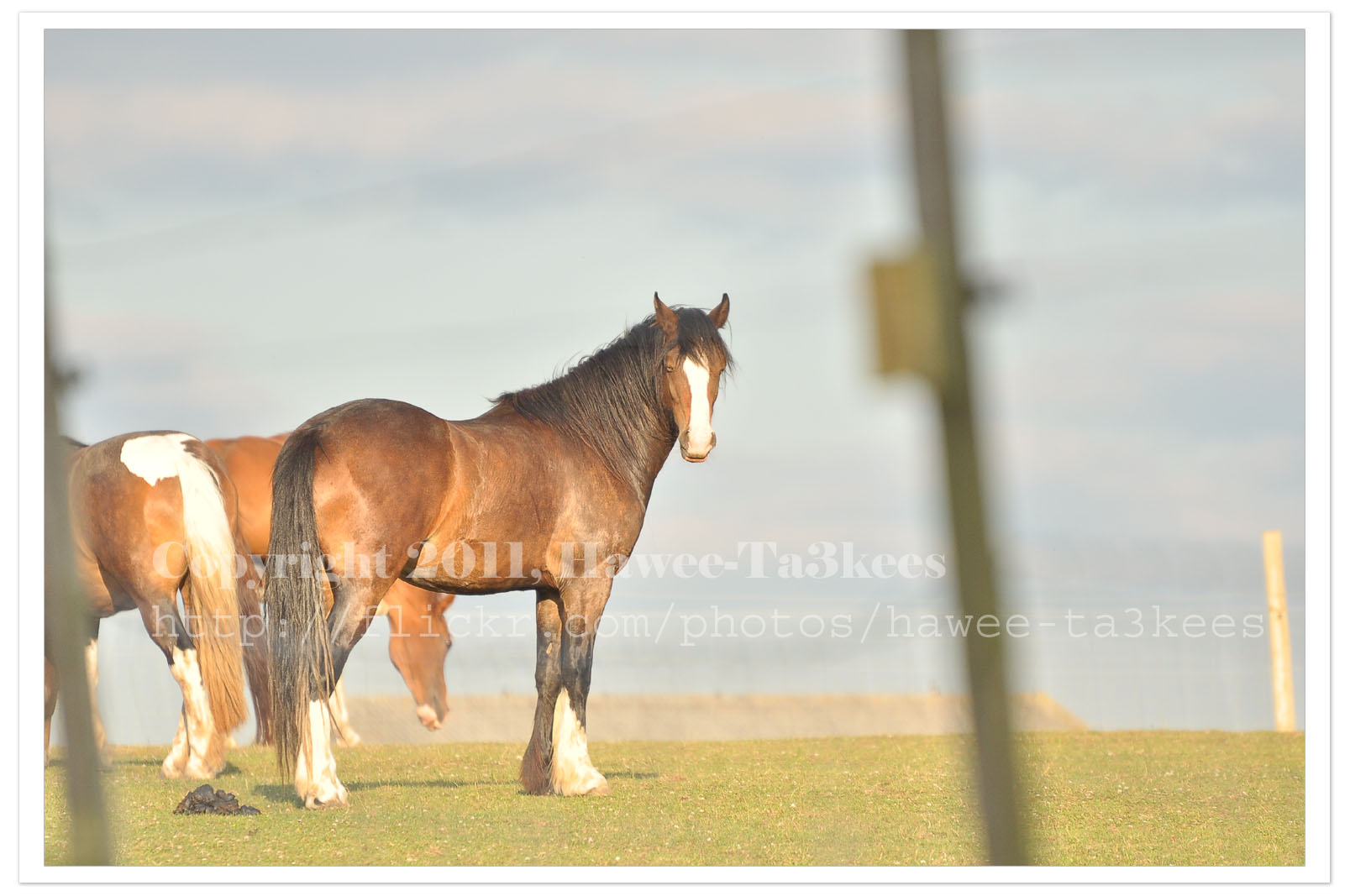
I used Nikon D90 with this setting:
Exposure: 0.002 sec (1/500)
Aperture: f/5.6
Focal Length: 300 mm [Nikon 70-300mm]
ISO Speed: 400
Exposure Bias: 0 EV
Flash: No Flash
And this is the same photo after been edited in Photoshop & Adobe Lightroom 2, I apply one of my preset files “More Green Color” and you may download it from My Download Section.
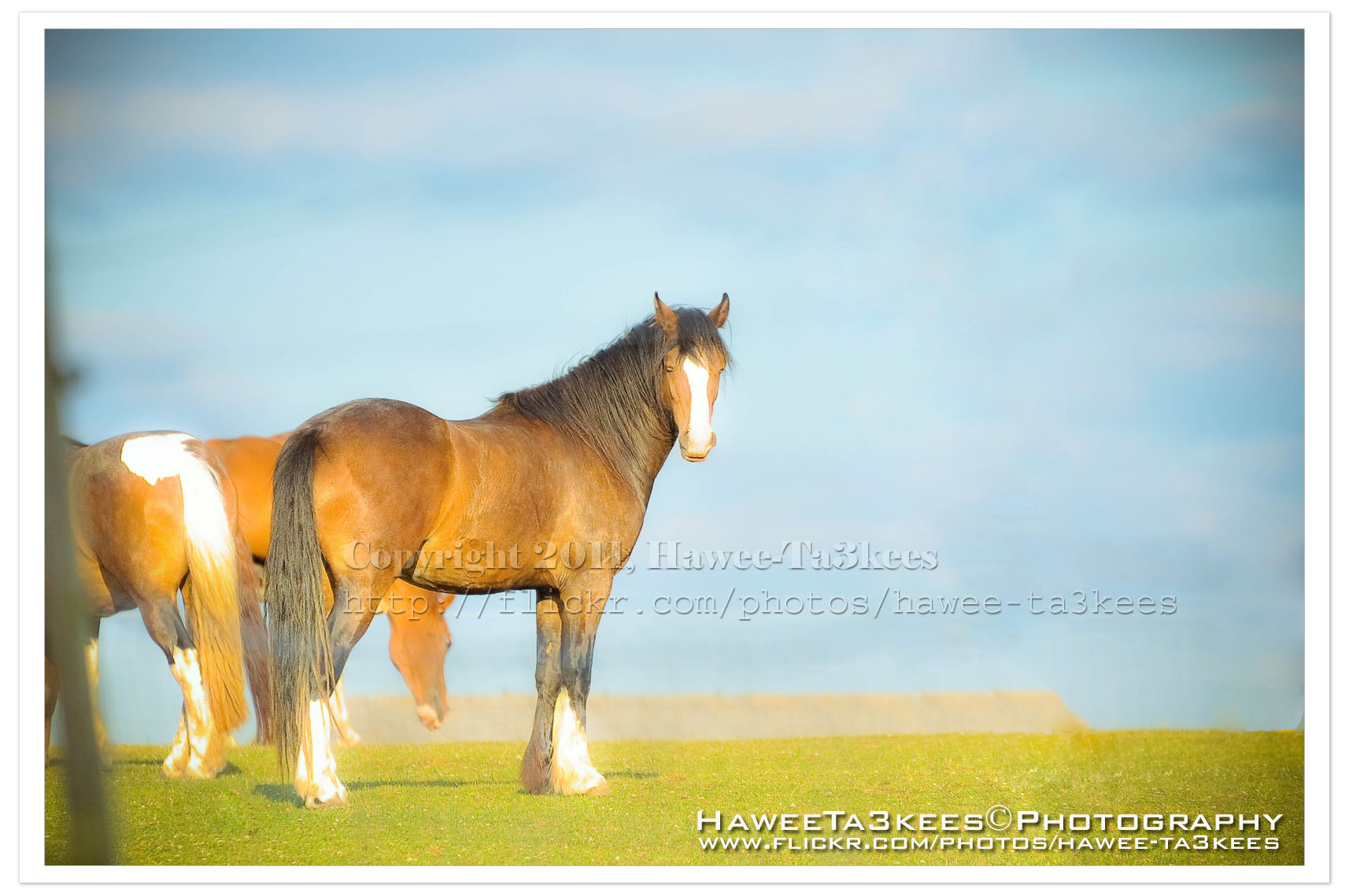
Adobe LightRoom 2 Preset file name: ahradwani More Green.rar
Click here to Download the File.
LightRoom2 preset … More Green
Some time you may want to add more Green colors to the trees in your photos, here is a LightRoom 2 preset file to do this and you can see the sample shot to..you can download this preset from The download section..
A screen shot of the lightroom 2
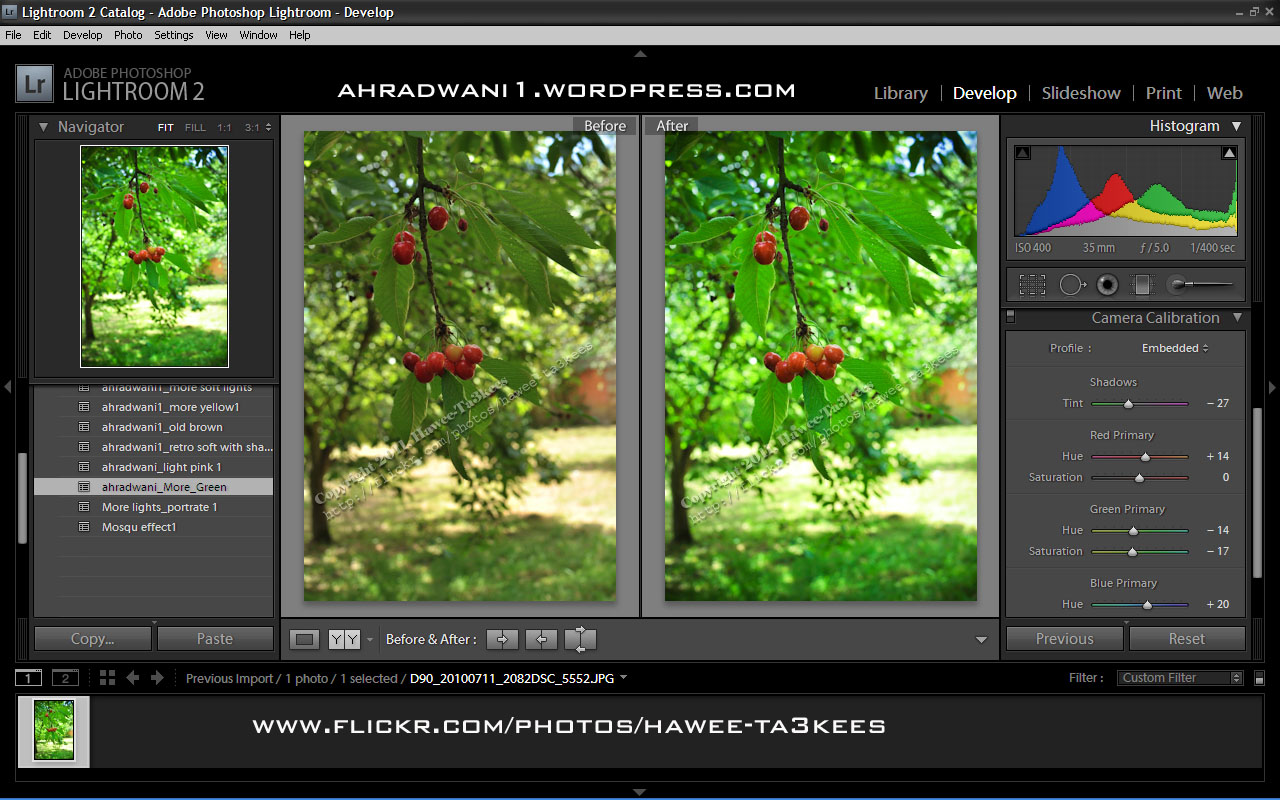
[Click the image to enlarge]
Another shot Before & After..
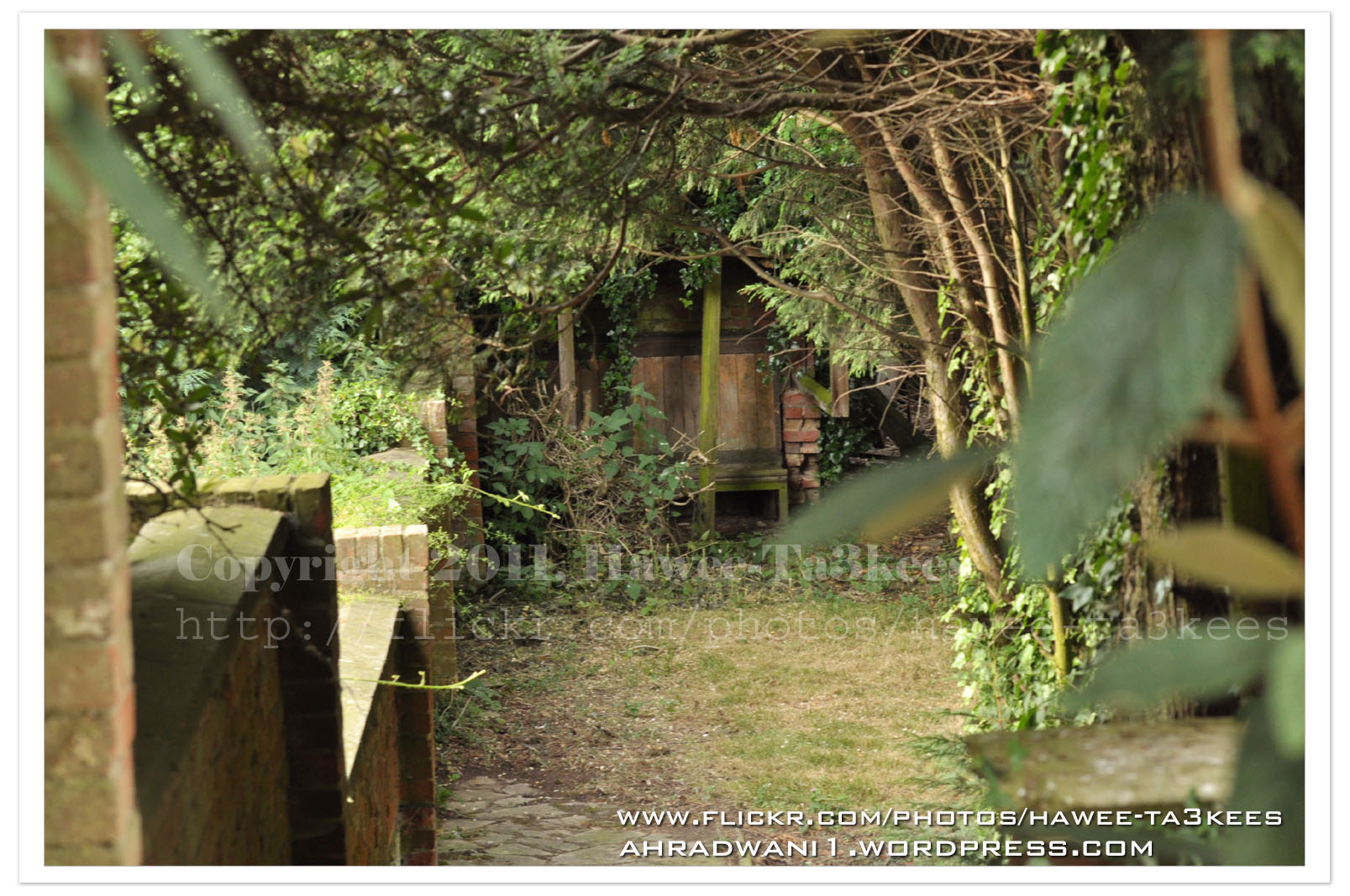
After … [Click the image to enlarge]
Adobe Lightroom2 Before & After
Here is another preset file you can download from the download section.This preset will add more colors to your photo and from there you can adjust it as your need.
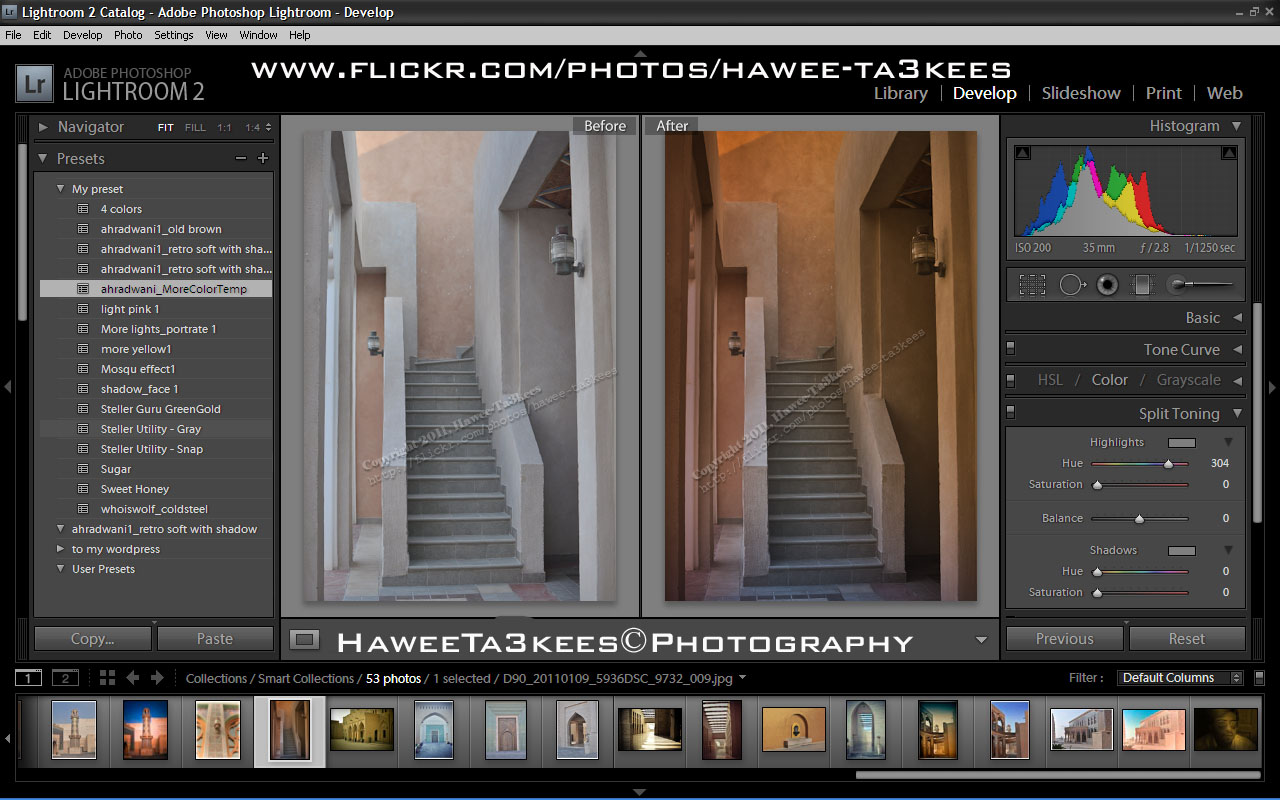
File Name: ahradwani_MoreColorTemp [lrtemplate]
Click the image to see the Before & After photos in the LightRoom.
Click the file name to download it, or navigate to the Download Section to see more preset files.
Full Moon Before Eclipse..15/6/2011
This is a shot for the Moon on the night of 15th of June 2011 just before the longest Eclipse start, I love watching the Moon and stars.
In this shot I used Nikon D90 with Sigma 50-500mm lens with a 2x tele-converter and tripod.
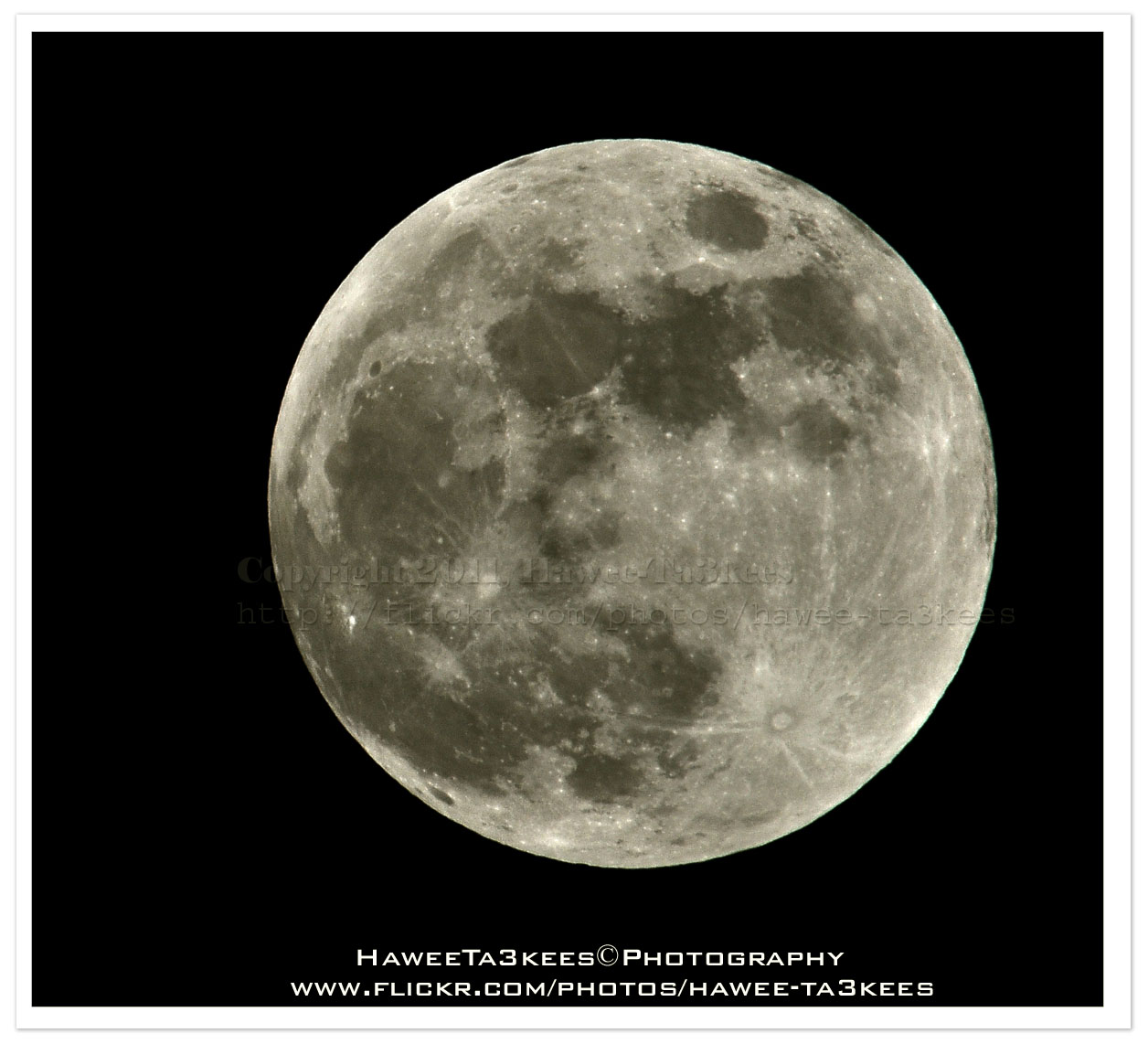 This shot is the best I ever get for a Full Moon with this details, you must see it enlarge.
Camera Setting:
Model = NIKON D90
Exposure Time = 1/50″
F Number = F36
Exposure Program = Manual
Date Time Original = 2011-06-15 20:26:34
Exposure Bias Value = +5EV
Focal Length = 1000mm
Exposure Mode = Manual exposure
[EXIF data with Panda IEXIF Software]
[Click the image to enlarge]
Click Here to see other post of the Moon.
Moon Eclipse 15 June 2011, P2
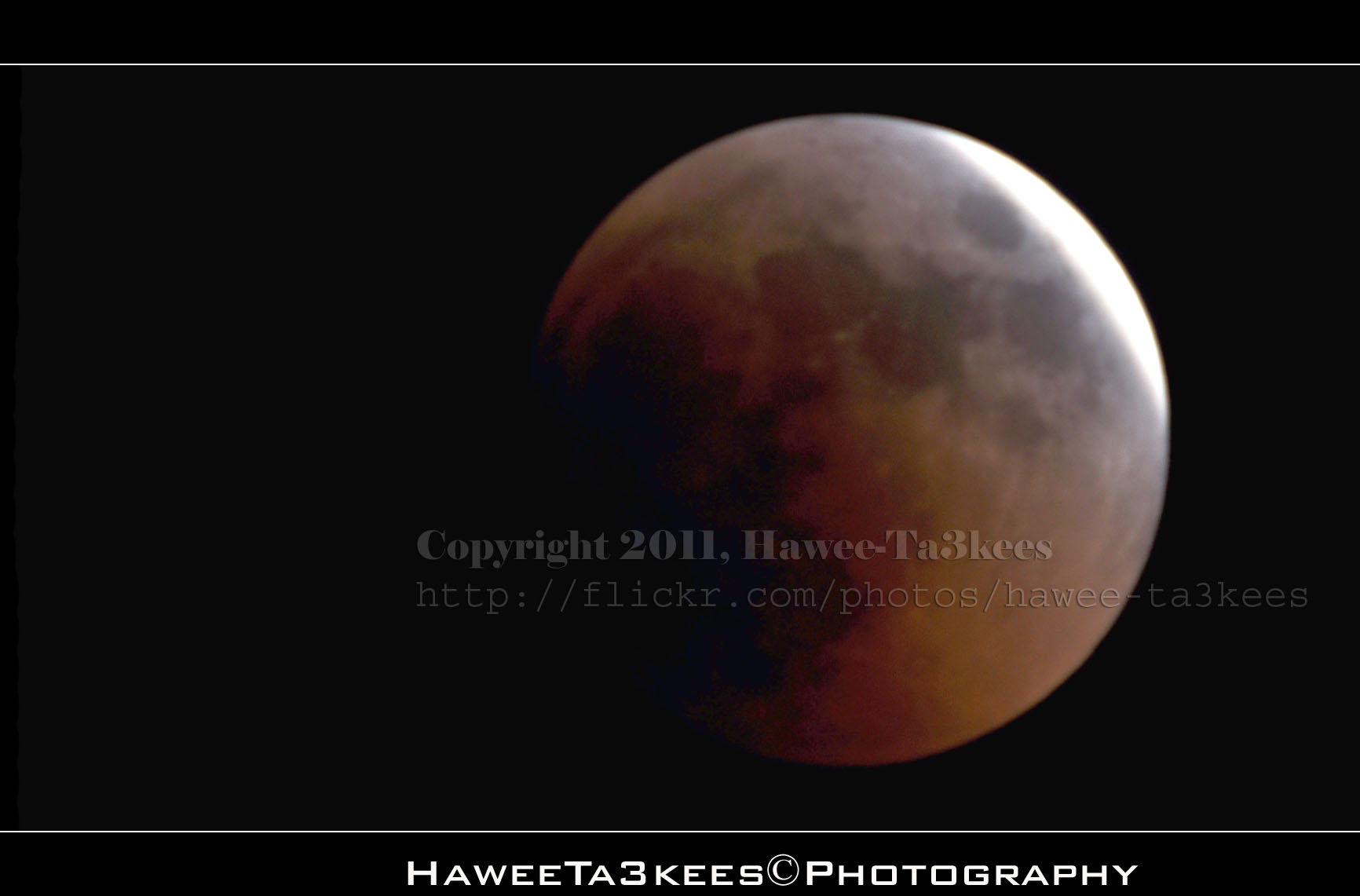
The longest Moon Eclipse on 15/6/2011, I used Nikon D90 with Sigma 50-500mm lens and 2x tele-converter to reach the 1000mm the camera mounted on the tripod and i used shutter release cable. Here are some photos and more will be posted in coming days.
In this shots the moon is passing the “Earth’s penumbra“, you can see the full Earth Umbra just start from the left corner.
[Click the image to enlarge]
In this shot you can see more of the Earth Umbra.
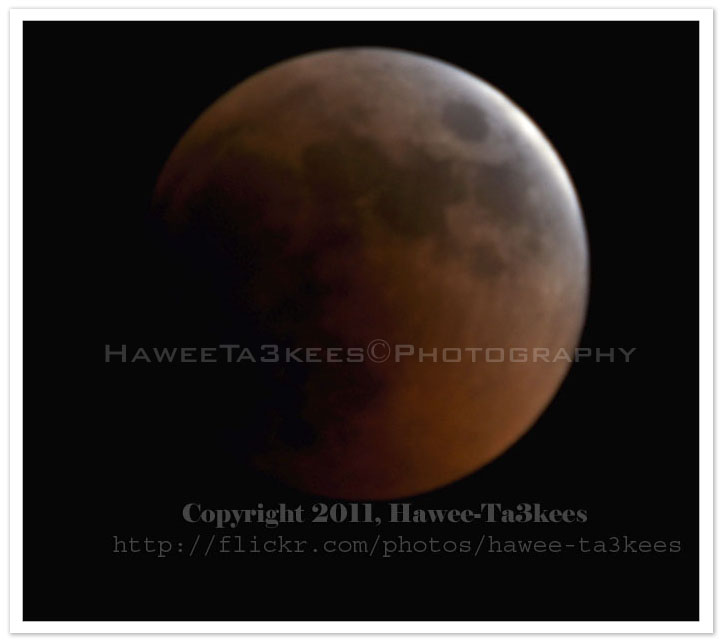
Here is the camera setting for the shot:
Exposure Time = 1.6″
F Number = F14
Exposure Program = Manual
Exposure Bias Value = +5EV
Focal Length = 1000mm
Tripod and shutter release cable.
[Click the image to enlarge]
Click Here to see other post of the Moon.
The Flower..

This is one of my 365project photos, some flowers in a vase hope you like it..
Photo Frame by Photoshop Action..#6
In this Action the file MUST be resized to 2500W, the image will be Divided to three parts, the up & down are black with Fill 59%, Opacity 80% and white border. .
Name: Wide Double Black.
Download: Download the File from the Photoshop Actions in my “Download Section“
Result: [Click the image to enlarge]

My New iPhone 4, a stupid lock phone!!

I purchased this iPhone 4 from the internet (amazon.com) there was nothing saying that it’s lock to AT&T and can’t be used out side USA (I wonder where is the customer rights to select a carrier), once i received it i notes that it will not work on Qatar, i am waiting for the unlock solution for OS 4.2.1 BB 3.10.01… No thing till now. For now all i can do is jailbreak it and hope the unlock will be soon released..
Shrimp Pasta and Perrier
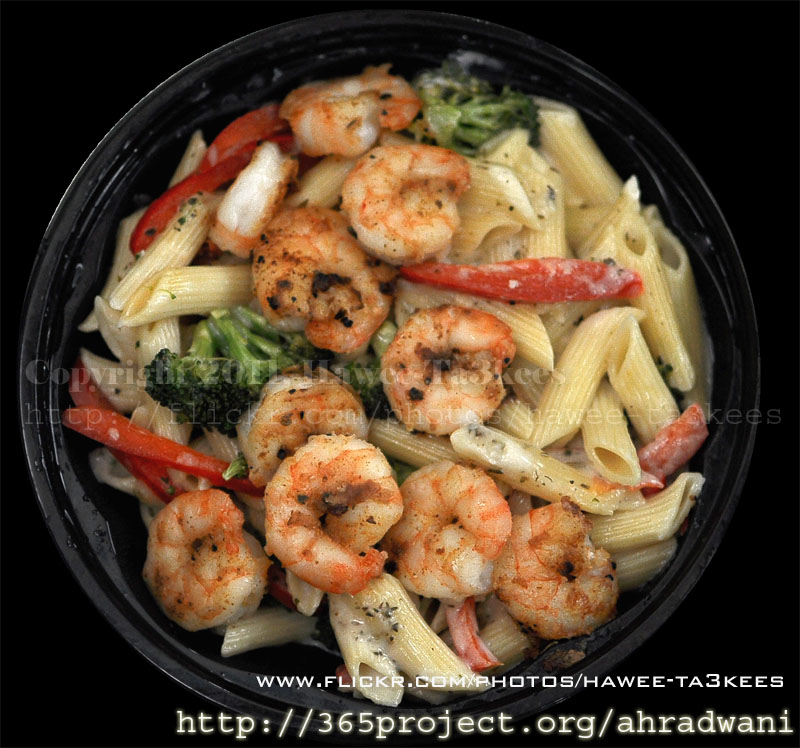 Shrimp Pasta one of the greatest meal in the Applebees, this photo is one of my 365project [a photo everyday]
[Click the image to enlarge]
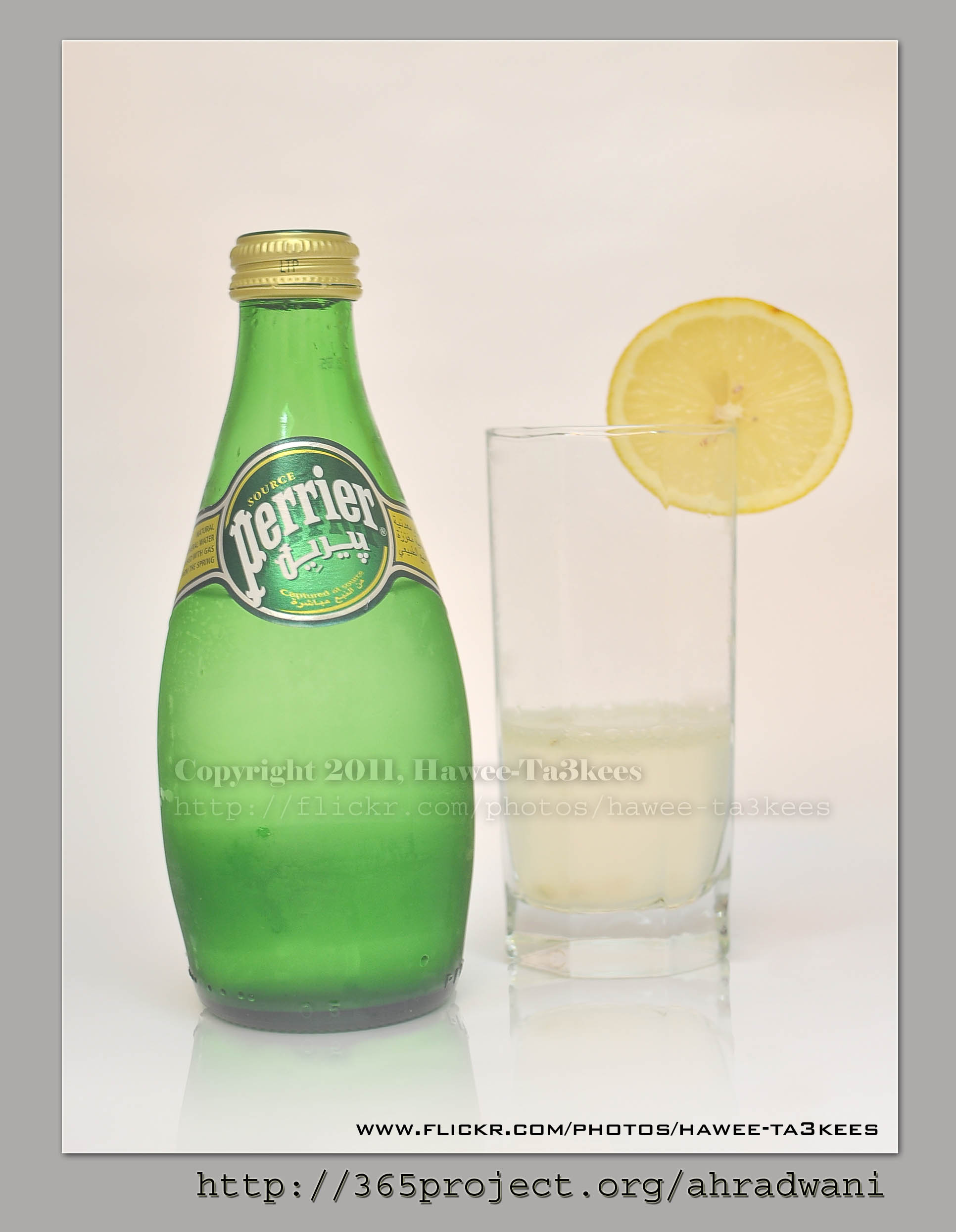
I select the Perrier with lemon as a drink make sure it’s cold.
[Click the image to enlarge]
Photo Frame by Photoshop Action..#5
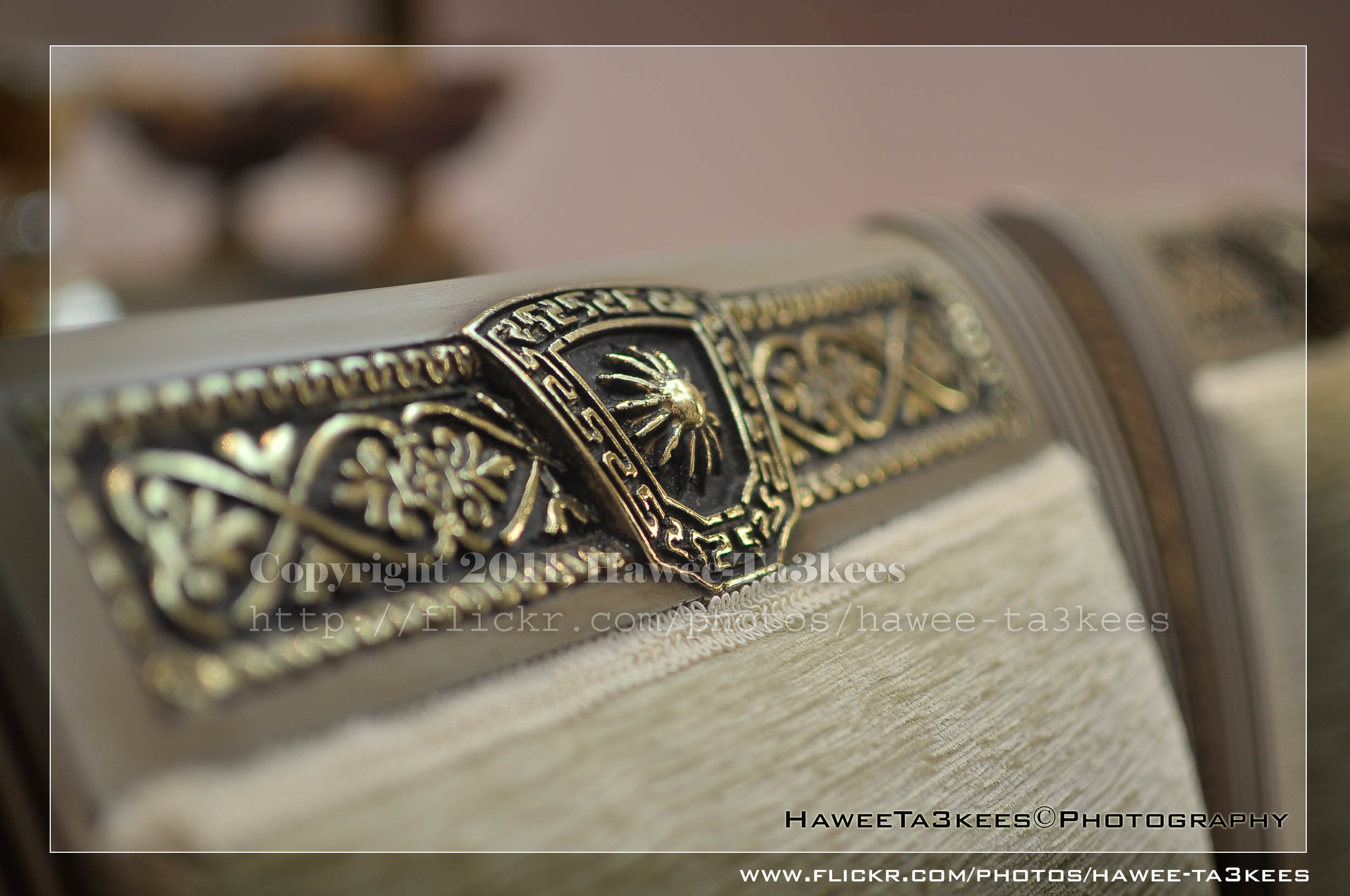
In this Action the file will be resized to 2500W, 0.5cm border will be selected and copied to new layer with multiply blinding mode finally white border the image will resized (about 0.5cm), New layer will be Created with two rectangular one as out border and the second is just bigger than the image.
Name: Simple Dark.
Download: Download the File from the Photoshop Actions in my “Download Section“
Result: [Click the image to enlarge]
Instruction:
– Un-ZIP the file.
– Copy the file to this folder :[Your Drive] .. Program Files\Adobe\Photoshop 7.0\Presets\Photoshop Actions
– Open the Photoshop (this sample is for Photoshop 7.0)
– Your image must NOT BE on the background Layer, copy it to new layer first.
For How to open an action file in Photoshop Click Here..

Taking pictures is not my main daily practices, but when i start playing with my camera, i really enjoy my self.
Thanks for visiting my Space..


 Ali's Photography Space...