Archive
Three colored Bottles..
This is one of the Water drops from bottle project results, i edit the photo in the photoshop to colored the red water into blue and mauve.

Water drops from bottle..
How to shot the water while it drops out from the bottle?
In this project we need to setup a studio to be ready with the following:
[Click the image to enlarge]

Here i am listing the equipment that a used in this project, you may have better studio than this..:)
o} A Bottle.
o} Food colors.
o} Light.
o} Monopod.
o} Tripod. [80cm from the bottle]
o} White Paper as a background.
o} Hanger. [to hang the bottle up side down]
o} I used the Nikon D90 + Nikon 35mm lens with shutter release cable.
1. Fill the bottle with a colored water and hang it upside down try to close the bottle hole with your hand. [Click the image to enlarge]


2. Start shooting [use the release cable] and remove your hand and let the water comes out from the bottle.
I come up with almost 200 shots here are some samples..
[Click the image to enlarge]


I just start to play with the photos in Photoshop and LightRoom here is one image and other will be post later..[Click the image to enlarge]

MoneyArt 50QR
This is a shot of the 50 Qatari Riyal [1$ = 3.65QR], it’s a red money paper with some draws.
It shows the building Qatar Central Bank with seashell and pearl in front of it.
This is part of the money paper, the other half dose’t show any art.
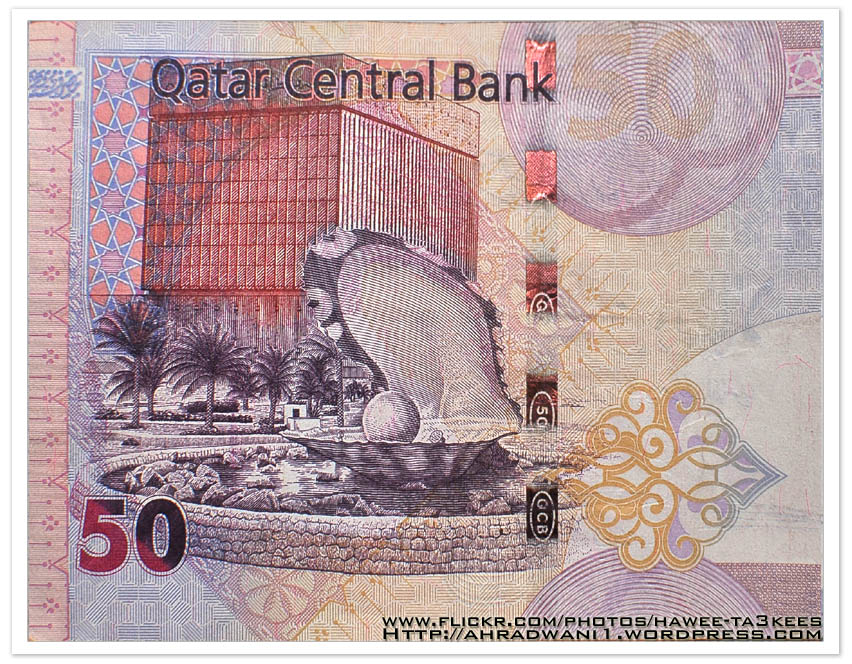
You can find a list of all BankNotes graphics on this link.
Photo Frame by Photoshop Action..#7
In this Action the file MUST be resized to 1500W, new layer will be created (filled with white) and curved rectangular to be erased from the white layer.
Name: ahradwani_curveFrame
Contain two actions for two frames.
Download: Download the File from the Photoshop Actions in my “Download Section“
Result: [Click the image to enlarge]
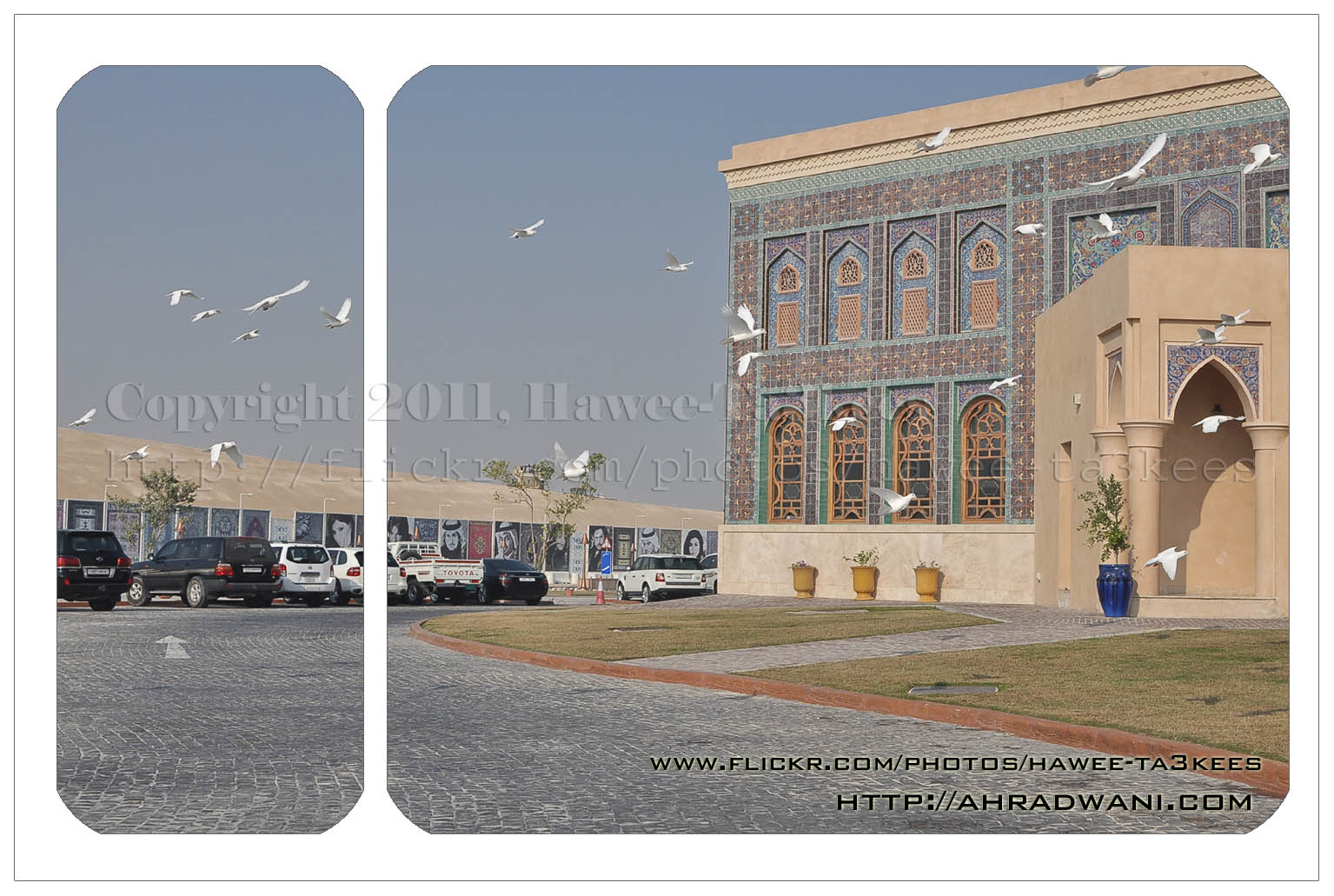
In this action 4curveframe your image will looks like this..[Click the image to enlarge]
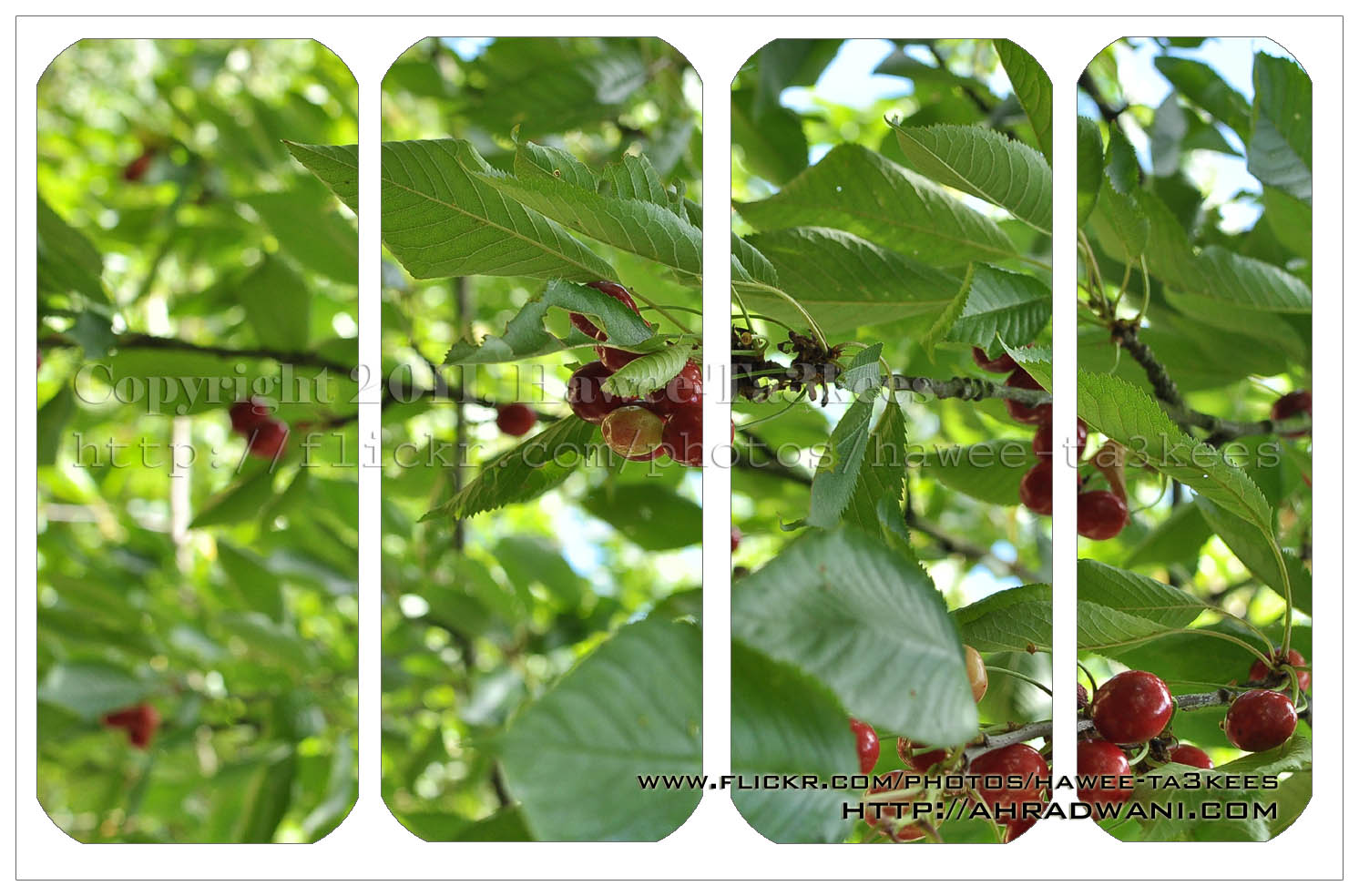
Another Sample for the Green Preset
This is on of my photos from London2010 Collection the first photo is the original one without any edits.
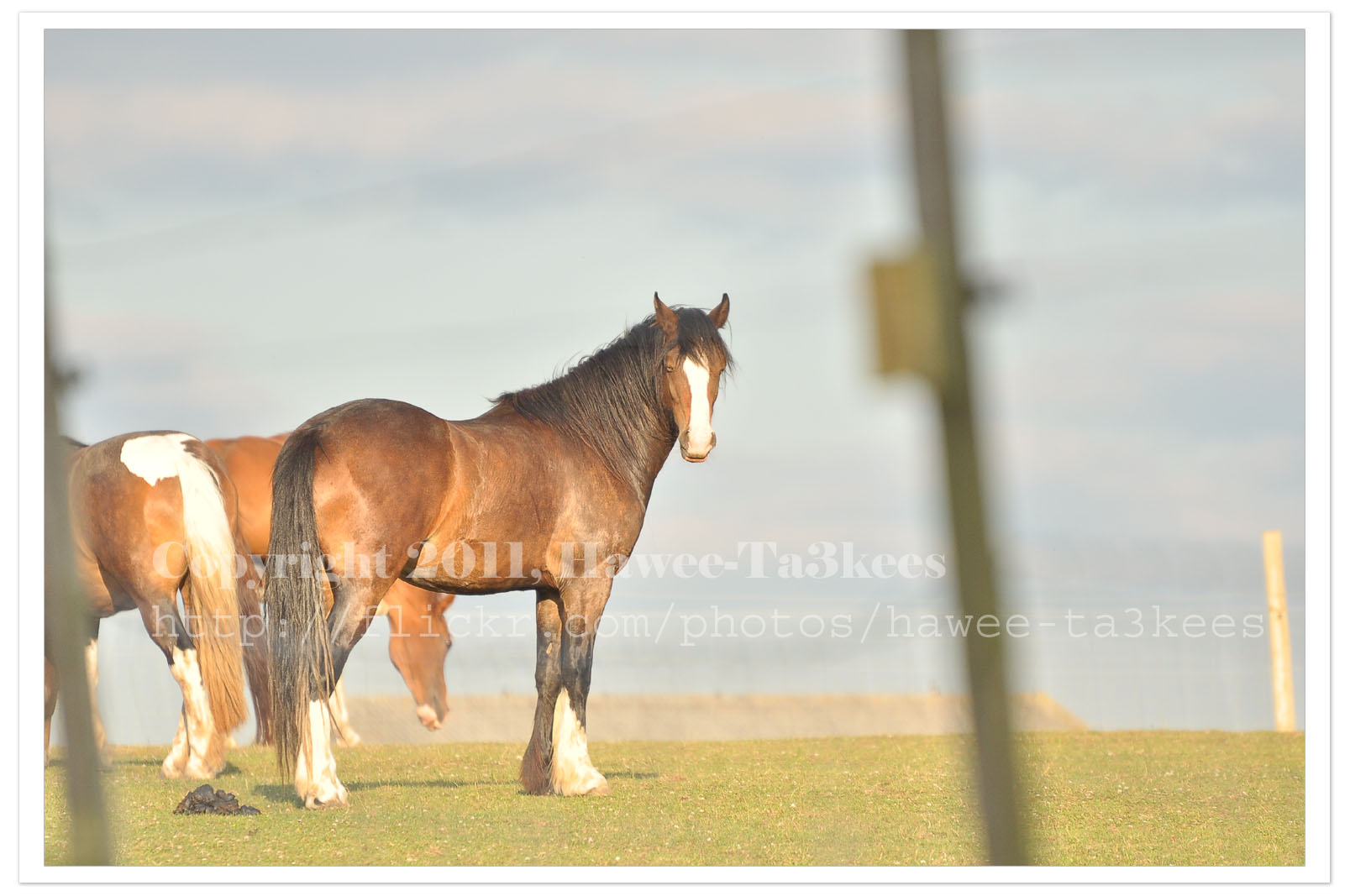
I used Nikon D90 with this setting:
Exposure: 0.002 sec (1/500)
Aperture: f/5.6
Focal Length: 300 mm [Nikon 70-300mm]
ISO Speed: 400
Exposure Bias: 0 EV
Flash: No Flash
And this is the same photo after been edited in Photoshop & Adobe Lightroom 2, I apply one of my preset files “More Green Color” and you may download it from My Download Section.
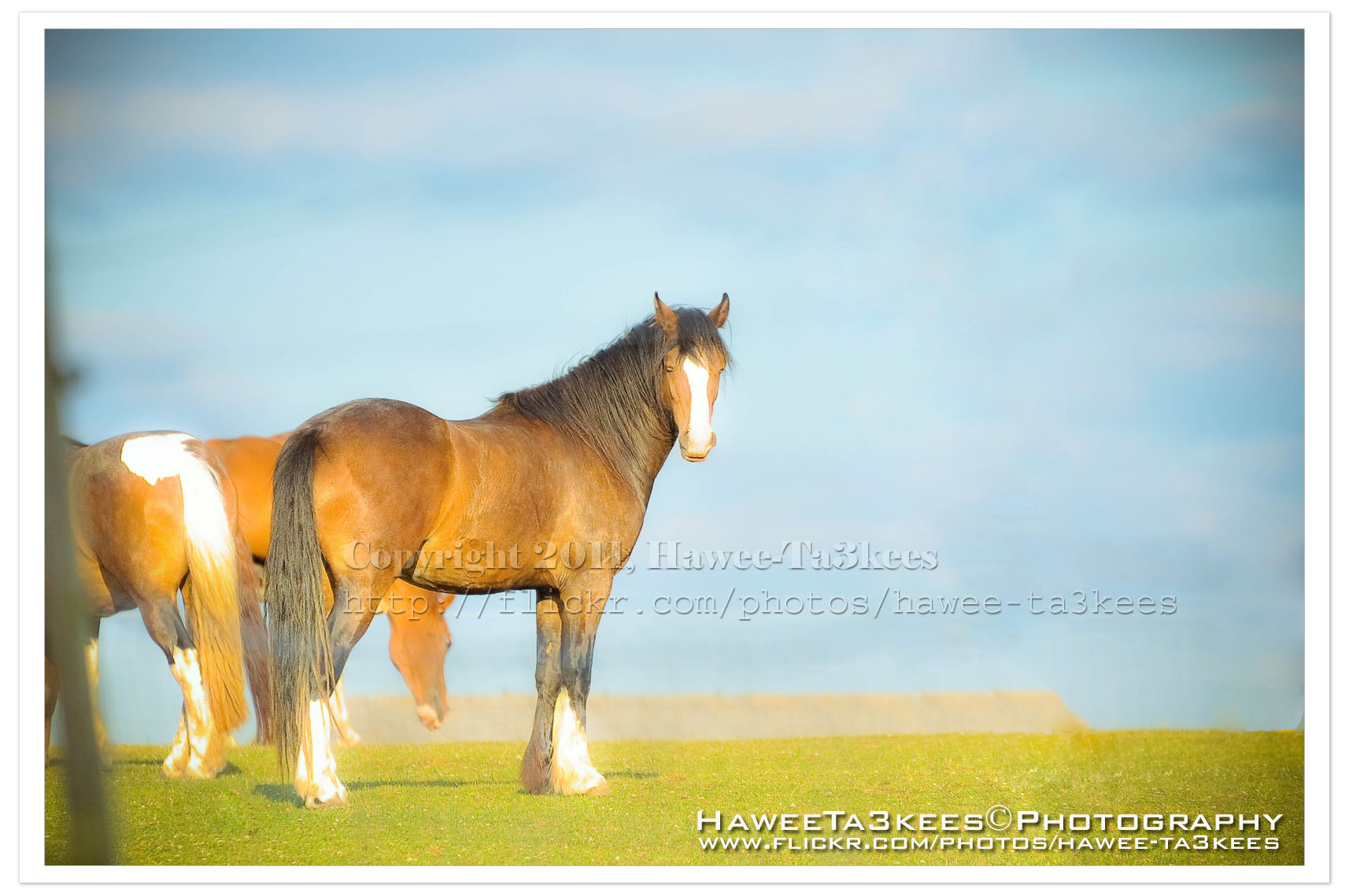
Adobe LightRoom 2 Preset file name: ahradwani More Green.rar
Click here to Download the File.
LightRoom2 preset … More Green
Some time you may want to add more Green colors to the trees in your photos, here is a LightRoom 2 preset file to do this and you can see the sample shot to..you can download this preset from The download section..
A screen shot of the lightroom 2
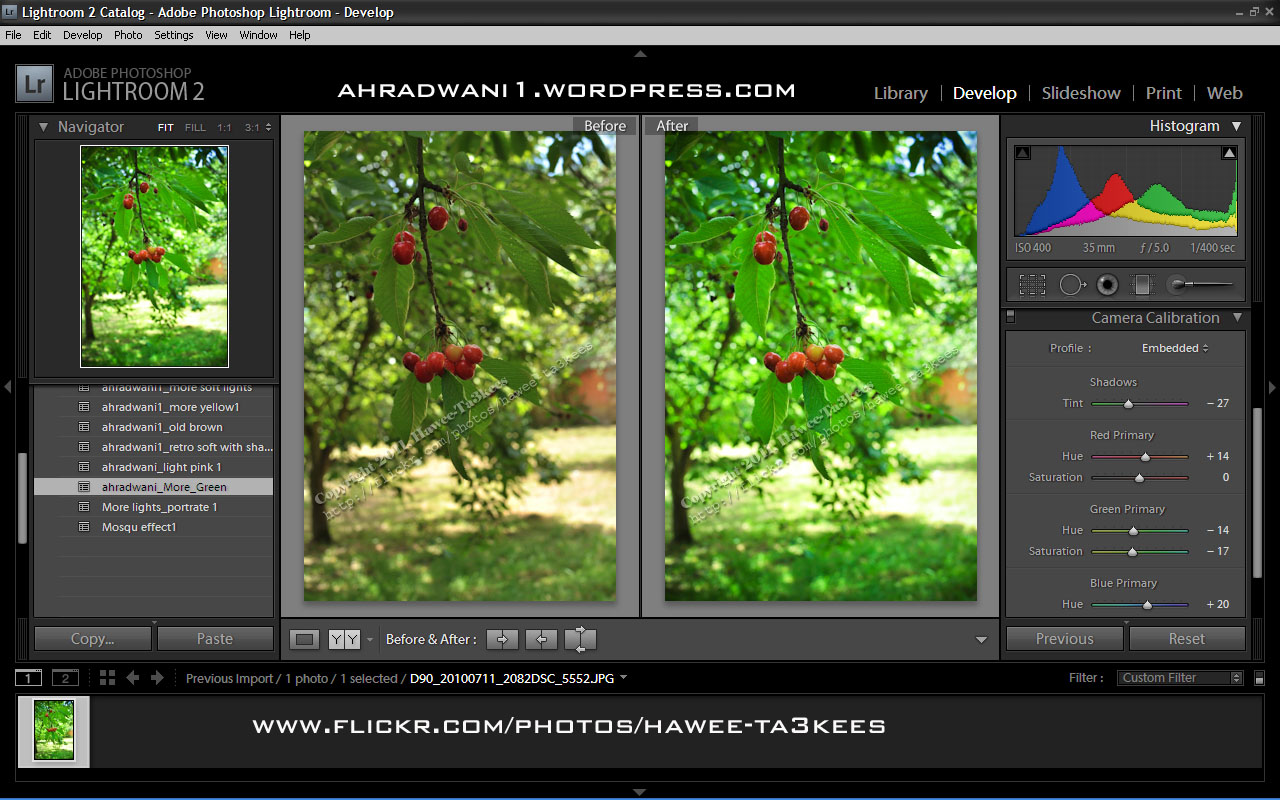
[Click the image to enlarge]
Another shot Before & After..
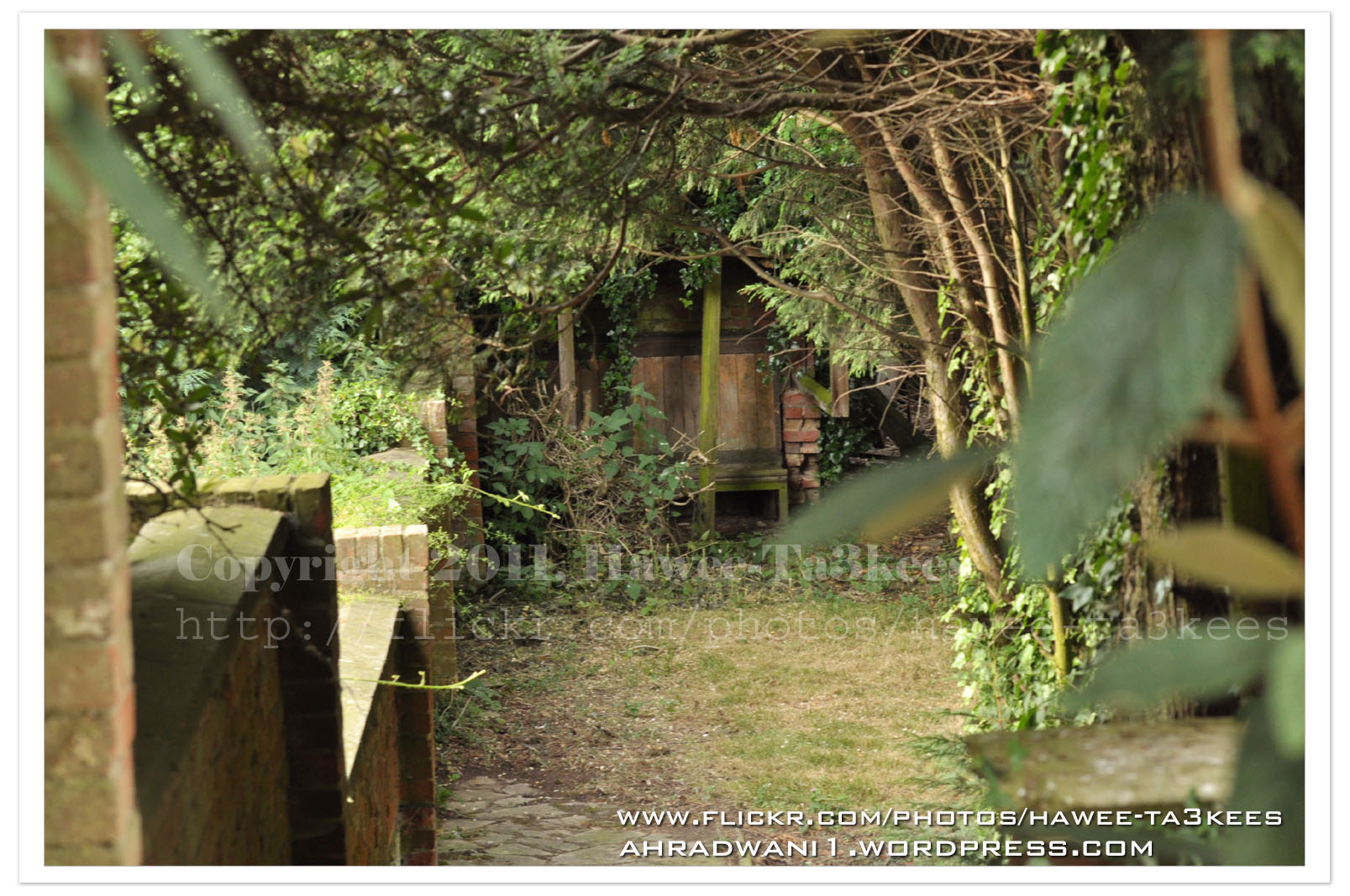
After … [Click the image to enlarge]
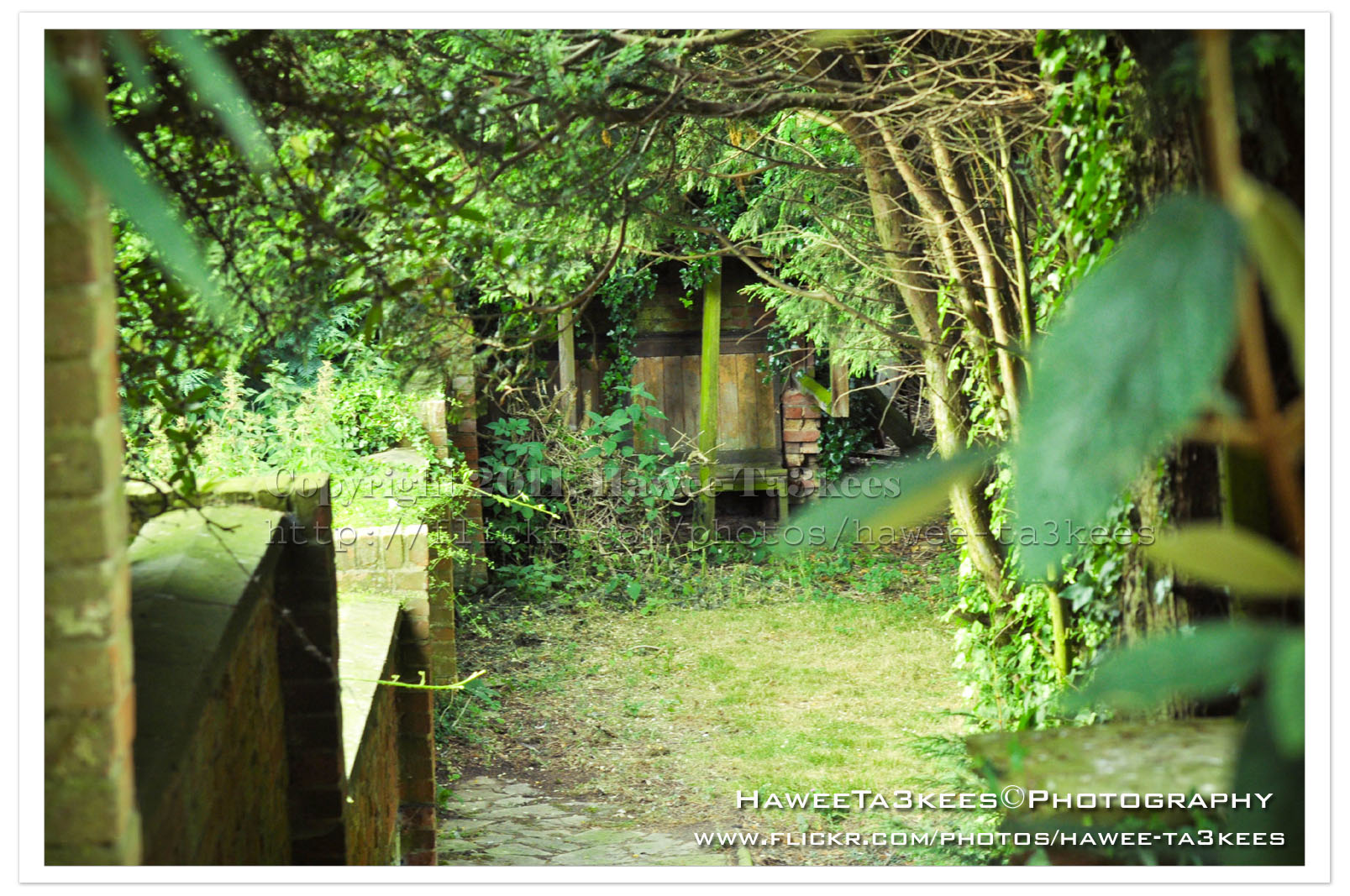
Adobe Lightroom2 Before & After
Here is another preset file you can download from the download section.This preset will add more colors to your photo and from there you can adjust it as your need.
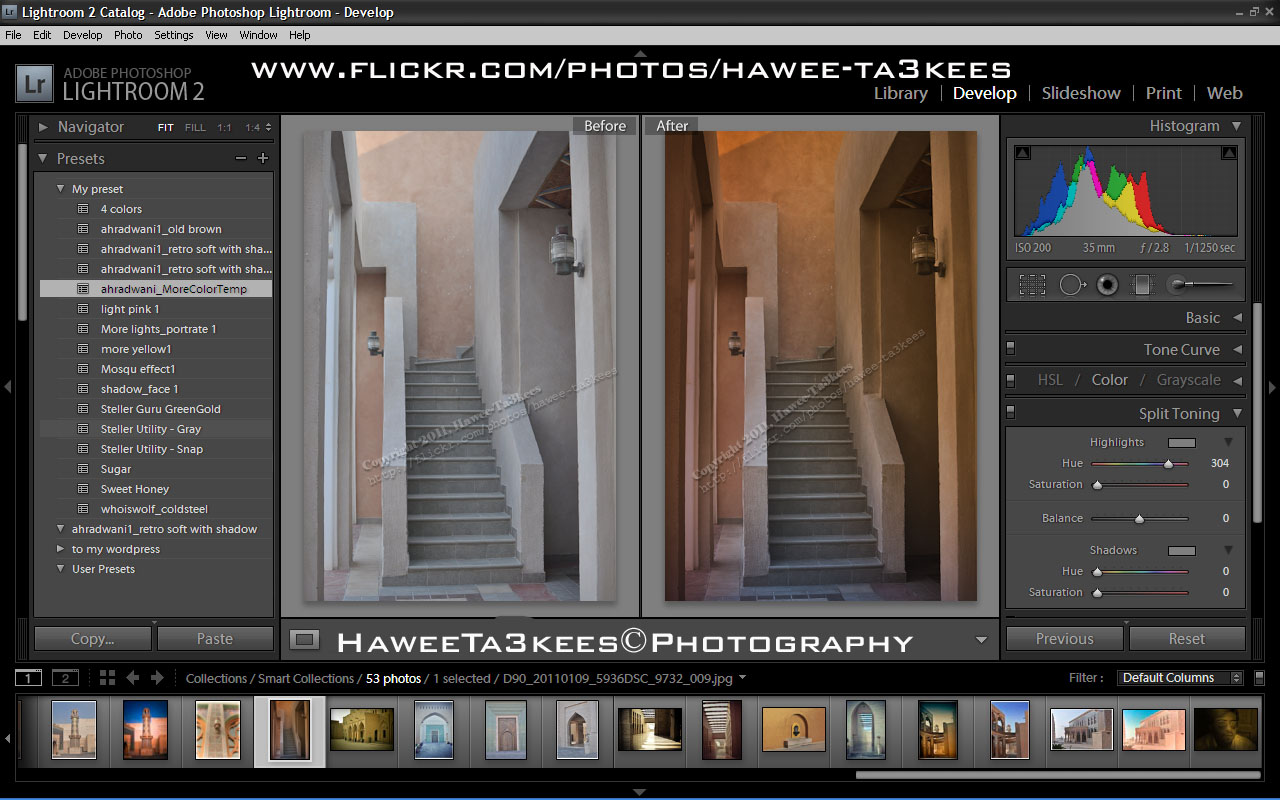
File Name: ahradwani_MoreColorTemp [lrtemplate]
Click the image to see the Before & After photos in the LightRoom.
Click the file name to download it, or navigate to the Download Section to see more preset files.
Moon Eclipse 15 June 2011, P2
The longest Moon Eclipse on 15/6/2011, I used Nikon D90 with Sigma 50-500mm lens and 2x tele-converter to reach the 1000mm the camera mounted on the tripod and i used shutter release cable. Here are some photos and more will be posted in coming days.
In this shots the moon is passing the “Earth’s penumbra“, you can see the full Earth Umbra just start from the left corner.
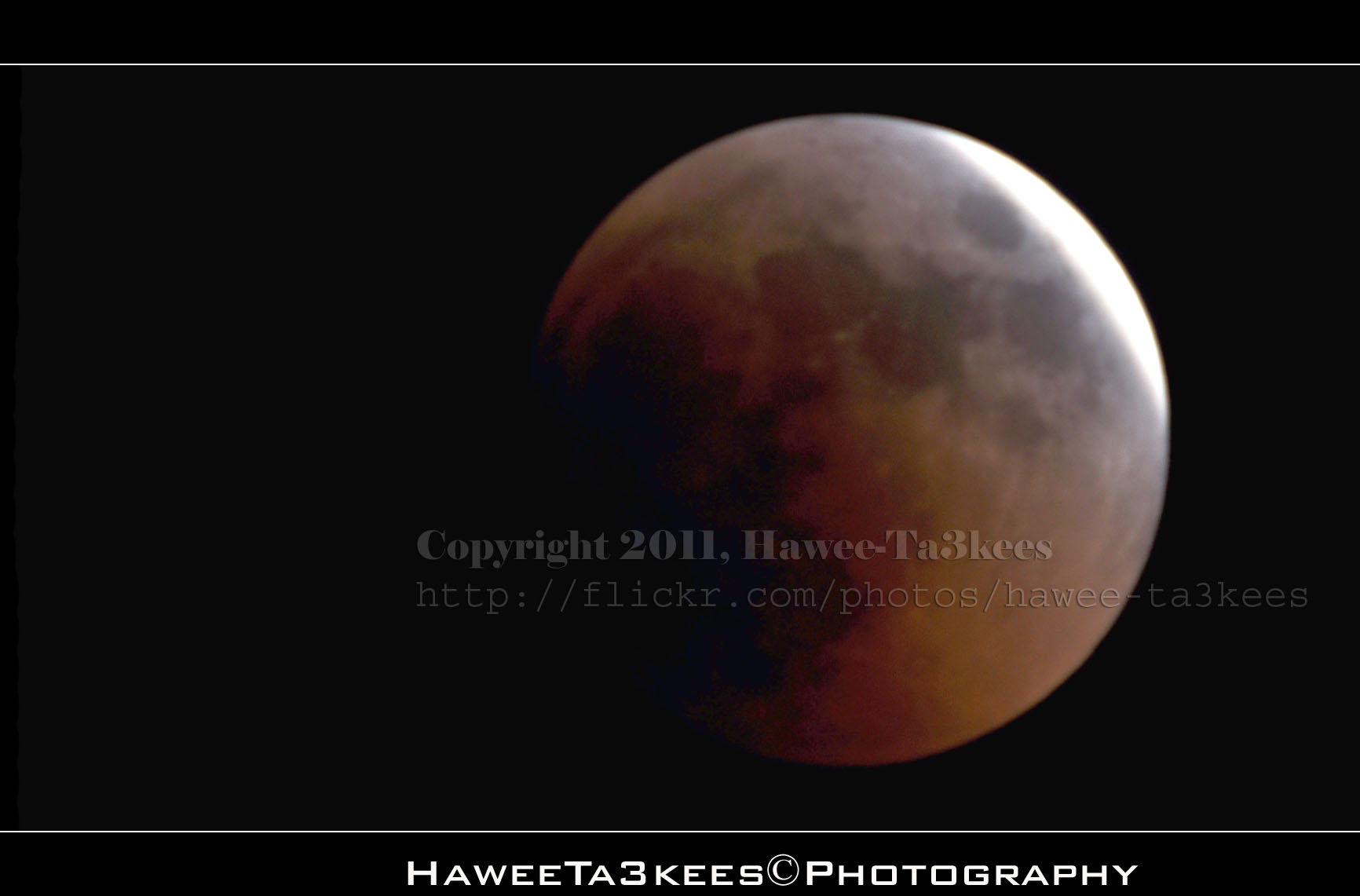
[Click the image to enlarge]
In this shot you can see more of the Earth Umbra.
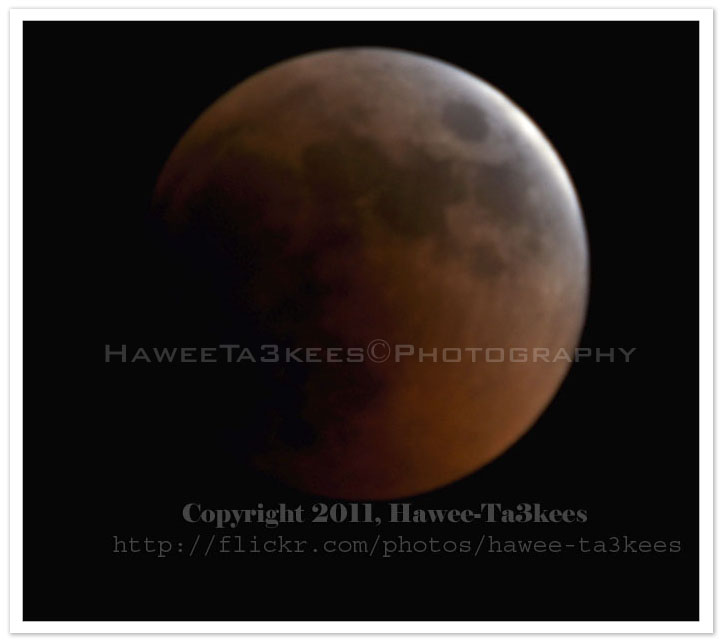
Here is the camera setting for the shot:
Exposure Time = 1.6″
F Number = F14
Exposure Program = Manual
Exposure Bias Value = +5EV
Focal Length = 1000mm
Tripod and shutter release cable.
[Click the image to enlarge]
Click Here to see other post of the Moon.
Moon Eclipse 15 June 2011
The longest Moon Eclipse on 15/6/2011, I used Nikon D90 with Sigma 50-500mm lens and 2x tele-converter to reach the 1000mm. Here are some photos and more will be posted in coming days.
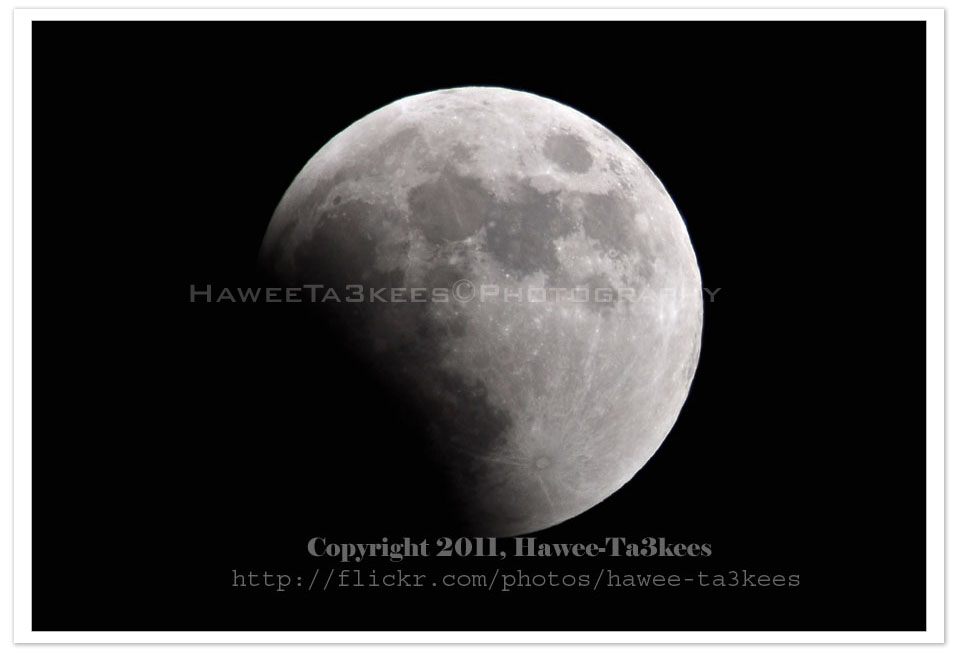
[Click the image to enlarge]
Here is another one..
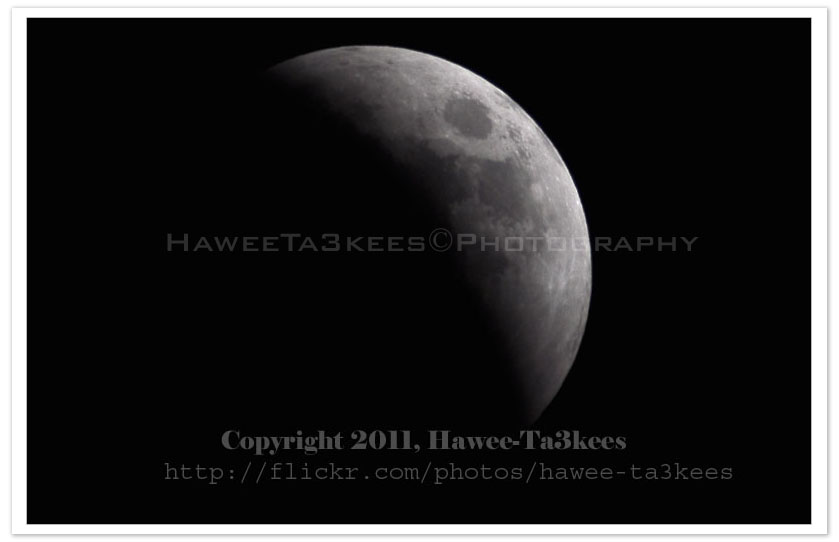
More photos will be posted..
Other photos on my Flickr..
Photo Frame by Photoshop Action..#6
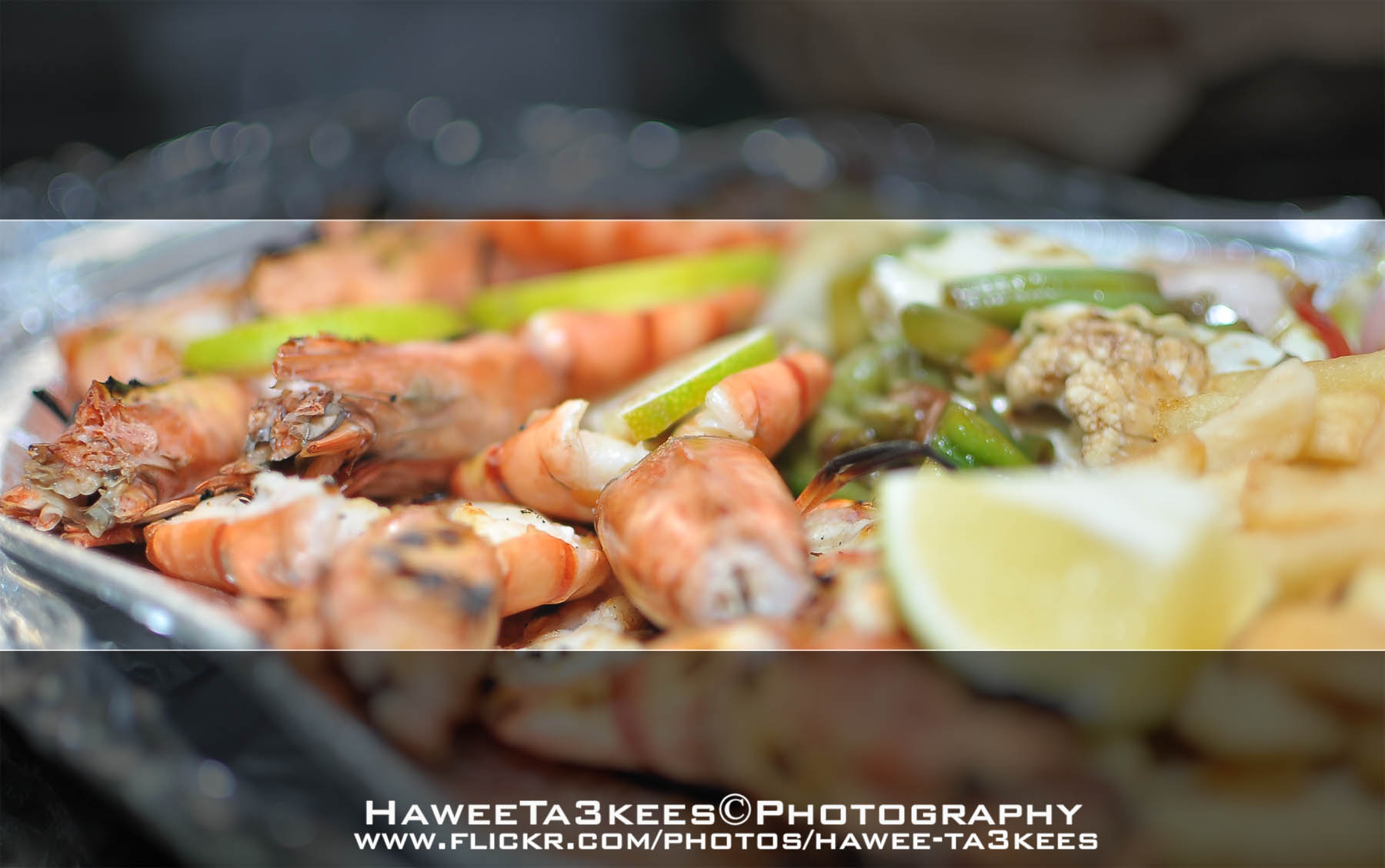
In this Action the file MUST be resized to 2500W, the image will be Divided to three parts, the up & down are black with Fill 59%, Opacity 80% and white border. .
Name: Wide Double Black.
Download: Download the File from the Photoshop Actions in my “Download Section“
Result: [Click the image to enlarge]

Taking pictures is not my main daily practices, but when i start playing with my camera, i really enjoy my self.
Thanks for visiting my Space..


 Ali's Photography Space...