Archive
Photos from Qatar _260

Qatar, street photography with Sony RX100vii camera.
Photos from Qatar _259
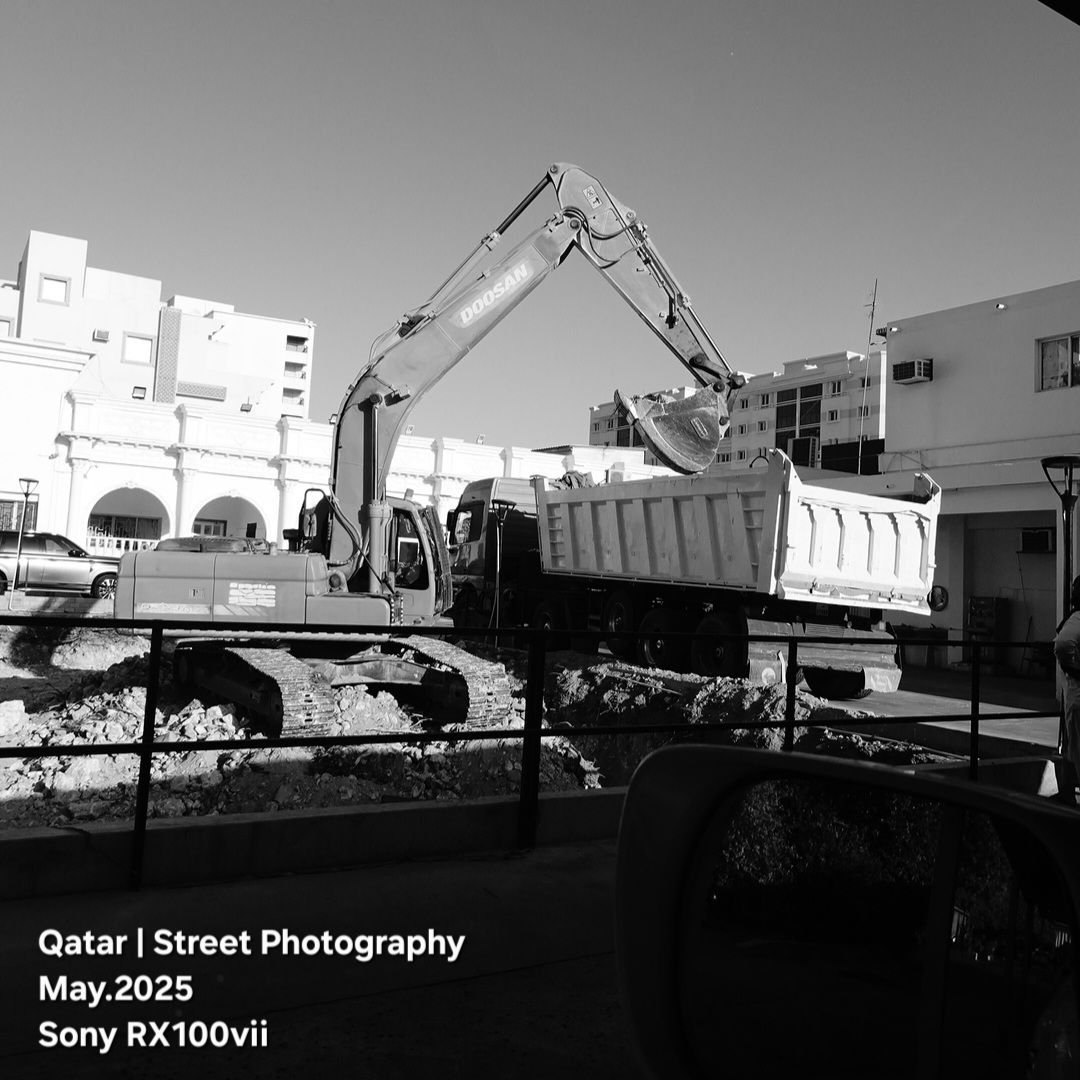
A construction 🚧 area , workers are busy with moving the waste. I take the shot using Sony RX100vii camera in Black and white picture profile.
Photos from Qatar _258

I was waiting for my order from a restaurant , and I took the shot for a delivery man waiting for his order. The shot was a reflection on my car mirror. I use the Sony RX100vii camera in manual mode.
Photos from Qatar _257

Waiting for my order on Applebee’s and take this shot using Sony RX100vii camera in B/W.
Manual Mode, ISO 200, F4, F.P. 34mm and S.S 1/667s
Photos from Qatar _253

Street Photography from Qatar, the Fuji X-T30ii camera sets to classic chrome in manual mode 400iso, 4f, and 1/1000s shutter speed, and using Ttartisan 27mm f.2.8 lens.
Other photos with Ttartisan 27mm f2.8 lens, Click-Here.
Photos from Qatar _256
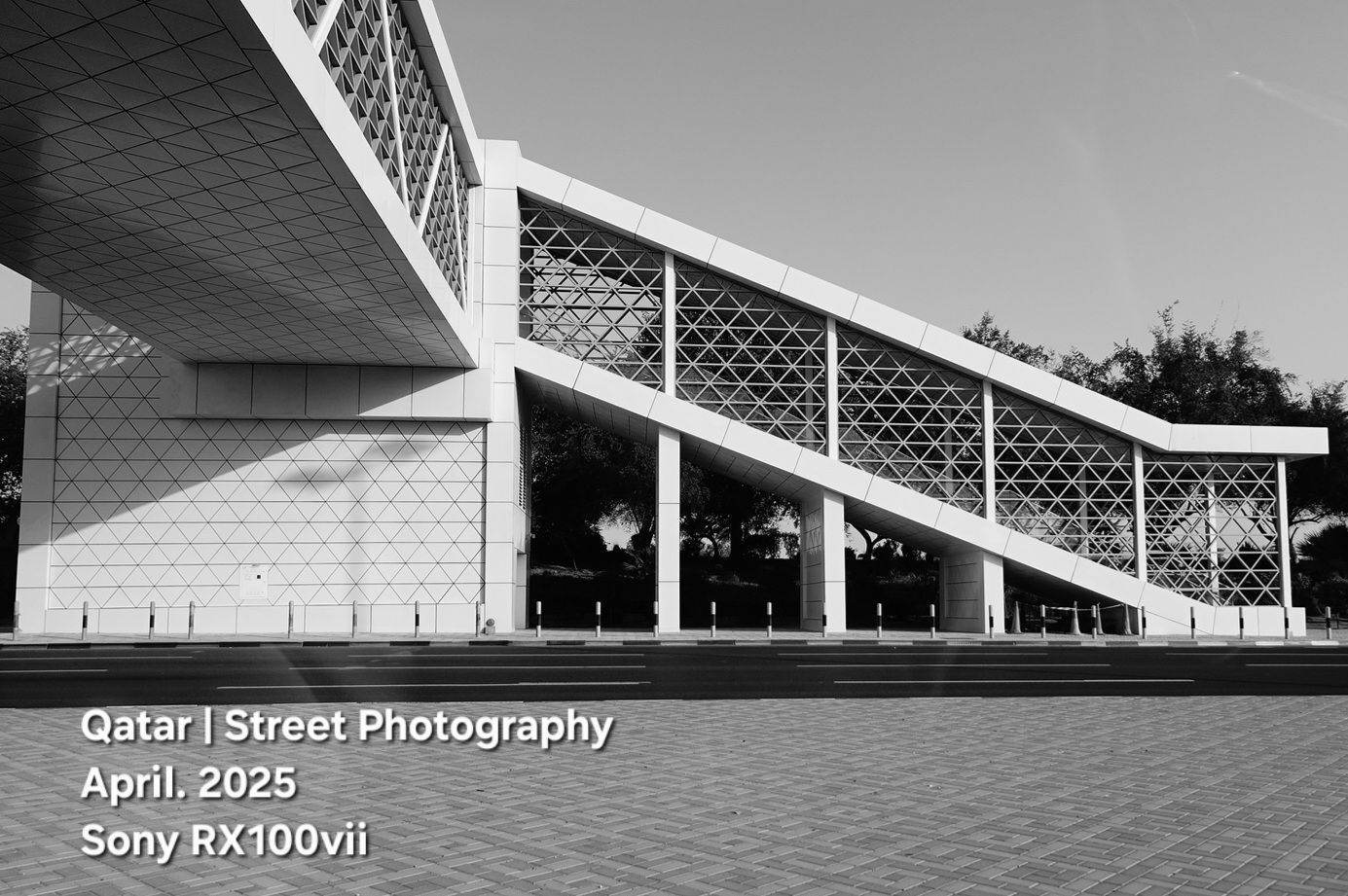
A bridge to cross the highway road, I take the shot using Sony RX100vii camera in B/W picture profile.
Photos from Qatar _254

This photo has been edited, I add more lights and exposure to it.
Camera Fuji X-T30ii, Ttartisan 27mm f2.8 lens and Classic Neg film simulation.
Location: Msheireb Downtown.
Qatar, Photos from Lusail _17

Photo-walk in Lusail city with Sony RX100vii camera set to Black / white picture profile.
A shot for the Raffles Hotel in Lusail Qatar.
Qatar, Photos from Lusail _16

Low-angle shot for the Marina Dock.
Sony RX100vii is a best walk and poket camera, great size, excellent image quality, and amazing lens range.
Qatar, Photos from Lusail _15

Lusail Port, where you will see a lot of boats, traditional and modern, small and big.
I pass there and take this shot with the Sony RX100vii camera.

Taking pictures is not my main daily practices, but when i start playing with my camera, i really enjoy my self.
Thanks for visiting my Space..


 Ali's Photography Space...